
In an era where personal information is constantly exposed, maintaining privacy during phone communication has become essential. Whether you're reaching out to a potential employer, following up on a classified ad, or protecting yourself from unwanted attention, calling from a different number offers both discretion and control. Fortunately, modern technology provides several reliable ways to mask your real number without compromising call quality or convenience.
This guide explores proven, practical methods to make anonymous or alternative-number calls—safely, legally, and effectively. From built-in smartphone features to third-party apps and carrier services, you’ll learn how to choose the right approach based on your needs, security level, and technical comfort.
Why Call from a Different Number?
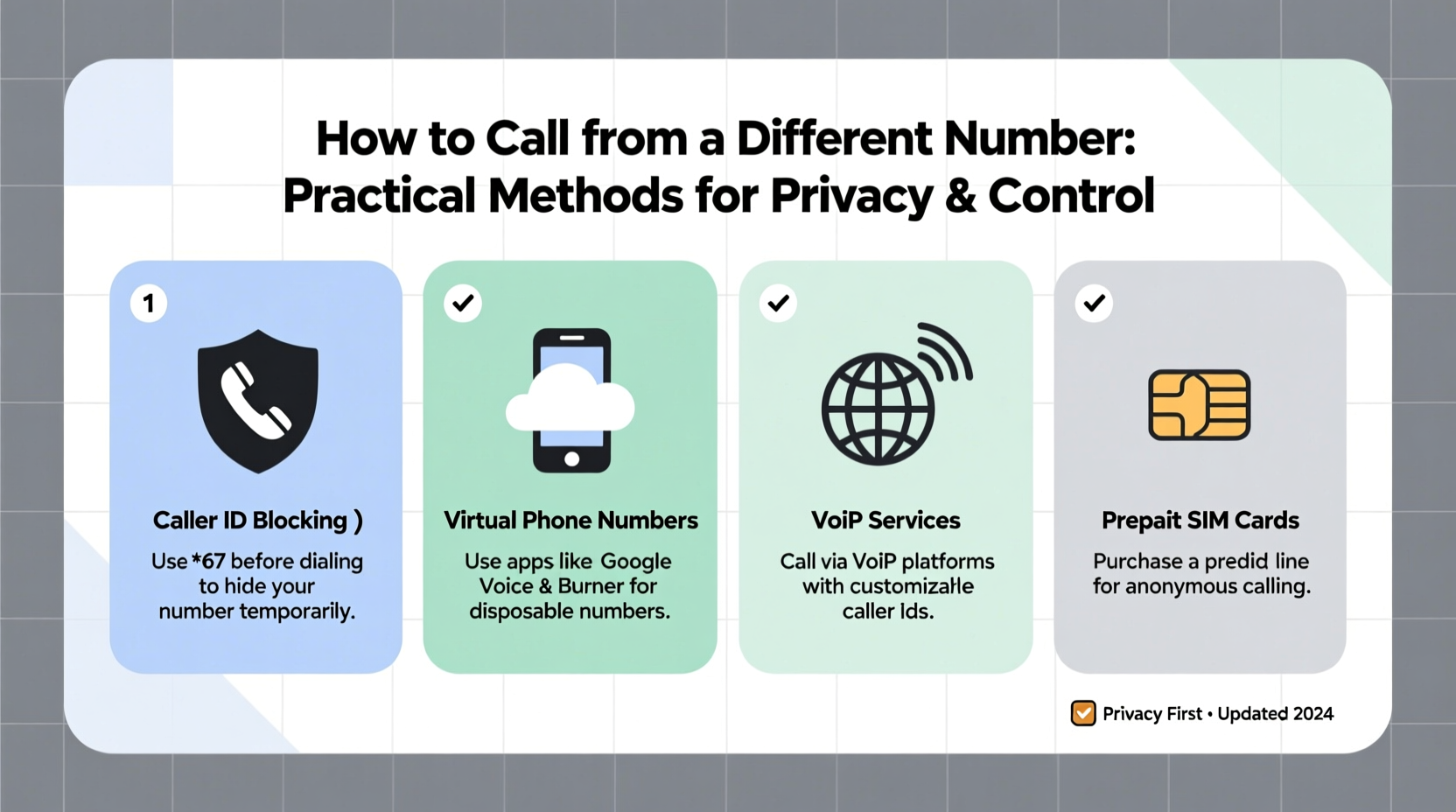
There are legitimate and increasingly common reasons for hiding your caller ID or using an alternate number:
- Privacy protection: Avoid sharing your personal number when contacting strangers online (e.g., marketplace sellers, dating app matches).
- Professional boundaries: Real estate agents, freelancers, or small business owners can separate work and personal lines without needing a second device.
- Safety concerns: Individuals escaping abusive relationships or facing harassment may need to communicate without revealing their location or identity.
- Temporary outreach: When selling items locally or applying for jobs informally, you might want contact options that expire after use.
“Caller anonymity isn’t about deception—it’s about context. People have a right to decide what personal information they share in any interaction.” — Dr. Lena Torres, Digital Privacy Researcher at the Center for Communication Ethics
Method 1: Use Built-In Caller ID Blocking
The simplest way to hide your number temporarily is through your phone’s native settings. Most smartphones allow you to disable caller ID on a per-call basis using dialing codes.
How It Works
Prefix your number with a universal code before dialing:
- *67 + [number]: This works on most U.S. carriers (AT&T, Verizon, T-Mobile) and hides your number for that single call. The recipient sees “Private Number,” “Blocked,” or “Unknown.”
- #31# + [number]: Used in many European countries for the same purpose.
This method doesn't require downloads or subscriptions and resets with each call—you must re-enter the prefix every time.
Method 2: Enable Permanent Caller ID Disabling
If you frequently need privacy, consider turning off caller ID globally through your carrier settings.
Steps to Disable Caller ID Permanently
- Contact your mobile provider (via app, website, or customer service).
- Request “Caller ID Blocking” or “Anonymous Call Rejection” settings.
- Confirm whether the change applies to all outgoing calls.
- Test by calling a secondary number.
Note: You can usually override this setting temporarily by dialing *82 before a number to unblock your ID for one call.
Carrier Comparison: Caller ID Management
| Carrier | Free Caller ID Block? | Per-Call Code (*67) | Permanent Block Option |
|---|---|---|---|
| Verizon | Yes | Supported | Available via account settings |
| AT&T | Yes | Supported | Yes, through wireless settings |
| T-Mobile | Yes | Supported | Yes, via MyT-Mobile app |
| Mint Mobile | Limited | Varies by plan | Contact support required |
Method 3: Use Third-Party Calling Apps
Dedicated apps provide more flexibility than basic blocking, offering virtual numbers, scheduling, and even call recording.
Top Anonymous Calling Apps
- Google Voice (U.S. only): Free virtual number linked to your Gmail. Make calls and texts from a non-personal line via app or desktop.
- TextNow: Offers free U.S. numbers over Wi-Fi; ideal for low-budget users who don’t mind ads.
- Calls Blacklist – Hide My Number: Android app that integrates masking directly into your dialer.
- Hushed: Paid service with disposable numbers available globally. Great for short-term projects or travel.
These tools let you maintain multiple identities, schedule calls, and block spam—all from one device.
Method 4: Virtual Phone Numbers for Business & Personal Use
For professionals or frequent callers, virtual numbers offer long-term solutions with branding potential.
Services like Grasshopper, OpenPhone, or Line2 assign you a dedicated secondary number that forwards to your primary line. You can:
- Set business hours and auto-responders
- Send SMS and MMS from the alternate number
- Integrate with CRM tools
- Use custom greetings and voicemail transcriptions
Unlike temporary apps, these platforms are designed for reliability and scalability—perfect for entrepreneurs managing client relationships discreetly.
Mini Case Study: Freelancer Protects Client Communications
Jamal, a freelance graphic designer in Austin, used his personal number for initial client outreach. After receiving repeated spam calls and unsolicited texts, he switched to OpenPhone with a local 512 area code number. He now routes all project-related calls through the app, keeps logs organized, and disconnects the number after contract completion. His personal number remains private, and clients report no difference in call clarity or responsiveness.
Method 5: Burner Phones and SIM Cards
For maximum anonymity, physical separation is still the gold standard.
A burner phone—a prepaid mobile device used temporarily—offers complete detachment from your identity. Paired with a cash-purchased SIM card, it leaves minimal digital traces.
When to Consider a Burner Setup
- You’re conducting sensitive investigations or journalism.
- You’re relocating and wish to sever old connections securely.
- You’re testing marketing campaigns or lead funnels without risking your main number.
While effective, burners require carrying extra hardware and regular top-ups. They’re best suited for high-stakes scenarios rather than everyday privacy.
Checklist: How to Safely Call from a Different Number
- ✅ Determine your goal: temporary privacy, professional separation, or full anonymity.
- ✅ Choose a method: *67, carrier settings, app-based number, or burner phone.
- ✅ Verify legality—ensure compliance with local laws (e.g., spoofing restrictions).
- ✅ Test the setup with a known contact before relying on it.
- ✅ Review app permissions or service terms to avoid data leaks.
- ✅ Set expiration dates for temporary numbers to limit exposure.
FAQ: Common Questions About Calling from Alternate Numbers
Can someone trace a call made with *67?
In most cases, no. Standard users will see “Private” or “Blocked.” However, law enforcement or telecom providers can trace blocked calls with proper authorization. Emergency services also bypass blocking automatically.
Is it legal to use a fake number to make calls?
It depends on intent. Using a hidden or alternate number for privacy is legal in most countries. However, falsifying caller ID to defraud, harass, or mislead (caller ID spoofing) violates laws like the U.S. Truth in Caller ID Act and can result in fines.
Do VoIP apps show my real number?
Reputable apps like Google Voice or Hushed do not reveal your actual number to recipients. However, if you link personal accounts or grant excessive permissions, metadata could potentially be exposed. Always use strong passwords and enable two-factor authentication.
Conclusion: Take Control of Your Communication Identity
Your phone number is more than a contact point—it’s a piece of your digital identity. With the right tools, you can engage confidently in situations that demand discretion, professionalism, or safety. Whether you opt for a quick dial code, a versatile calling app, or a fully isolated burner setup, the key is intentionality: know why you’re hiding your number and choose the method that aligns with your goals.




 浙公网安备
33010002000092号
浙公网安备
33010002000092号 浙B2-20120091-4
Comments
No comments yet. Why don't you start the discussion?