
In the age of high-resolution smartphone cameras, it's easy to believe that dedicated cameras are obsolete. Yet, despite impressive advancements in computational photography, smartphones still face limitations—especially when it comes to optical zoom, low-light performance, depth of field control, and manual settings. For those ready to move beyond point-and-shoot convenience and explore creative expression through photography, choosing the right beginner camera is a transformative step.
The transition from smartphone to standalone camera isn’t just about better image quality—it’s about gaining control. A dedicated camera allows you to experiment with shutter speed, aperture, ISO, and focus in ways that unlock artistic possibilities. But with so many models, formats, and price points available, selecting the right entry-level camera can feel overwhelming. This guide cuts through the noise, focusing on what truly matters for beginners: usability, value, learning potential, and long-term growth.
Why Step Up from Smartphone Photography?
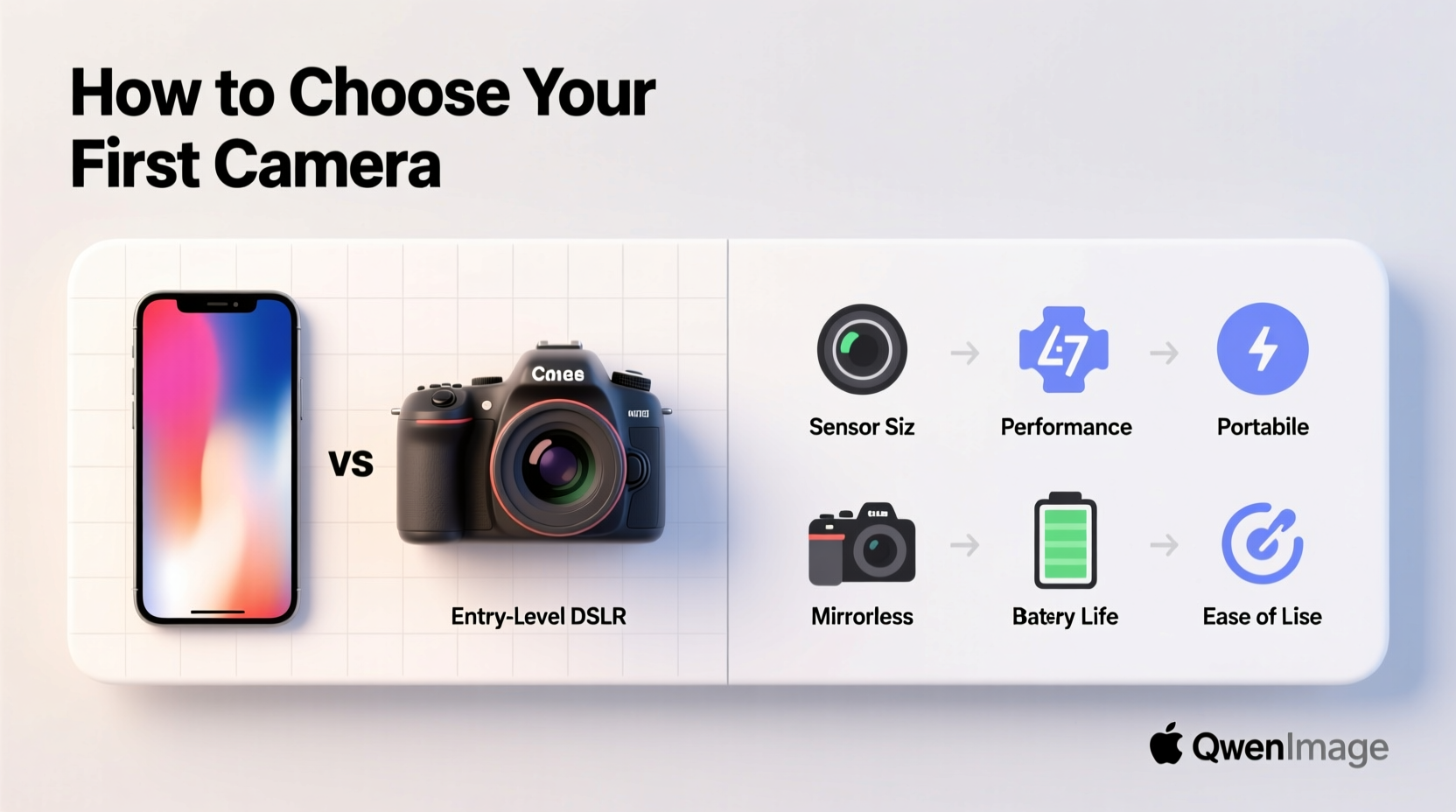
Smartphones excel at convenience. They’re always with you, connected, and capable of capturing decent images in daylight. However, they struggle in dynamic conditions. Small sensors limit their ability to capture detail in shadows or bright highlights. Fixed lenses restrict versatility. And while AI enhances results, it often masks the fundamentals of exposure and composition.
A dedicated camera addresses these gaps. Even entry-level models typically feature larger sensors, interchangeable lenses, physical controls, and superior dynamic range. These advantages translate into sharper images, more natural bokeh, better low-light performance, and greater creative flexibility. Most importantly, using a real camera encourages mindful shooting—framing, focusing, and exposing deliberately rather than relying on automatic processing.
“Photography is not about the gear; it’s about seeing. But the right tool helps you see better.” — David Burnett, Pulitzer Prize-winning photojournalist
Key Factors When Choosing Your First Camera
Selecting a beginner-friendly camera involves balancing several considerations. Prioritize features that support learning and adaptability without overspending on capabilities you won’t need yet.
Sensor Size and Image Quality
The sensor is the heart of any camera. Larger sensors capture more light, produce less noise, and offer better background blur (bokeh). Entry-level options typically come with one of three sensor types:
- APS-C: Found in most beginner DSLRs and mirrorless cameras. Offers excellent balance between size, cost, and image quality.
- Micro Four Thirds (MFT): Slightly smaller than APS-C, used by brands like Olympus and Panasonic. Compact systems with wide lens selection.
- Full-frame: Superior image quality but generally more expensive and heavier—better suited for intermediate users.
For beginners, APS-C is ideal. It delivers strong performance across lighting conditions and pairs well with affordable lenses.
Camera Type: Mirrorless vs. DSLR
DSLRs have dominated the entry-level market for years, but mirrorless cameras now lead in innovation and adoption. Here’s how they compare:
| Feature | Mirrorless | DSLR |
|---|---|---|
| Size & Weight | Compact and lightweight | Bulkier due to mirror mechanism |
| Battery Life | Shorter (typically 300–400 shots) | Longer (500–1000+ shots) |
| Focusing System | Fast electronic viewfinder and contrast/phase detection | Optical viewfinder with phase-detect AF |
| Lens Selection | Expanding rapidly, especially from Sony, Fujifilm, Canon, Nikon | Mature ecosystem, but declining investment |
| Beginner Friendliness | Modern interfaces, touchscreens, real-time preview | Steeper learning curve, mechanical feel |
Mirrorless is the smarter choice for most new photographers. Their live exposure preview, intuitive menus, and compact design make them easier to learn on.
Lens Flexibility and System Growth
Your first lens matters, but so does the long-term lens ecosystem. Interchangeable lenses allow you to shoot portraits, landscapes, macros, and wildlife as your skills grow. Avoid niche systems with limited lens availability.
Look for brands with broad third-party support (e.g., Sigma, Tamron) and native lens lines designed for beginners. A standard zoom kit lens like an 18-55mm f/3.5–5.6 is a common starting point, but consider pairing it later with a 50mm f/1.8 “nifty fifty” for low-light and portrait work.
User Interface and Handling
A camera should feel comfortable in your hands. Visit a store if possible to test grip, button layout, and menu navigation. Clunky interfaces discourage experimentation. Look for:
- Tilting or touchscreen LCDs for flexible framing
- Dedicated dials for shutter speed, aperture, and exposure compensation
- Wi-Fi or Bluetooth for easy smartphone transfers
- On-screen guidance modes (Canon’s Scene Intelligent Auto, Nikon’s Guide Mode)
Step-by-Step Guide to Selecting Your Camera
Follow this practical timeline to make a confident decision without getting lost in technical jargon.
- Define your budget – Set a realistic range ($400–$800 for body + lens is typical). Include essentials: memory card, spare battery, basic bag.
- Identify your primary subjects – Are you shooting travel, family, street scenes, or nature? This influences sensor and lens needs.
- Choose a system – Pick a brand with strong beginner support and future lens options. Top contenders: Canon EOS R series, Nikon Z series, Sony Alpha a6xxx, Fujifilm X series, OM System (Olympus) OM-D.
- Test handling and interface – If possible, hold models in person. Note weight, grip comfort, and menu logic.
- Read real-world reviews – Focus on user experiences, not just lab tests. YouTube channels like \"The Candid Frame\" or \"Fro Knows Photo\" offer balanced insights.
- Buy new or certified refurbished – Reputable retailers like B&H or Adorama offer warranties on refurbished units, saving 15–30%.
- Start shooting immediately – Use manual or aperture priority mode. Shoot the same scene at different settings to understand exposure.
Real Example: From Smartphone to Creative Control
Sarah, a hobbyist in Portland, had been taking photos on her iPhone for years—mostly vacation snapshots and family moments. She admired professional portraits with soft backgrounds but couldn’t achieve the look on her phone. After researching, she bought a Fujifilm X-T30 II with an 18-55mm lens for under $900.
Her first challenge was understanding aperture. Using the camera’s aperture priority mode (A), she experimented with wide openings (f/3.5–f/5.6) and noticed immediate improvements in subject separation. Later, she added a 35mm f/1.8 prime lens, which transformed her indoor family photos. “I finally saw light differently,” she said. “The camera didn’t take better pictures—it taught me how to see them.”
Sarah’s experience reflects a broader truth: moving beyond the smartphone isn’t about replacing it, but expanding your visual vocabulary.
Essential Checklist Before You Buy
Use this checklist to ensure you’re making a smart, future-proof choice:
- ✅ Sensor size is APS-C or larger (avoid 1-inch or smaller unless for travel only)
- ✅ Camera has manual controls (PASM modes)
- ✅ Interchangeable lens system with growing native support
- ✅ Includes or supports Wi-Fi/Bluetooth for smartphone syncing
- ✅ Comes with a rechargeable battery and charger
- ✅ Has an electronic viewfinder (EVF) or high-quality rear screen
- ✅ Available within budget including essential accessories
- ✅ Manufacturer offers beginner tutorials or app support
Frequently Asked Questions
Do I really need a camera if my smartphone takes great photos?
It depends on your goals. If you're happy with casual snapshots and social media sharing, your smartphone may suffice. But if you want creative control—adjusting depth of field, freezing motion, or shooting in dim light—a dedicated camera provides tools that smartphones simulate, not replicate.
Should I buy a used camera as a beginner?
Yes, but cautiously. Buying used can save money, but ensure the seller is reputable (e.g., certified refurbishers). Check shutter count (under 20,000 actuations for used), sensor cleanliness, and functionality of buttons and ports. Avoid older models without modern autofocus or video features unless you’re certain of compatibility.
Can I use my smartphone lenses with a real camera?
No. Smartphone clip-on lenses are designed for tiny sensors and fixed focal lengths. They won’t fit or function on dedicated cameras. Instead, invest in native lenses that match your camera system—they’ll deliver far better optical quality.
Conclusion: Start Shooting, Not Just Scrolling
Choosing your first camera isn’t about chasing specs or prestige. It’s about finding a tool that invites curiosity, rewards practice, and grows with you. The best beginner camera bridges the gap between smartphone simplicity and professional capability—offering room to learn, experiment, and create.
Don’t let analysis paralysis delay your journey. Whether you choose a Fujifilm X-S10, Canon EOS R50, or Nikon Z50, what matters most is that you start using it. Take it on walks, photograph everyday objects, study light at different times of day. Each shot builds intuition. Over time, you’ll stop thinking about settings and start seeing like a photographer.




 浙公网安备
33010002000092号
浙公网安备
33010002000092号 浙B2-20120091-4
Comments
No comments yet. Why don't you start the discussion?