
For many users, the keyboard is the most frequently used tool in daily computing—whether for work, gaming, or communication. Yet, it's often overlooked until discomfort sets in or performance lags behind expectations. Mechanical keyboards have earned a loyal following for their tactile feedback, durability, and responsiveness. But you don’t need to spend hundreds to get one that excels. The key lies in understanding what makes a mechanical keyboard truly effective—and how to spot value in the crowded budget segment.
Budget mechanical keyboards today can offer 80% of the performance of premium models at less than half the price. With smart choices, you can enjoy crisp keystrokes, minimal ghosting, and long-term comfort without draining your wallet. This guide breaks down the essential factors—from switch types to ergonomics—and equips you with practical steps to find the ideal balance between cost, comfort, and performance.
Understand Mechanical Switch Types
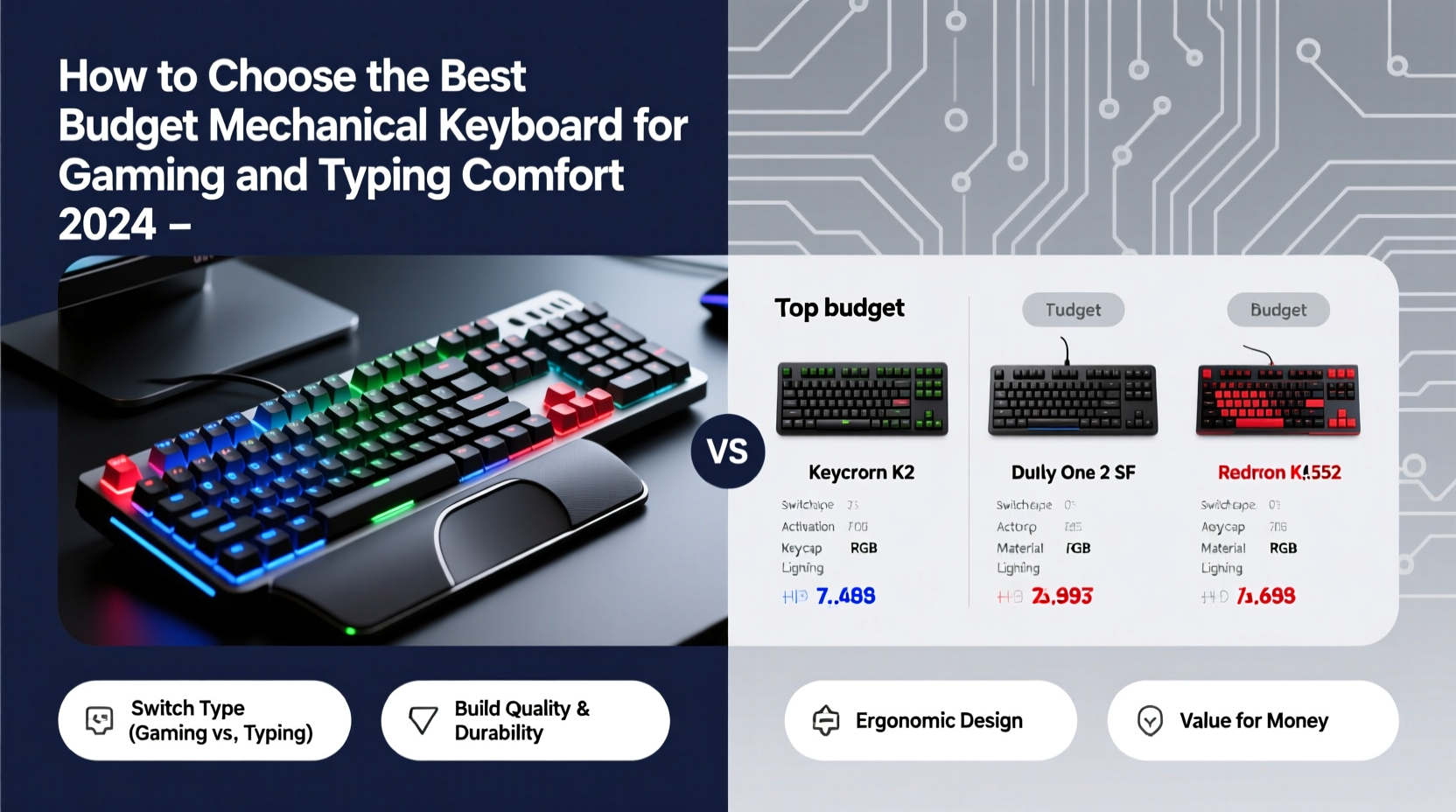
The heart of any mechanical keyboard is its switches. Unlike membrane keyboards that rely on rubber domes, mechanical switches use individual spring-loaded mechanisms under each keycap. This design delivers consistent actuation, better durability, and distinct tactile or auditory feedback.
Three primary switch categories dominate the market: linear, tactile, and clicky. Your preference depends on whether you prioritize silent operation, responsive feedback, or speed.
- Linear switches (e.g., Cherry MX Red, Gateron Red): Offer smooth keystrokes with no bump or click. Ideal for gamers who require rapid key presses without resistance.
- Tactile switches (e.g., Cherry MX Brown, Kailh Brown): Provide a slight bump mid-press to confirm actuation. Great for typists who want feedback without noise.
- Clicky switches (e.g., Cherry MX Blue, Kailh Box Jade): Deliver both tactile bump and audible click. Preferred by some typists but often too loud for shared spaces.
Many budget keyboards now use compatible clones from brands like Gateron, Kailh, or TTC, which perform nearly identically to Cherry MX switches at lower prices. Look for terms like \"hot-swappable\" if you want the flexibility to change switches later without soldering.
Key Considerations When Shopping
Choosing the right budget mechanical keyboard isn't just about finding the lowest price. It’s about identifying features that align with your usage patterns and long-term needs. Below are critical factors to evaluate:
Build Quality and Materials
A sturdy frame made of aluminum or high-quality plastic resists flex and lasts longer. Cheap ABS plastic cases may crack over time, especially with heavy use. Look for descriptions mentioning “reinforced housing” or “metal backplate.” Even budget models from reputable brands like Redragon, Royal Kludge, or Keychron often include durable builds despite sub-$70 price tags.
Layout and Size
Keyboard size affects desk space, portability, and functionality. Common options include:
| Size | Keys | Best For |
|---|---|---|
| Full-size (100%) | 104–108 keys | Users needing numpad and function row |
| TKL (Tenkeyless) | 87 keys | Gamers wanting compactness without losing navigation cluster |
| 75% | ~84 keys | Balanced layout; saves space while keeping essential keys |
| 60% | 61 keys | Minimalists; requires function layers for missing keys |
If you frequently use number inputs, stick with full-size or TKL. For gaming setups with limited desk space, 75% or 60% layouts offer sleek efficiency.
Wired vs. Wireless
Most budget mechanical keyboards are wired via USB-C or Micro-USB, ensuring zero input lag—a crucial factor for competitive gaming. However, some newer budget-friendly models (like Keychron K6 or Redragon K552) offer Bluetooth connectivity for multi-device support, useful for hybrid work setups.
Keep in mind: wireless functionality often increases price slightly and may introduce minor latency unless using a 2.4GHz dongle. Prioritize wired connections if gaming is your main use case.
Backlighting and Customization
RGB lighting isn’t essential, but it enhances visibility in low-light environments and adds personal flair. Many budget boards now include customizable backlighting through software or onboard controls. Look for per-key RGB rather than single-color illumination for greater flexibility.
“Even entry-level mechanical keyboards today offer customization once reserved for high-end models. The real differentiator is consistency of feel across all keys.” — Jordan Lee, Peripheral Designer at Input Labs
Step-by-Step Guide to Selecting Your Keyboard
Finding the best value requires a methodical approach. Follow this timeline to make an informed decision without getting overwhelmed by options.
- Define your primary use: Are you mostly gaming, typing, or doing both? Gamers benefit from linear switches and anti-ghosting tech; writers may prefer tactile feedback.
- Set a realistic budget: Aim between $50–$80 for optimal value. Below $40, compromises in build and switch quality increase significantly.
- Choose a form factor: Measure your desk space and decide whether you need a numpad or media keys.
- Select switch type: Use online reviews or videos to simulate sound and feel. Avoid clicky switches in shared environments.
- Check compatibility: Ensure the keyboard works with your OS (Windows, macOS, Linux). Some budget models lack Mac-specific firmware support.
- Read user reviews: Focus on long-term durability comments. Look out for recurring issues like double-typing, wobbling stems, or dead keys.
- Purchase from a trusted retailer: Buy from Amazon, Best Buy, or direct from brand sites to ensure return options and warranty coverage.
Top Budget-Friendly Models Compared
To simplify your search, here are five highly rated mechanical keyboards under $80 that deliver strong performance for both gaming and typing:
| Model | Switch Options | Layout | Special Features | Price Range |
|---|---|---|---|---|
| Redragon K552 | Outemu Red (linear) | TKL | Aluminum top plate, RGB, aircraft-grade aluminum | $55–$65 |
| Keychron K6 | Gateron Red/Brown/Blue | 65% | Bluetooth 5.1, hot-swappable, Mac & Windows compatible | $70–$80 |
| Royal Kludge RK61 | Gateron Reds or Browns | 65% | Wireless & wired modes, RGB, compact | $50–$60 |
| Epomaker TH80 | Outemu or Gateron | 75% | Hot-swappable, tri-mode (wired + dual Bluetooth), PBT keycaps | $75–$85 |
| HyperX Alloy Origins Core | HyperX Red (linear) | TKL | Sleek build, excellent software, durable | $70–$80 |
The Redragon K552 remains a favorite for its rugged build and vibrant lighting at an unbeatable price. Meanwhile, the Keychron K6 stands out for hybrid workers needing seamless switching between laptop and desktop. The Epomaker TH80 offers rare tri-mode connectivity in the budget tier, making it ideal for minimalist desks.
Mini Case Study: Alex’s Upgrade Journey
Alex, a freelance writer and casual gamer, used a $20 membrane keyboard for years. After developing wrist fatigue and frequent typos, he researched affordable mechanical options. He prioritized quiet operation (working from home), typing comfort, and a compact design.
He settled on the Royal Kludge RK61 with Gateron Brown switches. At $55, it fit his budget perfectly. Within a week, he noticed faster typing accuracy and reduced finger strain. The Bluetooth mode allowed him to connect both his MacBook and iPad, eliminating the need for multiple keyboards. A year later, the keyboard shows no signs of wear—proof that thoughtful selection beats blind premium spending.
Common Pitfalls to Avoid
Not all cheap mechanical keyboards are created equal. Some cut corners in ways that degrade user experience over time. Watch out for these red flags:
- Low-quality keycaps: Thin ABS keycaps with shine-through legends wear out quickly. Opt for double-shot PBT keycaps when possible—they resist fading and feel more textured.
- Non-programmable firmware: Boards without remapping or macro support limit customization. Check if the manufacturer provides configuration software.
- Poor cable quality: Braided cables with strain relief last longer. Avoid models with stiff, non-detachable cords.
- Inconsistent switch feel: Some ultra-cheap brands mix switch batches, leading to uneven keystrokes. Stick with known switch manufacturers (Gateron, Kailh, Outemu).
Frequently Asked Questions
Can a budget mechanical keyboard last as long as a premium one?
Yes, provided it uses quality components. Most mechanical switches are rated for 50–100 million keystrokes. Build longevity depends more on materials and usage than price alone. A well-maintained $60 keyboard can easily last 5+ years.
Are optical mechanical switches worth it on a budget?
Optical switches use light beams to register keystrokes, offering faster response times and longer life. While traditionally pricier, models like the Redragon K612V2 now bring optical tech under $70. If you play fast-paced games, they’re a worthwhile upgrade.
Do I need software for a budget mechanical keyboard?
Not necessarily. Many budget boards offer onboard shortcut programming (e.g., Fn + key combos). However, software enables deeper customization like macros, layer editing, and RGB effects. Check if the brand maintains updated drivers before buying.
Final Checklist Before Buying
Before finalizing your purchase, run through this quick checklist:
- ✅ Primary use defined (gaming, typing, or both)
- ✅ Switch type selected (linear, tactile, or clicky)
- ✅ Layout chosen (full-size, TKL, 75%, 60%)
- ✅ Connection type confirmed (wired preferred for gaming)
- ✅ Keycap material noted (PBT > ABS)
- ✅ Software and remapping supported
- ✅ Read at least 10 recent user reviews
- ✅ Warranty offered (minimum 1-year)
Conclusion: Make Your Next Keystroke Count
Choosing the best budget mechanical keyboard doesn’t mean settling for mediocrity—it means being intentional about where value truly lies. By focusing on switch feel, build integrity, and layout efficiency, you can secure a keyboard that enhances both productivity and enjoyment. Whether you're navigating spreadsheets or dominating leaderboards, the right tool makes all the difference.




 浙公网安备
33010002000092号
浙公网安备
33010002000092号 浙B2-20120091-4
Comments
No comments yet. Why don't you start the discussion?