
A desktop clock is more than a timekeeping tool—it’s a functional accent that can enhance focus, support productivity, and reflect personal taste. Yet, many people overlook one of its most critical aspects: size. Too large, and it dominates your desk; too small, and you squint to read the time. The ideal desktop clock strikes a balance between legibility, proportion, and aesthetic harmony with your workspace. Choosing the right size isn’t just about measurements—it’s about context, use case, and design synergy.
Understanding Functional Needs vs. Aesthetic Preferences
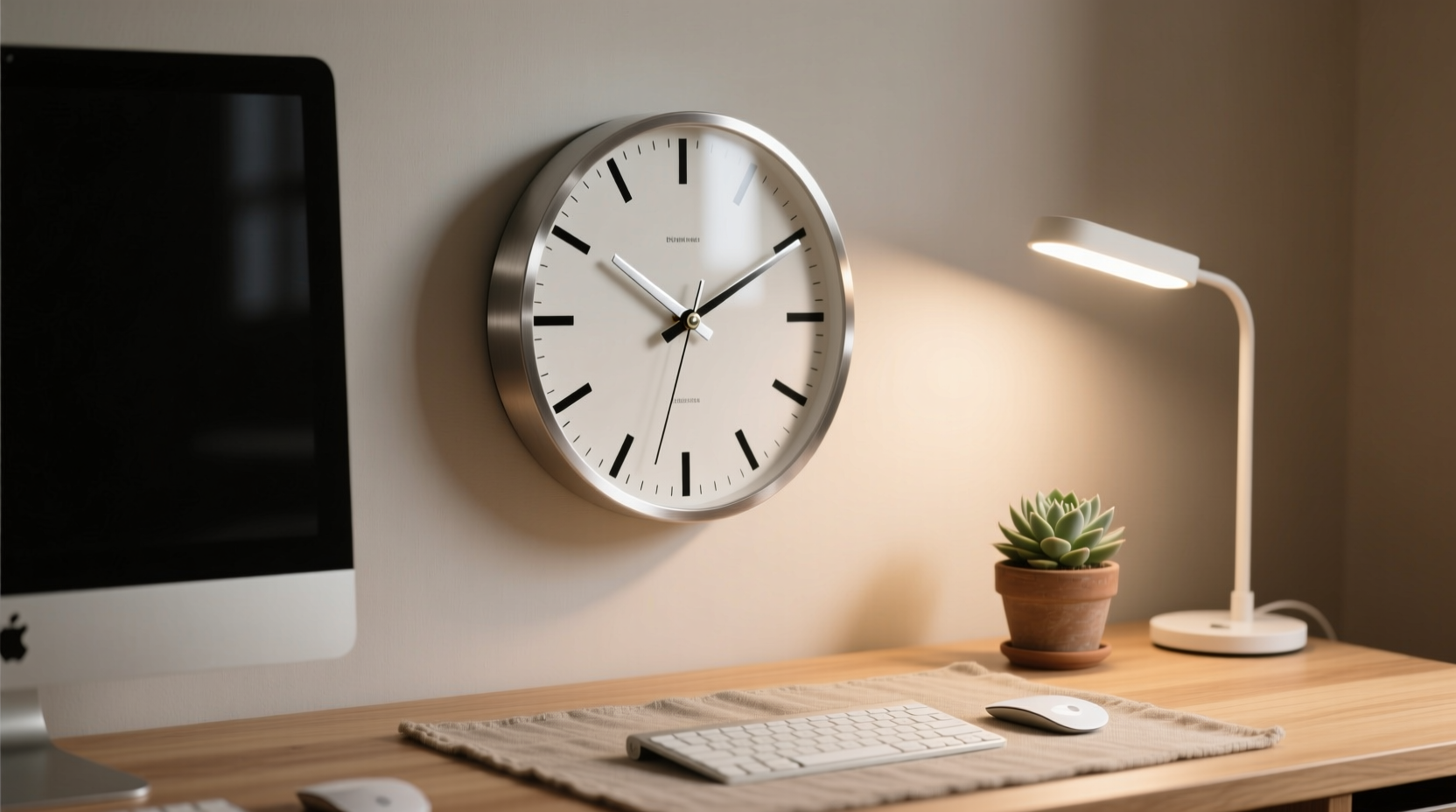
The first step in selecting the right desktop clock is distinguishing between what you need and what you want. Functionality governs practical concerns: Can you read the time from your seated position? Does the clock interfere with your monitor or keyboard? Is it visible under different lighting conditions?
Meanwhile, aesthetic preferences influence materials, color, shape, and how well the clock complements your desk setup—be it minimalist, industrial, vintage, or modern. However, aesthetics should never compromise utility. A beautifully designed clock that’s hard to read defeats its primary purpose.
Key Factors Influencing Desktop Clock Size
Several environmental and personal factors determine the optimal size for your desktop clock. Consider these before making a purchase:
- Viewing Distance: If you sit three feet from your desk, a larger face (5–7 inches) may be necessary. For close-range workstations, 3–4 inches suffices.
- Desk Real Estate: Compact desks demand smaller or vertical designs. Measure available space before shopping.
- Primary Use Case: Is the clock mainly decorative, a timer for work sessions, or essential for time management in meetings?
- Lighting Conditions: Dimly lit rooms benefit from illuminated displays or high-contrast dials, which often require slightly larger faces for clarity.
- Complementary Devices: Avoid visual clutter by ensuring the clock doesn’t compete with monitors, lamps, or speakers for attention.
“Size isn’t arbitrary—it’s contextual. A clock should serve the user, not the decor.” — Marcus Lin, Workspace Design Consultant at Forma Office Studio
Recommended Size Ranges Based on Desk Type
Different workspaces call for different proportions. Below is a guide matching common desk setups with ideal clock dimensions:
| Desk Type | Average Surface Area | Recommended Clock Face Diameter | Suggested Style |
|---|---|---|---|
| Compact Home Office Desk | 30–40 inches wide | 3–4 inches | Vertical LED, slim analog |
| Standard Executive Desk | 60+ inches wide | 5–7 inches | Analog with wood finish, projection clock |
| Creative Studio Workbench | Variable, often cluttered | 4–5 inches (or wall-mounted) | Vintage-style, retro digital |
| Standing Desk with Monitor Arm | High mobility, minimal surface use | 3–4 inches (magnetic or clip-on) | Compact digital, smart display |
Step-by-Step Guide to Selecting Your Ideal Clock Size
Follow this five-step process to ensure your desktop clock fits both your space and lifestyle:
- Measure Your Usable Desk Space: Clear your desk temporarily and identify a dedicated zone for accessories. Mark a 6” x 6” or 8” x 8” area where the clock could reside.
- Determine Primary Viewing Distance: Sit in your usual working position and note how far your eyes are from the intended clock location. Beyond 30 inches? Lean toward larger faces.
- Evaluate Lighting and Glare: Test potential spots under natural and artificial light. Reflective surfaces on oversized clocks can cause glare—choose matte finishes when needed.
- Match Proportions to Other Objects: Compare the clock to your monitor base, lamp, or notebook. It should feel like a natural part of the ensemble, not an afterthought or focal point.
- Test with Temporary Stand-Ins: Cut out cardboard circles in 3”, 5”, and 7” diameters. Place them on your desk and live with them for a day. Notice which feels most balanced.
Mini Case Study: Balancing Form and Function in a Hybrid Workspace
Sophie, a freelance graphic designer, worked from a converted dining table in her apartment. Her initial choice—a bold 8-inch retro alarm clock—was stylish but obstructed her second monitor’s view and cast shadows over her sketchpad. After struggling for weeks, she switched to a 3.5-inch magnetic digital clock that attached to the side of her metal laptop stand. Though smaller, its bright blue LED display was fully visible from all angles, took up zero desk space, and matched her tech-forward aesthetic. The change improved both ergonomics and workflow efficiency.
This example illustrates that size isn’t solely about diameter—it’s about spatial integration. Sometimes, rethinking placement (vertical, magnetic, hanging) allows for smaller physical footprints without sacrificing function.
Checklist: Before You Buy a Desktop Clock
- ✅ Measured available desk space
- ✅ Determined average viewing distance
- ✅ Considered lighting conditions (day/night use)
- ✅ Evaluated existing desk accessories for visual balance
- ✅ Verified power source needs (battery, USB, outlet)
- ✅ Tested readability of font or dial style
- ✅ Confirmed material durability (plastic, wood, metal)
- ✅ Checked additional features (temperature, alarms, silent sweep)
Frequently Asked Questions
What is the most readable clock face size for office use?
A 5-inch diameter analog or digital display is generally optimal for standard office desks. It provides sufficient legibility from 2–4 feet away while maintaining a professional presence without dominating the workspace.
Can a small clock be effective on a large desk?
Yes, but only if strategically placed—such as near the monitor corner or integrated into a multi-device hub. A small clock can work if supplemented with other time sources (smartwatch, phone), but relying solely on a tiny display may reduce efficiency.
Are projection clocks a good alternative to large desktop models?
Absolutely. Projection clocks eliminate size constraints by displaying time on walls or ceilings. They’re ideal for large rooms or users who prefer minimal desk clutter. Just ensure the projection is adjustable and bright enough for ambient light.
Final Thoughts: Harmonizing Utility and Design
The ideal desktop clock doesn’t shout for attention—it quietly supports your rhythm. Size plays a pivotal role in achieving that balance. Whether you're optimizing a home office, enhancing a corporate workstation, or curating a creative nook, taking the time to assess spatial needs, visual comfort, and stylistic coherence ensures your clock serves both purpose and pleasure.
Remember, the best choice isn’t the biggest or most ornate—it’s the one that feels effortless in daily use. By applying practical measurement techniques, respecting ergonomic principles, and aligning with your personal design language, you can find a clock that enhances not just how you see the time, but how you experience your workspace.




 浙公网安备
33010002000092号
浙公网安备
33010002000092号 浙B2-20120091-4
Comments
No comments yet. Why don't you start the discussion?