
Selecting a new touchscreen cell phone is more than just picking the shiniest model or the one with the most megapixels. With hundreds of devices on the market—ranging from budget-friendly options to flagship powerhouses—the decision can quickly become overwhelming. The right phone should align with how you use technology, fit within your budget, and support your daily habits. Whether you're a student, professional, parent, or tech enthusiast, this guide breaks down the essential factors to help you make an informed, confident choice.
Understand Your Usage Patterns
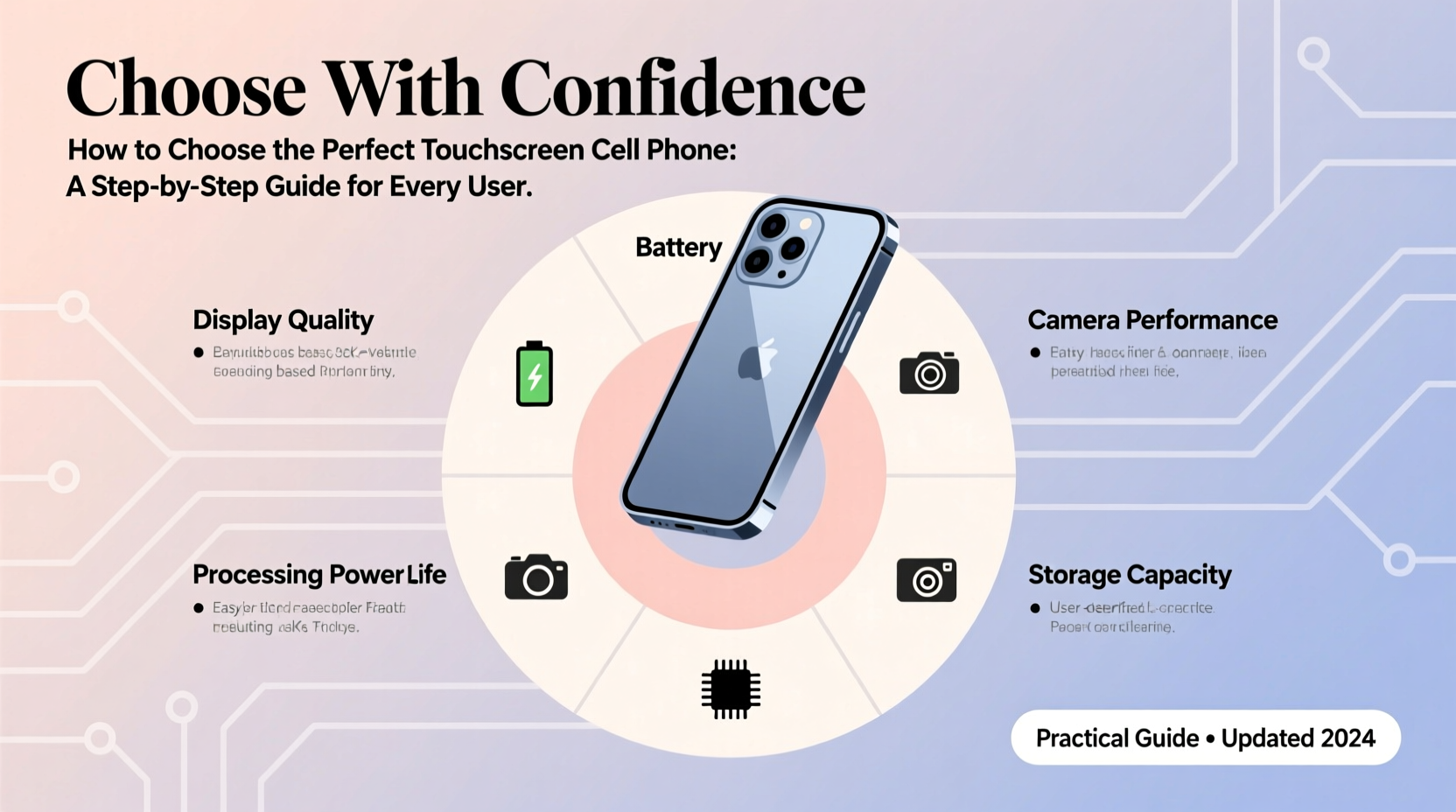
Before comparing specs or prices, reflect on how you actually use your phone. Are you constantly streaming video, editing photos, or managing emails? Or do you mostly check messages, browse social media, and take occasional calls? Your usage directly impacts which features matter most.
- Light users: Primarily use phones for calls, texts, and light browsing. A mid-range device with solid battery life and reliable performance is sufficient.
- Power users: Engage in multitasking, gaming, or content creation. Prioritize processing power, RAM, and display quality.
- Travelers and remote workers: Need strong battery life, durable build, and excellent connectivity (Wi-Fi 6, 5G).
- Frequent photographers: Should focus on camera quality, low-light performance, and software enhancements.
Key Features That Matter Most
Not all smartphone features are equally important. Some are marketed heavily but offer minimal real-world benefit. Focus on these core aspects that impact daily usability:
Display Quality and Size
The touchscreen is your primary interface. Look for OLED or AMOLED panels—they deliver deeper blacks, better contrast, and improved energy efficiency. Screen size affects portability: 6.1 to 6.5 inches is ideal for one-handed use, while larger screens (6.7+) suit media consumption and productivity.
Battery Life
A powerful processor means nothing if the battery dies by noon. Aim for at least 4,500 mAh capacity. Check independent reviews for real-world battery tests, not just manufacturer claims. Fast charging (18W or higher) and wireless charging are valuable bonuses.
Performance and Storage
For smooth operation, choose a phone with at least 6GB of RAM and a modern chipset like Qualcomm Snapdragon 7-series or higher, or Apple’s A15 and above. Storage should be 128GB minimum unless you rely heavily on cloud services. Avoid models with only 32GB or 64GB unless expandable via microSD.
Camera System
More lenses don’t always mean better photos. A well-tuned main sensor with optical image stabilization (OIS) and strong software processing matters more than triple-camera setups. Night mode, portrait mode accuracy, and front camera quality are worth testing through sample photos online.
“Consumers often over-prioritize megapixel counts when what really determines photo quality is sensor size and software tuning.” — David Lin, Mobile Imaging Analyst at TechInsight Weekly
Compare Top Models Across Budgets
You don’t need to spend $1,200 to get a great phone. Many mid-tier devices now offer flagship-level features at half the price. Use this comparison table to evaluate leading options across categories:
| Phone Model | Price Range | Best For | Key Strength | Trade-off |
|---|---|---|---|---|
| iPhone SE (2023) | $429 | iOS fans on a budget | A15 chip, compact design | Small screen, single camera |
| Google Pixel 7a | $499 | Photography & clean Android | Excellent cameras, timely updates | Average battery life |
| Samsung Galaxy S23 | $799 | All-around flagship | Balanced performance, premium build | No charger in box |
| OnePlus Nord N30 | $299 | Budget value seekers | Large battery, fast charging | Plastic build, average cameras |
| iPhone 15 Pro | $999 | Professional creators | Titanium build, pro-grade video | Premium price |
Step-by-Step Selection Process
Follow this five-step method to narrow down your choices efficiently:
- Set a realistic budget. Decide your maximum spend and stick to it. Include potential costs for cases, screen protectors, and accessories.
- List your top three priorities. Is it battery? Camera? Software longevity? Rank them to avoid being swayed by flashy but irrelevant features.
- Shortlist three models. Research each based on your criteria. Read expert reviews and user feedback on forums like Reddit or XDA Developers.
- Test in person if possible. Visit a carrier store or electronics retailer to hold the phones. Check weight, button placement, screen brightness, and overall feel.
- Verify long-term support. Check how many years of OS and security updates the manufacturer promises. Android users should prioritize brands like Google and Samsung for longer update cycles.
Real-World Example: Choosing for a Busy Parent
Sarah, a mother of two, needed a new phone after her old device started lagging and losing charge by midday. Her priorities were durability, long battery life, and ease of use. She didn’t care about high-end gaming or 8K video, but wanted reliable photo quality for capturing family moments.
After evaluating options, she chose the Google Pixel 7a. It offered strong camera performance for candid shots, a clean interface without bloatware, and regular software updates crucial for security. Though the battery wasn’t the largest, its adaptive features extended usage throughout her busy days. The phone also survived multiple drops thanks to a rugged case and Gorilla Glass protection.
Sarah’s experience highlights that the best phone isn’t the most expensive—it’s the one that fits seamlessly into your life.
Essential Buying Checklist
Before finalizing your purchase, go through this checklist to ensure you’re making a smart decision:
- ✅ Set a firm budget (including taxes and accessories)
- ✅ Identified primary use cases (calls, photos, work, etc.)
- ✅ Verified compatibility with your carrier (especially 5G bands)
- ✅ Checked number of OS update years promised by manufacturer
- ✅ Evaluated real-world battery performance from trusted reviews
- ✅ Considered durability (water resistance rating, build materials)
- ✅ Confirmed availability of repair services or warranty options
- ✅ Compared total cost of ownership (not just upfront price)
Frequently Asked Questions
Is a flagship phone worth the extra cost?
Only if you need the highest performance, best cameras, or longest software support. For most users, a well-chosen mid-range phone offers 90% of the experience at half the price.
Should I buy refurbished or used?
Yes, if purchased from reputable sellers (like Apple Certified Refurbished or carrier trade-in programs). These devices are tested, cleaned, and often come with warranties, offering significant savings with lower environmental impact.
How long should a phone last before upgrading?
With proper care, most modern smartphones remain functional for 3–5 years. Upgrade when performance degrades significantly, security updates end, or the battery no longer lasts a full day.
Make the Right Choice for You
The perfect touchscreen cell phone isn’t defined by marketing hype or benchmark scores—it’s the one that enhances your daily life without frustration. By focusing on your actual needs, setting clear priorities, and researching wisely, you can avoid buyer’s remorse and invest in a device that serves you reliably for years.




 浙公网安备
33010002000092号
浙公网安备
33010002000092号 浙B2-20120091-4
Comments
No comments yet. Why don't you start the discussion?