
In the fast-paced world of Instagram Stories, where users scroll through dozens of updates in seconds, visual clarity and aesthetic appeal are non-negotiable. Typography plays a critical role in capturing attention and conveying your message effectively. While filters, stickers, and animations matter, the choice of fonts—and how they work together—can make or break the impact of your story.
A well-paired font combination enhances legibility, reinforces brand identity, and evokes emotion. But with Instagram’s limited native font library and no direct access to custom typefaces, selecting the right pairing requires strategy, creativity, and an understanding of design fundamentals. This guide breaks down how to pair fonts intelligently so your Stories don’t just blend in—they stand out.
Understand Instagram’s Native Font Options
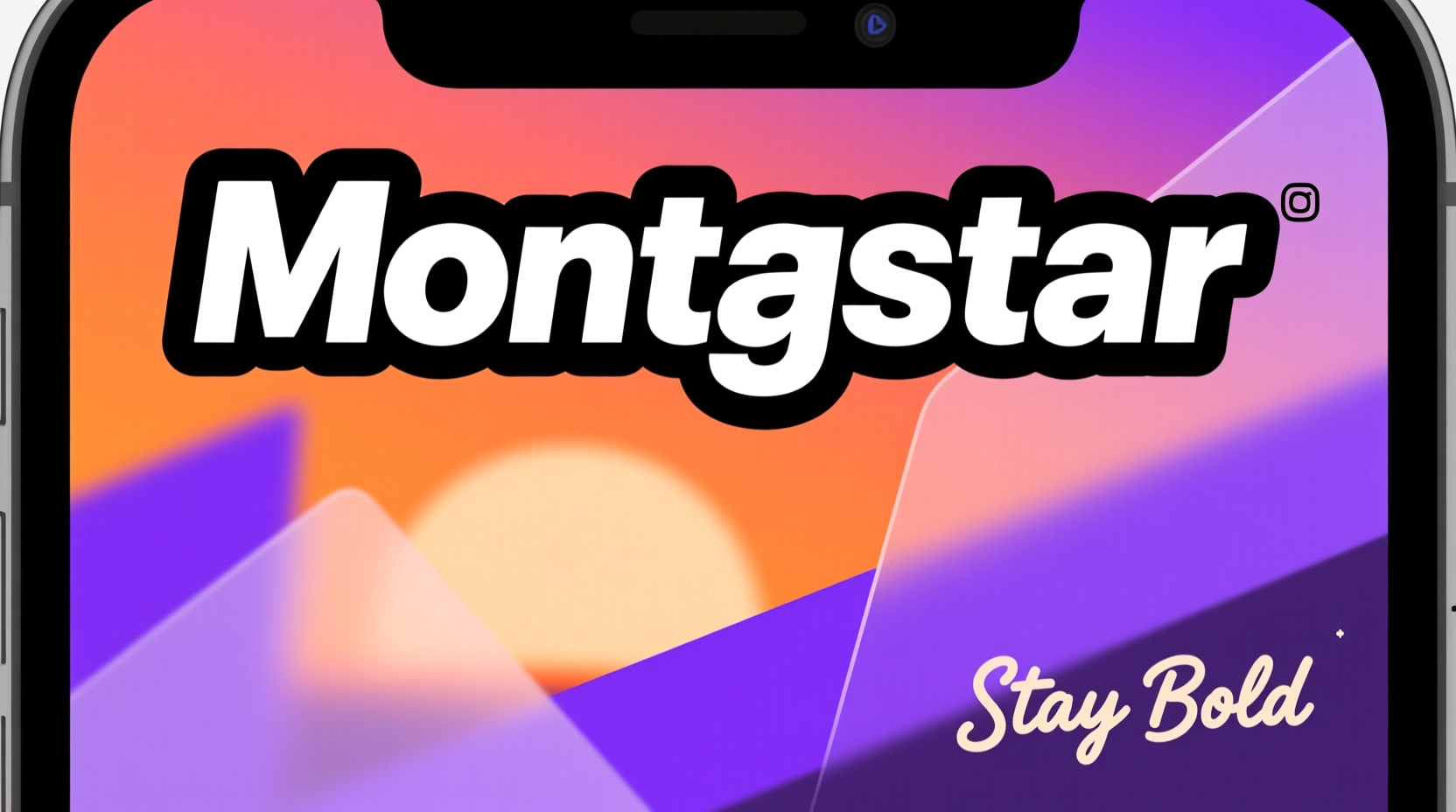
Instagram offers six default text styles: Classic, Modern, Typewriter, Neon, Serif, and Strong. Each serves a different visual purpose and carries its own tone. Before pairing, it’s essential to know what each one brings to the table:
| Font Style | Personality | Best Use Case |
|---|---|---|
| Classic | Neutral, clean, readable | General captions, quotes, everyday messaging |
| Modern | Sleek, minimalist, contemporary | Lifestyle brands, fashion, tech |
| Typewriter | Vintage, nostalgic, authentic | Personal stories, behind-the-scenes, journal-style posts |
| Neon | Bold, energetic, futuristic | Promotions, events, nightlife, youth-focused content |
| Serif | Elegant, traditional, authoritative | Luxury brands, editorial content, quotes |
| Strong | Powerful, attention-grabbing, loud | Headlines, calls to action, urgent announcements |
These fonts are not interchangeable in tone or function. Pairing two high-impact fonts like Neon and Strong can overwhelm viewers. Conversely, combining two neutral styles like Classic and Modern may lack contrast and fail to create visual hierarchy.
Create Visual Hierarchy Through Contrast
The key to effective font pairing is contrast. Without variation in weight, size, or style, your text becomes flat and forgettable. A strong headline needs to be clearly distinguishable from supporting text or captions. Think of your Story as a mini poster—every element should guide the viewer’s eye.
Use one font for headlines and another for body text. For example:
- Headline: Strong (bold, uppercase)
- Body: Classic (clean, readable)
This pairing creates immediate distinction. The bold headline grabs attention within the first second, while the neutral body font ensures the message is digestible.
Another effective combination is Serif for titles and Modern for descriptions. The elegance of the serif contrasts beautifully with the minimalism of the sans-serif, creating a balanced, sophisticated look ideal for beauty, wellness, or creative brands.
“Typography is the voice of your visual content. If everything shouts, nothing is heard.” — Lena Park, Digital Design Strategist
Match Fonts to Your Brand Voice
Your font choices should align with your brand personality. Are you playful or professional? Luxurious or approachable? The wrong font can confuse your audience, even if the message is clear.
Consider a fitness coach who uses Neon for motivational quotes. The glowing effect matches high-energy workouts and youthful enthusiasm. But if the same coach used Serif for every post, the tone might feel too formal or disconnected from their vibrant content.
Likewise, a financial advisor sharing market tips would benefit from Classic or Modern fonts—clean, trustworthy, and easy to read. Using Typewriter might suggest authenticity but could also appear outdated or unprofessional in this context.
Consistency matters. Once you identify a pairing that reflects your brand, stick with it across Stories, Highlights, and Reels. Over time, your audience will begin to recognize your visual language—even before seeing your profile picture.
Mini Case Study: @BloomBotanicals
@BloomBotanicals, a small organic skincare brand, struggled with low engagement on their Stories despite high-quality product photography. Their text was inconsistent—sometimes using Neon for ingredient lists, other times mixing Strong and Typewriter in the same slide.
After auditing their content, they adopted a new system:
- Headlines: Serif (for elegance and natural sophistication)
- Body Text: Classic (for clarity and accessibility)
Within four weeks, their Story completion rate increased by 38%, and swipe-up conversions rose by 22%. Followers commented that the content now felt “more premium” and “easier to follow.”
The change wasn’t in the visuals or copy—it was in the intentional use of typography to reinforce brand values: purity, simplicity, and trust.
Follow a Strategic Pairing Framework
You don’t need design school to make smart font decisions. Use this step-by-step framework to build effective pairings:
- Define the purpose of the Story. Is it educational, promotional, inspirational, or conversational?
- Select a primary font based on tone. Use Strong for urgency, Serif for elegance, Modern for minimalism.
- Choose a secondary font that contrasts in weight or style but complements the mood. Avoid pairing two decorative fonts.
- Limit to two fonts per Story. Three or more create visual noise.
- Test readability on mobile screens. Hold your phone at arm’s length—can you still read the text in under two seconds?
- Preview across devices. Fonts render differently on iOS and Android; ensure consistency.
Do’s and Don’ts of Font Pairing on Instagram
| Do | Don't |
|---|---|
| Pair a bold headline font with a simple body font | Use two decorative fonts together (e.g., Neon + Typewriter) |
| Align fonts with your brand personality | Switch fonts randomly without reason |
| Keep text concise—under 10 words for headlines | Overcrowd slides with multiple text layers |
| Use color contrast to enhance legibility | Use light-colored text on bright backgrounds |
| Stick to one consistent pairing across your content | Change fonts daily without testing performance |
Enhance Legibility with Layout and Spacing
Even the best font pairing fails if the layout is cluttered. Instagram Stories are viewed on small screens, often in distracting environments. Prioritize clarity above all.
Place text where it won’t compete with key visual elements. Avoid putting white text over light areas of photos. Use Instagram’s background tool—tap the “Aa” icon, then choose a solid color block behind your text to improve contrast.
Line spacing and alignment also affect readability. Left-align long text for easier scanning. Center-align short headlines for balance. Never stretch text across the entire width unless it’s a single word or slogan.
If you're using multiple text blocks, create breathing room. Leave space between headline and body text—about the height of one letter line is sufficient. Crowded text feels stressful to read and increases drop-off rates.
Checklist: Optimize Your Story Typography
- ✅ Choose one dominant font for headlines
- ✅ Pair it with a complementary, simpler font for body text
- ✅ Ensure high contrast between text and background
- ✅ Limit text to 1–2 lines per screen
- ✅ Align text intentionally (center, left, or right)
- ✅ Preview on both iPhone and Android devices
- ✅ Maintain consistency across 7+ Stories to build recognition
FAQ: Common Questions About Instagram Story Fonts
Can I use custom fonts on Instagram Stories?
Not directly. Instagram doesn’t allow uploading custom typefaces. However, you can design text in external apps like Canva, Adobe Express, or Over, then import the image into your Story. This gives full control over typography but adds extra steps to your workflow.
How many fonts should I use in one Story?
Stick to two fonts maximum per Story. One for emphasis (headline), one for information (body). Using more than two creates visual chaos and distracts from your message.
Why does my font look blurry when I upload it?
If you’re importing text from another app, ensure the image resolution is high enough (1080x1920 pixels). Low-resolution exports appear pixelated on mobile screens. Always export in HD and avoid stretching images beyond their original dimensions.
Conclusion: Make Every Word Count
Typography in Instagram Stories isn’t just about aesthetics—it’s about communication efficiency. In a format where attention spans are measured in seconds, the right font pairing ensures your message is seen, understood, and remembered.
Start by auditing your recent Stories. Are your fonts working for you or against you? Do they reflect your brand? Are they easy to read at a glance? Apply the principles in this guide: prioritize contrast, maintain consistency, and always design for mobile-first viewing.
The most memorable Stories aren’t the flashiest—they’re the clearest. When your typography supports your message instead of competing with it, you create space for connection, engagement, and action.




 浙公网安备
33010002000092号
浙公网安备
33010002000092号 浙B2-20120091-4
Comments
No comments yet. Why don't you start the discussion?