
Streaming is no longer limited to major networks and production studios. With Roku’s open development platform, anyone can create and publish their own streaming channel—even without coding experience. Over 60 million active users access Roku devices monthly, making it one of the most powerful platforms for reaching audiences directly. This guide walks you through every stage of launching your own Roku channel, from concept to live publication, with practical advice, checklists, and real-world insights.
Understanding the Roku Platform
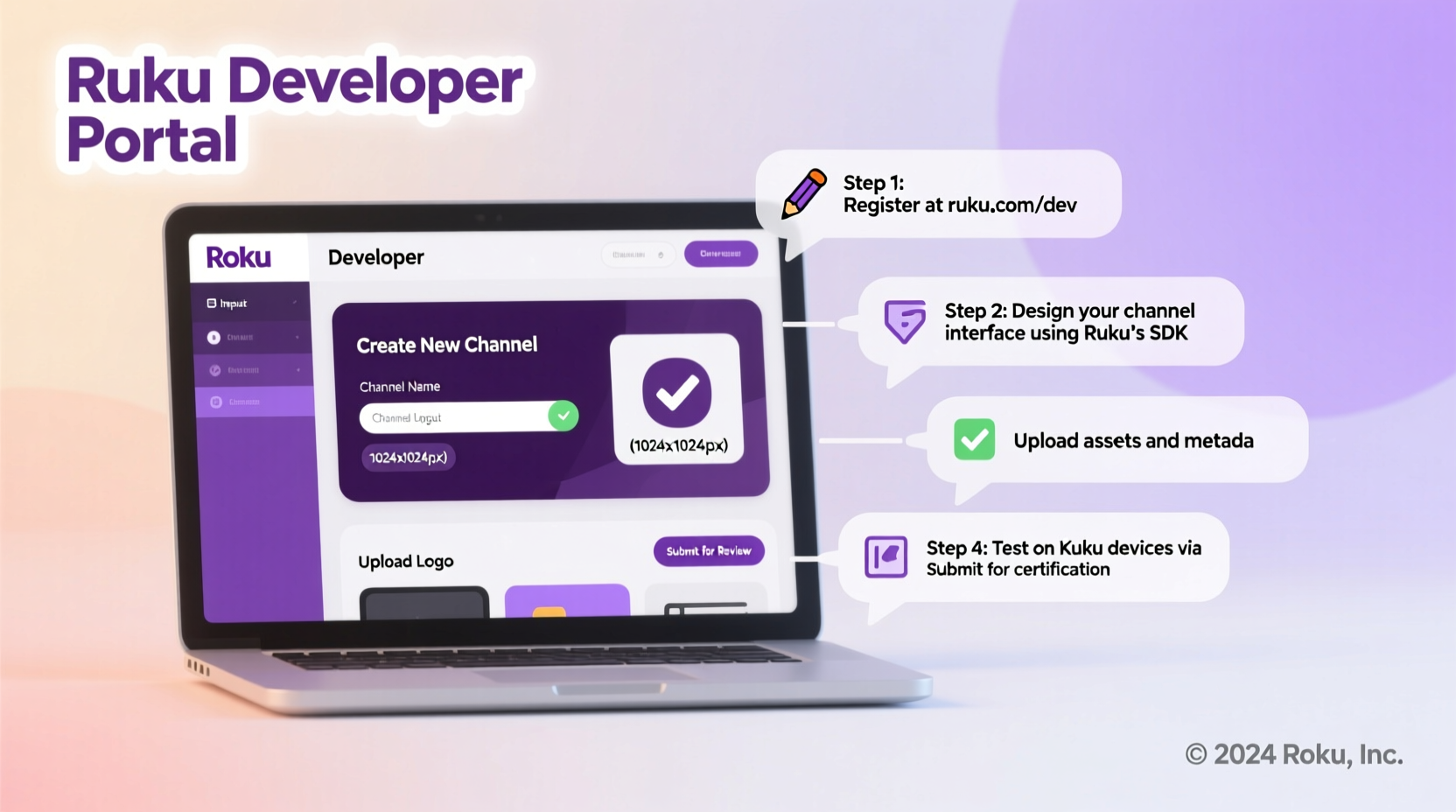
Roku operates as a lean-back entertainment system, optimized for TV viewing in living rooms. Unlike YouTube or social media, Roku channels are curated apps that deliver video-on-demand (VOD) or live streams directly to TVs. Channels can be free (ad-supported), paid, or subscription-based. The Roku Developer Program allows individuals and organizations to build and distribute channels using BrightScript and SceneGraph—Roku’s proprietary scripting language and UI framework.
Before diving into development, understand the two main types of Roku channels:
- Public Channels: Listed in the Roku Channel Store, discoverable by all users.
- Private Channels: Not listed publicly; accessible only via direct link or code, ideal for internal or niche use.
“Roku gives creators full control over branding, monetization, and audience engagement. It’s like owning your own cable network.” — Dana Whitaker, Streaming Strategist at MediaShift Labs
Step-by-Step Guide to Creating Your Roku Channel
Step 1: Define Your Channel Concept
Start with a clear vision. What kind of content will your channel feature? Examples include fitness tutorials, classic films, spiritual teachings, or regional news. A focused niche increases viewer retention and simplifies content curation.
Step 2: Set Up a Roku Developer Account
Visit developer.roku.com and register for a free developer account. You’ll need to provide basic information and agree to Roku’s terms. There is no fee to develop or test your channel, but a one-time $5 payment is required to publish a public channel.
Step 3: Prepare Your Content
Organize your videos in MP4 format with H.264 encoding for compatibility. Recommended specs:
- Resolution: 720p or 1080p
- Bitrate: Up to 5 Mbps
- Audio: AAC, stereo, 48 kHz
- File size: Under 2 GB per video for smoother loading
Host your content on a reliable CDN (Content Delivery Network) or cloud storage service like AWS S3, Cloudinary, or Bunny.net. Direct file linking from personal servers may cause buffering issues.
Step 4: Build the Channel Using Roku SDK
You have three primary options for building your channel:
- Use Roku’s SceneGraph XML framework for full customization (requires BrightScript knowledge).
- Leverage third-party tools like Wowza, BuhoTV, or VPlayed for drag-and-drop development.
- Hire a Roku developer if you lack technical skills (costs range from $1,500–$5,000 depending on complexity).
If coding yourself, download the Roku SDK and use a text editor like Visual Studio Code. Test your app locally using the Roku Developer Dashboard by sideloading onto a physical device.
Step 5: Design User Experience and Branding
Your channel should reflect professional branding. Required assets include:
- Channel icon (320x180 px)
- Splash screen (1280x720 px)
- HD background image (1920x1080 px)
- Privacy policy and EULA URLs (if collecting user data)
Navigation should be intuitive. Users expect simple menus, fast load times, and minimal clicks to start playback.
Step 6: Test Thoroughly Before Submission
Test your channel on multiple Roku models (Lite, Express, Ultra) to ensure compatibility. Check for:
- Video playback stability
- Remote control responsiveness
- Correct metadata display (titles, descriptions, thumbnails)
- Proper exit behavior (pressing back returns to home screen)
Step 7: Submit for Review and Publish
Once testing is complete, submit your channel through the Developer Dashboard. Include:
- Channel name and description
- Category (e.g., Entertainment, Faith, Education)
- Content rating
- Contact information
- Monetization model (if applicable)
Roku typically reviews submissions within 5–7 business days. If rejected, you’ll receive feedback and can resubmit after fixes.
Checklist: Launch-Ready Roku Channel
Before submission, confirm these items are complete:
- ✅ Developer account created and verified
- ✅ Content encoded in compatible format and hosted reliably
- ✅ Channel UI designed with proper dimensions and branding
- ✅ App tested on at least two Roku devices
- ✅ Metadata (titles, thumbnails, descriptions) properly formatted
- ✅ Privacy policy published online (required for data collection)
- ✅ $5 publishing fee paid (for public channels)
- ✅ Monetization settings configured (ads, subscriptions, etc.)
Monetizing Your Roku Channel
Once live, you can generate revenue through several models:
| Model | How It Works | Best For |
|---|---|---|
| Ad-Supported (AVOD) | Earn from pre-roll/mid-roll ads via Roku’s Partner Payouts program | High-volume content libraries |
| Subscription (SVOD) | Monthly fee for access; integrated with Roku Pay | Niche educational or exclusive content |
| Transactional (TVOD) | Pay-per-view or rental model | Films, concerts, special events |
| Premium Free | No cost, no ads—brand-building only | Churches, nonprofits, portfolios |
Roku shares up to 70% of ad revenue with developers. Payments are issued monthly once you reach a $100 threshold.
Real Example: “Yoga with Lena” – A Solo Creator Success Story
Lena Torres, a certified yoga instructor from Portland, launched “Yoga with Lena” in 2022 after noticing demand for beginner-friendly routines. She used BuhoTV’s no-code platform to upload 50 pre-recorded sessions, added calming music and branded graphics, and published her channel for $5. Within six months, she gained over 12,000 followers and joined Roku’s ad program. Today, her channel earns approximately $1,200/month in passive income and has helped her grow an online teaching business.
“I didn’t know how to code, but the tools made it possible,” Lena said. “Now my classes reach people across North America while I sleep.”
Common Pitfalls to Avoid
New developers often make preventable mistakes. Here’s what not to do:
- Skipping device testing: Assuming all Roku models behave the same leads to poor user experiences.
- Using low-quality thumbnails: Blurry or pixelated images hurt click-through rates.
- Ignoring SEO: Roku uses title and description keywords for search visibility—optimize them.
- Overloading menus: Too many categories confuse users; keep navigation under five top-level items.
FAQ
Can I create a Roku channel without knowing how to code?
Yes. Platforms like BuhoTV, VPlayed, and Zype offer no-code solutions that let you upload videos, customize layouts, and publish directly to Roku without writing a single line of code.
How long does it take to get approved?
Roku typically reviews submissions within 5–7 business days. Delays occur if metadata is incomplete or if playback issues are detected during testing.
Do I retain ownership of my content?
Absolutely. Roku does not claim rights to your videos. You maintain full copyright and can distribute the same content elsewhere.
Conclusion: Start Building Your Audience Today
Creating a Roku channel is one of the most effective ways to distribute video content directly to engaged viewers. Whether you’re an educator, artist, entrepreneur, or community leader, the platform empowers you to share your message at scale. With minimal upfront costs, robust monetization options, and growing global reach, there’s never been a better time to launch your own streaming presence.




 浙公网安备
33010002000092号
浙公网安备
33010002000092号 浙B2-20120091-4
Comments
No comments yet. Why don't you start the discussion?