
Despite the typo in \"wr code,\" it's clear the intent is to learn how to generate a QR (Quick Response) code—especially one that’s customized for specific purposes like marketing, event check-ins, or personal branding. QR codes have surged in popularity due to their efficiency, contactless functionality, and versatility. From restaurant menus to digital business cards, they bridge physical and digital worlds seamlessly. This guide walks through the entire process of creating a custom QR code, from choosing the right data type to refining design elements that align with your brand identity.
Understanding QR Codes: What They Are and Why They Matter
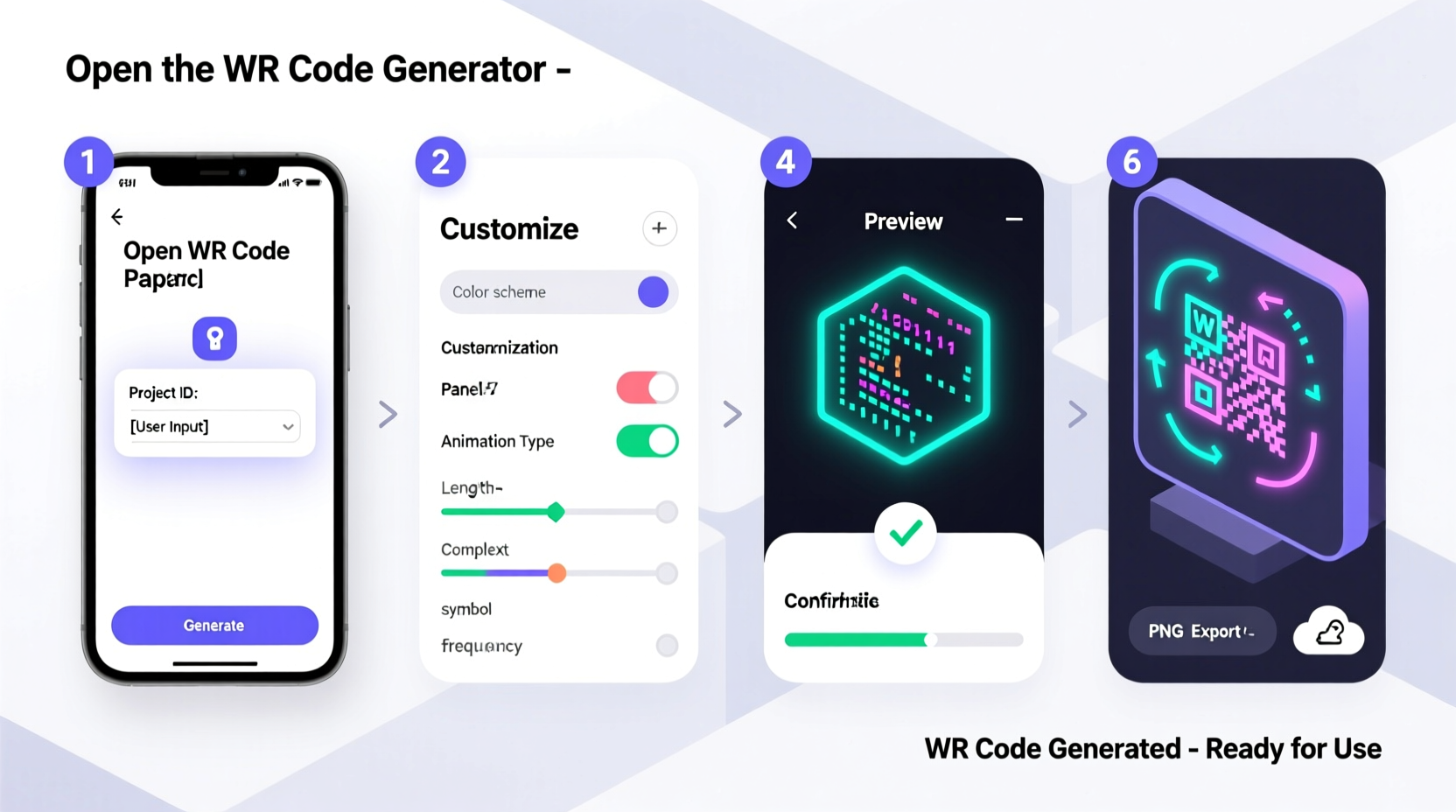
QR codes are two-dimensional barcodes readable by smartphones and dedicated scanners. Unlike traditional barcodes that store data horizontally, QR codes store information both vertically and horizontally, allowing them to hold significantly more data—up to 7,089 numeric characters or 4,296 alphanumeric ones. They were first developed in 1994 by Denso Wave, a Japanese company, for tracking automotive parts. Today, they're used globally across industries including retail, education, healthcare, and logistics.
Their resurgence during the pandemic accelerated adoption in everyday life. Restaurants replaced printed menus with scannable codes, businesses added them to invoices, and individuals began using them for Wi-Fi sharing and social media profiles. The real power of QR codes lies not just in accessibility but in trackability. Dynamic QR codes, in particular, allow creators to monitor scan rates, geographic locations of users, and even device types.
“QR codes are no longer just functional—they’re strategic tools for engagement and analytics.” — Sarah Lin, Digital Marketing Strategist at TechFlow Insights
Step-by-Step Guide to Generating a Custom QR Code
Creating a QR code doesn’t require coding skills or graphic design expertise. With the right tools and approach, anyone can generate a professional-looking, fully functional QR code in minutes. Follow this structured process:
- Determine the Purpose and Content Type
Select what kind of data you want the QR code to deliver. Common types include:- Website URL
- Text message (SMS)
- Email draft
- Wi-Fi network credentials
- vCard (digital business card)
- Event details (iCal)
- Payment links (e.g., PayPal, Venmo)
- Choose Between Static and Dynamic QR Codes
Static codes are free and encode fixed data. Once printed, the destination cannot be changed.
Dynamic codes cost more but allow editing of the target URL, offer scan tracking, and support branding features. - Select a Reliable QR Code Generator
Popular platforms include QRCode Monkey, QRStuff, GoQR, and Scanova. Prioritize tools that offer:- Custom color options
- Logo embedding
- Frame labeling (e.g., “Scan Me”)
- Analytics dashboard
- High-resolution export (PNG, SVG, EPS)
- Enter Your Data and Customize Design
Input your link or content into the generator. Then adjust visual elements:- Change the module (dot) color to match brand guidelines
- Upload a logo and position it centrally (ensure it doesn't exceed 20% of the total area)
- Select an eye style (corner square design)—some generators offer rounded or bordered variants
- Add a background color or gradient if needed
- Test Before Deployment
Always test the QR code on multiple devices and lighting conditions. Use both iOS and Android phones. Verify that:- The code scans quickly
- The correct action triggers (e.g., opens website, sends email)
- The landing page loads properly on mobile
- Download and Implement
Export the final version in a high-resolution format suitable for print or digital use. For large-scale printing (e.g., billboards), use vector formats like SVG or EPS to prevent pixelation.
Best Practices for Effective QR Code Design
A well-designed QR code enhances usability and reinforces brand identity. However, poor design choices can render even the most advanced code unreadable. Consider these best practices:
| Do | Don’t |
|---|---|
| Use high contrast between modules and background (e.g., black on white) | Use low-contrast combinations like yellow on white |
| Maintain a minimum size of 2x2 cm (0.8x0.8 in) for print | Shrink codes too small for scanning |
| Embed a small, centered logo without covering critical areas | Place large logos over error correction zones |
| Add a call-to-action nearby (“Scan to visit our menu”) | Assume people will know what to do without instruction |
| Use dynamic codes for campaigns lasting more than 3 months | Rely on static codes when future edits may be needed |
Real-World Example: Boosting Engagement at a Pop-Up Event
Lena Chen, owner of a sustainable fashion pop-up in Portland, wanted to reduce paper waste while collecting customer emails for her newsletter. Instead of handing out flyers, she placed a 5x5 inch QR code on her checkout counter labeled “Scan for 10% Off + Join Our Community.”
The code linked to a mobile-optimized landing page where visitors could enter their email and instantly receive a discount code. She used a dynamic QR generator (Scanova) so she could later redirect the same code to a new seasonal campaign. Within three weeks, she collected over 350 leads—nearly double the number from previous events using paper sign-up sheets. The key to success was placement, clarity, and immediate value exchange.
Essential Checklist for Creating Your QR Code
Before publishing your QR code, go through this checklist to ensure maximum effectiveness:
- ✅ Defined the goal (e.g., drive traffic, collect leads, share contact info)
- ✅ Chose the correct data type (URL, vCard, etc.)
- ✅ Selected a reputable generator with customization and tracking
- ✅ Used a dynamic code if long-term flexibility is required
- ✅ Designed with brand colors and minimal, centered logo
- ✅ Tested scanning speed and accuracy across devices
- ✅ Added a clear call-to-action near the code
- ✅ Ensured sufficient quiet zone and print resolution
- ✅ Verified mobile-friendliness of the destination page
- ✅ Set up analytics to monitor performance (for dynamic codes)
Frequently Asked Questions
Can I edit a QR code after it’s printed?
If it’s a static QR code, no—the destination is permanently encoded. However, dynamic QR codes allow you to change the underlying URL at any time, even after printing. This makes them ideal for marketing materials that may need updates.
How small can a QR code be and still work?
For reliable scanning, the minimum recommended size is 2x2 cm (0.8x0.8 inches) when scanned from 30 cm (1 foot) away. Smaller sizes risk misreads, especially under low light or with lower-end cameras.
Are colored QR codes less reliable?
Color itself isn’t the issue—contrast is. As long as there’s strong contrast between the dark modules and light background, color QR codes scan effectively. Avoid gradients that blend into the modules or overly complex backgrounds.
Final Thoughts and Next Steps
Creating a custom QR code is a simple yet powerful way to connect offline experiences with digital outcomes. Whether you're promoting a product, simplifying contact sharing, or enhancing customer service, a well-designed QR code acts as a silent ambassador for your brand. The process combines technical precision with creative expression—balancing scannability with aesthetics.
Now that you understand the full workflow—from selecting content and choosing the right generator to testing and deployment—it’s time to take action. Start with a small project: generate a QR code linking to your portfolio, social profile, or a special offer. Test it, refine it, and scale it. In a world increasingly driven by instant access, mastering QR technology gives you a competitive edge.




 浙公网安备
33010002000092号
浙公网安备
33010002000092号 浙B2-20120091-4
Comments
No comments yet. Why don't you start the discussion?