
AI-generated music is transforming how we interact with sound. One of the most exciting applications is creating AI song covers—reimagining existing songs with synthetic voices that mimic real singers or invent entirely new vocal personas. Whether you're a hobbyist, aspiring producer, or content creator, crafting your own AI cover can be both creative and accessible. With the right tools and techniques, even beginners can produce professional-sounding results in under an hour.
Understanding AI Song Covers: What They Are and How They Work
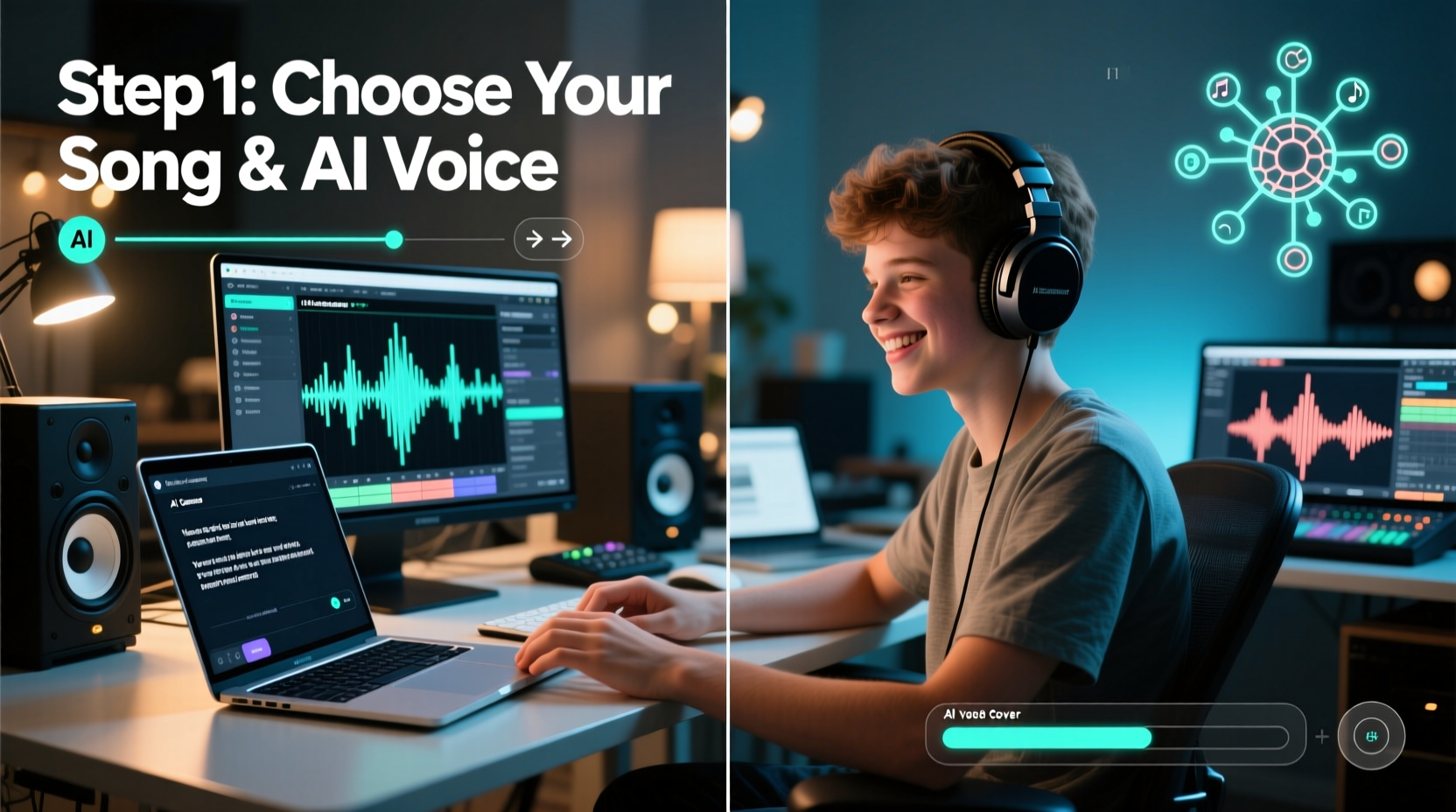
An AI song cover replaces the original vocals of a track using artificial intelligence models trained on human singing voices. These models analyze pitch, tone, emotion, and phrasing, then synthesize a new vocal performance based on user input—typically lyrics and melody data. The result is a reinterpreted version of a song sung by a digital voice, which can emulate famous artists or generate unique vocal textures.
The technology behind this involves two key components: voice synthesis and audio separation. First, the instrumental and vocal tracks are separated from the original song using source separation algorithms. Then, an AI voice model generates new vocals that match the timing and emotional tone of the original melody.
“AI singing models have reached a point where subtle nuances like vibrato and breath control can be realistically replicated.” — Dr. Lena Park, Audio AI Researcher at SoundSynth Labs
Essential Tools and Software You’ll Need
Creating an AI song cover doesn’t require expensive studio gear. Most tools are available online or as downloadable software, many with free tiers suitable for beginners. Here’s what you need:
- Vocal Isolation Tool: To remove original vocals and extract instrumentals (e.g., LALAL.AI, VocalRemover.org)
- MIDI Editor or Score Input Tool: For mapping melody notes (e.g., Basic Pitch by Spotify, MuseScore)
- AI Singing Synthesizer: The core engine that generates vocals (e.g., Uberduck.ai, Covers.ai, Synthesizer V Studio Free)
- Digital Audio Workstation (DAW): To mix final output (e.g., GarageBand, Reaper, Audacity)
- Text-to-Speech or Lyrics Input Interface: To feed lyrics into the AI model
Many platforms now offer all-in-one solutions. For example, Covers.ai allows users to upload a song, select a voice model, and generate a cover without leaving the browser. However, for greater control over pitch accuracy and expression, combining standalone tools often yields better results.
Step-by-Step Guide to Creating Your First AI Cover
Follow this structured workflow to go from idea to finished AI song cover in six clear steps.
- Select Your Song: Choose a well-known track with clear melody lines. Pop ballads or acoustic songs work best for first attempts due to simpler arrangements.
- Separate Vocals and Instrumental: Upload the song to a service like LALAL.AI. Select “Instrumental + Vocals” mode and download the separated files. Verify quality by listening—ensure no vocal bleed remains in the instrumental.
- Extract Melody Notes (Optional but Recommended): Use Basic Pitch or manually transcribe the lead vocal melody into MIDI format. This gives precise note input for the AI singer.
- Pick an AI Voice Model: Browse available voices on your chosen platform. Look for genre-appropriate tones—e.g., a bright pop voice for upbeat tracks, a warm baritone for soulful ballads.
- Input Lyrics and Tune: Enter the cleaned lyrics line by line. Align each syllable with its corresponding note if your tool supports note-level editing. Adjust parameters like pitch bend, vibrato depth, and dynamics for realism.
- Render and Mix: Generate the AI vocal track, then import it into your DAW alongside the instrumental. Balance volume levels, apply light reverb, and export as a high-quality MP3 or WAV file.
Common Pitfalls and How to Avoid Them
Even with advanced tools, beginners often encounter issues that degrade audio quality. Awareness of these challenges improves outcomes significantly.
| Issue | Why It Happens | How to Fix |
|---|---|---|
| Robotic-sounding vocals | Lack of pitch variation and expression settings | Enable vibrato, adjust attack/sustain, use expressive presets |
| Lyrics out of sync | Poor timing alignment between text and melody | Use grid snapping in your editor; break phrases into smaller segments |
| Voice cracking or distortion | Forcing voice beyond natural range | Select a voice model with compatible vocal range; transpose melody if needed |
| Instrumental has leftover vocals | Low-quality stem separation | Try alternative tools like Demucs or Spleeter; cross-check with headphones |
Real Example: A Beginner’s First AI Cover Journey
Jamie, a college student with no prior music production experience, wanted to surprise a friend with a personalized birthday cover of “Let It Be” sung in a vintage synth-pop voice. She started by uploading the Beatles’ original to VocalRemover.org, successfully extracting a clean instrumental. Using Uberduck.ai, she selected the “RetroWave Singer” voice and typed in the lyrics.
Her first render sounded flat and mechanical. After watching a tutorial, she realized she hadn’t adjusted any expression controls. She returned to the platform, enabled dynamic pitch modulation, added slight reverb, and manually corrected timing mismatches. The second version had warmth and rhythm. She imported both tracks into Audacity, balanced volumes, and exported the final mix. Her friend shared it online, where it gained over 10,000 views in a week.
Jamie’s story shows that while technical knowledge helps, creativity and persistence matter just as much.
Frequently Asked Questions
Is it legal to make and share AI song covers?
Sharing AI covers for non-commercial, transformative purposes (like parody or tribute) generally falls under fair use, but laws vary by country. Avoid monetizing covers of copyrighted songs without permission. Some platforms like YouTube may demonetize or block such content automatically.
Can I make an AI sing in languages other than English?
Yes, but support varies. Mandarin, Japanese, and Spanish are well-supported on platforms like Synthesizer V and CeVIO. For less common languages, check the specific voice model’s documentation—some require phonetic transcription for accurate pronunciation.
How do I improve the emotional delivery of AI vocals?
Focus on expression parameters: increase vibrato during sustained notes, reduce attack speed for softer entrances, and vary volume dynamically across phrases. Some advanced tools allow emotion tagging (e.g., “happy,” “melancholy”) to influence tone automatically.
Final Checklist Before Publishing Your AI Cover
- ✅ Instrumental is clean and free of vocal remnants
- ✅ Lyrics are correctly spelled and timed
- ✅ Pitch and rhythm match the original melody
- ✅ Expression settings (vibrato, dynamics) are adjusted
- ✅ Final mix balances vocal and instrumental levels
- ✅ Exported in high-quality format (MP3 at 320kbps or WAV)
- ✅ Credit given to original artist and AI tool used
Start Creating Today—Your Voice Awaits
Creating stunning AI song covers isn’t reserved for experts or studios. With intuitive tools and a methodical approach, anyone can turn a favorite song into a fresh, imaginative rendition. The blend of technology and personal touch opens doors to endless musical exploration. Whether you’re paying homage to legends, experimenting with futuristic sounds, or sharing joy through custom performances, the power is now in your hands.




 浙公网安备
33010002000092号
浙公网安备
33010002000092号 浙B2-20120091-4
Comments
No comments yet. Why don't you start the discussion?