
In today’s fast-paced world, every minute counts. Smart homes offer more than just novelty—they can become powerful tools for streamlining daily life. However, out-of-the-box automation rarely fits individual lifestyles perfectly. The real value lies in customization: shaping routines that adapt to your schedule, preferences, and household dynamics. When done right, personalized smart home automation reduces decision fatigue, conserves energy, and creates a living environment that works proactively for you—not the other way around.
Understand Your Daily Flow
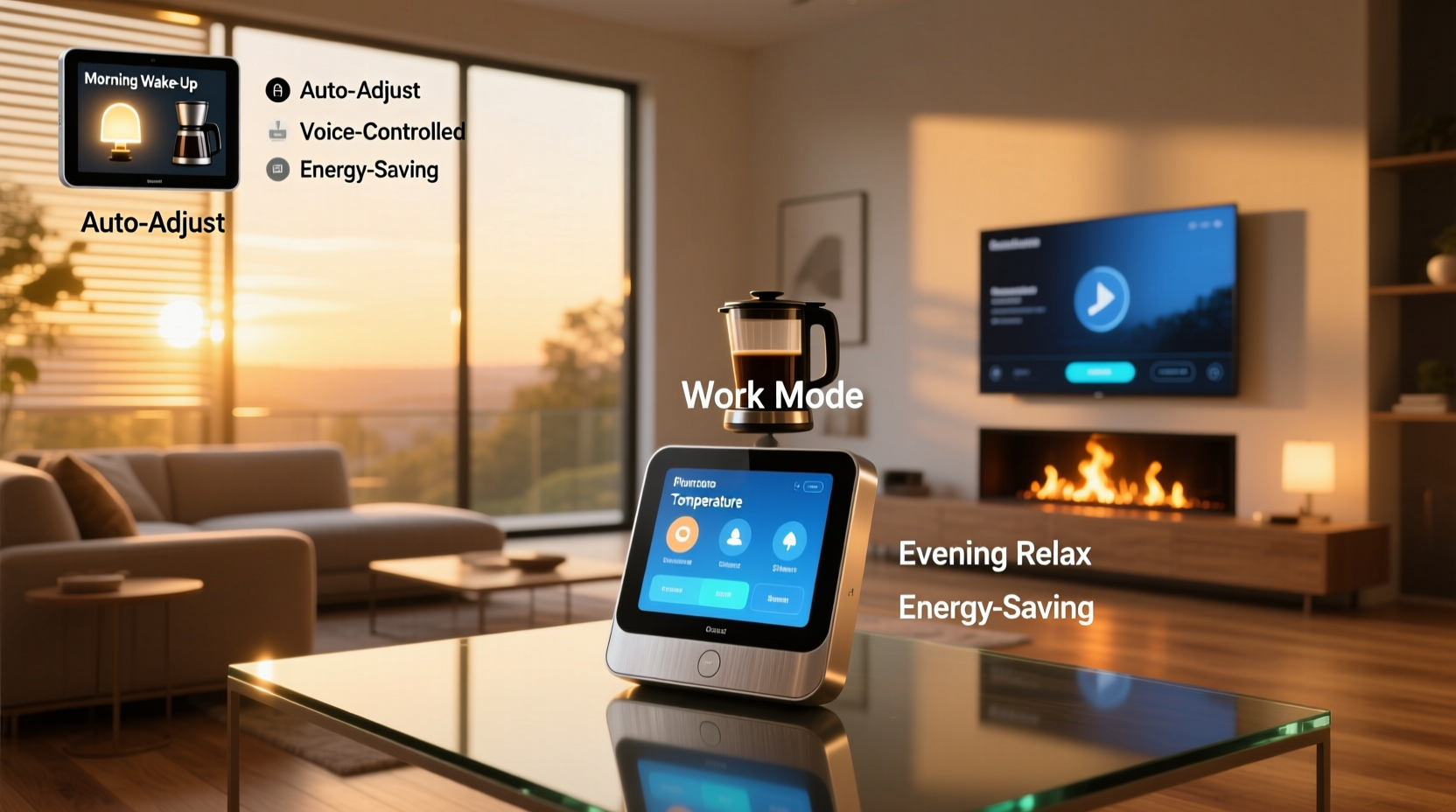
Before automating anything, take time to map out your typical day. Identify patterns: when do you wake up, leave for work, return home, eat dinner, or go to bed? Note any recurring tasks like turning on lights, adjusting thermostats, or locking doors. Awareness of these rhythms is essential for building meaningful routines.
Many people assume automation should mirror rigid schedules, but life isn’t always predictable. A better approach is to design flexible triggers based on behavior rather than strict times. For example, instead of setting lights to turn on at 7:00 AM, program them to activate when motion is detected in the hallway after 6:30 AM—allowing for natural variation in wake-up times.
Build Smarter Routines with Multi-Device Triggers
True efficiency comes from coordination. Instead of isolated actions—like turning on a light or starting the coffee maker—create sequences that trigger multiple devices simultaneously. These compound routines eliminate manual steps and reduce friction in your day.
For instance, a “Morning Ready” routine could include:
- Raise motorized blinds gradually
- Adjust thermostat to daytime temperature
- Start brewing coffee
- Play a gentle wake-up playlist
- Display calendar events on smart displays
This kind of sequence turns a disjointed series of actions into a seamless experience. The key is using reliable triggers. Common options include:
- Time-based: Best for consistent habits (e.g., bedtime).
- Geofencing: Uses phone location to detect when you’re approaching or leaving home.
- Motion sensors: Ideal for lighting and security automation.
- Voice commands: Useful for on-demand routines like “Goodnight.”
- Device state changes: Example: Turn on air purifier when bedroom door closes.
Example Routine: Evening Wind-Down
A well-designed evening routine supports relaxation and prepares the home for sleep and security. Consider this setup:
| Action | Trigger | Devices Involved |
|---|---|---|
| Lights dim to warm tone | 8:00 PM or voice command “Time to relax” | Smart bulbs, switches |
| Thermostat adjusts to sleeping temp | Trigger activated | Smart thermostat |
| Curtains close automatically | Same trigger | Motorized shades |
| Front door locks | After 30 seconds delay | Smart lock |
| Security system arms in “Home” mode | Final step | Security hub, cameras |
This routine enhances comfort while reinforcing safety without requiring manual checks.
Customize by Household Role and Preference
One size doesn’t fit all—even within a single home. Family members have different schedules, sensitivities, and needs. Customization should account for individuality.
For example, parents might want the kitchen lights to come on quietly during early morning baby feedings, while teenagers benefit from automated study-time focus modes that mute notifications and adjust lighting for concentration.
“Personalized automation increases user adoption. When each family member feels the system serves them directly, engagement goes up and wasted energy goes down.” — Dr. Lena Patel, Home Automation Researcher at MIT Senseable City Lab
To accommodate diverse needs:
- Create user-specific profiles in your smart home app.
- Use presence detection to tailor environments per person (e.g., favorite music when someone arrives).
- Allow overrides so individuals can temporarily disable or adjust routines without dismantling them.
Mini Case Study: The Chen Family’s School-Day Efficiency
The Chens, a family of four in suburban Seattle, struggled with chaotic weekday mornings. Kids forgot lunches, parents missed traffic alerts, and lights were often left on after everyone left.
They implemented a “School Day Start” routine triggered by geofencing as the first adult left the house. Once activated:
- All remaining indoor lights turned off.
- Smart speaker announced, “Have a great day! Don’t forget Ava’s soccer practice at 4:30.”
- Oven preheated remotely for slow-cooked dinner.
- Thermostat switched to eco-mode.
- Front door auto-locked if still open.
Within two weeks, energy bills dropped 12%, and no lunches were forgotten. The routine reduced stress and created consistency even on unpredictable days.
Optimize for Energy and Cost Savings
Efficiency isn’t just about time—it’s also about resource use. Thoughtfully customized routines can significantly cut utility costs and environmental impact.
Heating and cooling account for nearly half of residential energy consumption. Automating HVAC settings based on occupancy prevents heating or cooling empty rooms. For example:
- Turn down heat when all phones leave the geofence.
- Activate fans before peak electricity hours.
- Delay high-power appliances (dishwasher, laundry) until off-peak rates begin.
Do’s and Don’ts of Energy-Smart Automation
| Do | Don't |
|---|---|
| Use occupancy sensors to determine room usage | Set thermostats to extreme temps to “save more” |
| Enable adaptive learning features on smart thermostats | Run AC and open windows simultaneously |
| Group lights by zone and automate per usage pattern | Automate lights without motion timeout settings |
| Leverage sunrise/sunset APIs for natural lighting cues | Ignore firmware updates that improve efficiency algorithms |
Step-by-Step Guide: Creating Your First Custom Routine
Ready to build a personalized routine? Follow this practical process:
- Identify a pain point: Choose a repetitive task or transition that feels inefficient (e.g., leaving for work).
- List desired outcomes: What should happen? (Lights off, thermostat adjusted, doors locked?)
- Select a trigger: Will it be time-based, location-based, or voice-activated?
- Choose compatible devices: Ensure all equipment is connected to the same ecosystem (Google Home, Apple HomeKit, etc.).
- Build in the app: In your smart home platform (e.g., Google Home or Alexa), create a new routine and add each action.
- Add delays or conditions: For example, “Only if motion hasn’t been detected for 10 minutes.”
- Test thoroughly: Run the routine manually and observe performance. Adjust timing or conditions as needed.
- Refine over time: Monitor usage and tweak based on real-world behavior.
Start small. One effective routine is better than five poorly executed ones. Once confident, expand to more complex scenarios like guest modes or vacation settings.
Troubleshooting and Maintenance Tips
Even the best routines fail if not maintained. Devices go offline, apps update, and habits evolve. To keep systems running smoothly:
- Review automation logs monthly to spot failures or inefficiencies.
- Update device firmware regularly—many updates include stability fixes.
- Reassess routines seasonally (e.g., daylight changes affect lighting schedules).
- Label routines clearly so all household members understand their purpose.
- Backup your configuration if your platform allows export.
FAQ
Can I customize routines if I have devices from different brands?
Yes, as long as they’re integrated into a unified smart home platform like Amazon Alexa, Google Home, or Apple HomeKit. Use hubs like Samsung SmartThings or Hubitat for broader compatibility.
What if my routine triggers at the wrong time?
First, verify the trigger source (e.g., check geofencing accuracy or motion sensor placement). Then adjust sensitivity settings or add conditional logic like “only between 7–9 AM” to prevent false activations.
Are custom routines secure?
Most platforms encrypt data and require authentication. However, avoid routines that expose sensitive information via voice announcements (e.g., announcing security codes). Always enable two-factor authentication on your smart home accounts.
Conclusion
Customizing your smart home routines transforms technology from a novelty into a silent partner in daily life. It’s not about having the most devices, but about making what you have work smarter for your unique rhythm. From smoother mornings to energy-conscious nights, tailored automation saves time, reduces waste, and brings peace of mind.
The most efficient homes aren’t the most advanced—they’re the most thoughtfully configured. Start observing your habits, experiment with one routine, and iterate. Small adjustments compound into significant gains. Your ideal smart home isn’t found in a showroom; it’s built through intention, iteration, and insight.




 浙公网安备
33010002000092号
浙公网安备
33010002000092号 浙B2-20120091-4
Comments
No comments yet. Why don't you start the discussion?