
Your phone number is more than just a way for friends and family to reach you—it's a digital key tied to your identity. From two-factor authentication to account recovery, it’s used across platforms to verify who you are. But this also makes it a prime target for misuse. Unauthorized use of your number can lead to spam, phishing attempts, identity theft, or even financial loss. Recognizing the signs early and taking proactive steps can prevent serious harm.
Signs Your Phone Number Is Being Misused
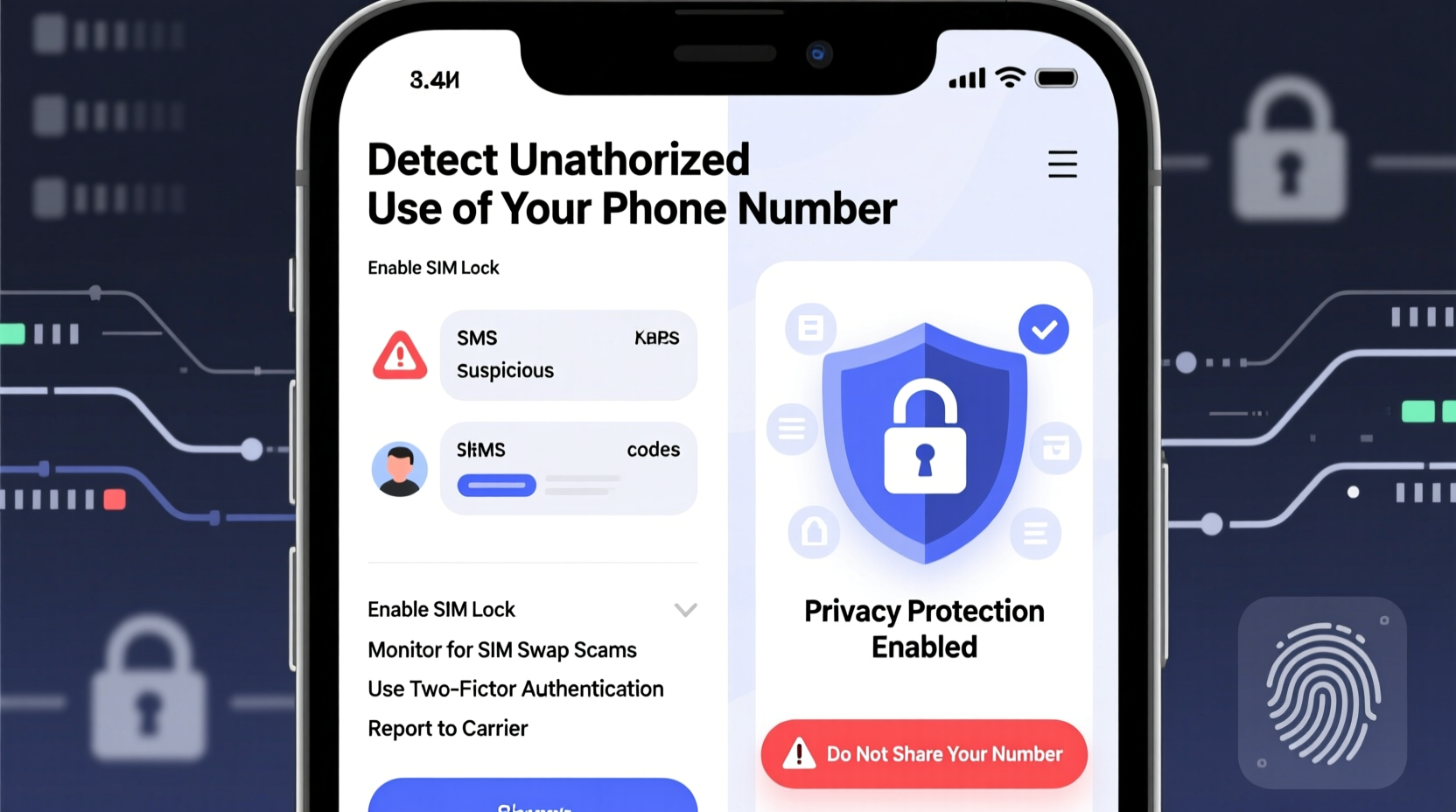
Unauthorized use doesn’t always come with an obvious alert. Often, subtle changes in your communication patterns signal something is wrong. Watch for these red flags:
- Unusual call or text activity: Receiving messages or missed calls from unknown numbers asking if they reached the right person, especially from people outside your region.
- Spam reports from contacts: Friends or colleagues receiving scam texts or calls that appear to come from your number.
- Failed login attempts on accounts: Notifications from services indicating someone tried to log in using your phone number.
- Sudden drop in service: If your carrier temporarily disables your line due to suspicious activity, it may indicate port-out fraud.
- Unexpected verification codes: Getting SMS codes without initiating a login or password reset could mean someone is trying to hijack your accounts.
Common Types of Phone Number Abuse
Understanding how your number can be misused helps you respond appropriately. Here are the most prevalent forms of abuse:
- Caller ID Spoofing: Scammers mask their real number and display yours when making fraudulent calls. Victims often call back, believing they’re contacting you.
- SIM Swapping (Port-Out Fraud): An attacker convinces your mobile provider to transfer your number to a new SIM card under their control, gaining access to SMS-based verifications.
- Data Broker Exposure: Your number may be sold or leaked by third-party data aggregators, leading to unsolicited marketing or targeted scams.
- Phishing via SMS (Smishing): Fake messages sent from or impersonating your number trick contacts into revealing personal information.
- Account Takeover Attempts: Cybercriminals use your number to reset passwords on email, banking, or social media accounts.
Mini Case Study: The Case of the Impersonated Small Business Owner
A small business owner in Austin began receiving complaints from clients about “rude” automated calls offering fake discounts. Upon investigation, he discovered scammers were spoofing his number to run a gift card scam. Customers trusted the caller ID and shared credit card details. After reporting the issue to the FCC and implementing robocall blocking tools, the incidents declined. This case highlights how reputational damage can occur even without direct access to your device.
Step-by-Step Guide to Protect Your Number
If you suspect misuse—or want to prevent it—follow this actionable plan:
- Contact your carrier immediately. Report any suspicious activity. Request a temporary block or number freeze if needed. Most carriers offer free fraud protection services.
- Add a PIN or passcode to your account. This prevents unauthorized SIM swaps. Avoid using easily guessable numbers like birthdays.
- Enable multi-factor authentication (MFA) using authenticator apps or hardware keys. Reduce reliance on SMS-based verification, which is vulnerable to interception.
- Register with the National Do Not Call Registry. While not foolproof, it reduces legitimate telemarketing and helps identify illegal callers.
- Use call-blocking apps. Tools like Hiya, RoboKiller, or built-in features on Android/iOS can filter known scam numbers.
- Request a new number only as a last resort. If spoofing persists and affects your safety or livelihood, consider changing your number—but update all critical accounts promptly.
Do’s and Don’ts When Handling Phone Number Security
| Do’s | Don’ts |
|---|---|
| Set up a unique carrier account PIN | Share your number publicly on social media |
| Monitor your accounts for login alerts | Click links in unexpected SMS messages |
| Use app-based 2FA instead of SMS | Give out your number to untrusted websites |
| Report spoofing to the FCC and FTC | Respond to suspicious calls or texts |
| Review privacy settings on data broker sites | Assume caller ID is always accurate |
“Phone numbers are increasingly exploited as entry points for cyberattacks. Consumers must treat them with the same level of security as passwords.” — Dr. Lena Torres, Cybersecurity Researcher at Stanford University
How to Remove Your Number from Data Broker Sites
Data brokers collect and sell personal information, including phone numbers. Removing your details limits exposure. Follow this checklist:
- Visit OptOutPrescreen.com to stop pre-approved credit offers linked to your number.
- Search your name and number on sites like Whitepages, Spokeo, Intelius, and PeopleFinder.
- Follow each site’s opt-out process—some require email confirmation or manual submission.
- Use services like DeleteMe or OneRep (paid) to automate removal across multiple platforms.
- Recheck every 3–6 months; some brokers republish data after deletion.
Frequently Asked Questions
Can someone hack my phone just by knowing my number?
Not directly. However, your number can be used in social engineering attacks. For example, a hacker might call your carrier pretending to be you and request a SIM transfer. Once they control your number, they can intercept verification codes and gain access to your accounts.
What should I do if my number is being spoofed?
You cannot stop spoofing entirely, but you can report it. File a complaint with the Federal Communications Commission (FCC). Inform your contacts so they know not to answer suspicious calls displaying your number. Consider using a call-labeling service to mark your number as legitimate.
Is it safe to give my phone number to online services?
Exercise caution. Only provide your number when absolutely necessary—such as for delivery coordination or two-factor authentication. Use secondary numbers (via Google Voice or Burner apps) for non-critical signups to minimize exposure.
Final Steps to Secure Your Digital Identity
Your phone number is a linchpin in your digital life. While you can't eliminate all risks, vigilance and smart habits dramatically reduce the chances of exploitation. Start by locking down your carrier account with a strong PIN, shift to app-based authentication wherever possible, and routinely audit where your number appears online. Treat your number like a password—something that should be protected, not shared freely.
Technology moves fast, and so do the threats. But informed users have powerful tools at their disposal. By staying alert and acting quickly at the first sign of misuse, you maintain control over your privacy and peace of mind.




 浙公网安备
33010002000092号
浙公网安备
33010002000092号 浙B2-20120091-4
Comments
No comments yet. Why don't you start the discussion?