
When your LG dryer stops mid-cycle or flashes a cryptic code on its display, it can be frustrating—especially when you're in the middle of laundry day. Fortunately, LG dryers are equipped with intelligent diagnostics that communicate specific problems through standardized error codes. Understanding these codes is the first step toward quick resolution. This guide walks you through identifying, diagnosing, and fixing common LG dryer error codes using practical troubleshooting methods.
Understanding LG Dryer Error Codes
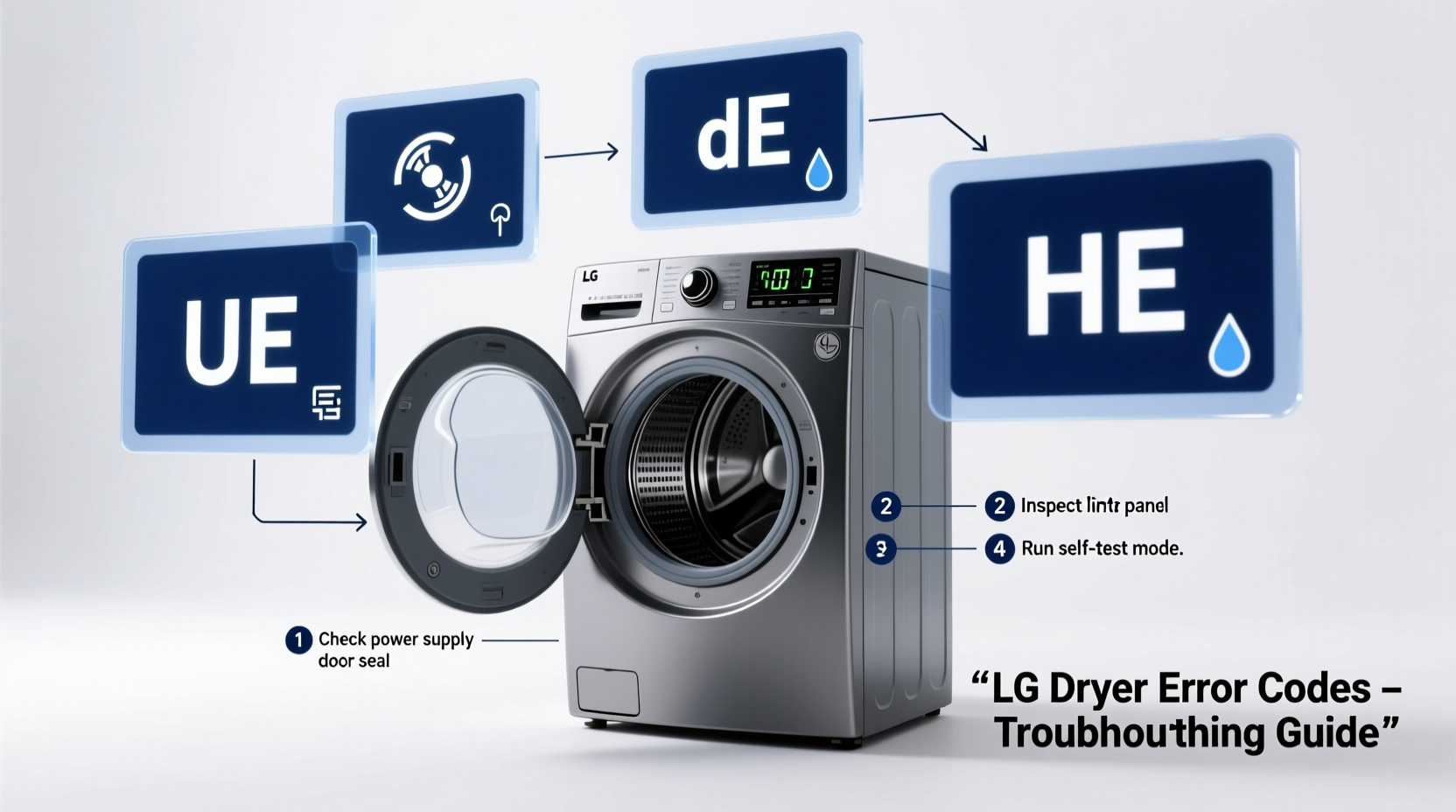
LG dryers use alphanumeric error codes (like E1, E3, d80) to indicate malfunctions. These codes appear on the digital display and help pinpoint the source of the issue—whether it’s related to airflow, temperature sensors, or motor performance. Interpreting them correctly saves time and prevents unnecessary service calls.
Unlike older models that relied on guesswork, modern LG dryers self-diagnose and alert users to specific system failures. For example, an “E1” code points to a thermistor issue, while “d80” suggests restricted airflow. Knowing what each code means allows you to take targeted action.
Common LG Dryer Error Codes and Their Meanings
The following table summarizes frequently encountered LG dryer error codes, their likely causes, and immediate actions you can take:
| Error Code | Possible Cause | Recommended Action |
|---|---|---|
| E1 | Faulty thermistor (temperature sensor) | Check wiring; replace if damaged |
| E2 | Overheating due to poor ventilation | Clean exhaust duct and lint filter |
| E4 | Heating element failure | Test continuity with multimeter; replace if open circuit |
| d80 | Airflow blockage (80%+ restriction) | Inspect and clean entire vent system |
| CL | Child lock activated | Hold \"Option\" button for 3–5 seconds to disable |
| PF | Power failure detected | Restart cycle; check outlet voltage |
| DC | Dryer drum not turning (motor or belt issue) | Inspect drive belt and idler pulley |
This reference should be your starting point whenever an error appears. Some codes require only simple fixes, while others may involve component replacement.
Step-by-Step Guide to Diagnose and Resolve Errors
Follow this structured process to systematically troubleshoot and fix your LG dryer:
- Observe the error code – Note the exact message displayed. Write it down if needed.
- Refer to the user manual – Match the code to its definition. If unavailable, search LG’s official support site using your model number.
- Reset the dryer – Unplug the unit for 5 minutes to clear temporary glitches. Plug back in and restart.
- Perform basic maintenance – Clean the lint filter, check the exhaust hose for kinks, and ensure the outdoor vent flap opens freely.
- Inspect key components – Based on the error, examine relevant parts:
- For E1/E2: Check thermistor connections near the heater assembly.
- For d80: Disconnect the vent hose and test airflow manually.
- For DC: Open the rear panel and verify the drive belt is intact and properly tensioned.
- Test with multimeter (if applicable) – Use a digital multimeter to test heating elements, thermostats, and thermistors for continuity.
- Replace faulty parts – Order OEM replacements from LG or authorized suppliers. Avoid generic parts that may not meet safety standards.
- Run a test cycle – After repair, run a short cycle without clothes to confirm the error doesn’t reappear.
“Modern dryers are designed to protect themselves from damage. An error code isn’t always a sign of major failure—it’s often the machine telling you it needs routine attention.” — James Rutherford, Appliance Repair Technician with 18 years of experience
Mini Case Study: Resolving a Persistent d80 Error
Sarah in Portland noticed her LG DLEC855W dryer kept displaying “d80” after just two loads. She cleaned the lint trap and reset the machine multiple times, but the code returned. Frustrated, she nearly scheduled a technician visit—until she remembered reading about hidden lint buildup.
She disconnected the dryer and removed the exhaust hose. Using a flexible brush and shop vacuum, she cleared a dense clump of lint behind the dryer’s blower wheel—a spot not visible during regular cleaning. After reassembly, the dryer ran smoothly without errors. The total fix took 40 minutes and cost nothing.
This case highlights how even diligent users can overlook critical areas. The “d80” code is often triggered not by the lint screen, but by long-term neglect of the internal ductwork.
Essential Troubleshooting Checklist
Use this checklist whenever your LG dryer shows an error:
- ✅ Unplug the dryer before inspection
- ✅ Record the exact error code
- ✅ Clean the lint filter thoroughly
- ✅ Inspect the exhaust vent for blockages
- ✅ Ensure the outdoor vent flap moves freely
- ✅ Check that the dryer is level and has proper clearance
- ✅ Verify power supply (no tripped breakers or loose plugs)
- ✅ Reset the dryer by unplugging for 5 minutes
- ✅ Test operation after each fix attempt
- ✅ Consult the manual or LG support for model-specific guidance
Frequently Asked Questions
What does the d80 code mean on my LG dryer?
The d80 error indicates that airflow is restricted by 80% or more. This usually results from clogged lint traps, blocked exhaust ducts, or crushed vent hoses. Cleaning the entire ventilation path typically resolves the issue.
Can I fix an E4 error myself?
An E4 code signals a problem with the heating system, often a failed heating element or thermal fuse. If you’re comfortable using a multimeter and accessing internal components, you can test and replace these parts. However, if you’re unsure, consult a professional to avoid fire risks.
Why does my LG dryer show PF after a power outage?
PF stands for “Power Failure.” It’s not a malfunction—it’s the dryer acknowledging an unexpected shutdown. Simply press Start to resume the cycle. If the dryer won’t restart, check the circuit breaker and ensure the outlet is live.
Preventing Future Errors
Many error codes stem from preventable conditions. Establishing a maintenance routine reduces breakdowns and extends your dryer’s lifespan. Wipe down the drum monthly, inspect the vent hose quarterly, and schedule a deep clean annually. Keep the area around the dryer dust-free and ensure there’s at least 4 inches of clearance behind it for proper airflow.
Additionally, avoid overloading the dryer. Excessive weight strains the motor and drum bearings, potentially triggering DC or E2 codes. Follow load size guidelines in your manual for optimal performance.
Conclusion
Diagnosing and resolving LG dryer error codes doesn’t require advanced technical skills—just a methodical approach and basic tools. By understanding what each code means and following proven troubleshooting steps, you can restore your dryer quickly and safely. Most issues stem from simple causes like lint buildup or loose connections, making DIY fixes both effective and economical.




 浙公网安备
33010002000092号
浙公网安备
33010002000092号 浙B2-20120091-4
Comments
No comments yet. Why don't you start the discussion?