
Google's results vary by region. If you're outside the United States, you might notice differences in search rankings, local ads, news suggestions, and even definitions based on your location. For researchers, students, marketers, or anyone seeking the U.S.-centric perspective, accessing the American version of Google can make a significant difference in the quality and relevance of information retrieved. Fortunately, it’s entirely possible—and often simple—to switch to Google.com (U.S.) regardless of where you are physically located.
The key lies in understanding how Google detects your region and then applying targeted techniques to override those signals without compromising security or performance.
Why Use the U.S. Version of Google?
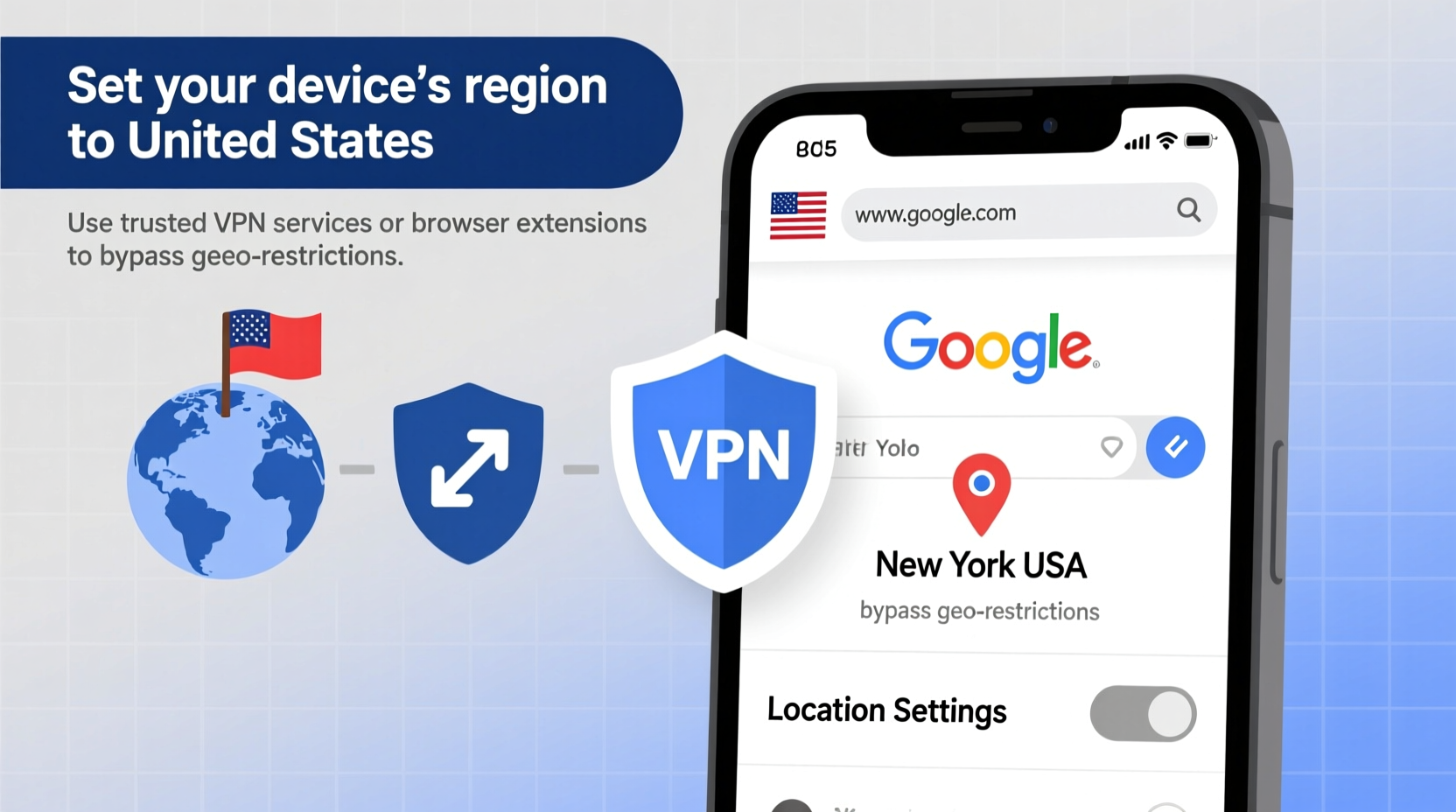
The U.S. version of Google—accessible at google.com with the country code set to “US”—often provides more comprehensive, diverse, and up-to-date results. This is especially true for topics like technology, global business trends, academic research, entertainment, and policy analysis. Search algorithms in the U.S. tend to index a broader range of international sources and prioritize authoritative domains differently than localized versions such as google.co.uk or google.in.
Additionally, some tools and features roll out first in the U.S., including AI-powered snippets, job aggregators, product comparisons, and shopping integrations. Marketers and SEO professionals also rely on the U.S. version to benchmark visibility and analyze competition in one of the largest digital markets worldwide.
How Google Determines Your Region
Google uses several signals to detect your geographic location and serve localized content:
- IP Address: Your internet connection reveals your approximate physical location.
- Browser Language Settings: Preferred languages may influence regional assumptions.
- Cookies & Account Data: If you're signed into a Google account, past activity can affect localization.
- DNS Server Location: Where your device routes domain lookups can hint at your region.
- Device Time Zone and Locale: These settings help refine personalization.
To access the U.S. version reliably, you must manage or override these signals strategically.
Step-by-Step Guide to Access Google US from Anywhere
- Use the Direct URL: Start by visiting https://www.google.com. Avoid country-specific domains like google.fr or google.ca. Stick strictly to google.com.
- Add the Country Parameter: Append
?gl=USto the end of any Google search URL. Example:https://www.google.com/search?q=climate+change+effects&gl=US. This forces Google to return U.S.-targeted results. - Change Language Settings: At the bottom of any Google page, click “Settings” → “Search settings.” Under “Region for Search Results,” select “United States.” Save preferences.
- Clear Local Cookies (Optional): If Google keeps redirecting you, clear cookies for google.com via your browser settings. This removes stored location preferences.
- Use Incognito Mode: Open an incognito/private window and go directly to google.com?gl=US. This minimizes interference from saved data.
- Set DNS to a U.S.-Based Provider: Switch your network’s DNS to Google Public DNS (8.8.8.8) or Cloudflare (1.1.1.1), both of which default to neutral or U.S.-aligned routing.
Bonus: Automate with Browser Extensions
Extensions like “Location Guard” (Firefox/Chrome) allow you to spoof your geolocation. Once installed, configure it to report your location as Washington D.C. or New York. Pair this with a fixed search engine setting pointing to google.com?gl=US for seamless access.
| Method | Effectiveness | Speed | Technical Skill Required |
|---|---|---|---|
| Direct URL + gl=US | High | Instant | Low |
| Change Search Settings | Medium-High | Fast | Low |
| VPN with U.S. Server | Very High | Moderate | Medium |
| DNS Change | Medium | Fast | Medium |
| Browser Extension Spoofing | High | Fast | Medium |
Using a VPN: The Most Reliable Method
For consistent, uninterrupted access to the U.S. version of Google, a Virtual Private Network (VPN) remains the most effective solution. A reputable VPN masks your real IP address and routes your traffic through a server in the United States. As far as Google is concerned, you’re browsing from within the U.S.
Choose a provider known for stable U.S. nodes—such as NordVPN, ExpressVPN, or Surfshark—and connect to a server in cities like Los Angeles, Chicago, or Miami. After connecting, visit google.com. You should automatically receive U.S.-based results without needing additional parameters.
“Using a U.S.-based IP via VPN not only changes Google’s regional output but also unlocks access to early feature rollouts and uncensored informational depth.” — Dr. Alan Reyes, Digital Information Researcher at MIT
Mini Case Study: A Student’s Research Breakthrough
Lena, a graduate student in Berlin researching U.S. healthcare policy, struggled to find authoritative sources using google.de. Her searches for “Medicare for All economic impact” returned mostly European commentary and summaries. Frustrated, she switched to a method combining a German-based incognito session and manual URL adjustments—but results remained inconsistent.
After switching to a premium U.S.-based VPN and navigating directly to google.com?gl=US, her search results transformed. Academic papers from Brookings, government reports from HHS.gov, and detailed analyses from major U.S. think tanks appeared on the first page. Within two days, she compiled a robust bibliography that significantly improved her thesis draft.
Her experience underscores a critical point: location impacts information access. Simple technical adjustments can unlock vastly superior research material.
Checklist: Ensure You’re Using the U.S. Version of Google
- ✅ Visit google.com, not a country-specific variant.
- ✅ Confirm the URL includes ?gl=US after searches.
- ✅ Check that search settings show “Region: United States.”
- ✅ Use incognito mode or cleared cookies to avoid old location data.
- ✅ Connect via a U.S. VPN if consistency is essential.
- ✅ Verify results include .gov, .edu, and mainstream U.S. media domains.
- ✅ Avoid logging into Google accounts tied to non-U.S. locations during sensitive searches.
Frequently Asked Questions
Will changing to Google US affect my search history or account?
No. Your Google account activity remains unchanged. However, if you’re signed in, your location history and ad personalization may still influence results slightly. For pure U.S. results, consider searching while signed out or using a separate browser profile.
Is it legal to access the U.S. version of Google from another country?
Yes. There is no law prohibiting access to google.com from outside the U.S. Google itself provides tools like the “gl” parameter, indicating that regional switching is permitted and supported.
Why do my results revert back to my local version?
This usually happens due to cookies, cached redirects, or your ISP automatically rerouting you to a regional Google domain. To prevent this, use a combination of the “gl=US” parameter, private browsing, and a U.S. DNS or VPN.
Conclusion: Take Control of Your Search Experience
Accessing the U.S. version of Google isn’t about bypassing borders—it’s about expanding your access to information. Whether you're conducting academic research, monitoring global trends, or simply prefer the structure and depth of U.S.-targeted search results, the tools to make this happen are readily available and easy to implement.
Start today by adjusting your URL, tweaking your settings, or testing a reliable U.S. VPN. Small changes can lead to dramatically better search outcomes. Don’t let geography limit your knowledge.




 浙公网安备
33010002000092号
浙公网安备
33010002000092号 浙B2-20120091-4
Comments
No comments yet. Why don't you start the discussion?