
For runners at every level, combining the precision of Apple Watch with the motivation and intelligence of Nike Run Club (NRC) creates a powerful fitness partnership. Whether you're training for your first 5K or optimizing your weekly runs, NRC brings real-time audio feedback, guided runs, and seamless tracking right to your wrist. The best part? Setting it up is simple, intuitive, and completely free. Here’s everything you need to know to get started, stay motivated, and make the most of this dynamic duo.
Step-by-Step: Installing Nike Run Club on Your Apple Watch
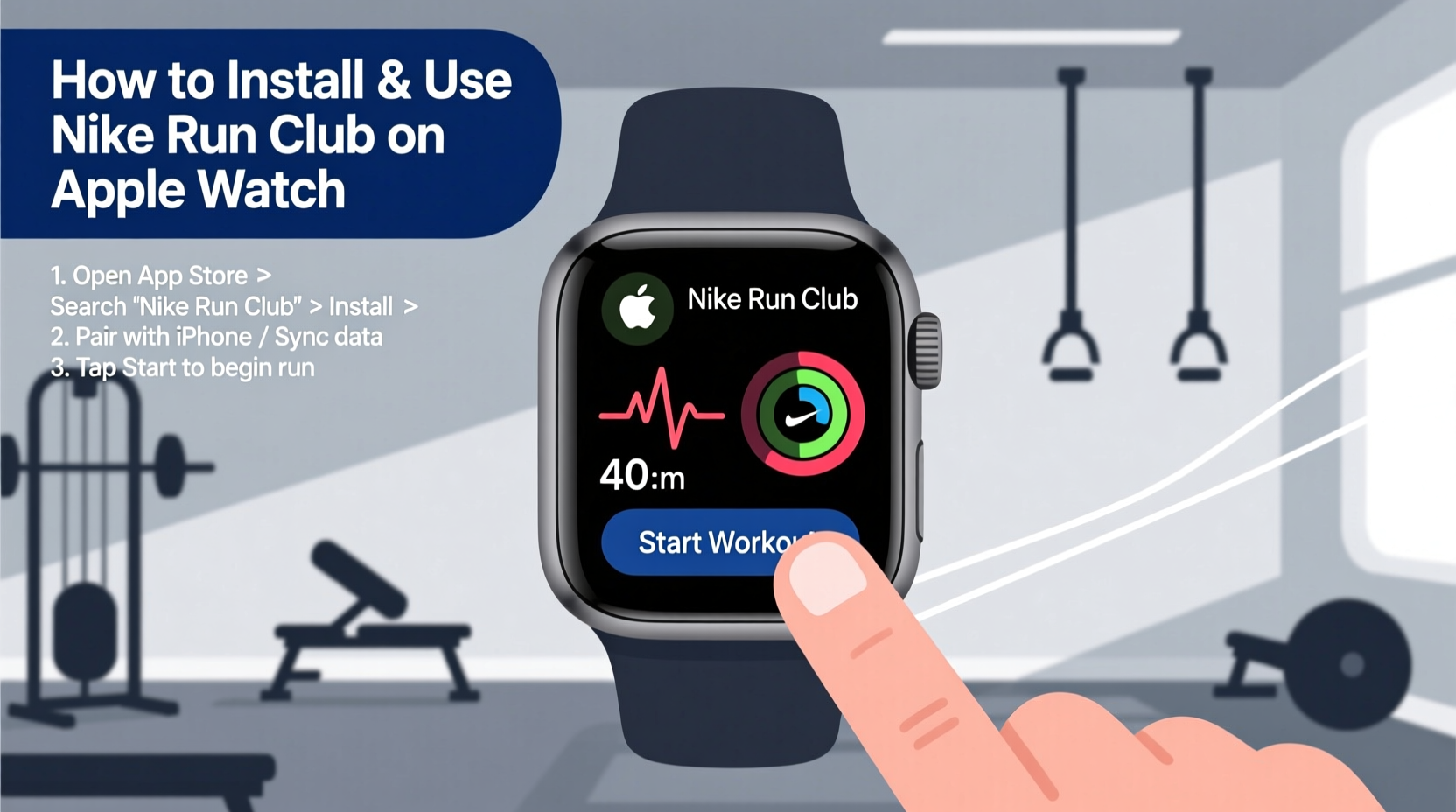
The installation process requires no technical expertise—just a few taps across your iPhone and Apple Watch. Follow this sequence to get NRC running smoothly:
- Ensure Compatibility: Confirm that your Apple Watch runs watchOS 6.0 or later and your iPhone has iOS 13.0 or higher.
- Download the App on iPhone: Open the App Store on your iPhone and search for “Nike Run Club.” Install the app if you haven’t already.
- Open the Apple Watch App: On your iPhone, launch the Watch app (the one with the Apple Watch icon).
- Find Nike Run Club: Scroll down to the “Available Apps” section. If NRC appears there, tap “Install.” It will automatically sync to your watch.
- Launch on Your Watch: Once installed, press the Digital Crown on your Apple Watch, locate the NRC app, and open it.
- Sign In or Create an Account: Use your existing Nike account or create a new one directly from the app.
Key Features That Make NRC Ideal for Apple Watch Users
Nike Run Club leverages Apple Watch sensors—like GPS, heart rate monitoring, and accelerometer—to deliver accurate data and immersive experiences. These features stand out when used together:
- Real-Time Voice Coaching: Hear updates on pace, distance, and time without glancing at your watch. Great for tempo runs or staying on target during long distances.
- Guided Runs: Access audio-led sessions by elite coaches and athletes, including marathon prep, breathing techniques, and mental focus strategies.
- Workout Tracking: Automatically records duration, pace, calories, heart rate, and route via Apple Watch GPS.
- Post-Run Insights: After each session, view detailed stats and receive motivational summaries narrated by Nike athletes.
- Seamless Syncing: Data syncs instantly between Apple Health, iPhone, and the NRC app, so all your progress is centralized.
“Wearable tech works best when it disappears into the background. NRC on Apple Watch feels like a coach who knows exactly when to speak—and when to let you run.” — David Liu, Fitness Technology Analyst
Optimizing Your Workouts: Practical Tips for Better Results
Simply installing the app isn’t enough. To truly enhance your running experience, use these proven strategies:
Customize your preferences under the “Settings” tab in the NRC iPhone app. Recommended adjustments include:
- Turn on “Auto-Pause” for accurate timing in stop-and-go environments.
- Select metric or imperial units based on your preference.
- Link Apple Health to share workout data with other apps like MyFitnessPal or Strava.
- Set weekly distance goals to unlock achievement badges and maintain consistency.
Using Guided Runs Effectively
Guided runs aren’t just for beginners. Seasoned runners use them to refine form, practice pacing, or break mental barriers. For example, try “The Mental Strength Run” before a race to build confidence. Or use “Breath & Body” sessions post-long-run to aid recovery through mindful cooldowns.
To start a guided run:
- Open NRC on your iPhone.
- Navigate to “Guided Runs” under the “Training” tab.
- Select a session based on duration, goal, or narrator (e.g., Eliud Kipchoge or Serena Williams).
- Start the run from your Apple Watch—audio will play through connected Bluetooth headphones.
Checklist: Getting the Most from Nike Run Club on Apple Watch
Follow this quick checklist before and after each run to maximize performance and enjoyment:
- ✅ Charge Apple Watch to at least 50% before long runs
- ✅ Pair Bluetooth headphones for voice guidance
- ✅ Start NRC app on watch before leaving home
- ✅ Wait for GPS signal confirmation (a small location icon appears)
- ✅ Use the side button to lock screen and prevent accidental taps
- ✅ Review post-run summary and share achievements if desired
- ✅ Sync data with Apple Health for holistic fitness tracking
Mini Case Study: How Sarah Improved Her 10K Time Using NRC
Sarah, a 34-year-old teacher from Portland, had been running casually for years but struggled to break her 10K personal record of 58 minutes. After syncing Nike Run Club with her Apple Watch Series 8, she began using guided interval runs twice a week and enabled real-time pace alerts.
Within six weeks, she noticed improved pacing discipline and reduced fatigue. The app’s encouragement during tough miles helped her push past mental blocks. By week ten, she completed a local 10K in 51 minutes—her fastest time ever. “Hearing ‘You’re on target’ at mile 6 gave me the boost I needed,” she said. “It felt like someone was right there with me.”
Do’s and Don’ts When Using Nike Run Club on Apple Watch
| Do’s | Don’ts |
|---|---|
| Start the app on your watch, not just the phone | Forget to charge your watch before long runs |
| Use noise-cancelling earbuds for clearer audio cues | Disable motion calibration or GPS permissions |
| Review post-run stats to track progress | Ignore software updates for NRC or watchOS |
| Set realistic weekly goals to build momentum | Compare yourself to others’ times—focus on personal improvement |
Frequently Asked Questions
Can I use Nike Run Club without my iPhone nearby?
Yes. Once you start a run from your Apple Watch, GPS tracking works independently. Your run data will sync to your iPhone the next time both devices are connected.
Is Nike Run Club completely free?
Yes. Unlike many fitness apps, NRC offers all its core features—including guided runs, unlimited tracking, and coaching—for free, with no subscription required.
Why isn’t my heart rate showing during runs?
Ensure the watch fits snugly on your wrist (not too loose). Clean the sensor area regularly and avoid wearing it over clothing. Restart the app if issues persist.
Final Thoughts: Turn Every Run Into Progress
The combination of Apple Watch hardware and Nike Run Club software transforms everyday runs into structured, rewarding experiences. From precise tracking to emotional support through audio coaching, the integration removes guesswork and amplifies motivation. Installation takes minutes, but the impact on consistency, performance, and enjoyment can last for years.




 浙公网安备
33010002000092号
浙公网安备
33010002000092号 浙B2-20120091-4
Comments
No comments yet. Why don't you start the discussion?