
Losing wireless earbuds is a common frustration. Whether they slipped out during a jog or were misplaced on a coffee table, the panic that follows is real. The good news? Most major brands have integrated smart tracking features directly into their ecosystems. These tools—often overlooked—can help you locate your earbuds with surprising precision, all without needing third-party apps or accessories. Understanding how to leverage these built-in functions can save time, money, and stress.
From Apple’s Find My network to Samsung’s SmartThings Find and Google’s Find My Device, manufacturers have embedded location services that work seamlessly across devices. With the right approach, even partially charged or silent earbuds can be tracked down. This guide walks through practical steps, brand-specific strategies, and real-world scenarios to help you recover your earbuds efficiently.
Understanding Built-In Tracking Technology
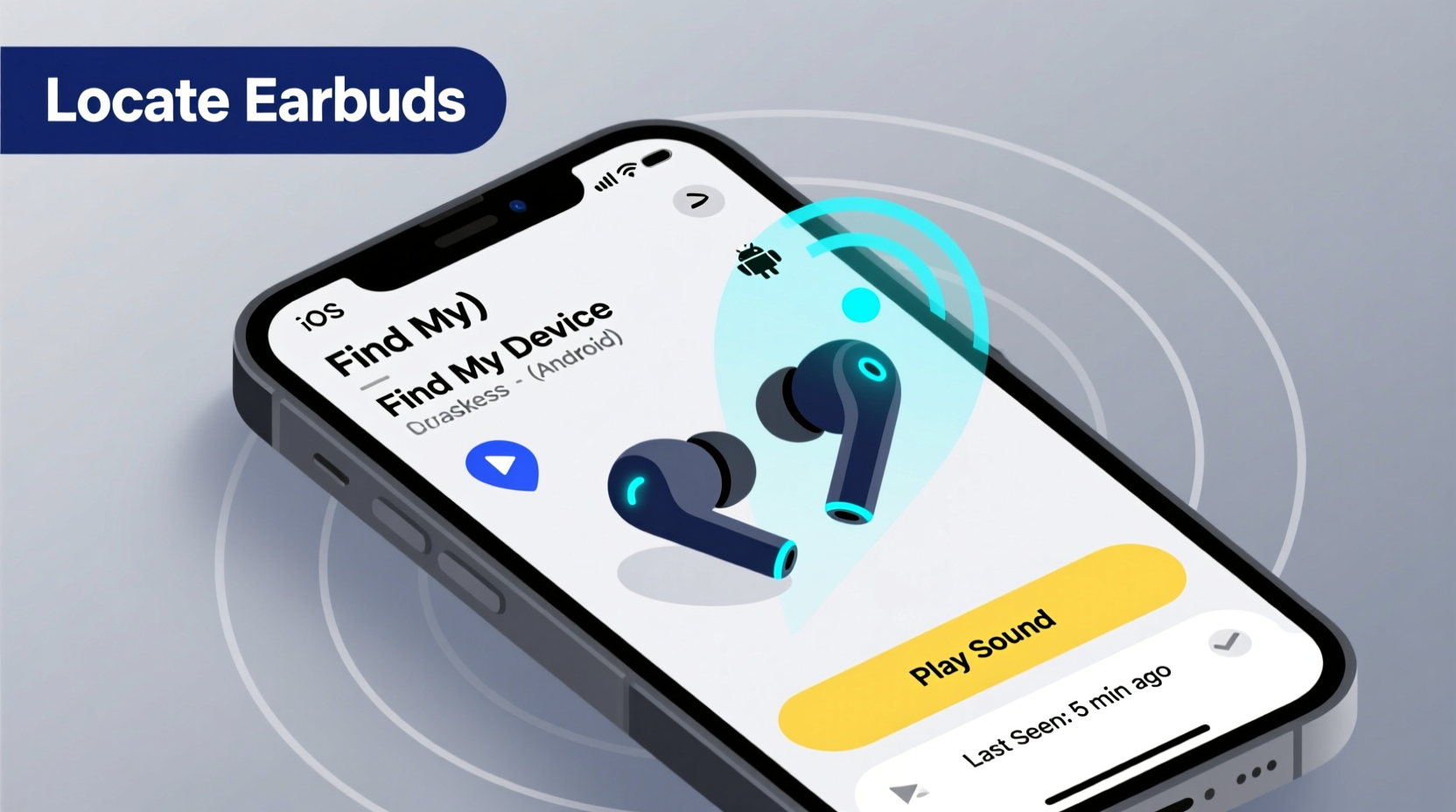
Modern wireless earbuds are more than just audio devices—they’re smart gadgets connected to your digital ecosystem. When paired with a smartphone or tablet, they transmit data such as battery status, connection history, and approximate last-known location. Some models even support ultra-wideband (UWB) chips for precise spatial tracking.
The key tracking mechanisms include:
- Last Known Location: Records where the earbuds were last connected to your phone.
- Offline Finding: Uses nearby devices in a brand’s network (e.g., Apple’s Find My) to detect your earbuds anonymously when they’re out of Bluetooth range.
- Play Sound Feature: Triggers a beep from the earbud—even if it's inside the case—to help locate it nearby.
- Separation Alerts: Notifies you when your earbuds disconnect unexpectedly, reducing the chance of leaving them behind.
These features rely on device integration. For example, AirPods work best within the Apple ecosystem, while Galaxy Buds integrate tightly with Samsung phones. Compatibility matters—using an Android phone to track AirPods limits functionality, just as an iPhone user won’t get full benefits from Sony’s Headphones Connect app.
Step-by-Step Guide to Locating Lost Earbuds by Brand
Different manufacturers offer distinct tools. Below is a detailed walkthrough for the most popular brands.
Apple AirPods (All Models)
- Open the Find My app on your iPhone, iPad, or iCloud.com.
- Select the Devices tab and choose your AirPods from the list.
- If one earbud is missing, tap “Left” or “Right” to locate it individually.
- Tap Play Sound. The earbud will emit a gradually louder tone for up to two minutes.
- If offline, view the Last Seen location on a map. If supported (AirPods Pro 2nd gen or later), use Precision Finding with AR guidance.
For older AirPods, only the case’s last known location is shown. Newer models with UWB chips provide directional arrows and distance indicators.
Samsung Galaxy Buds (Pro, 2, 3, etc.)
- Launch the SmartThings app on your Galaxy phone.
- Navigate to the Find Devices section.
- Select your Galaxy Buds and choose Ring.
- The earbuds will play a sound for 30 seconds. You can also see their last known location.
- If offline, Samsung’s community-based finding may report its position if another Samsung device detects it.
Note: This feature requires “Find My Mobile” to be enabled in your Samsung account settings.
Google Pixel Buds (A-Series, Pro)
- Go to findmydevice.google.com or open the Find My Device app.
- Click on your Pixel Buds under connected devices.
- Select Play Sound. The buds will ring even at zero volume.
- Check the timeline showing the last time they were connected and their GPS coordinates.
- If powered off, the last recorded location remains visible for up to 24 hours.
Unlike Apple, Google does not currently support crowd-sourced offline finding for earbuds, limiting recovery chances once disconnected.
Jabra, Sony, and Other Brands
Many mid-tier brands lack robust built-in tracking. However, some offer limited functionality:
- Jabra: Use the Jabra Sound+ app to view last connection time and trigger a ringtone.
- Sony: The Headphones Connect app allows users to play a sound and see recent connection logs.
- Anker Soundcore: Limited to app-based sound alerts; no map integration.
Brands outside Apple, Samsung, and Google typically don’t support offline networks or precise location mapping, making recovery harder once out of Bluetooth range.
Do’s and Don’ts When Searching for Lost Earbuds
| Do’s | Don’ts |
|---|---|
| Enable tracking features before losing them | Wait until they’re lost to set up tracking |
| Use separation alerts to prevent future loss | Ignore low-battery warnings—dead earbuds can't be tracked |
| Check furniture crevices, car seats, and laundry pockets | Assume they’re gone forever—many are found days later |
| Ask family members to disable Bluetooth temporarily so you can ring them | Yell or bang on surfaces—this can damage delicate components |
Physical search techniques matter. Try retracing your steps methodically. Start from the last place you remember using them and move outward in concentric circles. Use a flashlight to peer under sofas or between cushions. Remember, earbuds are small and often blend into carpet or upholstery.
Real Example: Recovering AirPods from a Park Bench
Mark, a freelance designer from Portland, left his AirPods Pro on a park bench after a morning call. He realized the loss 20 minutes later. Using the Find My app, he saw the last known location pinned near the Willamette River trail. The earbuds were offline, but the timestamp matched his visit.
He used Precision Finding on his iPhone 15 Pro, which guided him back to the exact bench. Though the case was empty, the left AirPod had fallen into a gap between wooden slats. The AR interface showed decreasing distance and directional cues until he heard the faint beeping. He retrieved it with tweezers and avoided a $249 replacement cost.
This scenario highlights the power of real-time location data and spatial audio cues. Without the built-in tools, Mark would have had little hope of recovery.
“Integrated tracking has transformed how we recover small electronics. Devices like AirPods now have a higher recovery rate than wallets.” — Dr. Lena Torres, IoT Security Researcher at MIT Media Lab
Maximizing Your Chances: A Practical Checklist
To ensure you're prepared and can act quickly, follow this checklist:
- ✅ Pair your earbuds with a registered device linked to your cloud account (iCloud, Samsung Account, Google).
- ✅ Turn on “Find My [Device]” or equivalent setting during initial setup.
- ✅ Enable notifications for device disconnection (e.g., “AirPods disconnected” alert).
- ✅ Regularly check battery levels—tracking stops when power is depleted.
- ✅ Label your earbuds with a custom name (e.g., “John’s Left Buds”) for easier identification.
- ✅ Test the “Play Sound” function monthly to confirm it works.
- ✅ Keep firmware updated—manufacturers often improve tracking accuracy via software patches.
Prevention is part of the solution. Consider attaching a magnetic tracker clip (like an AirTag mini-holder) for hybrid physical-digital tracking, especially if you frequently misplace items.
Frequently Asked Questions
Can I find my earbuds if they’re inside the charging case?
Yes—but with limitations. If the case was recently opened and connected to your phone, the system records the last known location. However, earbuds inside a closed case do not emit sound or update location unless the case has its own tracking chip (e.g., AirPods Pro 2nd gen with U1 chip). Always open the case near your phone to refresh the connection.
What if my earbuds are dead or out of range?
If the battery is fully drained, active tracking stops. However, Apple’s Find My network can still detect AirPods via Bluetooth signal even when powered off, thanks to a low-power mode that broadcasts a secure identifier. Samsung and Google do not currently offer this capability. Once recharged, the earbuds will reconnect and update their location.
Are third-party trackers worth adding?
For frequent losers, yes. While built-in tools are effective, they depend on ecosystem strength and proximity. Attaching a compact tracker like an AirTag (for Apple users) or Tile Mate increases visibility across broader networks. Just ensure the added weight doesn’t affect portability or fit in your pocket.
Final Thoughts and Action Steps
Finding lost wireless earbuds isn’t about luck—it’s about preparation and knowing how to use the tools already at your disposal. The moment you pair your earbuds with your phone, you gain access to powerful location services designed specifically for recovery. Yet, most people never enable these features until it’s too late.
Take action today: Open your device settings, verify tracking is active, and run a test ring. Make it a habit to check your earbud status weekly, just as you would your phone’s battery or storage. Small habits prevent big losses.
Technology continues to evolve. Future earbuds may include GPS-level accuracy, voice-activated homing signals, or AI-powered location prediction. Until then, mastering the built-in tools available now gives you a significant advantage.




 浙公网安备
33010002000092号
浙公网安备
33010002000092号 浙B2-20120091-4
Comments
No comments yet. Why don't you start the discussion?