
Being blocked from unwanted calls and messages is a relief—but it can also leave you wondering: did that person try to reach you after being blocked? Whether dealing with an ex, a persistent salesperson, or someone causing discomfort, knowing whether a blocked number attempted contact can be important for emotional clarity, legal documentation, or personal safety. The challenge is that most smartphones don’t notify you when a blocked contact sends a text. However, several practical workarounds exist depending on your device, carrier, and settings. This guide breaks down real, actionable methods to uncover hidden messages from blocked numbers.
Why Blocked Messages Don’t Appear (And Why That’s by Design)
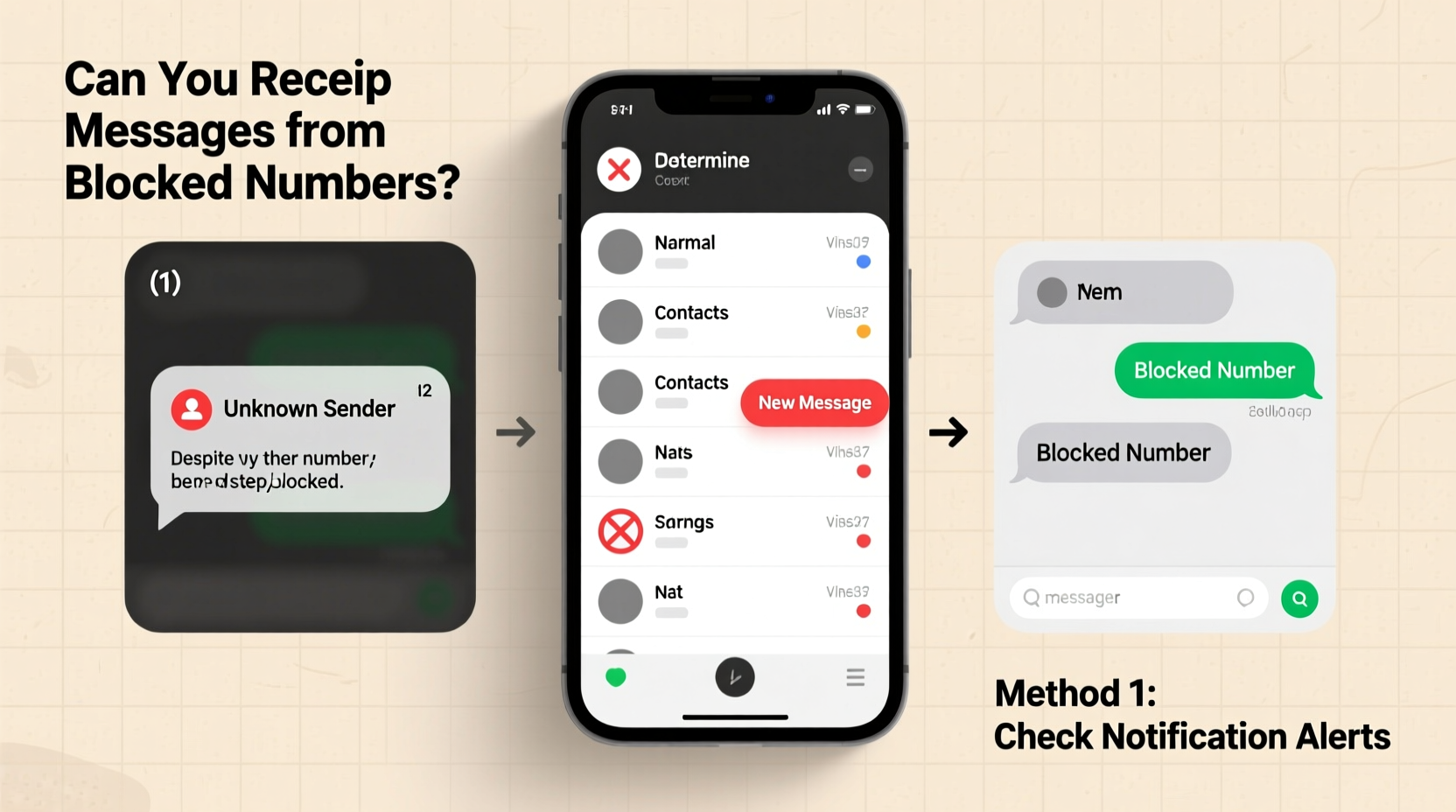
When you block a phone number, your device or carrier intercepts incoming calls and texts before they reach your inbox. On iOS, blocked iMessages go into a filtered folder; on Android, they’re often silently discarded. Carriers may still process the message, but your phone never displays it. This design protects users from harassment, but it also removes visibility into attempts at communication.
The lack of notification doesn’t mean the sender didn’t try. In fact, many blocked contacts continue sending messages, unaware they’ve been blocked. The key is finding indirect or system-level evidence that a message was sent—even if you never saw it.
“Blocking is meant to create digital boundaries, but people often want confirmation of attempts behind those walls.” — Dr. Lena Torres, Digital Behavior Researcher, UC Berkeley
Method 1: Check Your Carrier’s Spam or Filtered Messages Log
Some mobile carriers automatically filter suspected spam or blocked messages and store them in a secure log accessible through your online account portal. While not all carriers offer this, major providers like Verizon, AT&T, and T-Mobile have tools that may reveal blocked SMS activity.
Step-by-step:
- Log in to your carrier’s official website (e.g., my.verizon.com, att.com, or t-mobile.com).
- Navigate to “Messages” or “Usage History” in your account dashboard.
- Look for sections labeled “Spam Protection,” “Blocked Messages,” or “Message Filtering.”
- Check logs for incoming texts from unknown or restricted numbers around the time you suspect contact.
If the blocked number used SMS (not iMessage or third-party apps), there’s a chance the carrier logged it. Note that these logs typically don’t show full message content for privacy reasons, but they may display timestamps and sender numbers.
Method 2: Use Built-in iPhone Features (iOS Only)
iOS handles blocked messages differently than Android. When a blocked contact sends an iMessage, Apple doesn’t delete it outright. Instead, it goes to a hidden folder called \"Silenced\" or \"Blocked Senders,\" which you can access manually.
To check for blocked iMessages:
- Open the Messages app.
- Scroll to the top and tap Filtered or look for a banner that says “You have messages from blocked senders.”
- Tap to view messages from blocked contacts.
This feature only works for iMessages (blue bubbles), not standard SMS (green bubbles). If the sender used SMS, their message is likely gone unless your carrier retained a record.
Enable Advanced Filtering (Recommended)
Go to Settings > Messages and turn on:
- Filter Unknown Senders
- Send as SMS (to capture fallback messages)
This increases the chances of catching messages from blocked numbers that fall outside your main inbox.
Method 3: Third-Party Call & Message Blocking Apps
Dedicated apps like Hiya, Truecaller, or Mr. Number offer more transparency than native blocking. These services maintain logs of blocked communications, including caller ID, timestamps, and sometimes partial message previews.
| App | Shows Blocked Texts? | Free Tier Available? | Best For |
|---|---|---|---|
| Truecaller | Yes (with premium) | Yes | Global spam detection |
| Hiya | Limited preview | Yes | Carrier-integrated blocking |
| Mr. Number | Yes (log history) | Yes | Custom blocking rules |
Install one of these apps and configure it as your default messaging or call filter. Once active, any attempt from a blocked number will appear in the app’s history—even if it never reached your phone’s native inbox.
Method 4: Monitor for Indirect Clues
Sometimes, direct evidence isn’t available—but behavioral patterns can suggest a blocked number tried to contact you. These clues require attention to detail but can be surprisingly telling.
Common Indicators a Blocked Number Sent a Text:
- No read receipts from mutual contacts: If you both use iMessage and suddenly stop seeing “Delivered” or “Read” indicators, the sender may have blocked you—and possibly resent messages via SMS.
- Unexplained silence after known outreach: A person mentions they texted you, but you received nothing. This could mean they were blocked, and their message was filtered.
- Voicemail drops without a call: Some users send a text, then immediately call and hang up, leaving no ringtone. Check your call log for missed calls from unknown numbers right after a suspected message time.
While not definitive, combining multiple clues increases confidence in whether a blocked number attempted contact.
Mini Case Study: Sarah’s Unseen Messages
Sarah blocked her former coworker after repeated inappropriate messages. Weeks later, she began noticing voicemails from unknown numbers with no voice—just silence. Curious, she checked her Verizon account online and found three filtered SMS entries from a masked number. The timestamps matched the silent calls. Though the content wasn’t visible, the metadata confirmed her suspicion: the blocked contact was still trying to reach her. She reported the pattern to HR with timestamped logs, strengthening her case for workplace intervention.
This example shows how carrier logs and indirect signals can provide valuable evidence—even without seeing the actual message.
What Doesn’t Work (Common Myths Debunked)
Despite widespread belief, some popular “hacks” are ineffective or outdated:
| Myth | Reality |
|---|---|
| “If they text, my phone will vibrate silently.” | No modern phone alerts for blocked messages by default. |
| “I’ll see a ‘Message Not Delivered’ error.” | Only the *sender* sees delivery failures—not the recipient. |
| “Using airplane mode then turning it off reveals hidden texts.” | No technical basis; messages either arrive or are filtered permanently. |
Relying on myths can lead to false assumptions. Stick to verified methods involving carrier logs, third-party apps, or system-level settings.
FAQ: Common Questions About Blocked Texts
Can I retrieve a text from a blocked number after the fact?
Generally, no—if the message was filtered and not logged by your carrier or app, it’s permanently lost. That’s why proactive setup (like enabling filtering) is crucial.
Will the person know they’re blocked if they send a text?
On iMessage, they’ll see “Delivered” but never “Read”—unless you unblock. On SMS, they receive no notification. Most people don’t realize they’re blocked unless told.
Do blocked messages use data or storage on my phone?
No. Blocked messages are intercepted before reaching your device, so they don’t consume storage or data. However, logs in third-party apps do take minimal space.
Checklist: How to Detect Blocked Texts (Action Plan)
Follow this checklist to maximize your chances of detecting hidden messages:
- ✅ Log in to your carrier’s website and check for filtered message logs.
- ✅ On iPhone, open Messages and tap “Filtered” to view blocked iMessages.
- ✅ Install a trusted blocking app (e.g., Truecaller) and enable message logging.
- ✅ Turn on “Filter Unknown Senders” in your phone settings.
- ✅ Watch for indirect signs: silent calls, claims of contact, or delivery anomalies.
- ✅ Regularly back up logs if using third-party apps.
Conclusion
Finding out if a blocked number sent you a text isn’t always straightforward, but it’s far from impossible. By leveraging carrier tools, smartphone features, and third-party apps, you can gain insight into attempts at communication without compromising your boundaries. The key is preparation—setting up filters and logs *before* you need them. Digital privacy shouldn’t come at the cost of awareness. Take control of your messaging environment with smart configurations today.




 浙公网安备
33010002000092号
浙公网安备
33010002000092号 浙B2-20120091-4
Comments
No comments yet. Why don't you start the discussion?