
TikTok has become a central hub for self-expression, entertainment, and digital connection. As users grow their presence on the platform, a common question arises: Who’s checking out my profile? Unlike some social networks that offer view tracking, TikTok does not provide a built-in feature to see who has visited your profile. This limitation leaves many creators and casual users curious, sometimes frustrated, about understanding their audience at a more personal level.
Despite this restriction, there are legitimate strategies and indirect signals that can help you infer who might be viewing your profile. While no method guarantees 100% accuracy, combining behavioral insights with platform analytics can offer valuable clues. This guide breaks down what TikTok allows, what it doesn’t, and how you can use smart observation and optimization to gain deeper audience awareness.
Why TikTok Doesn’t Show Profile Viewers
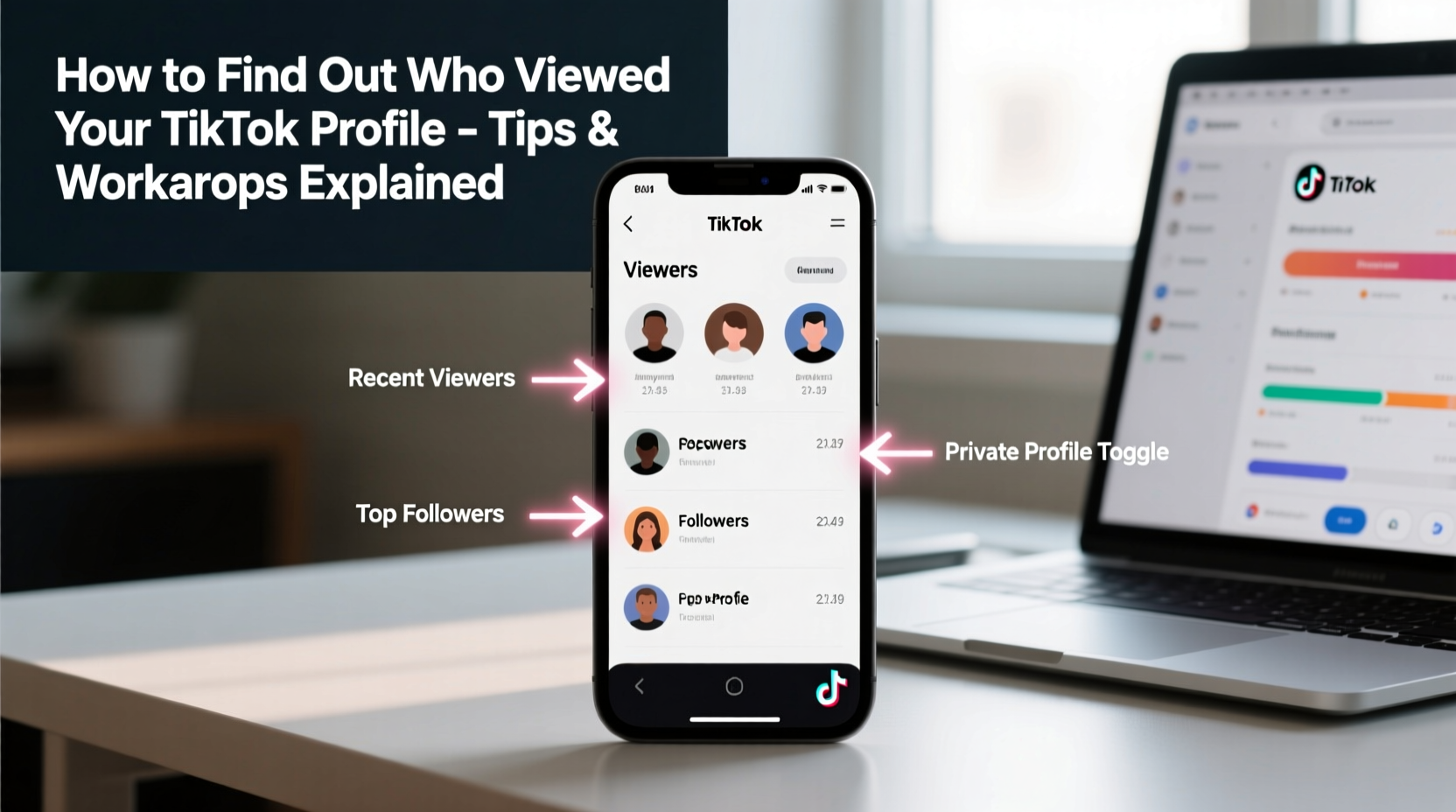
Unlike platforms such as LinkedIn or Instagram (which offers story viewers), TikTok prioritizes user privacy and engagement through content rather than surveillance. The company has consistently stated that allowing users to see who views their profiles could lead to discomfort, stalking behaviors, or pressure to reciprocate attention. In a 2022 transparency report, TikTok emphasized its commitment to “fostering a safe and creative environment,” which includes limiting features that might compromise user anonymity.
“TikTok does not provide a profile viewer history feature to protect user privacy and prevent misuse.” — TikTok Help Center
This means any third-party app claiming to reveal your profile visitors is either misleading, violates TikTok’s terms of service, or risks your account security. It's crucial to avoid these tools, as they often require login credentials and may harvest data or distribute malware.
Indirect Ways to Identify Potential Profile Visitors
While you can't directly see who viewed your profile, TikTok does offer several engagement metrics that, when analyzed carefully, can point to interested users. These indicators require attentiveness and pattern recognition but are entirely within the boundaries of TikTok’s functionality.
Monitor Engagement Patterns
One of the most reliable ways to spot someone who has visited your profile is by observing sudden spikes in interaction from accounts that previously showed no interest. For example:
- A user who suddenly likes multiple old videos in a row.
- An account commenting on your oldest posts after years of dormancy.
- Someone following you after engaging with multiple videos without previously following.
Analyze Follower Growth Sources
TikTok Analytics (available to Pro accounts) provides data on how people found your profile. Under the \"Followers\" tab, you’ll see breakdowns such as:
| Discovery Method | What It Means |
|---|---|
| “From ‘Following’ tab” | User found you through someone else’s following list. |
| “From a video” | User discovered you via a specific post. |
| “From your profile” | User landed on your profile directly—possibly via search or a shared link. |
| “From a hashtag” | User found you through hashtag browsing. |
If “From your profile” appears frequently, it suggests users are actively seeking you out—possibly after hearing your name elsewhere or seeing your username shared.
Step-by-Step Guide to Tracking Profile Interest
You can’t get a viewer list, but you can create a system to detect interest. Follow this timeline to monitor potential profile visitors:
- Switch to a Pro Account: Go to Settings > Manage Account > Switch to Pro Account (free). This unlocks analytics.
- Review Weekly Traffic Sources: Check where new followers came from under the “Followers” section in Analytics.
- Scan Recent Interactions: Manually review likes, comments, and follows over the past 24–48 hours.
- Identify Anomalous Behavior: Look for users engaging with deep-catalog content—this often indicates profile browsing.
- Check Mutual Connections: If someone starts following you and shares mutual followers, they may have found you through a friend’s list.
- Use Search Mentions (for Creators): If your name is mentioned in comments or duets, those users likely looked you up.
Common Myths and Dangerous Workarounds
The internet is full of false promises about TikTok profile tracking. Below is a quick reference to separate fact from fiction.
| Claim | Truth | Risk |
|---|---|---|
| “See who viewed your profile” apps | Fake – TikTok API doesn’t allow this | Account theft, malware |
| Username search history reveals viewers | No – TikTok doesn’t track or share this | Wasted time |
| Viewing your own profile shows visitors | Myth – No such feature exists | Misinformation |
| Third-party websites offer viewer lists | Scams – Often collect logins | Permanent account loss |
There is no safe shortcut. Any tool asking for your TikTok password violates TikTok’s security policy and should be avoided at all costs.
Real Example: How a Creator Detected a Silent Viewer
Jess, a dance creator with 50K followers, noticed a follower named @rhythmseeker had liked three of her videos—from 2021, 2022, and a recent one—all within 12 minutes. The account had no prior activity on her content. Curious, she checked their profile and saw they followed only 12 accounts, mostly in her city.
Later that week, @rhythmseeker commented: “Finally found your profile! Saw you perform live last month and wanted to check out your moves.” This confirmed Jess’s suspicion: the user had searched her username after the event and browsed her profile extensively before engaging.
This case illustrates how behavioral patterns—especially retroactive engagement—can act as digital footprints of profile visits.
Optimize Your Profile to Encourage Visibility and Interaction
If you can’t track viewers, make it easier for them to engage once they arrive. A well-optimized profile increases the chances that visitors will follow, comment, or share—giving you clearer signals of interest.
- Prominent Bio: Include keywords, location, niche, and a call-to-action (e.g., “Dancer | NYC | Collabs open”).
- Pinned Videos: Showcase your best or most representative content at the top.
- Link in Bio: Use tools like Linktree to direct traffic and track clicks externally.
- Consistent Username: Make sure it’s easy to remember and spell—so people can find you after hearing your name.
FAQ
Can I see who viewed my TikTok video?
No, TikTok does not show individual viewers of your videos—even for public content. You can see total views, likes, shares, and comments, but not who watched unless they interact.
Do TikTok profile views count if someone watches my video without clicking my profile?
No. Profile views are only counted when someone manually navigates to your profile page. Watching your video from the For You Page does not register as a profile visit.
Does TikTok notify me if someone screenshots my profile?
No. TikTok does not send notifications for screenshots of profiles, videos, or messages.
Checklist: How to Monitor Profile Interest Safely
- ✅ Switch to a TikTok Pro Account for analytics access
- ✅ Regularly review follower acquisition sources
- ✅ Watch for unusual engagement patterns (e.g., liking old videos)
- ✅ Avoid third-party “viewer tracker” apps
- ✅ Optimize your profile to encourage interaction
- ✅ Use bio links to track external traffic
- ✅ Stay active in comments to build visible relationships
Conclusion
While TikTok keeps profile viewership private—and rightly so—you’re not entirely in the dark. By paying attention to engagement trends, leveraging analytics, and optimizing your presence, you can piece together a clearer picture of who’s interested in your content. Instead of chasing invisible viewer lists, focus on building a profile so compelling that visitors naturally want to stay, follow, and interact.




 浙公网安备
33010002000092号
浙公网安备
33010002000092号 浙B2-20120091-4
Comments
No comments yet. Why don't you start the discussion?