
A sticky phone screen is more than just annoying—it can interfere with touch responsiveness, attract dust, and even degrade the sensitive oleophobic coating over time if improperly cleaned. This coating, designed to repel oils and reduce smudges, is delicate and can be stripped away by harsh chemicals or abrasive cloths. Yet many people reach for household cleaners or paper towels in frustration, unknowingly accelerating screen wear. The good news: you can restore a smooth, responsive surface without compromising this protective layer. With the right tools and techniques, it’s possible to eliminate stickiness safely and preserve your screen’s longevity.
Understanding the Oleophobic Coating and Why It Matters
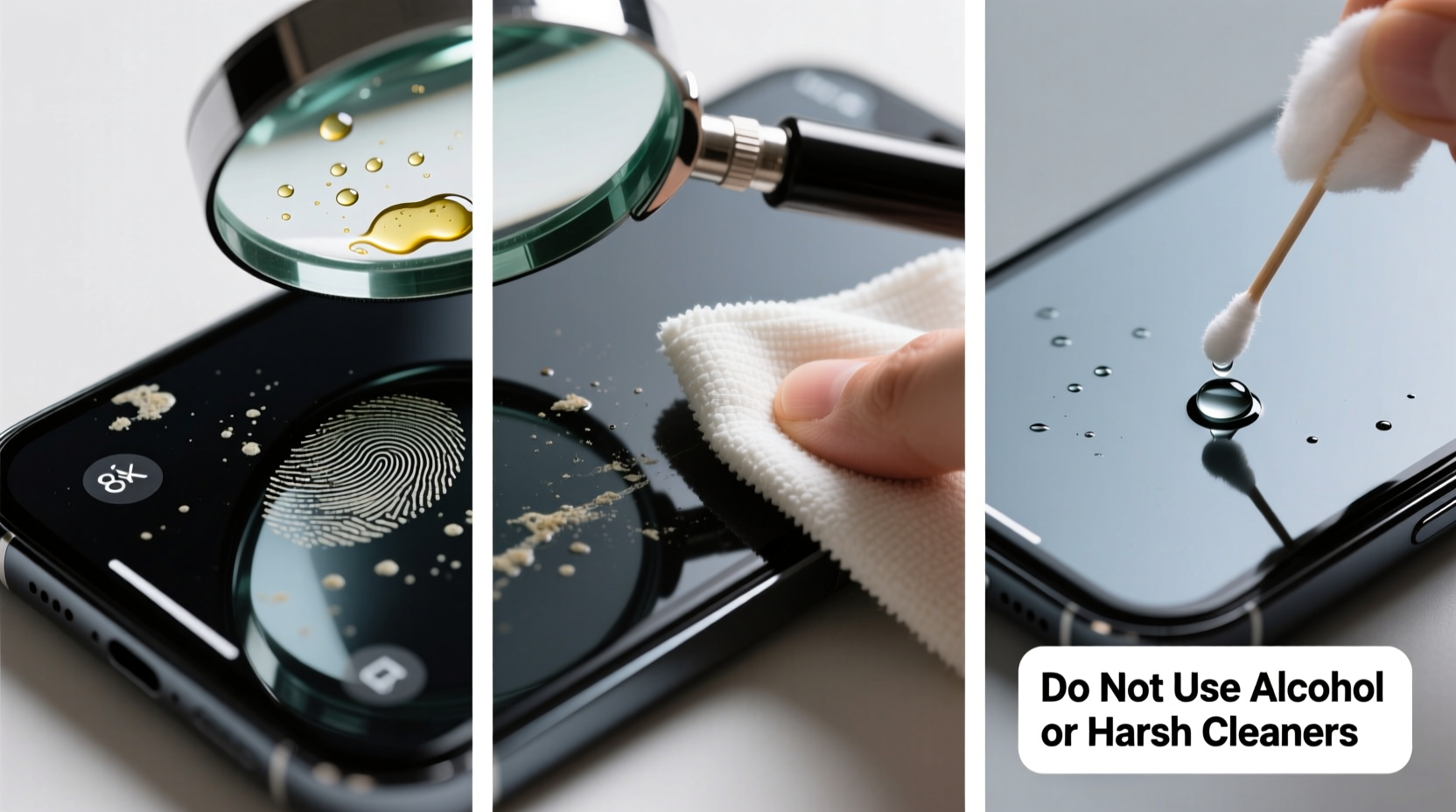
The oleophobic (oil-repelling) coating on modern smartphone screens is a thin, invisible layer applied during manufacturing. It reduces fingerprint buildup, improves swipe accuracy, and makes cleaning easier. However, this coating wears down naturally over time due to frequent touching, exposure to skin oils, and improper cleaning practices.
When the coating degrades unevenly, residue can cling to exposed micro-surfaces, creating a tacky or sticky sensation. This isn’t always dirt—it may be a combination of degraded coating material mixing with environmental grime. Attempting to scrub it off aggressively can worsen the issue, removing more of the coating and leaving the glass vulnerable to scratches and oil absorption.
“Many users damage their screens trying to clean them. The key is gentle intervention—preserving what remains of the oleophobic layer while removing contaminants.” — Dr. Lena Park, Materials Scientist at Mobile Display Labs
Step-by-Step Guide to Safely Remove Stickiness
Follow this careful process to clean your phone screen without harming its protective finish. Each step is designed to progressively address stickiness while minimizing risk.
- Power off the device. This prevents accidental inputs and allows you to inspect the screen clearly without backlight interference.
- Dry wipe with a microfiber cloth. Use a clean, lint-free microfiber cloth (like those used for eyeglasses). Gently wipe in circular motions to remove loose dust and light oils. Avoid pressing hard.
- Inspect for residue. Under bright light, check for any visible film or streaks. If the stickiness persists, proceed to damp cleaning.
- Moisten a corner of the cloth with distilled water. Never spray liquid directly onto the phone. Dampen only a small section of the cloth—wring it out until it’s barely moist.
- Wipe gently in one direction. Use straight strokes from top to bottom, avoiding circular pressure that can spread residue unevenly.
- Buff dry immediately. Switch to the dry part of the cloth and polish the screen thoroughly to prevent water spots.
- Reassess. If stickiness remains, repeat once. If after two attempts the problem continues, avoid further cleaning and consider deeper causes like adhesive residue or coating failure.
Do’s and Don’ts: Protecting Your Screen During Cleaning
One wrong move can permanently compromise your screen’s feel and function. Refer to this table to avoid common pitfalls.
| Do | Don't |
|---|---|
| Use distilled water for damp cleaning | Use tap water (minerals can leave deposits) |
| Clean with 70% isopropyl alcohol *sparingly* and only on a cloth | Apply alcohol directly or frequently (it accelerates coating wear) |
| Use a screen-safe cleaning solution designed for electronics | Use window cleaners, vinegar, or bleach-based products |
| Wipe gently with minimal pressure | Scrub aggressively or use paper towels, napkins, or rough fabrics |
| Store your phone in a clean case and avoid oily environments | Leave your phone in hot cars or near cooking areas where grease accumulates |
When Water Isn’t Enough: Handling Tough Residue
Sometimes, stickiness stems from something more persistent—like leftover adhesive from a poorly removed screen protector, dried sugary liquids (soda, juice), or accumulated hand sanitizer. These substances bond to microscopic imperfections in the worn coating and require slightly stronger intervention—but still without damage.
In such cases, a diluted isopropyl alcohol solution (70% IPA mixed with 30% distilled water) can be used cautiously. Apply one or two drops to a microfiber cloth—never the screen—and gently wipe the affected area in a single pass. Immediately follow with a dry section of the cloth to remove any moisture. Limit this method to once per month at most.
If residue remains after one attempt, do not repeat. Instead, assess whether a screen protector replacement might be necessary. Persistent adhesive often indicates that the underlying coating has already failed locally, and continued cleaning won’t restore the original slickness.
“A single aggressive cleaning session can remove months of oleophobic protection. Patience and gentleness yield better long-term results.” — TechCare Maintenance Guidelines, 2023 Edition
Real Example: Recovering a Sticky iPhone After Protector Removal
Jamal, a graphic designer in Seattle, replaced his iPhone 14’s cracked screen protector but noticed a lingering stickiness afterward, especially near the edges. He initially tried wiping it with a baby wipe, which made the sensation worse. After researching, he followed a cautious approach: first, a dry microfiber pass; then, a lightly distilled-water-dampened cloth; finally, one careful swipe with an alcohol-dampened corner. The residue lifted, and the screen regained its smooth glide. He now keeps two labeled microfiber cloths—one for glasses, one for devices—and avoids chemical wipes entirely.
His experience underscores a common mistake: assuming all wipes are safe. Baby wipes contain surfactants and moisturizers meant for skin, not glass. On oleophobic surfaces, these ingredients can polymerize under heat and light, forming a persistent film that feels sticky and looks hazy.
Prevention Checklist: Keep Your Screen Smooth Long-Term
Maintaining a non-sticky screen is largely about consistency and environment. Follow this checklist weekly to extend the life of your oleophobic coating:
- ✅ Wash hands before extended phone use to reduce oil transfer
- ✅ Clean the screen every 2–3 days with a dry microfiber cloth
- ✅ Replace screen protectors before they peel or cloud
- ✅ Avoid placing your phone face-down on desks, especially after applying hand lotion
- ✅ Use a front-accessible case to minimize direct finger contact with edges
- ✅ Keep the phone away from kitchen counters, bathrooms, and car dashboards where humidity and grease build up
- ✅ Never use compressed air near the screen—moisture and propellants can degrade coatings
Frequently Asked Questions
Can I reapply the oleophobic coating once it’s gone?
No consumer-grade product can truly restore the factory-applied oleophobic layer. Some DIY sprays claim to add oil resistance, but they typically form a temporary hydrophobic film that wears off quickly and may interfere with touchscreen sensitivity. The best solution is to use a high-quality tempered glass screen protector with its own oleophobic coating.
Is it safe to use alcohol wipes on my phone screen?
Apple, Samsung, and Google all state that 70% isopropyl alcohol wipes can be used *occasionally* on exterior surfaces, including the screen. However, “occasionally” means no more than once a week, and only when necessary. Frequent use will accelerate coating degradation. Always wipe gently and dry immediately.
Why does my screen feel sticky only in sunlight?
Heat activates certain residues, especially oils and polymers from lotions or adhesives, making them temporarily softer and more noticeable. If your screen feels fine indoors but tacky in warm conditions, it likely has a thin organic film that expands with temperature. Gentle cleaning as described above usually resolves this.
Conclusion: Preserve Function and Feel Through Smart Care
A sticky phone screen doesn’t have to mean a ruined display or costly repair. In most cases, the issue is surface-level contamination that can be resolved with patience and the right materials. The oleophobic coating is a finite resource—once it’s gone, it doesn’t come back. Every cleaning session should aim not just to fix the current problem, but to protect what remains for the future.
By adopting gentle habits, using proper tools, and understanding the science behind your screen’s surface, you can maintain a smooth, responsive touch experience for months or even years longer. Don’t rush the process. A few minutes of careful maintenance now can prevent permanent damage later.




 浙公网安备
33010002000092号
浙公网安备
33010002000092号 浙B2-20120091-4
Comments
No comments yet. Why don't you start the discussion?