
Losing a mobile phone is more than just an inconvenience—it can mean losing access to personal data, banking apps, photos, and communication channels. The urgency to recover it is real. But modern smartphones come equipped with powerful tools that, when used correctly, can help you not only locate your device but also identify who may have found it and increase the chances of a swift reunion. This guide outlines actionable, step-by-step methods to determine who has your lost phone and how to get it back—fast.
1. Act Immediately: Secure Your Device Remotely
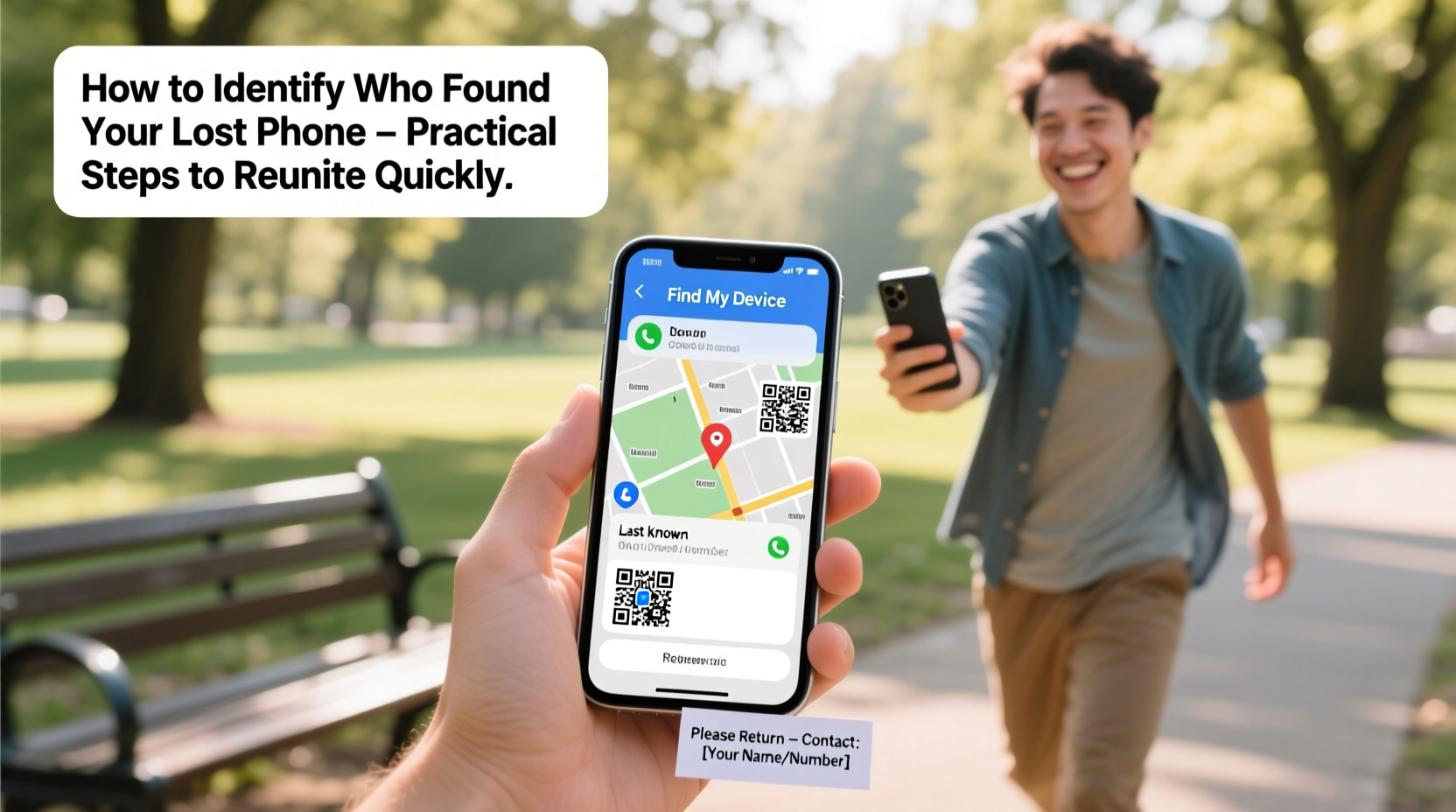
The first few minutes after realizing your phone is missing are critical. Use another device to lock or mark your phone as lost before someone with malicious intent gains access.
For iPhone users, visit iCloud’s Find My website. For Android, go to Google’s Find My Device. Both platforms allow you to:
- Locate your phone on a map in real time (if powered on and connected).
- Play a loud sound—even if the phone is on silent.
- Lock the device with a custom message displayed on the lock screen.
- Remotely erase all data if recovery seems unlikely.
2. Use Location Tracking to Identify the Finder’s Pattern
Once your phone is reported lost, monitor its movements through the tracking service. If the device starts moving, it likely means someone picked it up—and possibly turned it on.
Observe the following:
- Location consistency: Is the phone staying in one place? That could indicate it was handed to security or is being held by a local shop employee.
- Repeated movement: If the phone moves between locations daily (e.g., home to office), it may be in the possession of someone using it regularly.
- Last known location: Cross-reference this with nearby businesses, transit routes, or public areas where it might have been dropped.
Some tracking services, like Apple’s Find My network, use Bluetooth signals from other Apple devices to detect a lost phone even when it's offline. This crowdsourced method increases the odds of detection.
“Over 70% of lost phones are recovered within 24 hours when location services are enabled and acted upon swiftly.” — Dr. Alan Reyes, Mobile Security Researcher at TechSafe Labs
3. Leave a Clear, Polite Message on the Lock Screen
If you’ve remotely locked your phone, take advantage of the lock screen message feature. This is often the best way to communicate directly with the person who found it.
Instead of saying “Reward if found,” which can attract scammers, provide a contact method and express gratitude. Example:
| Recommended Message | Avoid This |
|---|---|
| \"Please call John at +1-555-123-4567. Generous reward for safe return. Thank you!\" | \"$500 reward! Call me!!!\" |
| \"This phone contains family memories. Kindly contact Sarah via email: sarah.return@gmail.com. Reward offered.\" | \"I know who you are. Return my phone now!\" |
A polite tone encourages goodwill. Including a secondary contact method (like an email) ensures reachability even if your SIM is removed.
4. Contact Local Authorities and Nearby Establishments
Use the last known GPS coordinates to identify nearby locations such as cafes, stores, taxis, or public transport hubs. Call or visit them directly.
When contacting staff:
- Mention the exact time and location where the phone was last seen.
- Ask if anyone turned in a lost device.
- Provide a description (color, model, case type) without revealing sensitive details like passcodes.
In many cities, transportation systems have lost-and-found departments. For example, subway stations or ride-share companies often log unclaimed phones.
5. Monitor for Signs of Usage and Identify the Finder Indirectly
If your phone reconnects to the internet, tracking services will update its status. Watch for clues:
- Login alerts: If two-factor authentication triggers on your accounts (email, social media), it suggests someone tried to access them.
- Changed passwords: Unexpected password reset emails mean unauthorized access attempts.
- App activity: Some services (like Google Photos) show recent device logins under security settings.
You can also check “Recent Devices” in your Google or Apple ID account. If a new IP address or unfamiliar device appears, it may be linked to the finder.
Do not attempt to hack or track beyond legal boundaries. Instead, report suspicious activity to authorities with evidence.
Mini Case Study: Recovering a Phone Left in a Ride-Share
Mark, a business traveler, left his iPhone in the backseat of a rideshare vehicle. He used Find My iPhone immediately and saw the phone moving along a highway. Within 15 minutes, it stopped at a gas station.
He called the station using the address shown on the map. The attendant confirmed a driver had dropped off a phone. Mark described it accurately and arranged pickup via a friend nearby. The entire process took under two hours—all because he acted fast and used location data effectively.
Step-by-Step Recovery Timeline
Follow this timeline for optimal results:
- Minute 0–5: Realize the phone is missing. Recall the last place you had it.
- Minute 5–10: Log into Find My iPhone or Find My Device. Play sound, check location.
- Minute 10–15: Activate Lost Mode with a contact message.
- Minute 15–30: Call nearby businesses or security desks using last known location.
- Hour 1–2: Monitor movement. Report to ride-share companies or transit lost-and-found if applicable.
- After 2 hours: If no progress, file a police report with serial number and IMEI.
- After 24 hours: Consider remote wipe if sensitive data is at risk.
Do’s and Don’ts When Trying to Identify the Finder
| Do’s | Don’ts |
|---|---|
| Use remote tracking tools immediately. | Threaten or accuse the finder publicly. |
| Leave a polite message with a contact option. | Offer large rewards upfront (can attract fraud). |
| Contact local establishments near the last location. | Share personal details like home address on the lock screen. |
| File a police report with device details. | Assume the finder is dishonest—many people act ethically. |
FAQ
Can I see who picked up my phone?
No direct identification is possible unless the finder contacts you or uses the phone to log into traceable accounts. However, location patterns and lock screen messages can help infer their behavior and encourage contact.
What if the phone is turned off or offline?
Modern networks like Apple’s Find My and Google’s offline detection can still locate devices via Bluetooth relays from nearby devices. Keep checking—the moment it reconnects, you’ll receive an update.
Should I offer a reward?
A modest, vague offer (“Reward for return”) can motivate honest finders. Avoid stating amounts publicly to prevent scams. Deliver the reward only after verifying the phone’s return.
Final Steps: Prevent Future Loss and Stay Prepared
Once your phone is recovered—or if it isn’t—take steps to avoid future incidents:
- Enable “Find My” or “Find My Device” on all phones.
- Keep your OS updated to ensure tracking features work properly.
- Write down your phone’s IMEI number (dial *#06#) and store it separately.
- Use a durable case and distinctive strap to make it easier to spot.




 浙公网安备
33010002000092号
浙公网安备
33010002000092号 浙B2-20120091-4
Comments
No comments yet. Why don't you start the discussion?