
Christmas lights have evolved from simple strings of bulbs into sophisticated, programmable displays that respond to their environment. By integrating smart home sensors with animated light sequences, homeowners can create immersive holiday experiences that react to motion, sound, temperature, and even weather conditions. This fusion of automation and festivity not only enhances visual appeal but also improves energy efficiency and interactivity. Whether you're a hobbyist or a seasoned smart home user, combining sensors with light animations opens creative possibilities limited only by imagination.
Understanding the Components
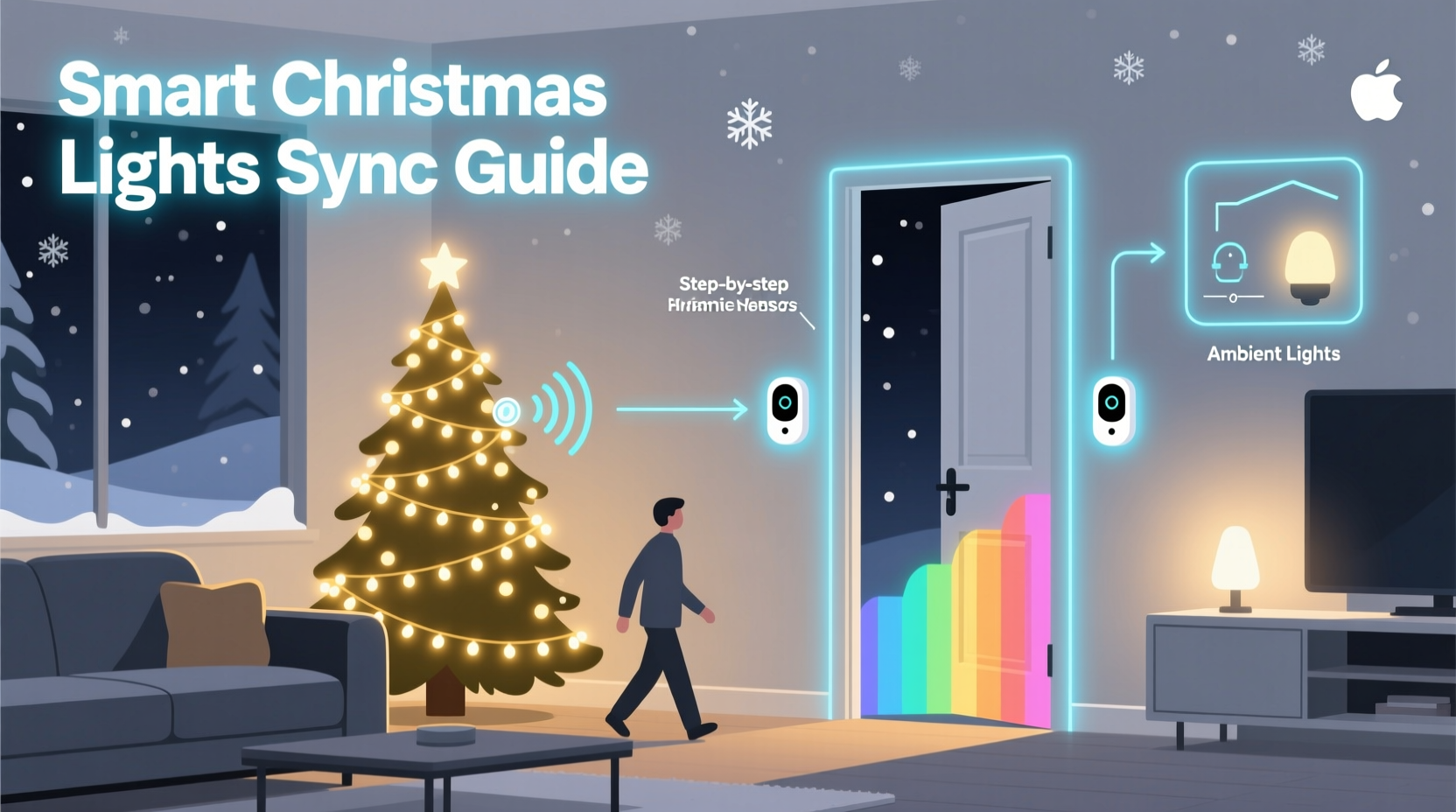
Before connecting sensors to your light setup, it's essential to understand the core technologies involved. Smart Christmas lights are typically Wi-Fi- or Bluetooth-enabled LED strips or nodes that can be controlled via apps or automation platforms. These lights support color changes, brightness adjustments, speed variations, and pattern sequencing. Popular brands include Philips Hue, Nanoleaf, LIFX, and TP-Link Kasa.
Sensors, on the other hand, gather real-time environmental data. Common types used in holiday lighting include:
- Motion sensors (PIR): Detect movement within a specific range.
- Sound sensors (microphones): Capture ambient noise levels or music beats.
- Weather sensors: Monitor outdoor conditions like temperature, wind, or precipitation.
- Light sensors (photocells): Measure ambient brightness to trigger dusk-to-dawn effects.
- Door/window contact sensors: Activate displays when entry points open.
To bridge these devices, you need a central automation hub or platform. Options include Apple HomeKit, Google Home, Amazon Alexa, Samsung SmartThings, or open-source systems like Home Assistant. These platforms allow rules, triggers, and scenes to be defined so sensor input directly influences light behavior.
Step-by-Step Guide to Sensor-Light Integration
Follow this sequence to connect a motion sensor to an animated Christmas light display using a common smart home ecosystem.
- Set up your smart lights: Install and pair your smart LED strips or bulbs with your chosen app (e.g., Philips Hue app or Kasa).
- Install the sensor: Mount the motion sensor near your display area—such as a porch or driveway—and connect it to your network.
- Add both devices to your automation platform: Ensure both the lights and sensor appear in your hub (e.g., SmartThings or Home Assistant).
- Create an automation rule: Define a trigger (“When motion is detected”) and an action (“Start animation preset ‘Snowfall Pulse’ on living room lights”).
- Customize timing: Set the animation to run for 30 seconds after detection, then return to idle mode.
- Test and refine: Walk through the detection zone to verify responsiveness and adjust sensitivity or duration as needed.
This process can be replicated for other sensor types. For example, a sound sensor placed near a speaker system can make lights pulse in time with holiday music, creating a DIY light show synchronized to audio input.
Advanced Applications and Creative Ideas
Once basic integration is mastered, users can explore more complex and engaging scenarios.
Music-Synchronized Light Shows
By feeding audio signals from a microphone or streaming service into an automation engine, lights can shift colors and patterns based on rhythm and volume. Platforms like WLED (for ESP8266-based controllers) support FastLED effects driven by real-time FFT analysis, enabling dazzling beat-responsive displays visible from the street.
Weather-Responsive Displays
Outdoor sensors can detect snowfall or freezing temperatures and activate “Winter Wonderland” themes—cool blues and whites that intensify during active snow events. Rain or high wind might trigger a safety protocol, dimming or disabling lights automatically.
Guest-Activated Animations
A doorbell press or opened front gate can initiate a welcoming sequence: pathway lights brighten, the tree flashes gold, and a “Welcome” message scrolls across a pixel matrix sign. This adds theatrical flair to seasonal hospitality.
Dusk-to-Dawn Adaptive Lighting
Using a photocell or geolocation-based sunset detection, lights can turn on at twilight and shift through evening programs—calm glows early, vibrant animations at peak viewing hours, then fade to soft white late at night.
“Smart lighting isn’t just about convenience—it’s about context. When your lights respond to people and environments, they become part of the experience.” — Daniel Ruiz, IoT Experience Designer
Compatibility and Platform Comparison
Not all sensors and lights work together natively. Choosing compatible hardware and a flexible automation layer is critical. The table below compares major platforms based on sensor support, customization, and ease of use.
| Platform | Sensor Support | Light Compatibility | Automation Depth | Best For |
|---|---|---|---|---|
| Home Assistant | Extensive (DIY & commercial) | Very broad (Zigbee, Z-Wave, Wi-Fi) | High (YAML, scripts, dashboards) | Tech-savvy users wanting full control |
| Samsung SmartThings | Strong (Zigbee/Z-Wave focus) | Good (Hue, GE, etc.) | Medium (visual editor + routines) | Reliable home-wide automation |
| Apple HomeKit | Limited (certified devices only) | Fair (Hue, Nanoleaf) | Medium (Shortcuts + automations) | iOS users prioritizing privacy |
| Google Home / Alexa | Moderate (voice-triggered logic) | Good (broad brand support) | Low-Medium (IFTTT-style applets) | Voice-centric homes |
Real-World Example: The Responsive Holiday Porch
In Portland, Oregon, homeowner Maria Lin transformed her front yard into an interactive display using a PIR motion sensor, a weather station, and RGBW LED strips wrapped around trees and railings. She used Home Assistant to define multiple automation layers:
- Between 5–9 PM, motion triggers a “Gleaming Path” animation guiding visitors to the door.
- If snow is detected, all lights switch to a slow blue shimmer effect.
- At 9:01 PM, the system reverts to low-power white lighting until dawn.
- On weekends, a scheduled “Dance Party” mode syncs lights to a playlist every hour.
The result? A neighborhood attraction that conserves energy while delighting guests. Neighbors reported feeling welcomed, and Maria reduced her nightly runtime by 40% through targeted activation.
Checklist: Preparing Your Sensor-Driven Light System
Before launching your project, go through this checklist to ensure success.
- ✅ Verify all smart lights are online and controllable via app.
- ✅ Confirm sensor placement allows optimal detection (avoid obstructions).
- ✅ Test sensor range and false trigger resistance (e.g., pets, passing cars).
- ✅ Choose an automation platform that supports both device types.
- ✅ Create backup scenes in case of connectivity issues.
- ✅ Label devices clearly (e.g., “Front Motion Sensor,” “Tree Lights – South”).
- ✅ Schedule off-times to prevent light pollution and extend bulb life.
- ✅ Review local ordinances regarding outdoor lighting duration and brightness.
Common Pitfalls and How to Avoid Them
Even well-planned integrations can encounter issues. Awareness of common problems helps prevent frustration.
- Latency delays: Cloud-dependent systems may lag. Opt for local execution when possible.
- Over-triggering: Motion sensors in high-traffic zones can cause constant activation. Adjust sensitivity or add cooldown timers (e.g., “Wait 2 minutes before triggering again”).
- Power overload: Long LED runs require adequate gauge wiring and power injection to avoid flickering.
- Network congestion: Too many Wi-Fi devices can degrade performance. Use mesh networks or separate bands for IoT devices.
- Lack of fallbacks: If the internet fails, will your lights still function? Design fail-safe modes (e.g., default static color).
“Automation should enhance, not complicate. Start small, test often, and scale only when stable.” — Lena Choi, Smart Home Consultant
FAQ
Can I use non-smart Christmas lights with sensors?
Yes, but indirectly. Use a smart plug to power traditional lights. When a sensor triggers, the plug turns on, activating the connected lights. You won’t get color or pattern control, but basic on/off automation is achievable.
Do I need coding skills to set this up?
Not necessarily. Platforms like SmartThings and Home Assistant offer no-code automation builders. However, advanced features (e.g., custom audio analysis) may require scripting knowledge or third-party tools like Node-RED.
Are there privacy concerns with motion or sound sensors outdoors?
Potentially. Avoid placing cameras or recording-capable microphones in public-facing areas without clear signage. Use sensors that process data locally instead of uploading to the cloud whenever possible.
Conclusion
Integrating smart home sensors with Christmas light animations transforms static decorations into living, breathing elements of your holiday experience. From welcoming guests with personalized light trails to reacting dynamically to snowfall or music, these systems blend technology and tradition in meaningful ways. With careful planning, compatible hardware, and thoughtful automation, anyone can build a responsive display that’s as efficient as it is enchanting.
The holiday season is a time of wonder—why not let your home reflect that magic intelligently? Begin with a single sensor and one light strip. Observe how people react. Tweak the timing, expand the triggers, and soon you’ll have a display that doesn’t just shine, but listens, responds, and delights.




 浙公网安备
33010002000092号
浙公网安备
33010002000092号 浙B2-20120091-4
Comments
No comments yet. Why don't you start the discussion?