
Creating holiday ambiance isn’t just about stringing up lights—it’s about crafting a cohesive sensory experience where sound and light move as one. Today’s smart lighting ecosystems (like Philips Hue, Nanoleaf, LIFX, and Govee) offer deep music synchronization features, but most users stop at “party mode” or generic beat detection. That approach rarely delivers the emotional resonance of a well-considered Christmas moment: snowfall pulses matching the hush before “Silent Night,” or warm amber glows swelling in time with the brass crescendo of “O Holy Night.” This article walks through the deliberate, musical, and technically grounded process of building a Christmas playlist designed *from the ground up* to drive intelligent light animations—not the other way around.
Why Playlist Design Matters More Than You Think
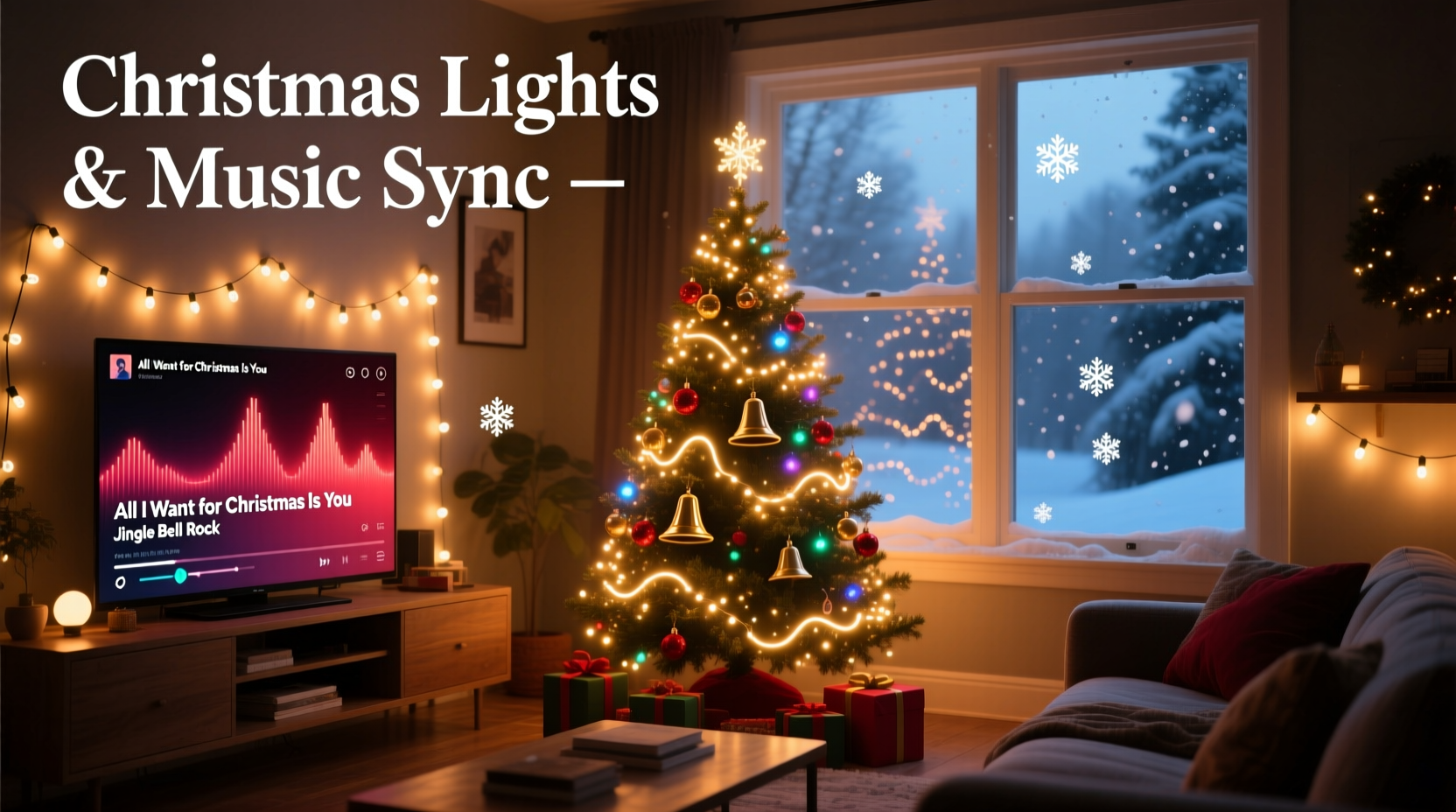
Most smart lighting apps treat music as an input signal to be processed in real time: they analyze amplitude, frequency bands, or tempo and map those values to brightness, color, or motion. But raw audio analysis is blunt. A fast-tempo pop remix of “Jingle Bells” triggers aggressive strobing—unsuitable for a cozy fireside scene. Conversely, a slow, sparse piano version of “The First Noel” may register too little dynamic range to trigger meaningful light changes at all. The solution isn’t better algorithms—it’s smarter audio curation.
Professional lighting designers working with live orchestras or immersive installations know this intuitively: light choreography begins with score analysis—identifying structural landmarks (verse/chorus transitions), timbral shifts (strings entering, choir swells), and emotional cadences (a held note, a breath pause). When you apply that same discipline to your Christmas playlist, you transform synchronization from reactive noise into intentional storytelling.
“Light doesn’t respond to ‘music’—it responds to structure, contrast, and intention. If your playlist lacks clear rhythmic anchors and dynamic shape, no app will compensate for that absence.” — Maya Chen, Lighting Experience Designer at Lumina Labs, who has engineered holiday light shows for Rockefeller Center and Nordstrom flagship stores
Step-by-Step: Building Your Sync-Ready Christmas Playlist
Follow this sequence—not as rigid rules, but as a compositional framework. Each step ensures your audio gives your lights reliable, expressive data to interpret.
- Select core tracks with strong rhythmic foundations: Prioritize songs with consistent 4/4 time signatures, steady tempos (90–120 BPM works best for most consumer light systems), and clear downbeats. Avoid heavily syncopated arrangements or tracks with frequent tempo rubato (e.g., jazz improvisations).
- Map structural markers manually: For each track, identify four key moments: intro (0:00–0:15), first chorus onset, bridge transition, and final resolution (last sustained chord or fade-out point). Note timestamps in a spreadsheet or notes app.
- Balance timbral variety across the set: Group instruments by spectral weight—brass-heavy (“Carol of the Bells”), vocal-dominant (“Have Yourself a Merry Little Christmas”), and ambient/pad-based (“Christmas Eve/Sarajevo 12/24”). Alternate them to prevent light engines from locking onto one frequency band.
- Standardize audio quality and loudness: Normalize all tracks to -14 LUFS (Loudness Units Full Scale) using free tools like Audacity or online services like LUFS.io. This prevents sudden jumps in perceived volume that cause erratic brightness spikes.
- Sequence for emotional pacing—not chronology: Open with warmth (acoustic guitar, soft vocals), build energy mid-set (full choir, percussion), then descend into reverence and stillness (a cappella, solo instrument, long reverb tails). Avoid clustering high-energy tracks.
Platform-Specific Sync Optimization
Your hardware and software ecosystem dictates how deeply you can control the relationship between audio and light. Below is a comparison of major platforms—including their strengths, limitations, and workarounds for true creative alignment.
| Platform | Sync Method | Best For | Key Limitation | Pro Workaround |
|---|---|---|---|---|
| Philips Hue + Hue Sync App | Real-time FFT analysis (frequency bands) | Room-filling energy, party scenes | No manual cue points; limited to 3 preset modes (Music, Video, Game) | Use “Music” mode + external audio interface (e.g., Behringer UCA202) to feed clean line-in signal—bypasses Bluetooth compression artifacts |
| Nanoleaf + Rhythm Module | Dual-mode: mic input (ambient) or line-in (direct) | Precision beat tracking, subtle color shifts | Rhythm module requires physical installation; mobile app lacks granular per-track settings | Pre-process tracks in Audacity: boost 60–120 Hz bass frequencies slightly to strengthen kick drum detection without distorting vocals |
| LIFX + LIFX Desktop App | Line-in only; visualizer-style mapping | Smooth color gradients, ambient washes | No tempo detection—relies on amplitude envelope alone | Apply gentle compression (ratio 2:1, threshold -20 dB) to lift quiet passages and create more consistent light response |
| Govee + Govee Music Mode | Microphone or Bluetooth audio capture | Entry-level setups, multi-room simplicity | High latency (~300 ms); struggles with low-frequency content | Use wired headphones connected to your playback device, then position mic near earcup—reduces room echo and improves clarity |
Mini Case Study: The Thompson Family’s Living Room Transformation
The Thompsons installed a 24-panel Nanoleaf Essentials setup in their 18×14 ft living room last November. Initially, they used Spotify’s built-in Hue Sync integration—playing a popular “Ultimate Christmas Hits” playlist. Lights pulsed chaotically during “All I Want for Christmas Is You,” dimmed unpredictably during “O Come, O Come Emmanuel,” and stayed static during instrumental interludes. Frustrated, they spent one Sunday afternoon rebuilding their playlist using the principles above.
They selected 12 tracks—half classic carols, half contemporary interpretations—with careful attention to tempo consistency (all within 105–112 BPM). They normalized loudness, removed two overly dense arrangements, and inserted 8 seconds of silence before each chorus to give lights time to “breathe” into a new animation state. Using Nanoleaf’s desktop app, they assigned distinct color palettes: cool whites for introspective songs (“What Child Is This?”), warm ambers for nostalgic ones (“Rockin’ Around the Christmas Tree”), and deep jewel tones for celebratory pieces (“Joy to the World”).
On Christmas Eve, as they played the revised playlist, the lights didn’t just pulse—they *anticipated*. A slow amber swell preceded the first lyric of “Silent Night.” During “Hark! The Herald Angels Sing,” panels rippled outward like light radiating from a star. Their 7-year-old daughter pointed and said, “The lights are singing with the music.” That wasn’t algorithmic luck. It was design.
Do’s and Don’ts of Audio-Light Synchronization
- Do test your playlist in the actual room—acoustics change everything. A carpeted living room absorbs highs; hardwood floors reflect them, altering how lights interpret treble.
- Do use a dedicated audio output device (e.g., USB DAC) instead of laptop speakers or Bluetooth. Clean signal path = reliable light behavior.
- Do start with shorter playlists (6–8 tracks) and expand gradually. Overloading sync engines causes buffer delays and desync.
- Don’t rely on streaming service “auto-sync” features—they’re optimized for engagement, not fidelity. They often compress audio and insert ads or crossfades.
- Don’t assume higher-end lights equal better sync. Some premium brands prioritize color accuracy over real-time processing speed—resulting in laggy responses.
- Don’t ignore speaker placement. Position your audio source equidistant from primary listening area and light controller (e.g., Nanoleaf hub) to minimize timing discrepancies.
FAQ
Can I sync lights to vinyl records or cassette tapes?
Yes—but with caveats. Analog sources introduce surface noise, wow/flutter, and inconsistent levels that confuse real-time analyzers. Use a high-quality turntable or tape deck with a clean line-out, feed it into a digital audio interface, and apply light noise reduction and normalization in post-processing. Expect less precision than with digital masters, but the warmth often yields uniquely organic light movement.
My lights sync fine to one song but drift out of time on the next. Why?
This almost always stems from inconsistent tempo metadata or unnormalized loudness. Even professionally mastered albums contain tracks with varying dynamic ranges and BPM stability. Use a tool like Mixed In Key (for tempo detection) or Adobe Audition (for detailed waveform inspection) to verify tempo constancy. If a track varies more than ±2 BPM, consider editing it in Audacity to lock the tempo via “Change Tempo” (not “Change Speed”) to preserve pitch integrity.
Do I need special software to create cue-based animations?
For basic beat-sync, no—most apps handle that automatically. But for precise, narrative-driven cues (e.g., “flash white on the word ‘glory’ in ‘Angels We Have Heard on High’”), you’ll need advanced tools. Nanoleaf’s desktop app supports manual timeline editing for Rhythm-enabled panels. Philips Hue developers can use the Hue Entertainment API with third-party controllers like TouchDesigner. For non-coders, the free, open-source app LightBee offers drag-and-drop cue creation synced to imported audio files—ideal for holiday-specific sequences.
Conclusion
A Christmas playlist that syncs meaningfully with smart lights isn’t about chasing technical novelty—it’s about honoring the tradition of caroling, where voice, space, and shared presence converged to create something greater than the sum of its parts. When your lights don’t just blink but breathe, swell, and recede in concert with the music, you’re not running an app—you’re conducting an experience. You’ve chosen intention over automation, craft over convenience, and emotional resonance over spectacle. That shift—from passive listener to active creator—is where the real magic lives.
Start small: pick three songs you love. Normalize them. Map their choruses. Play them while watching how your lights respond—not as machines, but as collaborators. Notice where the light feels hesitant, where it rushes ahead, where it lingers just right. Adjust. Refine. Listen deeper. Then share what you discover—not just the playlist, but the feeling it evokes. Because the most memorable holiday moments aren’t captured in pixels or decibels. They’re felt in the quiet space between the last note and the final glow.




 浙公网安备
33010002000092号
浙公网安备
33010002000092号 浙B2-20120091-4
Comments
No comments yet. Why don't you start the discussion?