
For years, synchronized light shows were the domain of electrical engineers and hobbyists fluent in programming languages like C++ or Python. Today, that’s changed dramatically. With intuitive visual sequencing software, plug-and-play controllers, and smart LED hardware, homeowners—whether tech-savvy or completely new to lighting—can build professional-grade, music-driven Christmas displays in under a weekend. This isn’t about approximating rhythm with pre-set effects; it’s about precisely timing individual light groups to match the swell of a choir, the chime of sleigh bells, or the pause before a chorus. The tools exist, they’re affordable, and they require zero coding knowledge—just patience, a clear plan, and attention to timing.
Why “No Coding” Is Now Realistic—and Reliable
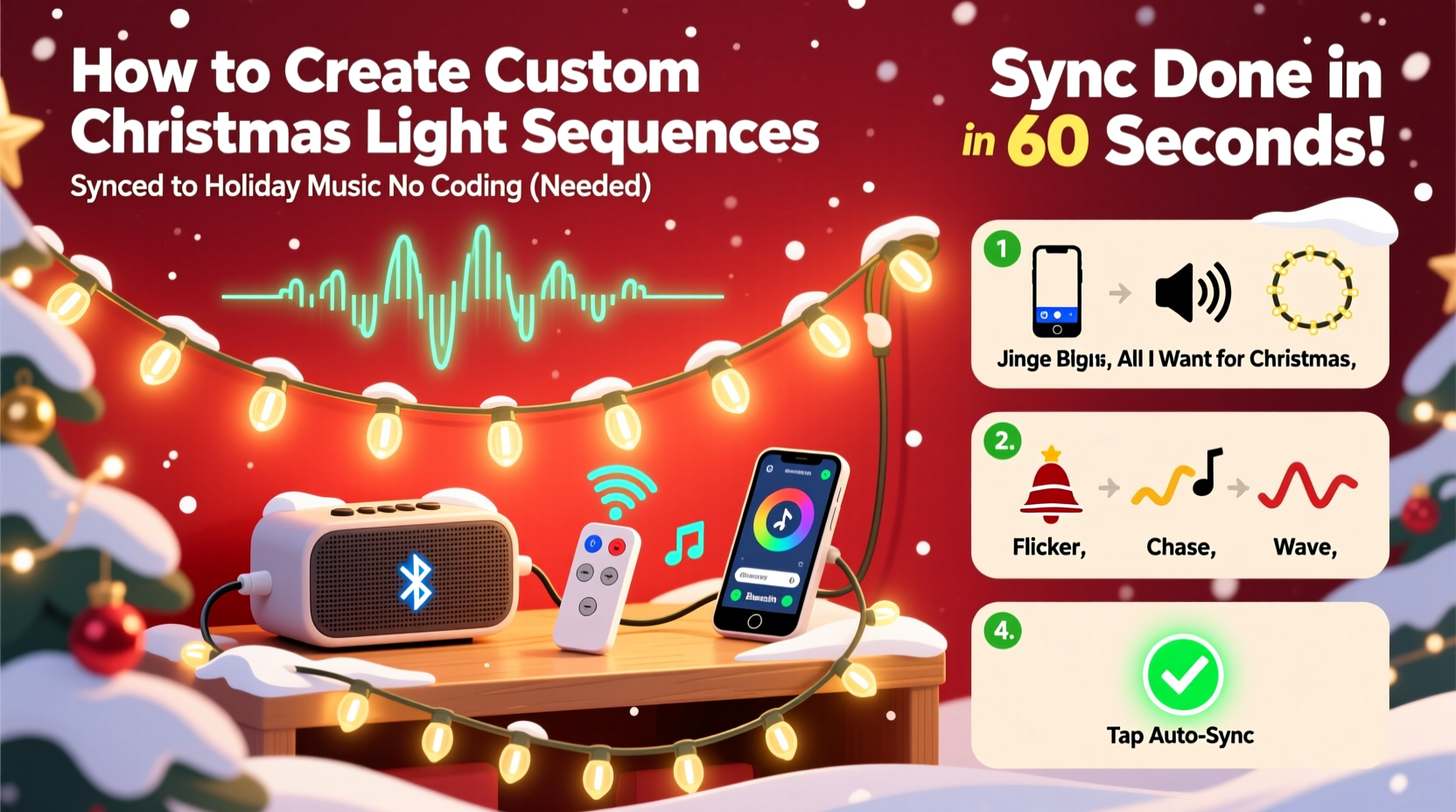
The shift began around 2018 with the rise of consumer-grade pixel controllers and drag-and-drop sequencing interfaces. Companies like Light-O-Rama, xLights, and Vixen Lights invested heavily in graphical user experiences that translate musical waveforms into visual timelines. Instead of writing scripts to trigger channels, users now draw color blocks on a grid aligned to beats per minute (BPM), drag sliders to adjust brightness curves, and preview changes in real time. Modern controllers—especially those supporting E1.31 (sACN) or DMX over Ethernet—handle protocol translation automatically. What once demanded firmware configuration now requires only selecting a controller model from a dropdown menu and assigning lights to virtual “universes.” As lighting designer and LOR Certified Instructor Maya Chen explains:
“Five years ago, syncing 50 channels meant debugging serial ports and calculating checksums. Today, my 12-year-old students build full 120-channel shows using xLights’ beat-snap grid and auto-coloring tools. The barrier isn’t technical literacy—it’s understanding musical phrasing and light grouping logic.” — Maya Chen, Lighting Educator & Holiday Display Consultant
This democratization doesn’t sacrifice precision. Top-tier no-code tools analyze audio files for tempo, key signature, and transient peaks—then generate beat markers accurate to ±15 milliseconds. That level of fidelity rivals studio-grade DAWs used by professional sound designers.
Your Essential Hardware Toolkit (Under $300)
You don’t need industrial gear to start. A reliable, scalable foundation begins with three components: lights, a controller, and a playback device. Here’s what actually works—not what’s marketed as “plug-and-play” but requires hidden configuration.
| Component | Recommended Type | Why It Works for Beginners | Price Range (USD) |
|---|---|---|---|
| Lights | WS2811 or WS2812B 5V RGB pixel strings (100–150 LEDs/string) | Low voltage = safe for outdoor use; built-in ICs eliminate external drivers; compatible with all major software | $25–$45 per string |
| Controller | xLights-compatible ESP32-based board (e.g., J1SYS Pixel Controller or Falcon F16v3) | Pre-flashed with open-source firmware; connects via Wi-Fi or Ethernet; supports up to 2,048 pixels per port | $65–$120 |
| Playback Device | Dedicated Windows laptop (Windows 10/11, 8GB RAM minimum) | Runs xLights natively; avoids latency issues common with tablets or Chromebooks; handles real-time audio analysis smoothly | $150–$250 (refurbished recommended) |
Avoid “all-in-one” smart bulbs marketed for music sync—they lack channel-level control, suffer from Bluetooth lag, and rarely support true multi-track sequencing. Stick with addressable pixel strings and dedicated controllers. Start small: one 100-LED string + one controller + your existing laptop. You’ll learn more in two hours than you would watching ten “easy setup” YouTube videos.
The Step-by-Step Sequencing Workflow (Zero Code, Zero Guesswork)
This is the core process used by award-winning neighborhood displays—from first-timers to 15-year veterans. It takes 3–5 hours for a 3-minute song, depending on complexity. Follow each phase strictly; skipping steps causes timing drift and visual clutter.
- Select & prepare your audio file: Use WAV or high-bitrate MP3 (320 kbps). Trim silence from intro/outro in Audacity (free). Normalize peak amplitude to -1 dB to prevent clipping during analysis.
- Import into xLights: Launch xLights > “Create New Show” > “Add Audio File.” Let the software auto-detect BPM. Manually adjust beat grid if off by more than 0.2 seconds (use “Snap to Beat” toggle).
- Design your light layout: In “Model Preview,” drag virtual strings to match your physical setup—e.g., “Front Porch Roofline (50 LEDs),” “Garage Door Outline (30 LEDs).” Name each group clearly. This maps software channels to real-world locations.
- Sequence using visual tools: Open the timeline. Zoom to 0.1-second resolution. Use “Auto Color” to fill bars with base colors, then manually refine:
- Draw rectangles for sustained effects (e.g., warm white glow during verses)
- Use “Fade In/Out” tool for smooth transitions between sections
- Enable “Beat Flash” for percussive hits (drums, jingle bells)—xLights places flashes at detected transients
- Preview & refine: Play audio while watching the 3D preview. Watch for “light lag”—if effects trigger after the sound, shift the entire sequence left in 0.05s increments until aligned. Export final sequence as .xseq file.
This workflow replaces coding with spatial reasoning and auditory feedback. You’re not instructing a computer—you’re conducting light like an orchestra, using color, duration, and position as your instruments.
Real-World Example: The Henderson Family’s First Show
In December 2023, the Henderson family in Portland, Oregon, built their first synchronized display—a 72-light roofline and 48-light tree—with no prior electronics experience. Sarah Henderson, a middle-school art teacher, used xLights’ “Beginner Mode” and followed a free 4-part tutorial series from the xLights Community Forum. She started with “Jingle Bells” (120 BPM), focusing only on the roofline lights for her first attempt. Her breakthrough came when she realized she could hear timing errors: “When the ‘jingle’ hit, the lights flashed—but they felt late. I zoomed in, saw the waveform peak was 0.12 seconds before the flash, and dragged the rectangle left. Suddenly, it *clicked*. Not just visually—but physically, like a drumstick hitting a snare.” By Christmas Eve, their 90-second show included color sweeps timed to the melody’s rising scale and a slow fade-to-red during the final “oh!” Their neighbors filmed it; the video garnered 12,000 views on Nextdoor. No code. No soldering iron. Just listening, watching, and adjusting.
What to Avoid: Common Pitfalls & Fixes
Even with intuitive tools, beginners repeat the same mistakes. These aren’t technical failures—they’re workflow oversights.
- Overloading early sequences: Trying to animate every LED individually in your first song leads to visual noise and burnout. Start with 2–3 light groups max. Master timing before adding complexity.
- Ignoring power injection: WS2812B strings dim after ~70 LEDs due to voltage drop. Inject 5V power at both ends of strings longer than 5 meters. Use a multimeter to verify voltage stays above 4.75V at the farthest LED.
- Using compressed audio sources: TikTok clips, Spotify streams, or YouTube rips contain compression artifacts that confuse beat detection. Always source original recordings or use Audacity to clean audio first.
- Skipping testing at night: Daylight hides timing flaws and color washout. Test sequences outdoors after dusk—even for 10 minutes—to catch issues like unintended strobing or washed-out reds.
FAQ: Practical Questions Answered
Can I use my existing incandescent mini-lights?
No—incandescent sets lack individual LED control and cannot be addressed or dimmed per bulb. They work only with simple AC timers or basic “twinkle” controllers. To sync to music, you need digitally addressable RGB pixels (WS2811/WS2812B/UCS1903) or DMX-compatible fixtures.
How many lights can one controller handle?
It depends on the controller’s output protocol and refresh rate. A standard ESP32-based controller handles ~1,700 pixels at 40 FPS (smooth for most effects). For larger displays, add a second controller and sync them via E1.31 multicast—xLights configures this automatically during setup. No network configuration needed.
Do I need special extension cords or outlets?
Yes. Use 12-gauge outdoor-rated extension cords for runs over 25 feet. Plug controllers into GFCI-protected outlets. Never daisy-chain more than three 100-LED strings on one 5V power supply—each string draws ~2.5A at full white. Use separate 5V/30A power supplies per 100-LED string for reliability.
Conclusion: Your Lights Are Waiting for Their First Song
You don’t need a degree in computer science or a garage full of oscilloscopes to create something magical. What you need is a willingness to listen closely—to the music, to the rhythm of your own home, to the quiet satisfaction of seeing light move exactly where and when you intend it to. Thousands of people have done this in the last three years: teachers, retirees, nurses, college students—all starting with the same blank timeline, the same unlit string of pixels, the same hope that something beautiful might emerge from careful attention. Your first sequence won’t be perfect. It might flash too long on the chorus, or miss the bridge entirely. That’s not failure—that’s data. Each adjustment refines your ear, sharpens your eye, and deepens your connection to the craft. So pick one song you love. Download xLights. Plug in one string. Press play—and watch your lights find their voice.




 浙公网安备
33010002000092号
浙公网安备
33010002000092号 浙B2-20120091-4
Comments
No comments yet. Why don't you start the discussion?