
In an era where communication is essential but mobile plans can be expensive, making free phone calls is more than a convenience—it's a smart financial move. Whether you're staying in touch with family abroad, connecting with colleagues remotely, or simply trying to reduce your monthly expenses, several reliable, high-quality tools allow you to make voice calls at no cost. These solutions leverage internet connectivity, eliminating the need for traditional carrier minutes. From messaging apps with calling features to full-fledged VoIP platforms, the options are diverse and accessible on smartphones, tablets, and computers.
Why Free Calling Is Possible (And Reliable)
The rise of Voice over Internet Protocol (VoIP) technology has transformed how we communicate. Instead of relying on cellular networks, VoIP transmits voice data through the internet. This shift reduces infrastructure costs significantly, enabling developers to offer free calling services. As long as both parties have a stable internet connection—via Wi-Fi or data—voice quality often matches or exceeds that of traditional phone lines.
Many free calling apps also integrate video, messaging, and file sharing, turning them into comprehensive communication hubs. The key requirement? Both users must have the same app installed or access to compatible platforms. Some services even allow free calls to landlines and mobile numbers under specific conditions, expanding their utility beyond peer-to-peer connections.
“VoIP isn’t just for businesses anymore. Consumers now have access to enterprise-grade calling at zero cost.” — Dr. Lena Torres, Telecommunications Analyst
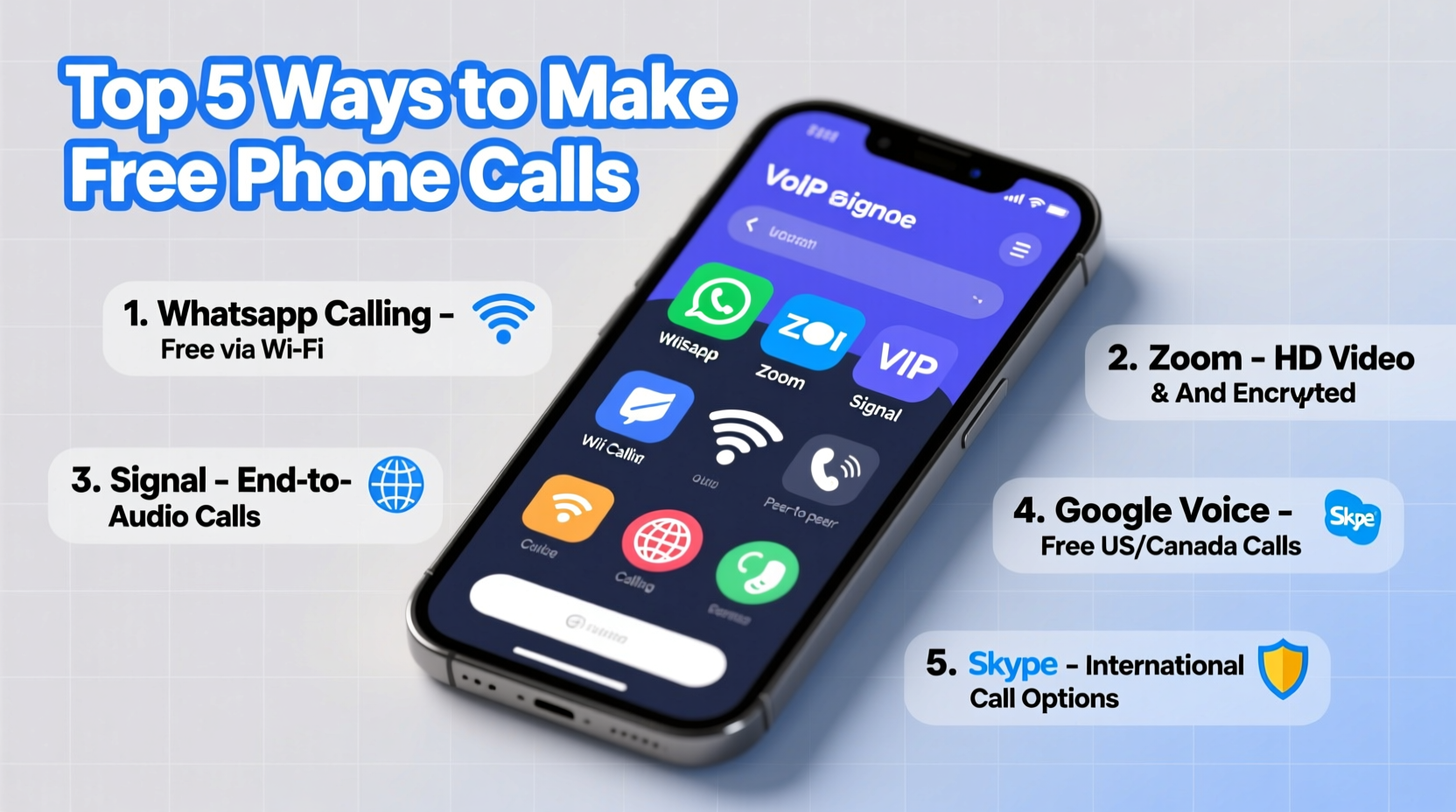
Top 5 Tools for Making Free Phone Calls
Not all free calling apps are created equal. Some prioritize ease of use, while others offer advanced features like group calling or international routing. Below are five of the most effective and widely trusted tools available today.
1. WhatsApp
With over 2 billion users globally, WhatsApp is one of the most popular platforms for free calling. It supports one-on-one and group voice calls, all encrypted end-to-end. The app works across Android, iOS, and desktop, syncing seamlessly between devices. While it requires both parties to have WhatsApp accounts, its reliability and call clarity make it a top choice for personal and small business use.
2. Google Voice
Available in the U.S., Google Voice offers free calls to other Google Voice users and low-cost rates to domestic landlines and mobiles. Users get a dedicated phone number they can use across devices. One standout feature is voicemail transcription, which converts voice messages into text. Although not entirely free for non-internet calls, it’s a powerful tool for consolidating communications under one number.
3. Skype
Skype remains a leader in VoIP services, offering free audio and video calls between Skype users. It supports up to 100 participants in group calls and integrates with Microsoft Office products. While premium features require subscription, basic calling is completely free. Skype also allows low-rate international calling to real phone numbers, making it ideal for global outreach.
4. Viber
Viber combines messaging, calling, and social features in a user-friendly interface. It provides high-definition voice calls over Wi-Fi or data, with end-to-end encryption for privacy. Like WhatsApp, both users must have the app installed. Viber Out enables discounted calls to landlines and mobiles, but peer-to-peer calls remain free.
5. Facebook Messenger
Built into the Facebook ecosystem, Messenger allows free voice and video calls without leaving the app. It’s particularly useful for casual conversations with friends already active on Facebook. Call quality is generally good, though the platform collects more user data than privacy-focused alternatives.
| App | Free Peer Calls | Encryption | Group Calls | Best For |
|---|---|---|---|---|
| Yes | End-to-end | Up to 32 | Personal & family use | |
| Google Voice | Limited (U.S. only) | Transport-level | No | Business & number management |
| Skype | Yes | End-to-end (select) | Up to 100 | International & group meetings |
| Viber | Yes | End-to-end | Up to 20 | HD calling & stickers |
| Messenger | Yes | Transport-level | Up to 50 | Social network integration |
Step-by-Step Guide to Setting Up Free Calling
Getting started with free calling takes just a few minutes. Follow this sequence to begin making high-quality calls today.
- Choose Your App: Based on your needs—privacy, group size, or device compatibility—select one of the tools listed above.
- Download and Install: Visit your device’s app store (Google Play, Apple App Store, or desktop site) and install the application.
- Create an Account: Register using your email or phone number. Some apps, like WhatsApp, verify identity via SMS.
- Add Contacts: Sync your phonebook or manually add contacts who also use the app.
- Test a Call: Initiate a test call with a friend to ensure microphone, speaker, and internet are functioning properly.
- Enable Notifications: Turn on alerts so you don’t miss incoming calls, especially on less frequently used apps.
Real-World Example: Staying Connected Across Continents
Sofia, a graduate student in Berlin, uses WhatsApp daily to speak with her parents in Manila. With inconsistent income from part-time work, she once relied on expensive international calling cards. After switching to WhatsApp, she eliminated her phone bill entirely. “I call my mom every Sunday,” she says. “We see each other’s faces, hear every word clearly, and it costs nothing. I wish I’d discovered this years ago.” Her experience reflects millions of users who rely on free calling to maintain emotional and familial bonds without financial strain.
Avoiding Common Pitfalls
While free calling is convenient, certain missteps can compromise quality or security. Awareness helps prevent frustration down the line.
- Using Public Wi-Fi Without Caution: Open networks may expose your traffic. Avoid sensitive conversations on unsecured connections.
- Ignoring Data Usage: On cellular data, prolonged calls consume bandwidth. Monitor usage if you have a limited plan.
- Assuming All “Free” Services Are Equal: Some apps monetize through ads or data collection. Review privacy policies before committing.
- Forgetting to Update Apps: Outdated software may lack security patches or performance improvements. Enable auto-updates when possible.
Frequently Asked Questions
Can I make free calls to someone without the same app?
Generally, no. Most free calling apps require both users to have the same service installed. However, Google Voice and Skype offer low-cost options to call regular phone numbers.
Are free calls secure?
It depends on the app. WhatsApp, Signal, and Viber use end-to-end encryption, meaning only you and the recipient can hear the conversation. Others, like Messenger, encrypt data in transit but store metadata, posing potential privacy risks.
Do I need a smartphone to make free calls?
No. Many services, including Skype and Google Voice, support desktop and web-based calling. You only need a computer with a microphone, speakers, and internet access.
Maximizing Value: A Free Calling Checklist
To get the most out of free calling tools, follow this concise checklist:
- ✅ Compare app features based on your primary use case (e.g., international, group, or private calls).
- ✅ Ensure all contacts you frequently call are on the same platform.
- ✅ Use Wi-Fi whenever possible to avoid data charges.
- ✅ Test audio quality with a short call before important conversations.
- ✅ Keep your app updated for optimal performance and security.
- ✅ Consider using a headset for clearer sound and reduced background noise.
Final Thoughts: Embrace Cost-Free Communication
Free phone calls are no longer a novelty—they’re a practical reality for millions. By leveraging modern apps and internet connectivity, you can eliminate phone bills, maintain global relationships, and communicate with clarity and confidence. The tools are accessible, the setup is simple, and the savings are real. Whether you're a student, remote worker, or someone looking to reconnect with distant loved ones, there’s never been a better time to switch.




 浙公网安备
33010002000092号
浙公网安备
33010002000092号 浙B2-20120091-4
Comments
No comments yet. Why don't you start the discussion?