
In today’s digital world, having a mobile number is often essential—even if you don’t own a traditional smartphone or cellular plan. Whether you're protecting your privacy, managing business communications, traveling abroad, or simply avoiding the cost of a new device, obtaining a mobile number without a physical phone is not only possible but increasingly common. Thanks to advancements in VoIP (Voice over Internet Protocol), cloud-based communication platforms, and virtual number providers, you can receive calls, send texts, and even use two-factor authentication (2FA) from virtually any internet-connected device.
This guide explores reliable, legal, and user-friendly methods for acquiring a mobile number without owning a mobile phone—along with practical tips to ensure security, functionality, and long-term usability.
Why Get a Mobile Number Without a Phone?
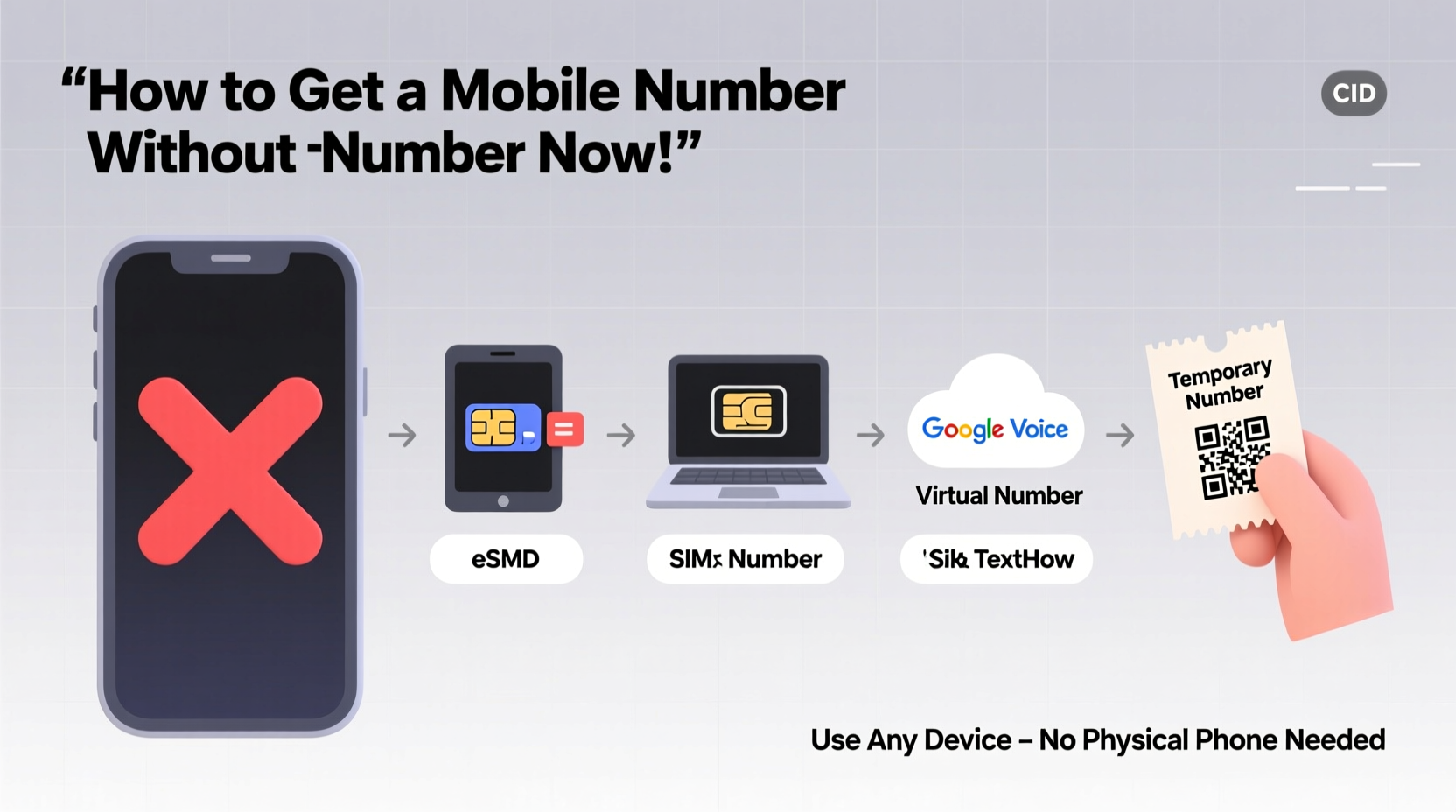
There are numerous legitimate reasons someone might need a mobile number without a SIM card or device:
- Privacy protection: Avoid sharing personal contact details online.
- Freelancers and entrepreneurs: Separate business from personal life.
- Travelers: Maintain a local number while abroad.
- Online account verification: Access services requiring SMS confirmation.
- Digital nomads: Operate globally with a stable, consistent number.
With these needs in mind, several modern solutions have emerged that allow users to operate fully functional mobile numbers via laptops, tablets, or smartwatches—all powered by Wi-Fi or data connections.
Top Methods to Obtain a Mobile Number Without a Physical Phone
1. Use VoIP Services Like Google Voice
Google Voice is one of the most accessible and widely used platforms for getting a free U.S.-based mobile number. While it requires initial verification through an existing U.S. mobile number, once set up, you can make calls, send texts, and receive SMS directly from a web browser or desktop app—no smartphone needed.
After registration, your Google Voice number works across devices: Chromebooks, PCs, iPads, and even Android Auto systems. Incoming calls ring on all linked devices simultaneously, and voicemails are transcribed and stored online.
2. Virtual Number Providers (e.g., TextNow, TextFree)
Apps like TextNow and TextFree offer free virtual phone numbers that work over Wi-Fi. These services provide both calling and texting capabilities through their apps, which run on tablets and computers.
While ads support the free tier, premium plans remove interruptions and offer additional features such as custom number selection and international calling. Numbers from these providers are accepted by many websites for two-factor authentication, though some major platforms (like WhatsApp) may block them due to abuse prevention policies.
3. Business Communication Platforms (Zoom Phone, OpenPhone)
For professionals and remote teams, services like OpenPhone, Grasshopper, or Zoom Phone deliver full-featured business phone lines with real mobile numbers. These are ideal for freelancers, startups, or solopreneurs who want a professional presence without tying a number to a personal device.
These platforms typically assign local, toll-free, or vanity numbers and sync across multiple devices. They also include advanced features like call routing, auto-replies, team collaboration, and CRM integration.
“Virtual phone systems have democratized access to mobile communication. You no longer need a carrier contract or hardware to maintain a credible, reachable identity.” — Sarah Lin, Telecom Industry Analyst
4. International Virtual Number Services (Skype, Hushed)
If you need a number from a specific country—for travel, work, or regional access—services like Skype and Hushed allow you to purchase virtual numbers in dozens of countries. For example, you can buy a UK mobile number through Skype and use it to receive calls and texts via the app on your laptop.
Skype numbers start at around $6 per month, with incoming calls included and low-cost outgoing rates. Hushed offers disposable or long-term numbers with enhanced privacy controls, ideal for short-term projects or sensitive communications.
5. Burner Apps and Temporary SMS Receivers
For situations where you only need a number temporarily—such as signing up for a trial or receiving a single verification code—burner apps like MySudo or online services like Receive-SMS.cc can help.
These tools give instant access to temporary numbers that receive SMS messages publicly. However, they come with significant limitations: lack of voice calling, potential exposure of messages to others (in public inbox models), and frequent blacklisting by major platforms.
Use them cautiously and only when permanent identity isn’t required.
Step-by-Step Guide: Setting Up a Virtual Mobile Number Using Google Voice
- Create a Google Account: Go to accounts.google.com and sign up if you don’t already have one.
- Visit Google Voice: Navigate to voice.google.com and sign in.
- Select Your Number: Enter your ZIP code and choose an available number from the list.
- Verify an Existing U.S. Number: Provide a working U.S. mobile number to confirm ownership (this step is mandatory).
- Complete Setup: Once verified, unlink the forwarding number if desired.
- Install the App or Use Web Version: Access your new number via browser, Chrome extension, or mobile app.
- Start Calling and Texting: Make domestic calls for free and send unlimited texts to U.S. numbers.
Note: Google Voice currently only allows number porting into the U.S., Canada, and select territories. International availability is limited.
Do’s and Don’ts When Using Virtual Numbers
| Do | Don’t |
|---|---|
| Use reputable providers with encryption and privacy policies | Rely on public SMS receiver sites for sensitive verifications |
| Enable two-factor login on your virtual number account | Share your virtual number publicly without filtering spam |
| Check platform compatibility (e.g., WhatsApp, Telegram) | Assume all virtual numbers work for banking or government services |
| Back up message history regularly | Use temporary numbers for long-term business relationships |
Mini Case Study: Remote Worker Establishes a Local Presence Abroad
Jamal, a freelance graphic designer based in Portugal, landed a recurring client in Florida. To appear more accessible and trustworthy, he wanted a U.S. mobile number for calls and messaging—but didn’t want to pay for a U.S. SIM or keep an old phone active.
He signed up for OpenPhone, selected a Miami-area number, and integrated it with his MacBook and iPad. Now, clients see a local number when he calls, and he receives texts instantly on his tablet. His workflow improved significantly, and the client noted how “easy to reach” he was—despite Jamal never leaving Europe.
The monthly cost? $10. The impact? A stronger professional image and smoother client communication.
Checklist: How to Choose the Right Virtual Number Service
- ✅ Determine your primary use case: personal privacy, business, travel, or verification
- ✅ Confirm number type availability (local, toll-free, mobile)
- ✅ Verify device compatibility (desktop, tablet, smartwatch)
- ✅ Check if the number supports 2FA for banks, social media, and email
- ✅ Review pricing structure—free vs. subscription vs. pay-as-you-go
- ✅ Ensure customer support and data security standards meet your needs
- ✅ Test inbound and outbound calling quality before committing
Frequently Asked Questions
Can I use a virtual number for WhatsApp?
Yes, but with caveats. Some VoIP numbers (especially Google Voice) are blocked by WhatsApp during registration. Others, like those from OpenPhone or dedicated mobile carriers, may work. However, switching devices or losing internet access could result in account bans or deactivation.
Are virtual numbers traceable?
They can be, depending on the provider. Reputable services comply with law enforcement requests and maintain logs. Truly anonymous options exist but are rare and often restricted. Always assume digital activity leaves traces.
Will banks accept my virtual number for account verification?
It varies. Major banks like Chase or Bank of America often reject VoIP numbers for SMS authentication due to fraud concerns. Prepaid mobile numbers or traditional SIM-based lines are more likely to succeed. Consider using a secondary physical SIM for financial accounts.
Conclusion: Stay Connected on Your Terms
Obtaining a mobile number without a phone is not just feasible—it’s a smart, flexible solution for modern communication needs. From running a global business to safeguarding your personal information, virtual numbers empower users with control, convenience, and cost savings.
By choosing the right service, following best practices, and understanding the limitations, you can leverage a mobile number anywhere in the world—using nothing more than a laptop and an internet connection.




 浙公网安备
33010002000092号
浙公网安备
33010002000092号 浙B2-20120091-4
Comments
No comments yet. Why don't you start the discussion?