
Paying for PlayStation Plus has become an essential part of the gaming experience for millions. Whether you're unlocking online multiplayer, accessing monthly free games, or enjoying exclusive discounts, maintaining an active PS Plus subscription is key. However, navigating the various payment methods—especially across different regions and devices—can be confusing. This guide breaks down every secure and convenient way to fund your subscription, ensuring you stay connected without interruption.
Understanding PS Plus Subscription Tiers
Before diving into payment methods, it's important to understand what you're paying for. Sony offers three tiers of PlayStation Plus:
- Essential: Online multiplayer access, monthly free games, cloud saves, and exclusive discounts.
- Extra: Everything in Essential, plus access to a catalog of hundreds of downloadable PS4 and PS5 games.
- Premium: All Extra benefits, plus game trials, cloud streaming for select titles, and classic game catalogs.
Each tier comes at a different price point, so choosing the right one affects both cost and payment frequency. Most users opt for monthly, quarterly, or annual plans—annual typically offering the best value per month.
Step-by-Step: How to Pay via PlayStation Console
The most direct way to manage your PS Plus subscription is through your PlayStation console. Here’s how to do it on a PS5 (the process is nearly identical on PS4):
- Turn on your console and sign in to your PlayStation Network (PSN) account.
- Navigate to Settings > Account Management > Subscription Management.
- Select PlayStation Plus and choose Change Plan.
- Pick your desired tier and billing cycle (monthly, 3-month, 12-month).
- Select your preferred payment method or add a new one.
- Confirm the purchase. You’ll receive a confirmation email from Sony.
If you already have a subscription, you can change or upgrade your plan at any time. Downgrades take effect at the end of the current billing period.
Available Payment Methods and Their Security
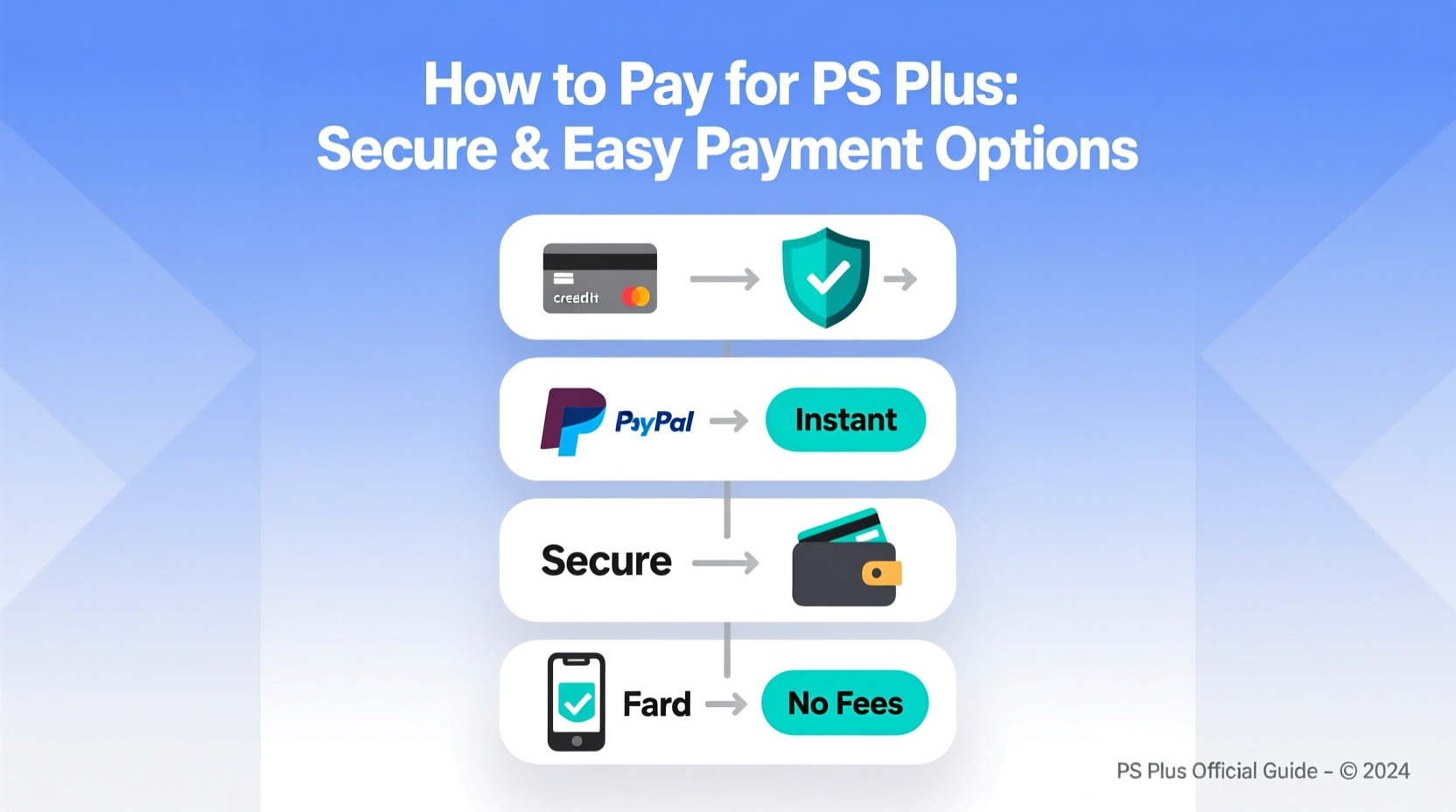
Sony supports multiple secure payment options globally. The availability depends on your region, but most users can use the following:
| Payment Method | Supported Regions | Security Features | Auto-Renewal Support |
|---|---|---|---|
| Credit/Debit Cards (Visa, Mastercard) | Global | 3D Secure, tokenization, CVV verification | Yes |
| PayPal | Most countries | Two-factor authentication, buyer protection | Yes |
| PlayStation Store Gift Cards | Region-specific | No personal data stored; prepaid only | No (manual renewal required) |
| Mobile Carrier Billing (e.g., AT&T, Vodafone) | Limited regions | Billed through carrier; no card needed | Varies |
| Amazon Pay | Selected regions (US, UK, DE) | Encrypted wallet data, fraud monitoring | Yes |
When entering card details, always ensure you’re on the official PlayStation website or console interface. Avoid third-party sites claiming to sell discounted PS Plus—they often distribute stolen codes or phishing scams.
“Using trusted payment gateways like PayPal or credit cards with zero-liability policies ensures you’re protected against unauthorized charges.” — Daniel Reyes, Cybersecurity Analyst at NetSecure Labs
Using PlayStation Store Gift Cards: A Safe Alternative
For users who prefer not to link bank accounts or credit cards, PlayStation Store gift cards are a popular alternative. These can be purchased at retail stores like Walmart, Best Buy, or online through authorized sellers such as Amazon.
To redeem:
- Go to the PlayStation Store on your console or web browser.
- Sign in to your PSN account.
- Select Redeem Codes from the menu.
- Enter the 12-digit code found on the back of the card.
- Once credited, go to the PS Plus section and subscribe using your balance.
You can combine multiple cards or use partial balance toward a subscription. Unlike auto-renewing payments, this method requires manual renewal, which gives you full control over when and how much you spend.
Mini Case Study: Avoiding Unexpected Charges
Alex, a college student in Canada, renewed his PS Plus Extra plan automatically using a credit card. After switching banks, his old card was deactivated—but he forgot to update his payment method on PSN. Two weeks later, he received an email that his subscription had lapsed, locking him out of online play during finals week.
After contacting Sony support, Alex learned he could’ve avoided the issue by setting up email reminders or switching to gift cards. He now uses $50 gift cards every six months, scheduled around holiday gifts. His account stays active, and he avoids recurring charges on unreliable payment methods.
This scenario highlights the importance of monitoring auto-renewals and having backup funding strategies.
Checklist: Secure Your PS Plus Payment
- ✅ Verify your current subscription status in PSN settings.
- ✅ Update expired or canceled payment methods immediately.
- ✅ Enable two-factor authentication on your PSN account.
- ✅ Set up email notifications for upcoming renewals.
- ✅ Use strong, unique passwords for your PlayStation Network account.
- ✅ Consider using gift cards for better spending control.
- ✅ Regularly review your purchase history in Account Management.
Frequently Asked Questions
Can I use multiple payment methods for one PS Plus subscription?
No. You must select one primary payment method for auto-renewal. However, you can manually pay with different methods (e.g., gift card balance one month, card the next) if auto-renewal is turned off.
What happens if my payment fails?
If your payment method declines, Sony provides a grace period (usually 14 days) during which you retain limited access. If unresolved, your subscription ends, and you lose online play and cloud saves until payment is updated and processed.
Is it safe to store my credit card on PSN?
Yes. Sony uses industry-standard encryption and tokenization to protect stored card information. For added security, consider using virtual card numbers from services like Privacy.com or linking through PayPal instead of entering card details directly.
Conclusion: Stay Active, Stay Protected
Managing your PS Plus payment doesn’t have to be complicated or risky. By understanding your options—whether it’s credit cards, PayPal, or prepaid gift cards—you can choose the method that best fits your lifestyle and security preferences. Staying proactive with renewals, securing your account, and leveraging tools like purchase tracking keeps your gaming uninterrupted and your data safe.




 浙公网安备
33010002000092号
浙公网安备
33010002000092号 浙B2-20120091-4
Comments
No comments yet. Why don't you start the discussion?