
Summertime brings longer days, outdoor adventures, and higher temperatures—conditions that can push smartphones to their thermal limits, especially when used intensively. For mobile gamers, this is more than just a comfort issue: sustained overheating can throttle performance, shorten battery lifespan, and even cause permanent hardware damage. As high-end games become more graphically demanding, managing device temperature isn't optional—it's essential. This guide delivers actionable strategies to keep your phone cool, stable, and responsive during extended gaming sessions in hot weather.
Why Phones Overheat During Summer Gaming
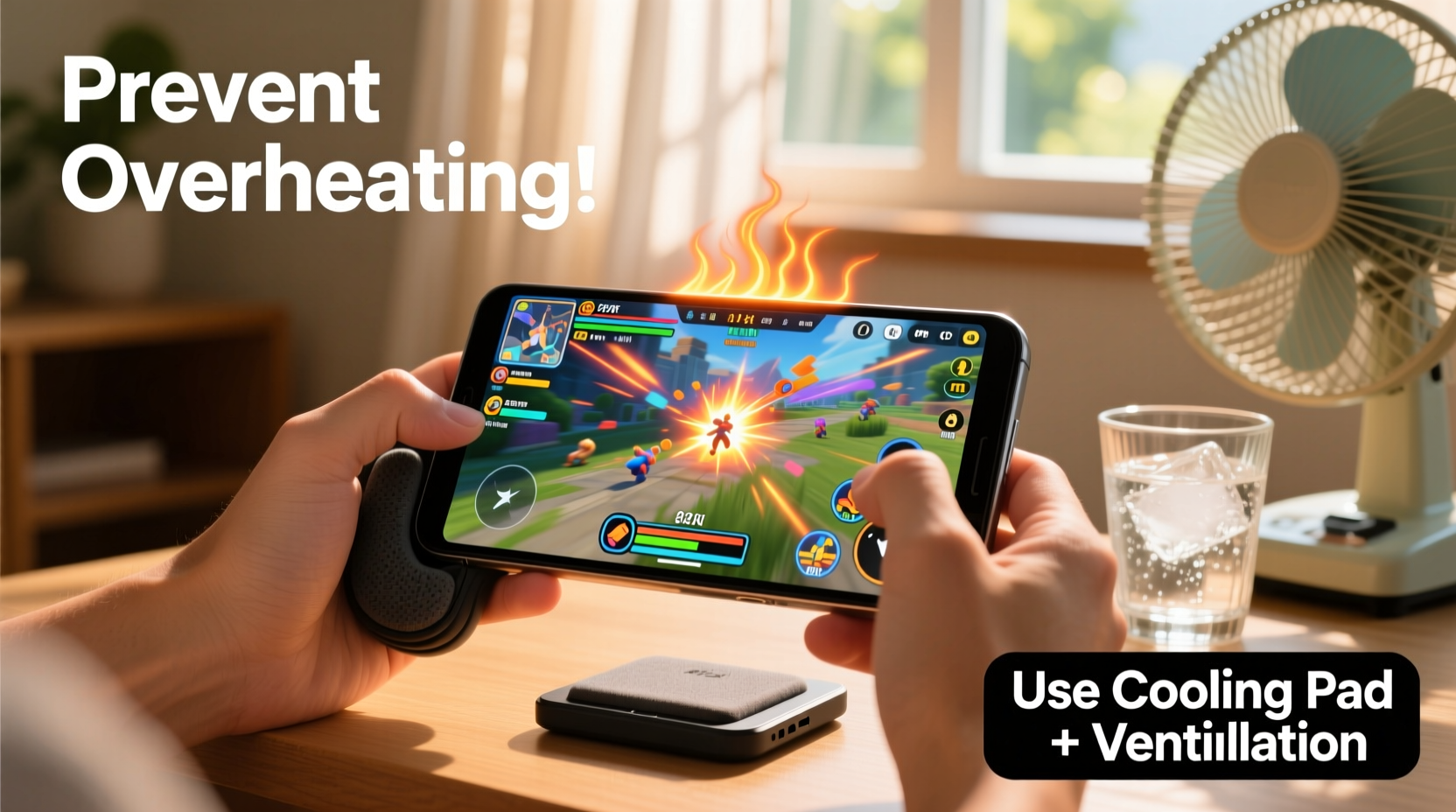
Modern smartphones pack powerful processors into compact, sealed bodies. When you launch a graphics-intensive game like Genshin Impact or Call of Duty: Mobile, the CPU and GPU work at near-maximum capacity. This generates significant heat. In cooler environments, passive cooling (like heat dissipation through the chassis) keeps temperatures manageable. But in summer, ambient temperatures often exceed 30°C (86°F), reducing the phone’s ability to shed excess heat.
Additional factors compound the problem:
- Direct sunlight exposure: Leaving your phone on a car dashboard or near a window can raise its surface temperature by 20°C or more.
- Thick or non-breathable cases: Silicone or rubber cases trap heat instead of allowing it to escape.
- Background apps: Social media, GPS, and music streaming run silently but contribute to processor load and heat generation.
- Charging while gaming: Simultaneous power input and high processing output create a thermal double burden.
According to Dr. Lena Torres, a mobile electronics engineer at the Institute of Sustainable Devices:
“Smartphones are designed to operate safely up to around 35°C internally. Beyond that, thermal throttling kicks in to protect components. In extreme cases, prolonged exposure above 45°C can degrade lithium-ion batteries permanently.” — Dr. Lena Torres, Mobile Electronics Engineer
7 Practical Ways to Keep Your Phone Cool While Gaming
1. Avoid Direct Sunlight and Hot Surfaces
One of the simplest yet most effective steps is keeping your phone out of direct sunlight. UV rays heat surfaces rapidly—even dark-colored furniture or car interiors can radiate enough warmth to elevate your phone’s temperature before you start playing.
2. Remove the Case During Long Sessions
While protective cases are great for drop resistance, they hinder airflow and insulation. Removing the case allows heat to dissipate more efficiently through the aluminum or glass frame.
If removing the case entirely makes you uneasy, opt for a slim, thermally conductive model made of polycarbonate or metal. Avoid thick silicone, leather, or hybrid cases when gaming in hot conditions.
3. Lower In-Game Graphics Settings
Most modern mobile games offer adjustable graphics options: resolution, frame rate, shadows, textures, and anti-aliasing. Reducing these settings decreases GPU workload, which directly lowers heat production.
For example, dropping from “Ultra” to “Medium” graphics in PUBG Mobile can reduce internal temperature by up to 4°C after 30 minutes of play.
4. Enable Battery Saver Mode (Strategically)
Battery Saver mode limits background processes, reduces screen brightness, and caps CPU performance—all of which help minimize heat buildup. However, some gamers avoid it due to potential lag or reduced responsiveness.
Solution: Use Adaptive Battery or manually restrict non-essential apps instead of enabling full power-saving mode. On Android, go to Settings > Battery > Battery Usage and freeze apps like email sync or cloud backups during gameplay.
5. Use External Cooling Accessories
Dedicated phone cooling fans have gained popularity among competitive mobile gamers. These clip-on devices combine small heatsinks with quiet fans powered via USB-C or magnetic connectors.
Brands like Black Shark, Razer, and Noda offer models that reduce surface temperature by 8–12°C. While not all are necessary for casual use, they’re highly effective in humid or stagnant environments where passive cooling fails.
6. Never Charge While Playing Intensively
Charging adds substantial heat because the battery absorbs energy while the processor emits it. This combination creates a feedback loop that pushes thermal sensors past safe thresholds.
If your battery is low, charge first, then unplug before launching a game. Alternatively, use a power bank rated for pass-through charging only if absolutely necessary—and monitor temperature closely.
7. Take Regular Breaks Between Matches
Just as your hands need rest, so does your phone. After every 45–60 minutes of continuous gaming, pause for 10–15 minutes. Turn off the screen, close all apps, and let the device cool down naturally.
This prevents cumulative heat retention and gives the system time to recalibrate sensor readings and battery management algorithms.
Step-by-Step Guide: Pre-Gaming Thermal Check Routine
Before diving into a long session, follow this five-minute preparation sequence to optimize thermal performance:
- Check ambient temperature: If it’s above 30°C indoors, consider using a fan or air-conditioned room.
- Remove the phone case: Place it aside on a cool surface.
- Close all background apps: Swipe them away in the recent apps menu.
- Lower screen brightness: Set to 50% or use auto-brightness.
- Adjust game settings: Switch to “Balanced” or “Efficiency” mode if available.
- Launch one test match: Play for 10 minutes and feel the back panel. If warm, pause and reassess setup.
This routine takes less than five minutes but significantly improves stability and longevity over hours of use.
Do’s and Don’ts: Phone Cooling Best Practices
| Do’s | Don’ts |
|---|---|
| Play in a well-ventilated area with airflow | Game inside a closed car or sunlit balcony |
| Use a clip-on cooler for marathon sessions | Place phone directly on synthetic fabrics or cushions |
| Keep software updated for optimized thermal management | Ignore repeated overheating warnings |
| Store phone in shade when not in use | Put a hot phone in the freezer or fridge |
| Wipe down the back with a dry cloth to improve heat transfer | Cover the phone with hands or gloves during play |
Real Example: How Alex Reduced His Phone’s Temperature by 11°C
Alex, a 24-year-old competitive Clash Royale player in Phoenix, Arizona, regularly faced disconnections during tournaments due to his phone shutting down from overheating. Living in a region where summer temperatures often hit 43°C (110°F), he struggled to maintain stable performance.
He began tracking changes: First, he removed his bulky OtterBox case. Then, he started pre-cooling his phone by placing it near a desk fan for 10 minutes before matches. He also lowered the game’s animation quality and disabled HD visuals.
The results were immediate. Internal temperature dropped from 48°C to 37°C after 40 minutes of play. No shutdowns occurred during his next three ranked events. “I didn’t realize how much my habits were working against me,” Alex said. “Now I treat my phone like an athlete—warm-up, hydration, and cooldown matter.”
Essential Checklist: Prevent Overheating Before You Play
Print or bookmark this checklist for quick reference before every gaming session:
- ✅ Ensure ambient temperature is below 30°C
- ✅ Remove phone case or switch to a thin, breathable one
- ✅ Close all unused background apps
- ✅ Lower screen brightness and disable auto-brightness fluctuations
- ✅ Adjust in-game settings to medium or balanced mode
- ✅ Confirm battery is charged above 60% (avoid charging while playing)
- ✅ Position phone near airflow (fan, open window, AC vent)
- ✅ Set a 10-minute break reminder every hour
Frequently Asked Questions
Can overheating permanently damage my phone?
Yes. Prolonged exposure to high temperatures accelerates battery degradation, reduces maximum capacity, and may warp internal components. Lithium-ion batteries lose capacity faster above 35°C. Repeated thermal stress can also trigger early failure in solder joints and display modules.
Is it safe to put my phone in the fridge to cool it down?
No. Rapid cooling causes condensation inside the device, which can short-circuit electronics. Instead, turn it off and let it cool gradually in a dry, shaded area. Wiping the exterior with a slightly damp cloth (not wet) can aid heat transfer safely.
Do cooling apps actually work?
Most \"cooling\" apps are ineffective. They claim to stop background processes or clean RAM, but modern operating systems already manage resources efficiently. At best, they provide temporary relief; at worst, they run hidden ads or collect data. Physical cooling methods—like removing the case or improving airflow—are far more reliable.
Conclusion: Stay Cool, Play Longer
Gaming on your phone during summer doesn’t have to come at the cost of device health or performance. By understanding how heat builds up and taking proactive steps, you can enjoy smooth gameplay without risking hardware damage. Simple changes—like removing your case, adjusting settings, or scheduling breaks—can make a dramatic difference in both comfort and longevity.
Your phone is built to handle stress, but it wasn’t designed to fight extreme heat alone. Treat it with the same care you’d give any precision tool: prepare it, monitor it, and give it time to recover. With these strategies, you’ll not only avoid shutdowns but extend your device’s usable life by years.




 浙公网安备
33010002000092号
浙公网安备
33010002000092号 浙B2-20120091-4
Comments
No comments yet. Why don't you start the discussion?