
Light shows no longer require $2,000 lighting consoles or certified DMX technicians. Today, a $5 microcontroller, free open-source software, and basic wiring can produce synchronized, dynamic lighting sequences that rival professional installations. The barrier to entry has collapsed—not because gear got cheaper alone, but because the ecosystem matured: libraries are stable, documentation is abundant, and communities actively share code, schematics, and timing profiles. This article walks through the full workflow—from selecting truly budget-friendly hardware to writing expressive, musically aligned sequences—using only components under $30 per channel and tools that cost nothing.
Why Inexpensive Controllers Work Better Than You Think
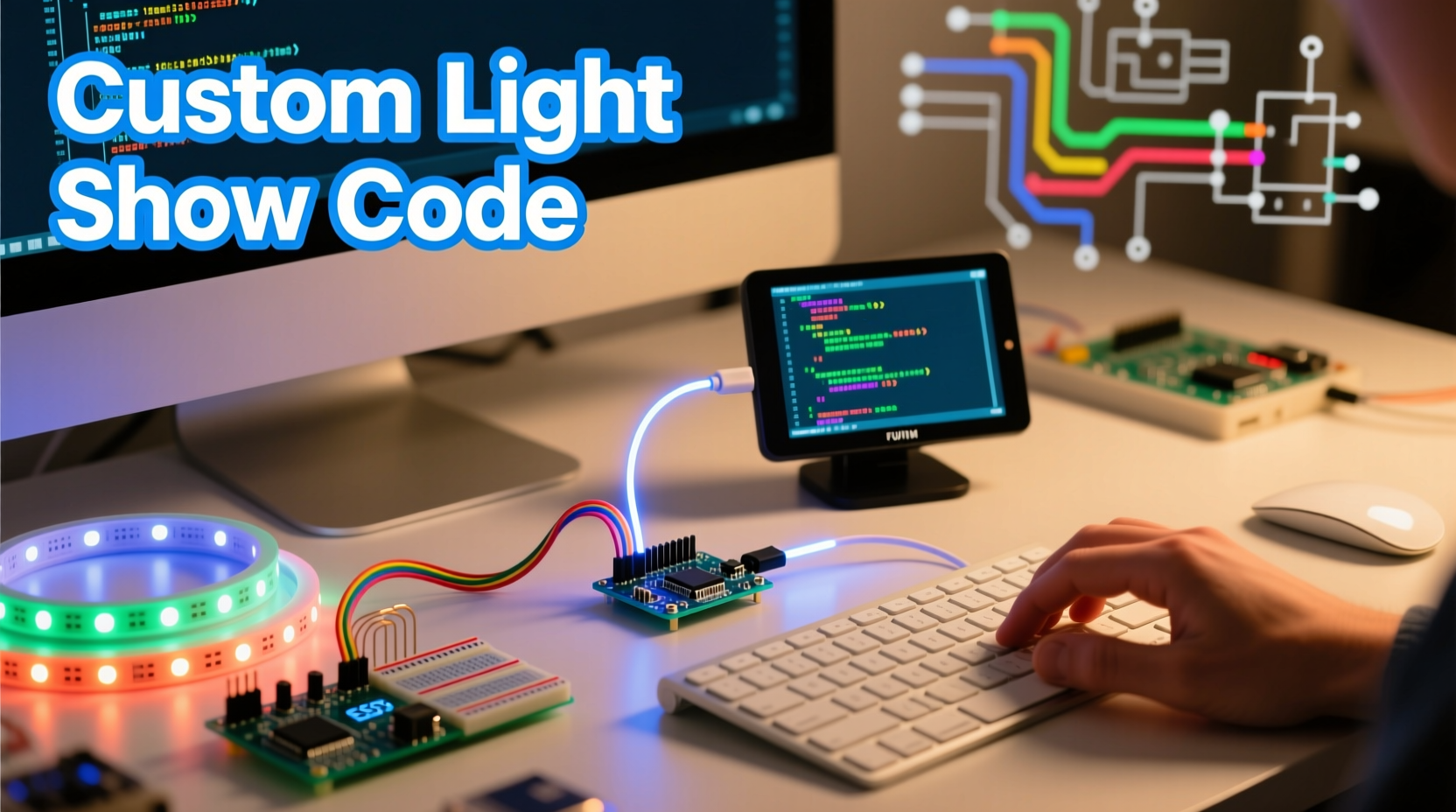
Many assume low-cost controllers sacrifice precision, reliability, or scalability. That’s outdated. Modern 32-bit microcontrollers like the ESP32 (starting at $3.50) offer dual-core processing, built-in Wi-Fi/Bluetooth, hardware PWM with 16 channels of 16-bit resolution, and real-time clock support—capabilities that exceed what many mid-tier commercial lighting desks offered a decade ago. When paired with well-engineered firmware like WLED or FastLED, these devices deliver sub-millisecond timing accuracy, smooth color transitions, and seamless networked control across dozens of nodes.
The key isn’t raw specs—it’s deterministic execution. Unlike general-purpose computers running background tasks, microcontrollers run dedicated firmware with predictable interrupt handling. A properly configured ESP32 driving WS2812B LEDs achieves consistent frame rates of 45–60 FPS even with 300+ pixels per strip—more than enough for fluid fades, chases, and beat-synced effects. What matters most is matching the controller to your physical setup, not chasing headline MHz numbers.
Selecting & Validating Your Hardware Stack
Start with three non-negotiable layers: controller, power delivery, and pixel type. Skimp on any one, and your sequence will glitch, dim unevenly, or fail entirely—even if your code is flawless.
| Component | Recommended Options (Under $10/unit) | Critical Specs to Verify | Red Flags |
|---|---|---|---|
| Controller | ESP32-WROOM-32 dev board ($4.20), NodeMCU-32S ($5.10), or WeMos D1 Mini ESP8266 ($3.80 for simpler setups) | ≥2MB flash, hardware PWM pins, stable 5V logic output, USB-C or reliable micro-USB | No exposed GPIO pins, unbranded “clone” chips with inconsistent UART behavior, missing pull-up resistors on data lines |
| Power Supply | Mean Well LPV-60-5 (60W, 5V, $12.90) or generic 5V/10A switching supply ($7.50) | Rated continuous current ≥120% of LED strip max draw; low ripple (<50mV); short-circuit protection | Unbranded supplies labeled “5V 10A” without datasheets; no UL/CE markings; warm-to-hot operation under load |
| LED Strip | WS2812B (60/m, $6.50/5m), SK6812RGBW (for white-point control, $9.20/5m), or APA102 (best for high-speed updates, $8.70/5m) | Verified IC model (not “compatible” knockoffs), consistent solder pad spacing, copper weight ≥2oz for >2m runs | Vague listings like “RGB LED strip” without IC type; no test video showing uniform brightness; 3M tape backing rated below 60°C |
Before coding, validate your physical stack: power the strip directly from the supply (bypassing the controller), then use a multimeter to confirm voltage stays within ±0.25V across the entire length. Next, wire the controller’s data pin to the strip’s DIN, upload a minimal FastLED blink sketch, and verify every pixel responds identically. If the last 20% of a 3m strip flickers or shifts hue, you need a data line repeater (a 74HCT245 buffer) or shorter segments—never try to “fix it in software.”
Building Your First Sequence: From Static Color to Musical Sync
A custom light show sequence is defined by three interlocking layers: timing (when changes occur), state (what color/brightness each pixel displays), and logic (how state evolves over time). Free tools let you construct all three without writing C++—but understanding the underlying structure prevents brittle, unmaintainable code.
- Define your timeline: Use BPM and measure numbers. For a 120 BPM track, one beat = 500ms. Map key moments: verse start (beat 1), chorus hit (beat 33), breakdown (beat 65). Export this as a CSV:
beat,timestamp_ms,section. - Assign visual motifs: Link sections to behaviors. Verse = slow cyan pulse (0.5 Hz), chorus = rapid white strobes (12 Hz), breakdown = static deep purple. Avoid arbitrary color names—use hex codes or HSV values for reproducibility.
- Implement with layered logic: Don’t hardcode RGB values. Use functions like
fill_solid(leds, NUM_LEDS, CHSV(hue, 255, brightness))so hue can shift dynamically while preserving saturation and intensity. - Add audio responsiveness: Feed an analog microphone signal into an ESP32 ADC pin. Use FFT libraries (like arduinoFFT) to extract bass (20–120Hz) energy. Map amplitude to brightness:
brightness = map(constrain(bassLevel, 0, 1023), 0, 1023, 32, 255). This creates organic, non-repetitive motion.
“The most compelling light shows don’t follow music—they breathe with it. That requires measuring actual acoustic energy, not just tapping a tempo. A $1 electret mic and 10 lines of FFT code give you more musical intelligence than most $500 DMX desks.” — Dr. Lena Torres, Embedded Systems Researcher, UC San Diego
Real-World Example: A 90-Second Holiday Window Display
Mark, a small-business owner in Portland, needed a festive window display for his bookstore—budget: $45, deadline: 10 days. He bought: one ESP32 ($4.30), 5m of WS2812B (60 LEDs/m, $6.80), a 5V/10A power supply ($7.20), and a $2.50 passive infrared sensor for motion-triggered effects. His goal: a 90-second loop that cycled through snowfall, tree glow, and candle flicker—then paused until motion was detected.
He used WLED firmware (precompiled binary, no coding) and designed sequences via its web UI: - Snowfall: 30 “snowflake” pixels (random white dots) drifted downward at variable speeds using WLED’s built-in Matrix effect with speed=64, intensity=128. - Tree Glow: Custom palette of emerald green → gold → crimson, mapped to a 120-pixel vertical strip using WLED’s Palette mode with speed=32. - Candle Flicker: A 10-pixel warm-white segment animated with WLED’s Flicker effect (intensity=192) to mimic flame randomness. He scheduled transitions using WLED’s Playlist feature, assigning exact durations (32s, 38s, 20s) and enabling “Auto Cycle.” Motion detection triggered an immediate jump to the candle sequence for 15 seconds.
Result: zero crashes over 4 weeks of operation, battery backup during brief outages, and customer photos shared widely on local social media. Total dev time: 3 hours—including soldering and mounting.
Step-by-Step: Programming a Beat-Synced Chase Effect (FastLED + Arduino IDE)
This hands-on sequence demonstrates precise timing control using industry-standard libraries. It assumes an ESP32 with 144 WS2812B LEDs on GPIO 27.
- Install prerequisites: In Arduino IDE, add ESP32 board support (via Board Manager), then install FastLED library (v3.6.0+).
- Configure constants: Define LED count, data pin, and BPM:
#define NUM_LEDS 144
 #define DATA_PIN 27
#define BPM 112 // Match your track's actual tempo - Calculate beat interval:
unsigned long beatInterval = 60000L / BPM;(yields 536ms per beat) - Initialize LED array: In
setup(), callFastLED.addLedsand setFastLED.setBrightness(180); - Build the chase: In
loop(), usemillis()to trigger movement every beatInterval:
if (millis() - lastBeat >= beatInterval) {
   lastBeat = millis();
   for(int i = NUM_LEDS-1; i > 0; i--) {
     leds[i] = leds[i-1];
   }
   leds[0] = CRGB::Red;
} - Add musical variation: Replace static red with a hue that shifts every 4 beats:
static uint8_t hue = 0;
 if (beatCount % 4 == 0) hue += 16;
leds[0] = CHSV(hue, 255, 255); - Deploy: Compile, select correct COM port and “ESP32 Dev Module,” upload. Test with a metronome app.
FAQ: Troubleshooting Common Sequence Issues
Why do my LEDs flicker or reset randomly?
Almost always a power issue. WS2812B strips draw up to 60mA per LED at full white—144 LEDs = 8.6A. If your supply sags below 4.75V, the ESP32 resets. Fix: use thicker gauge wire (16 AWG) for main power runs, add 1000µF electrolytic capacitors across VCC/GND at both strip ends, and never power the controller from the strip’s 5V line.
Can I run multiple strips from one ESP32?
Yes—with caveats. ESP32 supports up to 16 independent hardware PWM channels, but WS2812B requires precise single-wire timing. Use separate data pins (e.g., GPIO 27 for Strip 1, GPIO 14 for Strip 2) and instantiate separate CRGB arrays. For >3 strips, add a 74HCT245 buffer to each data line to prevent signal degradation.
How do I make sequences survive power cycles?
Store configuration in non-volatile storage. WLED writes settings to SPIFFS automatically. For custom FastLED sketches, use Preferences.h (ESP32) or EEPROM.h (Arduino) to save beat tempo, active palette, and brightness level in setup(), then restore on boot. Never rely on RAM variables.
Conclusion: Your Lights, Your Rules
You don’t need permission to create. The era of closed lighting ecosystems—where changing a fade time required a $399 dongle and vendor certification—is over. Today’s $4 microcontroller is a legitimate production tool, validated by artists, educators, and makers who’ve shipped thousands of installations worldwide. What separates functional from phenomenal isn’t hardware cost—it’s intentionality: choosing colors that evoke mood, aligning motion with emotional cadence, and designing sequences that reward repeated viewing. Start small. Wire one strip. Program a single 10-second pulse. Then extend it—add a second beat, a color shift, a sensor input. Each iteration builds fluency. Within weeks, you’ll debug timing issues instinctively and repurpose code across projects. The lights aren’t waiting for you to become an expert. They’re ready now—bright, responsive, and yours to command.




 浙公网安备
33010002000092号
浙公网安备
33010002000092号 浙B2-20120091-4
Comments
No comments yet. Why don't you start the discussion?