
Transforming your holiday display from static strings of lights into a synchronized, programmable spectacle is easier than you think. With a Raspberry Pi, some basic electronics, and a few lines of code, you can automate your Christmas lights, schedule on/off times, respond to motion, or even sync them to music. This guide walks through the complete process of building a smart lighting system powered by a Raspberry Pi—ideal for hobbyists, tech-savvy decorators, and anyone looking to add a modern twist to their seasonal traditions.
Why Use a Raspberry Pi for Holiday Lighting?
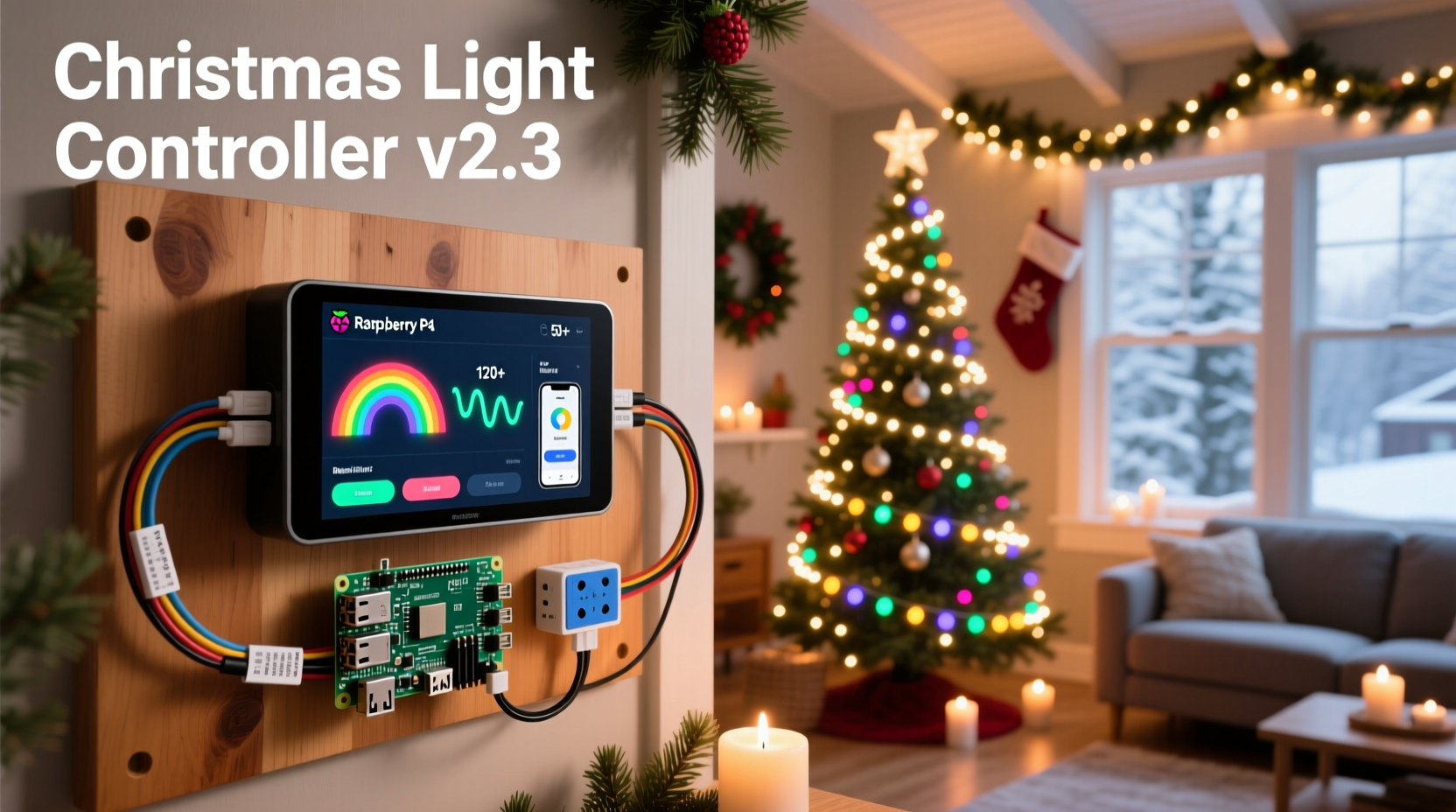
The Raspberry Pi is more than just a compact computer—it’s a powerful tool for home automation. When applied to Christmas lights, it enables features far beyond what commercial timers offer. You can:
- Schedule precise on/off times down to the minute
- Create dynamic light patterns (fading, chasing, pulsing)
- Control multiple circuits independently
- Trigger lights based on sensors (motion, sound, weather)
- Access and modify settings remotely via Wi-Fi
Unlike pre-programmed controllers, the Pi gives you full control. Whether you're running simple incandescent strands or RGB LED strips, a Pi-based system adapts to your needs.
“We’ve moved past plug-and-play holiday decor. The future is customizable, responsive, and programmable.” — Dr. Alan Reyes, Embedded Systems Engineer at MIT Media Lab
What You’ll Need: Components & Setup
Before writing any code, gather the necessary hardware. Most components are widely available and reusable for other projects.
Essential Hardware
| Component | Purpose | Recommended Model/Specs |
|---|---|---|
| Raspberry Pi | Central controller | Pi 4 (2GB+) or Pi Zero 2 W for smaller setups |
| MicroSD Card | Operating system storage | 16GB+ Class 10 |
| Power Supply | Pi power source | 5V/3A USB-C (for Pi 4) |
| Relay Module | Switch high-voltage circuits safely | 4-channel 5V relay module |
| Breadboard & Jumper Wires | Prototyping connections | M/F and F/F wires, standard breadboard |
| Optocouplers (optional) | Electrical isolation | PC817 or similar |
| Christmas Lights | Output devices | Standard AC string lights or addressable LEDs |
| Enclosure | Weather protection | IP-rated outdoor box if used outside |
Software Requirements
- Raspberry Pi OS (64-bit Lite recommended for headless operation)
- Python 3.9+
- GPIO library (
RPi.GPIOorgpiozero) - Optional: Flask (for web interface), MQTT (for IoT integration)
Step-by-Step Guide to Programming Your Lights
Follow this sequence to go from unboxing your Pi to running a fully automated light show.
- Install Raspberry Pi OS: Flash the OS using Raspberry Pi Imager. Enable SSH and set Wi-Fi credentials during setup if going headless.
- Connect the Relay Module: Wire the relay's VCC to 5V, GND to ground, and IN1–IN4 to GPIO pins (e.g., 17, 27, 22, 23). Each IN pin controls one circuit.
- Wire the Lights: Connect each light strand to a relay’s COM (common) and NO (normally open) terminal. Plug the power end into an outlet.
- Boot and Update: Log in via SSH or desktop, then run:
sudo apt update && sudo apt upgrade -y
- Test a Single Channel: Create a test script to toggle one light:
import RPi.GPIO as GPIO import time GPIO.setmode(GPIO.BCM) GPIO.setup(17, GPIO.OUT) try: while True: GPIO.output(17, GPIO.LOW) # Relay ON (active low) time.sleep(2) GPIO.output(17, GPIO.HIGH) # Relay OFF time.sleep(2) except KeyboardInterrupt: GPIO.cleanup() - Write Automation Logic: Expand the script to include schedules, sequences, or sensor input.
- Run on Boot: Use
crontab -eto start your script automatically:@reboot python3 /home/pi/light_controller.py
Advanced Control: Scheduling and Triggers
Instead of looping indefinitely, use Python’s schedule library to define precise timing:
import schedule
import time
import RPi.GPIO as GPIO

GPIO.setmode(GPIO.BCM)
GPIO.setup(17, GPIO.OUT)

def turn_on():
    GPIO.output(17, GPIO.LOW)

def turn_off():
    GPIO.cleanup()

# Schedule weekend evenings
schedule.every().friday.at(\"17:00\").do(turn_on)
schedule.every().sunday.at(\"22:00\").do(turn_off)

while True:
    schedule.run_pending()
    time.sleep(60)
This runs the lights Friday through Sunday, perfect for conserving energy and maximizing visibility.
Real-World Example: The Smart Neighborhood Display
In Portland, Oregon, homeowner Marcus Lin transformed his front yard into a community attraction using two Raspberry Pis and over 3,000 LED nodes. One Pi managed six relay-controlled light zones (roof outlines, tree wraps, driveway markers), while the second handled an addressable LED strip synced to music via FastLED and MQTT.
He programmed daily routines: lights turned on at sunset (calculated dynamically using the astral Python library), dimmed at 10 PM, and shut off at midnight. On weekends, a motion sensor triggered a “welcome” animation when someone approached.
Using a Flask-based web dashboard hosted locally, Marcus could adjust brightness, change colors, and preview new sequences from his phone. Neighbors even voted on favorite patterns via a public poll linked on social media.
The system ran reliably for 47 days straight, drawing hundreds of visitors and local news coverage—all controlled by under $150 in hardware and open-source code.
Do’s and Don’ts: Safety and Best Practices
| Do | Don't |
|---|---|
| Use optically isolated relays to protect the Pi | Connect AC lines directly to GPIO pins |
| Label all circuits clearly | Mix up wiring without documentation |
| Seal outdoor enclosures against moisture | Leave exposed connections in rainy climates |
| Test one channel at a time | Power everything simultaneously on first try |
| Use surge protectors for all outlets | Plug high-load setups into daisy-chained power strips |
Expanding Beyond Basic On/Off: Creative Applications
Once you’ve mastered simple control, explore advanced capabilities:
Music Sync with Audio Analysis
Use Python’s pyaudio and FFT (Fast Fourier Transform) to detect beats and frequencies. Map bass hits to strobe effects and mid-tones to color shifts on RGB strips.
Weather-Responsive Displays
Pull data from a weather API. If snow is forecasted, activate a “Winter Wonderland” mode with slow blue pulses. During rain, reduce brightness or skip animations entirely.
Voice Activation
Integrate with Google Assistant or Alexa using IFTTT or custom MQTT bridges. Say “Turn on the reindeer lights” and watch GPIO pin 22 activate.
Remote Dashboard
Build a lightweight web interface with Flask that displays current status, allows manual override, and logs activity. Secure it with basic authentication for privacy.
Checklist: Building Your Pi-Powered Light System
Follow this checklist to ensure a smooth build:
- ☐ Choose a Raspberry Pi model based on complexity and space
- ☐ Install and configure Raspberry Pi OS with SSH enabled
- ☐ Assemble relay module and verify signal logic (active high vs. low)
- ☐ Wire one light strand and test with a simple toggle script
- ☐ Implement scheduling using
scheduleorcron - ☐ Enclose electronics in a protected, ventilated case
- ☐ Label all channels and document GPIO assignments
- ☐ Test full system under load before final installation
- ☐ Set up automatic startup via
rc.localor systemd - ☐ Add safety switches and surge protection
Frequently Asked Questions
Can I control RGB LED strips with a Raspberry Pi?
Yes, but standard GPIO pins aren’t fast enough for WS2812B-type addressable LEDs. Use the Pi’s SPI interface with the rpi_ws281x library or offload control to a dedicated microcontroller like an Arduino connected via serial.
Is it safe to leave the system running outdoors?
Only if housed in a properly sealed, weatherproof enclosure with strain relief on cables. Avoid direct exposure to rain or snow. Consider indoor placement with only the lights and relays outside.
What if my Pi crashes during the holidays?
Set up automated monitoring using tools like systemd services with restart-on-failure, or use a watchdog timer. Alternatively, configure the relay to default to “on” during power cycles if reliability is critical.
Conclusion: Light Up the Holidays with Code
Programming a Raspberry Pi to manage your Christmas lights isn’t just a technical feat—it’s a way to personalize your celebration, impress your neighbors, and embrace the joy of making. From timed routines to interactive effects, the only limit is your imagination. With accessible tools and open-source libraries, even beginners can create something remarkable in a weekend.
The fusion of tradition and technology has never been brighter. Start small, iterate often, and don’t be afraid to experiment. Whether you’re blinking a single star or orchestrating a symphony of light, your Pi-powered display will shine as a symbol of creativity and care.




 浙公网安备
33010002000092号
浙公网安备
33010002000092号 浙B2-20120091-4
Comments
No comments yet. Why don't you start the discussion?