
Creating a synchronized light show for the holiday season transforms your home into an immersive experience—not just visual, but emotional. When lights pulse to the bassline of “Carol of the Bells,” shift from deep crimson to icy blue during the choral swell of “O Holy Night,” or gently fade with the final piano note of “Silent Night,” you’re not just decorating—you’re conducting atmosphere. This isn’t about pre-packaged “party modes” or app presets that flicker randomly. It’s about intentional, musically intelligent lighting: precise timing, dynamic color mapping, and responsive behavior rooted in audio analysis. Achieving this requires understanding three interlocking layers—hardware compatibility, real-time audio interpretation, and programmable logic—and how they converge to turn sound into light.
1. Hardware Foundations: Choosing & Preparing Your Smart Lights
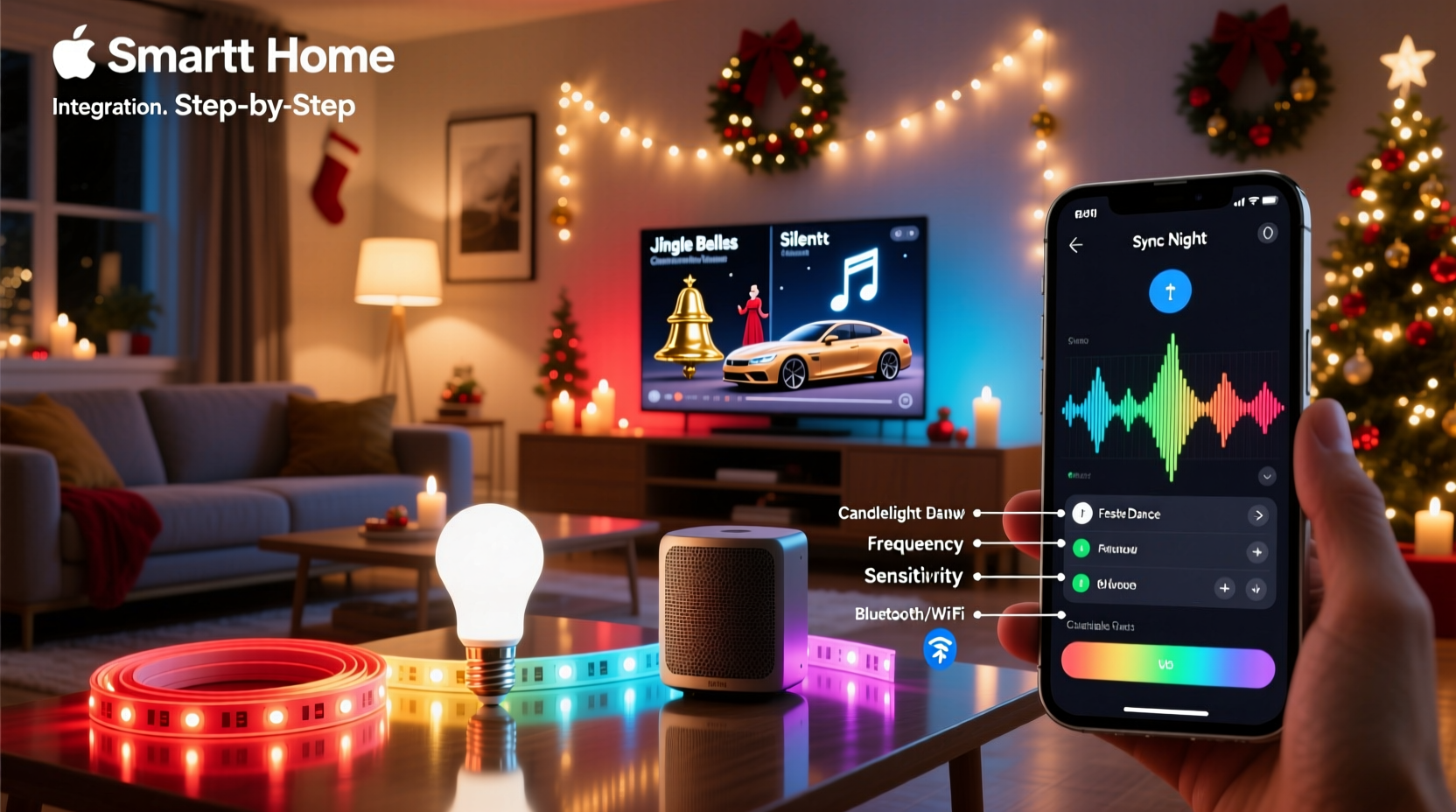
Not all smart lights support true music synchronization. Many budget-friendly bulbs only offer “rhythm mode” that detects loudness changes—not frequency, tempo, or structure. For authentic Christmas music integration, prioritize devices with either built-in audio-reactive firmware or open APIs that allow external control via MIDI, OSC, or HTTP commands.
Top-tier options include Philips Hue (with Hue Sync app + Bridge v2), Nanoleaf Shapes/Canvas (via Nanoleaf Desktop App), LIFX Z (using LIFX API + third-party tools), and Govee LED strips with Bluetooth 5.0+ and “Music Mode” enabled. Crucially, avoid Wi-Fi-only bulbs without local network access—they introduce latency that breaks musical timing. All lights must be on the same subnet as your control device, and firmware should be updated to the latest stable version.
Physical setup matters too. Group lights by zone (e.g., “front porch,” “living room tree,” “stair rail”) and label them in your controller app. For multi-channel effects (bass vs. treble), ensure your speaker output feeds directly into your control computer—not through Bluetooth headphones or a TV’s optical out, which adds unpredictable buffering.
2. Audio Analysis: From Sound Waves to Light Triggers
Christmas music presents unique challenges: layered choral harmonies, sudden dynamic shifts (“Hark! The Herald Angels Sing” opening fanfare), sustained organ notes, and percussive sleigh bells. Generic beat detection fails here—it mistakes reverb tails for new beats or ignores melodic phrasing entirely. Instead, use spectral analysis: breaking audio into frequency bands (e.g., 60–250 Hz for bass/drum, 1–3 kHz for vocals/bells, 8–12 kHz for cymbals/harmony shimmer) and assigning color responses per band.
Professional setups rely on tools like Ableton Live with Max for Live devices (e.g., “Audio To MIDI” or “Spectrum Analyzer”), or open-source alternatives such as Sonic Visualiser (for offline analysis) paired with Python scripts using Librosa. For most users, however, the Nanoleaf Desktop App or Hue Sync offers sufficient granularity: enabling separate sliders for “Bass,” “Mid,” and “Treble,” plus sensitivity, smoothing, and effect speed controls. Set “Bass” to trigger warm reds and golds (evoking candlelight), “Mid” to shift between forest green and holly red (matching vocal warmth), and “Treble” to activate cool whites and icy blues (mirroring bell tones).
| Audio Feature | Christmas Music Example | Recommended Light Response |
|---|---|---|
| Bass Energy (60–250 Hz) | Drum hits in “Jingle Bell Rock,” pipe organ pedals in “O Come, O Come Emmanuel” | Deep red → amber pulses; intensity proportional to amplitude |
| Midrange (500 Hz–3 kHz) | Choir vocals in “Silent Night,” acoustic guitar strumming in folk arrangements | Smooth saturation shifts: emerald → ruby → burgundy |
| Treble/Transient (6–12 kHz) | Sleigh bells, harp glissandos, choral “ah” vowels, celesta in “Dance of the Sugar Plum Fairy” | Quick white/blue flashes or shimmering fade-ins |
| Tempo & Beat Stability | Waltz time in “The First Noel,” steady 4/4 in “Rockin’ Around the Christmas Tree” | Use BPM-detect mode; avoid “auto-tempo” for waltzes—manually set to 92 BPM |
3. Step-by-Step Programming Workflow
True synchronization isn’t “set and forget.” It’s iterative calibration. Follow this sequence for reliable, emotionally resonant results:
- Select & prepare your audio file: Use lossless WAV or high-bitrate FLAC (not MP3). Normalize peak volume to -1 dBFS to prevent clipping distortion during analysis. Trim silence from intro/outro.
- Analyze the track manually: Load into Audacity or Sonic Visualiser. Identify key moments: first downbeat, chorus entrance, bridge modulation, final sustained chord. Note timestamps (e.g., chorus starts at 0:47.3).
- Configure frequency bands: In your light controller app, assign distinct colors to bass/mid/treble. Start with low sensitivity (30%), then increase only where response feels weak—not aggressive.
- Test with isolated sections: Loop the 10-second intro of “Deck the Halls.” Adjust “smoothing” until lights breathe—not stutter—with the melody’s phrasing.
- Add manual overrides (optional but powerful): In Nanoleaf or Hue Sync, use “Scene Sync” to insert custom color holds at precise timestamps (e.g., hold pure white for 3 seconds during the “Gloria!” climax of “Angels We Have Heard on High”).
- Validate timing with reference: Play the track while watching a waveform display on screen. Lights should align visually with transients—not lag behind them. If misaligned, apply negative audio offset (e.g., -120ms) in your controller settings.
4. Real-World Implementation: A Neighborhood Light Show Case Study
In December 2023, the Chen family in Portland, Oregon, transformed their modest bungalow into a neighborhood landmark using 144 Nanoleaf Hexagons, 30 Govee LED strips, and a Raspberry Pi 4 running Python-based audio analysis. Their goal: synchronize lights to a custom 12-minute Christmas medley blending traditional carols with jazz arrangements.
Initial attempts with Hue Sync produced erratic behavior during “Carol of the Bells”—the rapid staccato notes caused lights to strobe chaotically. They switched to a Python script using Librosa to extract onset strength and chroma features, mapping each carol section to a unique color palette: medieval chant sections used desaturated indigo and slate gray; swing-era “Santa Claus Is Coming to Town” triggered rhythmic amber/gold pulses synced to brushed snare hits; and the final “Auld Lang Syne” coda faded slowly across 90 seconds from warm gold to soft pearl white.
Key insight? They discovered that adding a 0.8-second exponential decay curve to each light command smoothed transitions dramatically—eliminating the “digital snap” that broke immersion. Neighbors reported feeling “like standing inside the music.” Their system now runs autonomously every evening from 4:30–10 p.m., drawing over 200 visitors weekly.
“Musical lighting isn’t about matching volume—it’s about interpreting intent. A choir’s sustained ‘Amen’ isn’t loud, but it carries spiritual weight. That deserves a slow, reverent color swell—not a flash.” — Dr. Lena Torres, Professor of Sound Design, Berklee College of Music
5. Troubleshooting & Optimization Checklist
Even well-planned setups encounter hiccups. Use this actionable checklist before showtime:
- ✅ Verify network stability: Run a continuous ping test (100 packets) to your light hub. Packet loss >2% or jitter >30ms will cause desync.
- ✅ Disable background apps: Close browsers, cloud sync tools, and video conferencing software on your control device—they consume CPU cycles needed for real-time FFT analysis.
- ✅ Calibrate speaker placement: Position your audio source (laptop, DAC, or mixer) within 1 meter of your control device’s microphone input—or better, use a direct line-in cable to bypass ambient noise pickup.
- ✅ Test color consistency: Display solid red, green, and white across all lights simultaneously. If hues vary noticeably, perform white balance calibration in your app or replace mismatched bulbs.
- ✅ Prevent thermal throttling: On Raspberry Pi or small-form-factor PCs, attach heatsinks and ensure airflow. Overheating causes CPU slowdown and audio buffer underruns.
6. FAQ: Addressing Common Holiday Lighting Questions
Can I sync lights to Spotify or Apple Music streams?
No—streaming services block real-time audio access for copyright reasons. You must use local files (downloaded legally or ripped from CDs). Some workarounds exist using virtual audio cables (e.g., VB-Cable on Windows, BlackHole on macOS), but these add latency and aren’t officially supported. For reliability, stick to local FLAC/WAV files.
Why do my lights sync perfectly to one song but drift on another?
This almost always indicates inconsistent tempo. Many Christmas recordings use rubato (expressive tempo variation)—especially live choir albums. Use a DAW to detect average BPM, then manually correct drift by inserting tempo map markers (e.g., in Ableton Live) or splitting the track into tempo-stable segments and syncing each individually.
Do I need coding skills to achieve professional results?
Not for basic synchronization—Nanoleaf, Hue Sync, and Govee apps provide intuitive sliders and presets. But for expressive, section-specific control (e.g., holding a single color during a spoken-word intro, or triggering snowflake animations only during bell sounds), Python or JavaScript scripting unlocks precision. Free templates are available on GitHub (search “nanoleaf-music-sync”); no prior experience needed—just copy, paste, and adjust timestamps.
Conclusion
Programming color-changing smart lights to sync with Christmas music is equal parts technical craft and artistic expression. It asks you to listen more deeply—to the resonance of a pipe organ, the crisp attack of sleigh bells, the hush before a choir’s final chord—and translate that listening into light. You don’t need a studio or a degree. You need curiosity, patience with calibration, and respect for the music’s emotional architecture. Every time you adjust a smoothing parameter to match the breath of a vocalist, or shift a hue to echo the warmth of candlelight on pine boughs, you’re doing more than automating bulbs—you’re curating presence. This holiday season, don’t just illuminate your space. Conduct it. Let your lights tell the story your favorite carols have carried for centuries: wonder, reverence, joy, and quiet hope.




 浙公网安备
33010002000092号
浙公网安备
33010002000092号 浙B2-20120091-4
Comments
No comments yet. Why don't you start the discussion?