
Black plastic casings on electronics—whether on smartphones, laptops, gaming consoles, or audio devices—are prone to scratches over time. These fine lines and scuffs may not affect performance, but they degrade the device’s appearance and perceived value. While replacing the casing might seem like the only solution, many surface-level and moderate scratches can be effectively minimized or removed with simple household items and a few proven techniques. This guide walks through practical, tested methods that deliver visible results without damaging sensitive components.
Understanding Scratch Types on Plastic Surfaces
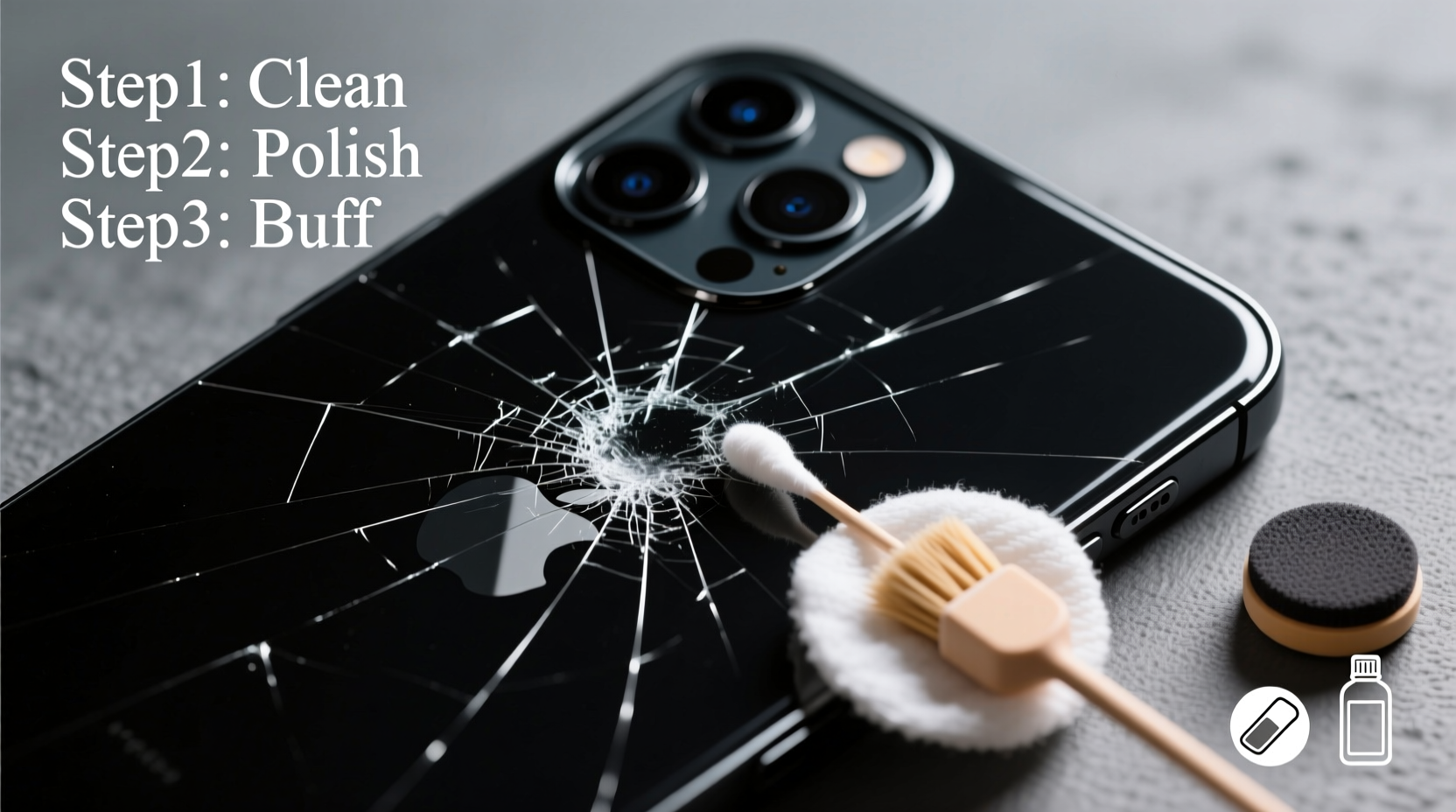
Before attempting any repair, it's essential to identify the type of scratch affecting your device. The approach varies significantly based on depth and visibility.
- Surface Scratches: These are shallow marks that haven’t penetrated the top layer of the plastic. They appear as faint white or gray streaks when light hits them and are often caused by dust, keys, or fingernails.
- Moderate Scratches: Slightly deeper, these can catch a fingernail edge and reflect more light. They disrupt the smooth finish but don't go through the material.
- Deep Gouges: These penetrate into the plastic structure and may expose underlying layers. Most DIY methods won't fully repair deep damage, though they can reduce visibility.
Most consumer-grade fixes work best on surface and moderate scratches. Deep gouges may require professional refinishing or part replacement.
Effective Home Remedies for Scratch Removal
Many common household products contain mild abrasives or polishing agents capable of leveling minor imperfections in plastic surfaces. Below are four reliable techniques, ranked by ease of use and effectiveness.
1. Toothpaste (Non-Gel) Method
Standard white toothpaste—not gel or whitening formulas—contains mild silica abrasives that gently polish the plastic surface, smoothing out micro-scratches.
- Clean the scratched area with isopropyl alcohol and a lint-free cloth.
- Apply a pea-sized amount of toothpaste directly onto the scratch.
- Using a soft cotton pad or microfiber cloth, rub in small circular motions for 30–60 seconds.
- Wipe off residue with a damp cloth and dry thoroughly.
- Repeat if necessary, then apply a protective coating like silicone spray.
This method works best on surface-level scratches and restores shine quickly. However, avoid prolonged rubbing, which can generate heat and damage thin plastic layers.
2. Baking Soda Paste
A slightly more abrasive alternative, baking soda mixed with water forms a paste that levels minor imperfections.
- Mix two parts baking soda with one part water until it forms a thick paste.
- Apply to the scratch using a cotton swab or soft cloth.
- Rub gently in circular motions for up to 90 seconds.
- Rinse and dry carefully.
This technique is ideal for slightly deeper marks but requires caution around seams and buttons. Always rinse thoroughly to prevent residue buildup.
3. Metal Polish (e.g., Brasso)
Metal polishes like Brasso contain mild abrasives and lubricants designed to restore luster, making them surprisingly effective on hard plastics.
“Brasso has been used by technicians for decades to refurbish plastic instrument panels and electronic housings. Its formulation cuts through oxidation and evens out micro-abrasions.” — Alan Reeves, Electronics Restoration Technician
To use:
- Apply a small amount of polish to a microfiber cloth.
- Gently buff the scratched area in circular motions.
- Allow it to haze slightly, then wipe clean with a dry section of the cloth.
- Finish with an anti-static wipe to reduce future dust attraction.
Particularly effective on glossy black finishes, this method enhances depth and reduces the \"frosted\" look of scratched areas.
4. Heat-Based Smoothing (For Soft Thermoplastics Only)
Some black plastic casings, especially on older electronics, are made from thermoplastic materials that soften under heat. Controlled heating can cause the surface to reflow slightly, filling in shallow scratches.
Use extreme caution:
- Hold a hairdryer at least 6 inches from the surface.
- Apply warm air in short bursts (5–10 seconds).
- Monitor closely for any warping or discoloration.
- Stop immediately if the plastic begins to distort.
This method is risky and not recommended for modern, thin-walled devices. It works best on thicker ABS plastic enclosures, such as those found in desktop peripherals or power tools.
Commercial Scratch Repair Kits: Are They Worth It?
Specialized plastic polish kits are marketed specifically for electronics and automotive trim. These typically include progressively finer polishing compounds, applicators, and UV-resistant sealants.
The most reputable brands—such as Meguiar’s PlastX, Turtle Wax Black Magic, and Novus Scratch Remover System—use engineered abrasives tailored for plastic clarity and durability. They often outperform home remedies, especially on larger or more visible scratches.
| Method | Best For | Time Required | Risk Level |
|---|---|---|---|
| Toothpaste | Light surface scratches | 5 minutes | Low |
| Baking Soda Paste | Moderate scratches | 10 minutes | Medium |
| Metal Polish | Glossy finishes, oxidation | 15 minutes | Low to Medium |
| Heat Smoothing | Thick thermoplastics only | 10 minutes | High |
| Commercial Kit | Moderate to heavy scratches | 30+ minutes | Low |
While commercial kits cost between $10 and $25, they offer consistency and often include protective coatings that extend the repair’s lifespan. For frequently handled devices like remote controls or game controllers, the investment pays off in long-term appearance retention.
Real-World Example: Reviving a Scratched Game Console
Derek, a PlayStation owner from Austin, noticed his console’s black casing had accumulated multiple radial scratches near the disc slot from frequent disc changes and accidental contact with metal objects. The scratches were visible under room lighting and detracted from the otherwise sleek design.
He tried the toothpaste method first with minimal improvement. Then, using a Novus 3-step plastic polish kit, he applied the finest abrasive compound with a foam applicator pad, working in 1-inch circles for about 20 minutes. After cleaning and applying the final sealant, the scratches were nearly invisible under normal lighting. The console regained its original glossy finish, and Derek reported that friends didn’t believe it was the same unit.
This case illustrates that while basic methods help, investing in a proper kit yields superior results for high-visibility areas.
Step-by-Step Checklist for Best Results
Follow this sequence to maximize scratch removal success while protecting your electronics:
- Power down and disconnect: Turn off the device and unplug it. Remove batteries if possible.
- Clean the surface: Use 70% isopropyl alcohol and a microfiber cloth to remove oils, dust, and grime.
- Assess scratch depth: Run a fingernail over the area. If it catches, it’s beyond surface level.
- Select appropriate method: Use toothpaste for light marks; opt for polish or kits for deeper ones.
- Test in a hidden spot: Apply your chosen method to an edge or back panel first.
- Apply treatment gently: Use consistent pressure and circular motions. Avoid excessive force.
- Inspect progress: Wipe clean and examine under different lighting.
- Repeat if needed: Allow 10 minutes between applications to prevent overheating.
- Protect the surface: Apply a plastic-safe protectant or anti-static spray to resist future scratches.
- Maintain regularly: Clean weekly with a dry microfiber cloth to preserve the finish.
Frequently Asked Questions
Can I use car scratch remover on plastic electronics?
Only if it’s specifically labeled for plastic. Many automotive removers contain solvents or waxes intended for paint, which can cloud or degrade plastic surfaces. Always check the label and test first.
Will these methods void my warranty?
Generally, no—cosmetic repairs using external treatments do not affect warranty coverage unless you disassemble the device. However, avoid applying liquids near openings or ports.
Why do scratches on black plastic look white?
The white appearance is due to light scattering across the uneven surface of the scratch. When the plastic is polished smooth again, light reflects uniformly, making the scratch less visible.
Prevention Tips for Long-Term Protection
Once scratches are removed, maintaining the surface prevents recurrence. Consider these habits:
- Use silicone skins or rubberized sleeves on handheld devices.
- Avoid placing electronics in bags with keys, coins, or other hard objects.
- Clean with non-abrasive cloths—never paper towels or rough fabrics.
- Store devices in dust-free enclosures when not in use.
- Apply a UV-protective coating if the device is exposed to sunlight.
Regular maintenance extends both functionality and aesthetics. A well-kept casing suggests careful ownership and can even improve resale value.
“Scratch repair isn’t just cosmetic—it’s part of responsible device stewardship. A little care goes a long way in preserving both form and function.” — Dr. Lena Torres, Consumer Electronics Durability Researcher
Final Thoughts and Action Plan
Scratches on black plastic electronics casings are common but not permanent. With the right approach, most blemishes can be significantly reduced or eliminated without costly replacements. Start with the gentlest method—non-gel toothpaste—and escalate only if needed. For valuable or heavily scratched devices, consider investing in a quality plastic restoration kit.
The key is patience and precision. Rushing the process or using overly aggressive techniques risks irreversible damage. By understanding your device’s material and treating it with care, you can restore its sleek appearance and enjoy a like-new look for months or years longer.




 浙公网安备
33010002000092号
浙公网安备
33010002000092号 浙B2-20120091-4
Comments
No comments yet. Why don't you start the discussion?