
In an age where digital identity is constantly under threat, even the smallest piece of personal information can be exploited. Your phone number on Facebook might seem harmless—after all, it helps with account recovery and connecting with friends. But it’s also a prime target for data scrapers, phishing attempts, and unwanted contact. If you're concerned about privacy or have noticed an uptick in spam calls and messages, removing your phone number from public view—or entirely—is one of the fastest steps you can take to tighten your digital defenses.
This guide walks you through exactly how to remove or restrict access to your phone number on Facebook using both mobile and desktop platforms. You’ll also learn why this matters, what risks are involved, and how to maintain control over your personal data moving forward.
Why Removing Your Phone Number Matters
Your phone number is more than just a way to get in touch—it's a key identifier used across apps, services, and verification systems. When exposed on Facebook, it becomes accessible not only to friends but potentially to advertisers, third-party apps, and malicious actors who exploit data leaks or use automated bots to harvest contact details.
Facebook has faced scrutiny over its data-sharing practices in the past. In 2019, a database containing over 530 million users’ phone numbers was leaked online, exposing personal details that were scraped from profiles where visibility settings allowed it. While Facebook doesn’t sell your number directly, weak privacy settings make it vulnerable to misuse.
“Once your phone number is out there, it can be sold, reused, or leveraged in social engineering attacks.” — Lena Torres, Cybersecurity Analyst at Digital Shield Labs
By limiting or removing your number from your profile, you reduce your exposure to spam, SIM-swapping fraud, doxxing, and targeted scams.
Step-by-Step: How to Remove Your Phone Number on Desktop
If you’re using a computer, follow these clear steps to edit or delete your phone number from your Facebook account:
- Log into your Facebook account via browser (e.g., Chrome, Firefox).
- Click on your profile picture or name in the top-right corner to open the dropdown menu.
- Select Settings & Privacy, then click Settings.
- In the left sidebar, choose Personal Information.
- Scroll down to the “Contact Info” section. Here, you’ll see any email addresses and phone numbers linked to your account.
- Hover over your phone number and click the three dots (⋯) that appear.
- Select Edit, then either:
- Click the trash icon to remove the number permanently, or
- Change the audience selector (the globe/friends/icon) to Only Me if you want to keep it for recovery but hide it from others.
- Click Save Changes.
How to Hide or Delete Your Number on Mobile (iOS/Android)
The process on mobile devices is slightly different depending on whether you're using the Facebook app or mobile browser.
Using the Facebook App:
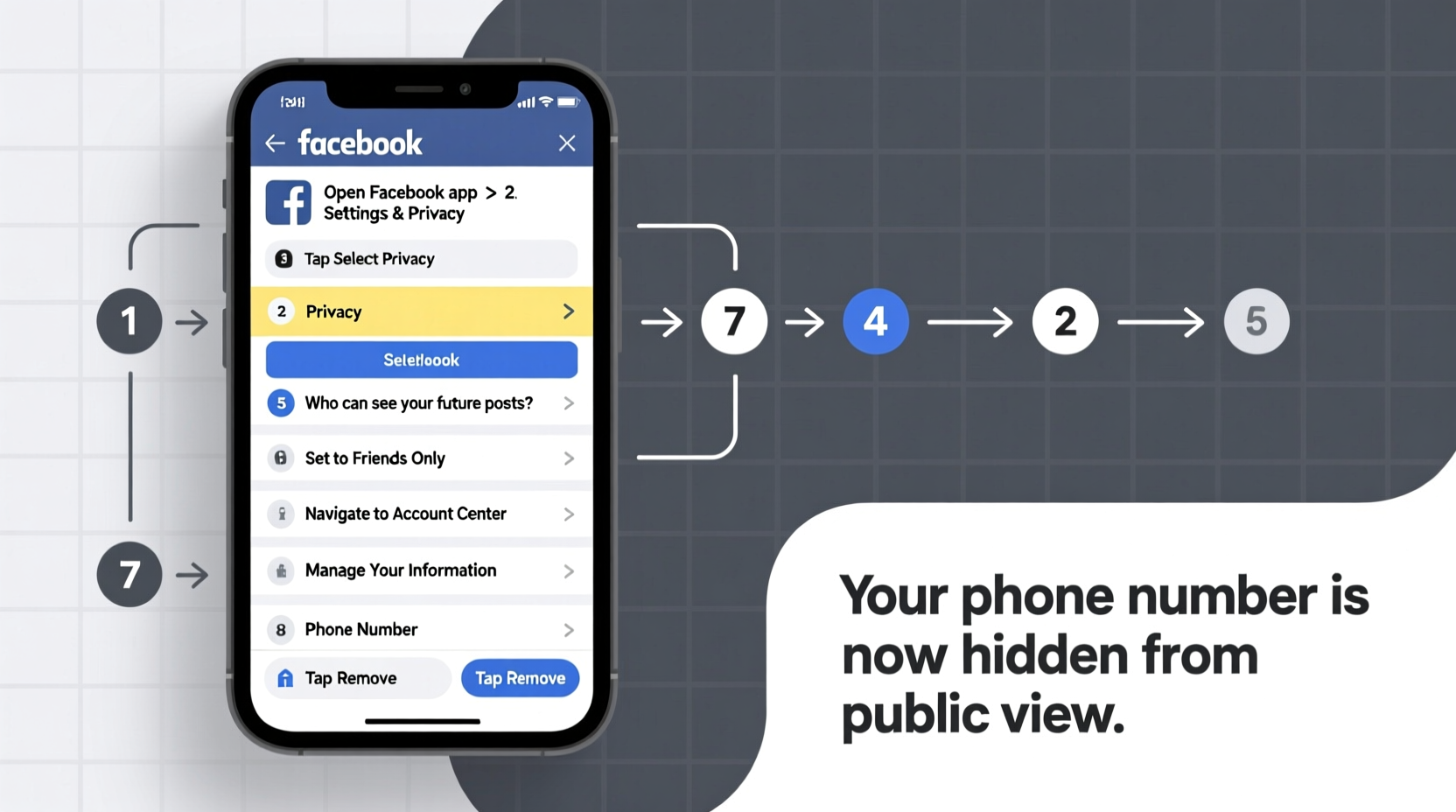
- Open the Facebook app and tap your profile picture in the bottom-right (iOS) or top-right (Android).
- Tap the three-dot menu (⋯) near the top, labeled “See More” or “Settings & Privacy.”
- Tap Settings & Privacy, then go to Settings.
- Under “Account,” select Personal Information.
- Tap Contact Info.
- Select your phone number.
- To remove it: Tap Remove and confirm. To hide it: Tap Edit, then change the audience to Only Me.
- Save your changes.
Note: Removing your number may affect features like friend suggestions or SMS login, but it won’t deactivate your account.
What Happens After You Remove Your Number?
Once your phone number is removed or restricted, here’s what changes:
- No one can find you by searching your number unless they already have your contact saved.
- Friend suggestions based on contacts are reduced, increasing privacy.
- SMS-based login and two-factor authentication (2FA) will stop working if no number is attached.
- Account recovery options become limited—so ensure you have alternative methods set up.
| Action | Effect on Security | Potential Trade-offs |
|---|---|---|
| Remove number completely | High – eliminates exposure | Lose SMS 2FA; harder account recovery |
| Set visibility to \"Only Me\" | Moderate to high – hidden from public | Still stored by Facebook; risk if account is compromised |
| Keep number public | Low – increases attack surface | Easier friend discovery and login, but higher spam risk |
Mini Case Study: From Spam Calls to Secure Profile
Jamal, a freelance designer from Austin, started receiving strange voicemails and text messages asking for personal details he never gave out. He traced the issue back to his Facebook profile, where his phone number had been set to “Public” for years. After learning about the 2019 data breach, he realized his number was likely circulating in underground databases.
He followed the steps outlined above, removed his number, and switched to an authenticator app for two-factor verification. Within weeks, the spam calls stopped. “I didn’t realize how much damage a single visible number could cause,” he said. “Now my profile feels like it’s mine again.”
Checklist: Securing Your Facebook Contact Info
- ✅ Log into Facebook via desktop or mobile app
- ✅ Navigate to Settings > Personal Information > Contact Info
- ✅ Review all listed phone numbers
- ✅ Remove or set each number’s audience to “Only Me”
- ✅ Confirm changes are saved
- ✅ Set up alternative 2FA (e.g., Google Authenticator or Authy)
- ✅ Verify backup email is active and secure
- ✅ Periodically audit your privacy settings every 3–6 months
Frequently Asked Questions
Can I still use two-factor authentication without a phone number?
Yes. Facebook supports authentication apps like Google Authenticator, Duo, or hardware security keys. These are often more secure than SMS-based 2FA, which is vulnerable to SIM-swapping attacks.
Will removing my number delete it from Facebook’s system entirely?
No. Facebook retains your number in encrypted form for internal use, such as detecting abuse or securing your account. However, it will no longer be visible to anyone else or used for friend suggestions.
Can someone still message me if I remove my number?
Absolutely. Removing your phone number doesn’t affect messaging. You’ll still receive messages through Facebook Messenger as long as your account is active and permissions allow it.
Expert Insight: The Bigger Picture of Data Minimization
Cybersecurity experts increasingly advocate for “data minimization”—the practice of sharing only what’s absolutely necessary online. This reduces your digital footprint and limits what attackers can exploit.
“The less you expose, the harder you are to target. Removing your phone number is a small step with outsized impact.” — Dr. Arun Patel, Privacy Researcher at OpenNet Initiative
Consider auditing other personal details on your profile: birth date, hometown, workplace, and relationship status. Each adds another thread that can be pulled in a social engineering attack.
Conclusion: Take Control Before It’s Too Late
Your phone number is not just a contact method—it’s a gateway to your digital life. Leaving it exposed on Facebook increases your risk of harassment, fraud, and identity theft. The good news? Taking it back takes less than five minutes. Whether you choose to remove your number entirely or simply restrict who sees it, the choice empowers you to reclaim control over your privacy.
Don’t wait for a breach or a flood of spam to act. Perform a quick audit of your Facebook settings today. Share this guide with friends and family who may not realize how vulnerable a visible phone number can be. In the world of online security, the best defense is proactive prevention.




 浙公网安备
33010002000092号
浙公网安备
33010002000092号 浙B2-20120091-4
Comments
No comments yet. Why don't you start the discussion?