
eBay gift cards offer a convenient way to shop for millions of items without using a credit card or bank account. Whether you received one as a gift or purchased it for yourself, unlocking its value is straightforward—if you know the correct process. Many users encounter confusion when trying to apply their gift card balance, especially during checkout or when managing multiple payment methods. This guide walks you through every step clearly, ensuring you can use your eBay gift card with confidence and efficiency.
Understanding eBay Gift Cards
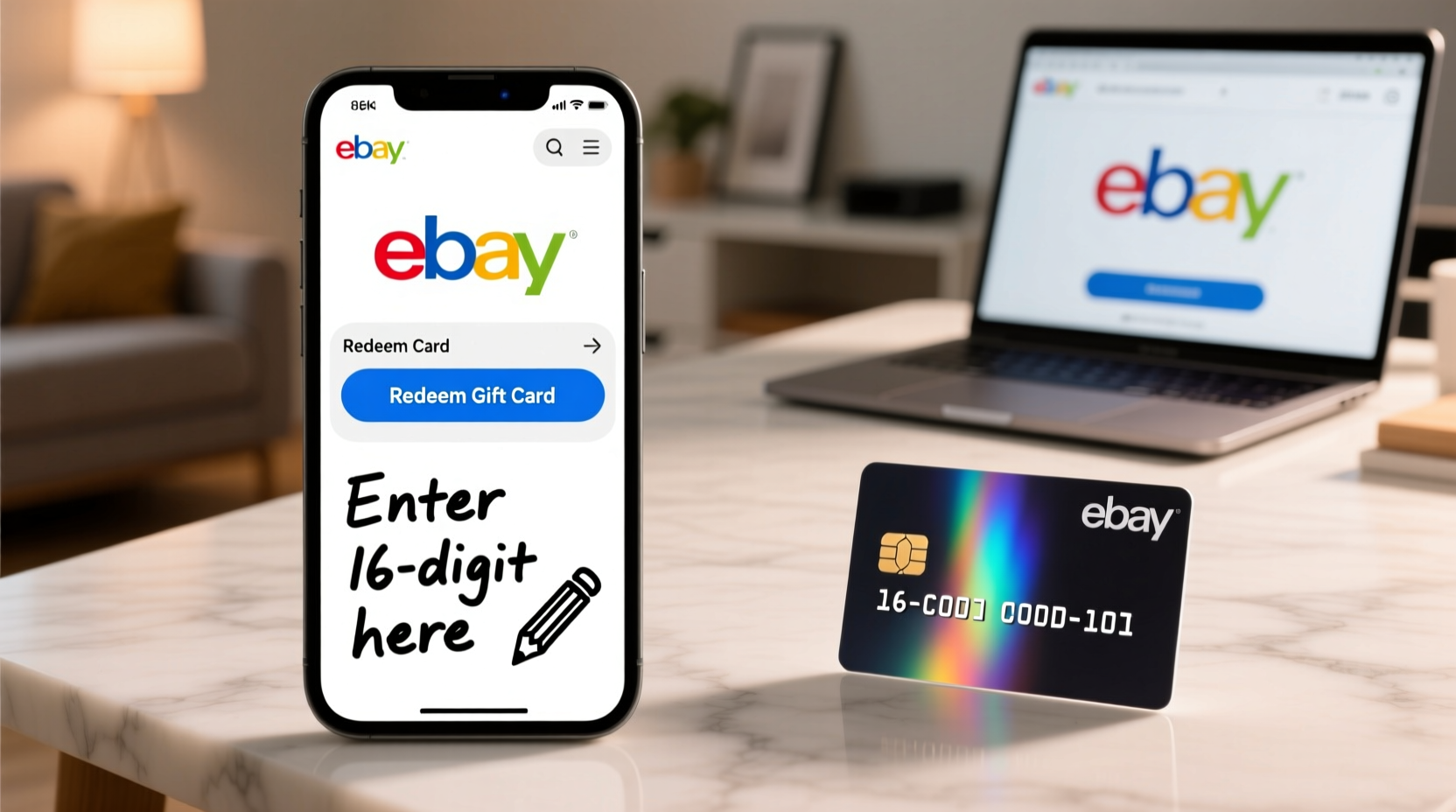
eBay issues both digital and physical gift cards that function similarly. Digital cards are typically delivered via email and contain a 16-digit redemption code. Physical cards, available at retail stores, include a scratch-off panel revealing the same type of code. These cards can be used to purchase almost any item on eBay.com, including electronics, fashion, collectibles, and more.
It's important to note that eBay gift cards are different from PayPal balances or store-specific credits. They are tied directly to your eBay account and must be redeemed before they can be applied to purchases. Once added, the balance appears in your account wallet and is automatically used when available, unless you choose otherwise during checkout.
“eBay gift cards provide flexibility and security for shoppers who want to control spending or give the perfect present.” — Sarah Lin, E-commerce Consumer Analyst
Step-by-Step Guide to Redeeming Your eBay Gift Card
Redeeming your eBay gift card takes just a few minutes if you follow these clear steps. Whether you're using a desktop browser or the eBay mobile app, the process remains consistent.
- Locate your gift card code: For digital cards, check your email inbox (including spam/junk folders) for the message from eBay. The code is usually a 16-digit number located beneath a barcode or in bold text. For physical cards, scratch off the silver panel carefully to reveal the code.
- Sign in to your eBay account: Go to eBay.com and log in. If you don’t have an account, you’ll need to create one—it’s free and required to redeem the card.
- Navigate to the redemption page: Click on “My eBay” at the top right corner, then select “Account” from the dropdown menu. Under the “Payment methods” section, find “Gift cards, coupons, and promotional codes.”
- Enter your gift card code: Type the 16-digit code exactly as it appears. Avoid spaces or extra characters. Click “Apply” or “Redeem.”
- Confirm success: Upon successful redemption, you’ll see a confirmation message stating the amount added to your account. This balance will now appear under your available payment options.
Using Your Gift Card Balance During Checkout
Once your gift card is redeemed, the balance is stored in your eBay account and will be applied automatically to eligible purchases. However, you can manage how it's used.
During checkout:
- The system first applies any available gift card balance.
- If the item costs more than your gift card value, you'll be prompted to select a secondary payment method (credit card, PayPal, etc.).
- If the item costs less, the remaining balance stays in your account for future use.
You cannot combine multiple gift cards manually—they are all pooled into a single account balance once redeemed. There is no expiration date on eBay gift card balances, so unused funds remain available indefinitely.
What to Do If Redemption Fails
If you receive an error when entering your code, consider the following:
- Ensure the card hasn’t already been redeemed. Check your account balance under “Payment methods.”
- Verify that the code hasn't expired—though rare, some older promotional cards may have time limits.
- Contact eBay customer support with the full code and proof of purchase (email receipt or original packaging) for assistance.
Do’s and Don’ts When Redeeming eBay Gift Cards
| Do’s | Don’ts |
|---|---|
| Keep your redemption email or card safe until balance is confirmed. | Share your gift card code publicly or post it online. |
| Redeem the full amount immediately—even partial use requires full activation. | Wait too long to redeem; while balances don’t expire, lost codes are irrecoverable. |
| Use the balance across multiple transactions over time. | Expect cash back if your purchase is under the gift card value. |
| Contact eBay support if the code doesn’t work after careful entry. | Assume the card is fake without verifying entry errors first. |
Real Example: How Maria Successfully Redeemed Her Gift Card
Maria received a $50 eBay gift card from her sister for her birthday. She opened the email, copied the 16-digit code, and went to eBay.com. After logging in, she navigated to “My eBay” > “Account” > “Payment methods,” where she found the option to add a gift card. She entered the code carefully, clicked “Apply,” and saw a green banner confirming: “$50.00 added to your account.”
Later that week, she bought a vintage lamp priced at $38. At checkout, she noticed her gift card covered the full amount automatically. When she later purchased wireless earbuds for $65, the system deducted the remaining $12 from her gift card and charged the remaining $53 to her linked PayPal account. Maria appreciated the seamless experience and saved her next gift card for holiday shopping.
Checklist: Ensure Smooth Redemption
Before and after redeeming your eBay gift card, go through this quick checklist:
- ✅ Confirm you have the correct 16-digit redemption code.
- ✅ Sign in to the eBay account where you want the balance applied.
- ✅ Access the “Gift cards, coupons, and promotional codes” section under Payment Methods.
- ✅ Enter the code without spaces or dashes.
- ✅ Wait for the confirmation message before closing the page.
- ✅ Verify your updated balance under “Account > Payment methods.”
- ✅ Use the balance on any eligible item—no restrictions beyond standard eBay policies.
Frequently Asked Questions
Can I redeem an eBay gift card without making a purchase?
Yes. You do not need to be checking out to redeem a gift card. Simply log in to your account and add the code under Payment Methods. The balance will be stored for future use.
What happens if my gift card covers only part of a purchase?
The remaining amount is deducted from another payment method you’ve linked, such as a credit card or PayPal. You can review and adjust your preferred payment order in your account settings.
Can I transfer my eBay gift card balance to someone else?
No. Once a gift card is redeemed to an account, the balance cannot be transferred or withdrawn. To give a gift, it’s best to send the unredeemed code directly to the recipient.
Final Tips for Maximizing Your eBay Gift Card
To get the most out of your eBay gift card, plan your purchases strategically. Watch for sales events like eBay Refurbished Week or Black Friday deals, where you can stretch your balance further. Combine your gift card with coupons or promo codes when possible—though note that most discounts apply before gift card deductions.
Conclusion
Redeeming an eBay gift card doesn’t have to be confusing. With the right steps, you can unlock its value in minutes and start shopping with peace of mind. From verifying your code to understanding how balances apply at checkout, knowing the process empowers smarter, more flexible shopping. Whether you're treating yourself or using a thoughtful gift, your eBay balance is ready to work for you—whenever and wherever you need it.




 浙公网安备
33010002000092号
浙公网安备
33010002000092号 浙B2-20120091-4
Comments
No comments yet. Why don't you start the discussion?