
In today’s digital landscape, video content dominates social media, marketing campaigns, and storytelling platforms. But visuals alone rarely tell the full story. The right background music can elevate a simple clip into an emotionally resonant experience—driving engagement, reinforcing tone, and guiding viewer attention. Yet many creators struggle with clashing audio levels, poorly timed tracks, or copyright violations that undermine their efforts. The key lies not just in choosing music, but in integrating it so smoothly that viewers don’t notice the effort—only the effect.
Why Background Music Matters More Than You Think
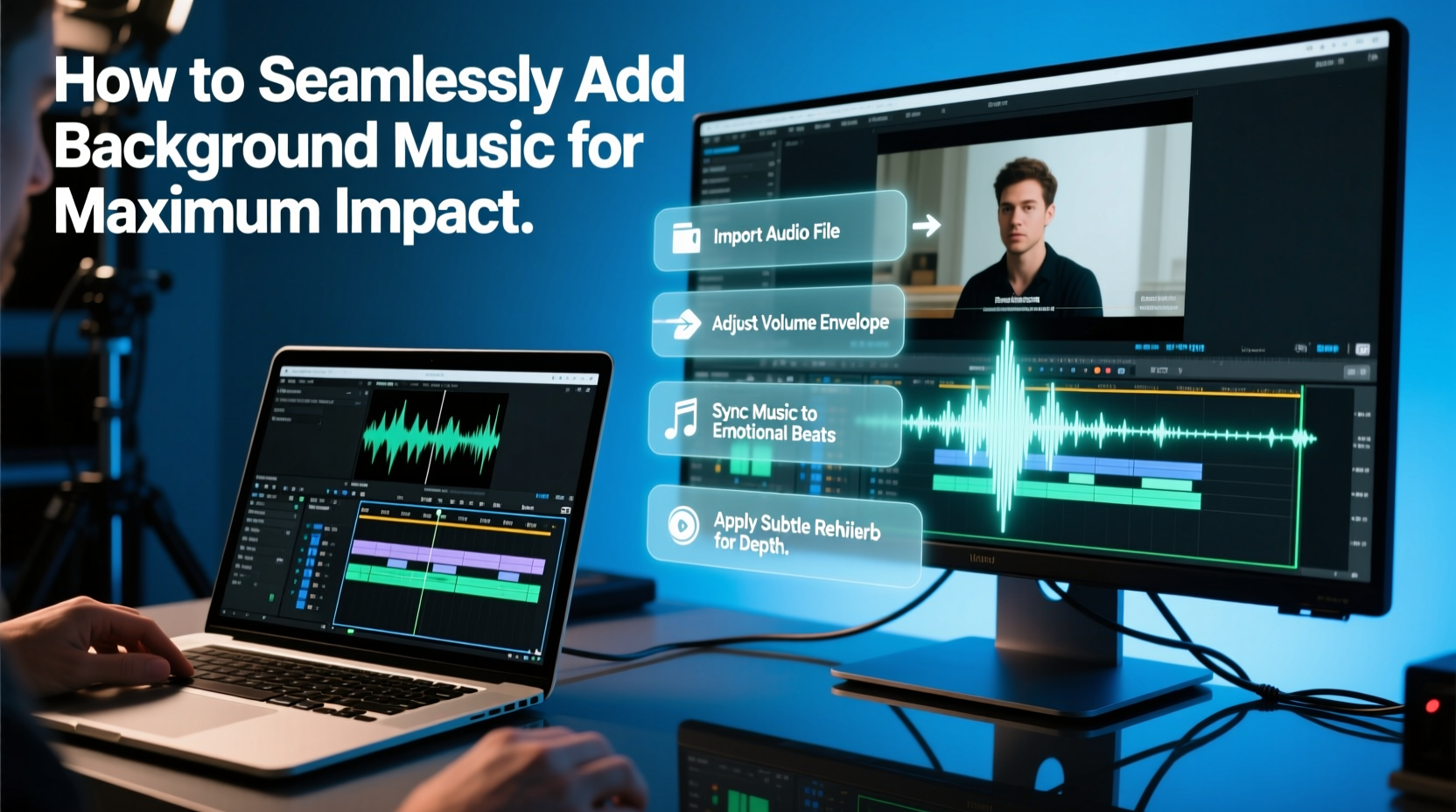
Music influences mood at a subconscious level. A study from the University of California found that background music can increase emotional engagement by up to 40% in video content. Whether you're producing a brand promo, vlog, tutorial, or short film, music sets the pace and emotional undercurrent. A slow piano melody can make a travel montage feel introspective; a driving beat can turn a fitness reel into motivational fuel.
But impact isn’t just about emotion—it’s also about retention. According to YouTube’s internal analytics, videos with well-mixed background music see up to 30% longer average watch times compared to those with silence or mismatched audio. When music aligns with visual rhythm—cuts, transitions, pacing—the brain perceives the content as more polished and trustworthy.
“Music is the invisible narrator of your video. It tells people how to feel before a single word is spoken.” — Lena Torres, Sound Design Consultant, Broadcast Media Group
Step-by-Step Guide to Seamless Audio Integration
Adding music effectively requires more than dragging a track into your timeline. Follow this structured workflow to ensure professional results:
- Select the Right Track: Match genre, tempo, and instrumentation to your video’s theme. A corporate explainer needs subtle ambient tones, not heavy dubstep.
- Trim and Edit the Music: Remove intros, outros, or repetitive sections. Use crossfades to smooth transitions between loops.
- Adjust Volume Levels: Background music should support, not overpower. Aim for -20 dB to -26 dB on average, leaving headroom for dialogue.
- Use Ducking (Automated Volume Reduction): Automatically lower music volume when voiceovers begin, then raise it afterward.
- Synchronize Key Moments: Align musical peaks (choruses, crescendos) with visual highlights—product reveals, scene changes, or emotional beats.
- Export with Proper Settings: Use AAC or MP3 at 192 kbps minimum. Ensure stereo balance and no clipping.
Best Practices: Do’s and Don’ts at a Glance
| Do | Don't |
|---|---|
| Use royalty-free or licensed music from reputable sources like Artlist, Epidemic Sound, or PremiumBeat | Assume “no copyright” means “free to use”—many tracks require attribution or have usage limits |
| Fade music in and out over 1–2 seconds to avoid abrupt starts/stops | Cut music abruptly at scene transitions |
| Match BPM (beats per minute) to editing rhythm for smoother pacing | Ignore timing—forcing fast cuts over slow ballads creates dissonance |
| Test your video without visuals—audio should still make sense | Overload with multiple music layers unless professionally mixed |
| Keep a library of go-to tracks categorized by mood (uplifting, suspenseful, calm) | Use trending TikTok songs if they distract from your message |
Real Example: Transforming a Bland Vlog into a Cinematic Experience
Consider Sarah, a travel vlogger filming a solo trip through Portugal. Her raw footage was solid—golden-hour shots of Lisbon streets, intimate café moments, and coastal waves—but early versions felt flat. Viewers dropped off after 45 seconds.
She revised her approach: selected a soft acoustic guitar track with Mediterranean flair, adjusted the edit to match strumming patterns, and applied volume ducking during narration. She faded the music out gently as the sun set in her final shot. The result? Watch time increased by 72%, and comments praised the “emotional journey” of the piece. One viewer wrote, “I felt like I was there with you.”
The transformation wasn’t due to better cameras or scripting—it was the seamless integration of music that created cohesion and emotional pull.
Essential Tools and Platforms for Creators
Not all music libraries are created equal. Here’s a quick comparison of top platforms:
- Artlist: High-quality cinematic and modern tracks; one flat fee covers unlimited downloads and commercial use.
- Epidemic Sound: Vast catalog with strong filtering by mood, genre, and instrument; includes SFX and sound effects.
- YouTube Audio Library: Free but limited in uniqueness; ideal for beginners testing concepts.
- Audiio: Curated, trendy music tailored for social media creators.
- Free Music Archive (FMA): Use with caution—check individual licenses carefully.
Frequently Asked Questions
Can I use popular songs from Spotify or Apple Music in my videos?
No—not without explicit licensing. Streaming services grant playback rights only, not redistribution rights. Using mainstream music without permission risks takedowns, demonetization, or legal action. Stick to royalty-free or properly licensed tracks.
How loud should background music be compared to voiceover?
As a rule, dialogue should sit 6–10 dB louder than background music. In post-production, aim for voiceovers peaking around -6 dB and music peaking at -16 dB. Use your editor’s audio meters to maintain this balance.
What if my video has no voiceover? Can music be louder?
Yes. In silent videos—such as montages or reels—music becomes the primary audio element. You can bring it up to -6 dB to -10 dB, but ensure dynamic range remains intact to prevent ear fatigue.
Final Checklist Before Publishing
- ✅ Music is properly licensed for intended use (social media, commercial, etc.)
- ✅ Volume levels are balanced across all scenes
- ✅ No abrupt cuts or jarring transitions in the audio
- ✅ Music enhances, rather than distracts from, the core message
- ✅ Final export has been tested on multiple devices
- ✅ Metadata includes composer/artist credits if required
Conclusion: Let Music Work for You, Not Against You
Background music isn’t an afterthought—it’s a strategic tool. When chosen and integrated thoughtfully, it deepens connection, guides pacing, and transforms ordinary content into memorable experiences. The most powerful soundtracks aren’t the loudest or trendiest; they’re the ones you don’t consciously notice, yet leave a lasting impression.
Start small: pick one upcoming video and apply these principles deliberately. Choose a track with intention, sync it to your visuals, and fine-tune the mix until it feels effortless. That’s the mark of seamless audio—when the music disappears into the moment, amplifying everything without calling attention to itself.




 浙公网安备
33010002000092号
浙公网安备
33010002000092号 浙B2-20120091-4
Comments
No comments yet. Why don't you start the discussion?