
In today’s digital-first world, having a stable and professional communication channel is essential—whether you're running a business, working remotely, or staying in touch across time zones. Traditional landlines are fading into obsolescence, replaced by flexible, cost-effective internet-based phone numbers. These virtual numbers use Voice over Internet Protocol (VoIP) technology to deliver clear calls, advanced features, and global accessibility without the need for physical infrastructure.
But not all internet phone services are created equal. Choosing the wrong provider can lead to dropped calls, poor customer support, or even security risks. This guide walks through every stage of acquiring a dependable internet phone number with clarity, foresight, and real-world applicability.
Why an Internet Phone Number Matters
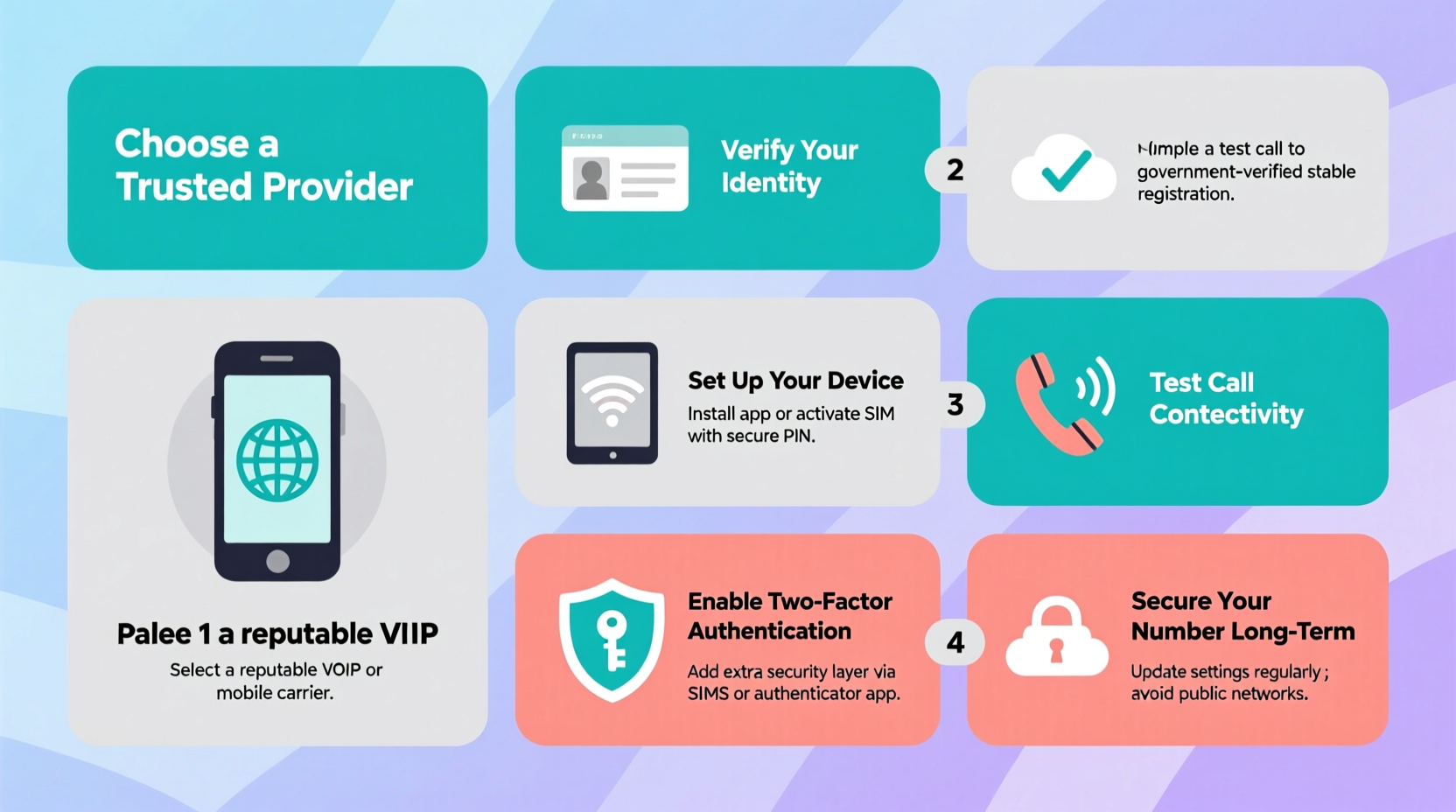
An internet phone number—also known as a VoIP number—routes your voice calls through the internet instead of copper wires. It functions like a traditional number but offers far more flexibility. You can make and receive calls from smartphones, tablets, desktops, or dedicated VoIP devices, anywhere there's a stable internet connection.
For freelancers, entrepreneurs, and distributed teams, this means maintaining a consistent local presence—even if you’re based overseas. Need a New York number while living in Lisbon? That’s possible. Want to scale call capacity during peak seasons without new hardware? Done.
“Internet-based telephony isn’t just cheaper—it’s smarter. Businesses using VoIP report up to 30% higher productivity due to integrated tools.” — Dr. Alan Reeves, Telecommunications Researcher at MIT
Step-by-Step Guide to Securing Your Internet Phone Number
Follow this structured process to ensure you choose a solution that fits your needs now and scales with future demands.
- Define Your Use Case: Are you setting up a personal line, a small business hotline, or a multi-user team system? The purpose shapes everything—from pricing plans to required features.
- Determine Geographic Needs: Decide whether you need a local number (e.g., +1 for the U.S.), a toll-free option, or multiple regional numbers to serve international clients.
- Assess Internet Stability: A high-speed, low-latency connection is non-negotiable. Run speed tests during peak hours to confirm upload speeds exceed 1 Mbps per concurrent call.
- Select a Reputable Provider: Compare platforms based on uptime guarantees, encryption standards, customer reviews, and available integrations (like CRM or email).
- Choose a Memorable Number: Some providers let you pick vanity numbers (e.g., 1-800-BUY-NOW). While optional, these enhance branding and recall.
- Set Up Devices and Apps: Install softphones on mobile or desktop apps. Test audio quality with echo checks and noise cancellation settings enabled.
- Enable Security Features: Activate two-factor authentication, call encryption, and firewall rules to prevent eavesdropping or number hijacking.
- Test and Monitor Performance: Conduct trial calls with colleagues. Check voicemail delivery, call forwarding, and failover routing under different network conditions.
Key Features to Look For
Not all VoIP services offer the same capabilities. Prioritize platforms that include the following core functionalities:
- Call Forwarding: Automatically redirect calls to alternate numbers or devices.
- Voice Mail to Email: Receive transcribed messages directly in your inbox.
- Auto Attendant: A digital receptionist that routes callers based on menu options.
- Conference Calling: Host group meetings with screen sharing and recording.
- Emergency 911 Support: Ensure your service updates emergency responders with your registered location.
- Mobile App Integration: Seamless calling from iOS and Android devices.
Comparison: Top Providers at a Glance
| Provider | Starting Price (Monthly) | Free Trial? | Global Numbers? | Best For |
|---|---|---|---|---|
| Ooma Office | $19.99 | Yes (30 days) | Limited countries | Small businesses |
| RingCentral | $19.99 | Yes (14 days) | 70+ countries | Mid-sized teams |
| Google Voice (Personal) | Free | N/A | U.S. only | Individuals |
| Vonage Business | $19.99 | Yes (30 days) | 50+ countries | Sales teams |
| Nextiva | $18.95 | Yes (14 days) | 100+ countries | Customer service |
Mini Case Study: Building Trust with a Local Presence
Jamila Patel runs a digital marketing consultancy from Barcelona but serves clients primarily in Chicago and Toronto. Initially, she used her Spanish mobile number, which led to lower answer rates and perceived lack of professionalism.
She switched to a VoIP provider offering U.S. and Canadian local numbers. By displaying a Chicago area code on her website and business cards, client trust increased dramatically. Response rates rose by 45%, and several prospects mentioned they “felt more comfortable” calling a familiar local number.
The setup took less than 20 minutes. She uses the desktop app for client calls and forwards urgent messages to her smartphone. Her monthly cost? Just $24.99 for both numbers and unlimited calling within North America.
Checklist: Before Activating Your Internet Phone Number
- ✅ Confirm your internet upload speed meets VoIP requirements (minimum 1 Mbps per line)
- ✅ Choose between a shared or dedicated IP address for better performance
- ✅ Verify provider supports E911 (emergency services) registration
- ✅ Set up call forwarding rules for after-hours or backup contacts
- ✅ Enable encryption (SRTP and TLS) to protect conversations
- ✅ Back up your account recovery details in a secure password manager
- ✅ Test audio quality with a colleague using headphones and microphone
Avoid These Common Pitfalls
Even experienced users make mistakes when adopting VoIP. Steer clear of these issues:
- Using Public Wi-Fi Without Protection: Unsecured networks expose your calls to interception. Always use a trusted network or a VPN.
- Ignoring Power Backup Options: During outages, your internet—and thus your phone—goes down. Consider a UPS battery backup for your router and modem.
- Skipping Regular Updates: Software patches often fix security flaws. Keep your apps and firmware updated automatically.
- Overlooking Porting Fees: Transferring an existing number may incur one-time charges. Confirm costs upfront.
Frequently Asked Questions
Can I keep my current phone number?
Yes. Most reputable VoIP providers support number porting, allowing you to transfer your existing landline or mobile number. The process typically takes 7–14 days and requires authorization from your current carrier.
Are internet phone numbers secure?
They can be—when configured properly. Look for end-to-end encryption, secure sign-in protocols, and compliance with standards like GDPR or HIPAA if handling sensitive data. Avoid providers that don’t publish their security policies.
What happens during an internet outage?
Your service will be temporarily unavailable unless you’ve set up call forwarding to a mobile number or have a secondary internet connection. Many businesses mitigate this risk by using cellular hotspots as backups.
Final Thoughts: Take Control of Your Communication
Securing a reliable internet phone number isn’t just about making calls—it’s about building credibility, improving accessibility, and future-proofing how you connect. With the right provider and setup, your virtual number becomes a powerful tool for growth, efficiency, and peace of mind.
The steps outlined here eliminate guesswork and reduce risk, ensuring you invest in a solution that performs consistently under real-world conditions. Whether you're launching a side hustle or managing a growing team, now is the time to upgrade your communication strategy.




 浙公网安备
33010002000092号
浙公网安备
33010002000092号 浙B2-20120091-4
Comments
No comments yet. Why don't you start the discussion?