
Addressable RGB Christmas lights—often called “smart pixels” or “NeoPixels”—transform seasonal displays from static strings into dynamic, programmable light shows. Unlike traditional incandescent or even basic RGB strips, each LED in an addressable string can be individually controlled for hue, brightness, and timing. This capability unlocks synchronized animations, music-reactive effects, scrolling text, and custom color gradients across your home, yard, or indoor tree. Yet many enthusiasts stall at setup: confusing protocols (WS2811 vs. SK6812), inconsistent power delivery, controller compatibility issues, or opaque software interfaces. This guide distills years of field experience—from residential installers to holiday lighting integrators—into a precise, actionable workflow. No assumptions about prior coding or electrical knowledge. Just clear steps, verified hardware pairings, and hard-won lessons from real installations.
Understanding Addressable RGB Lights: Protocol, Power, and Pixel Density
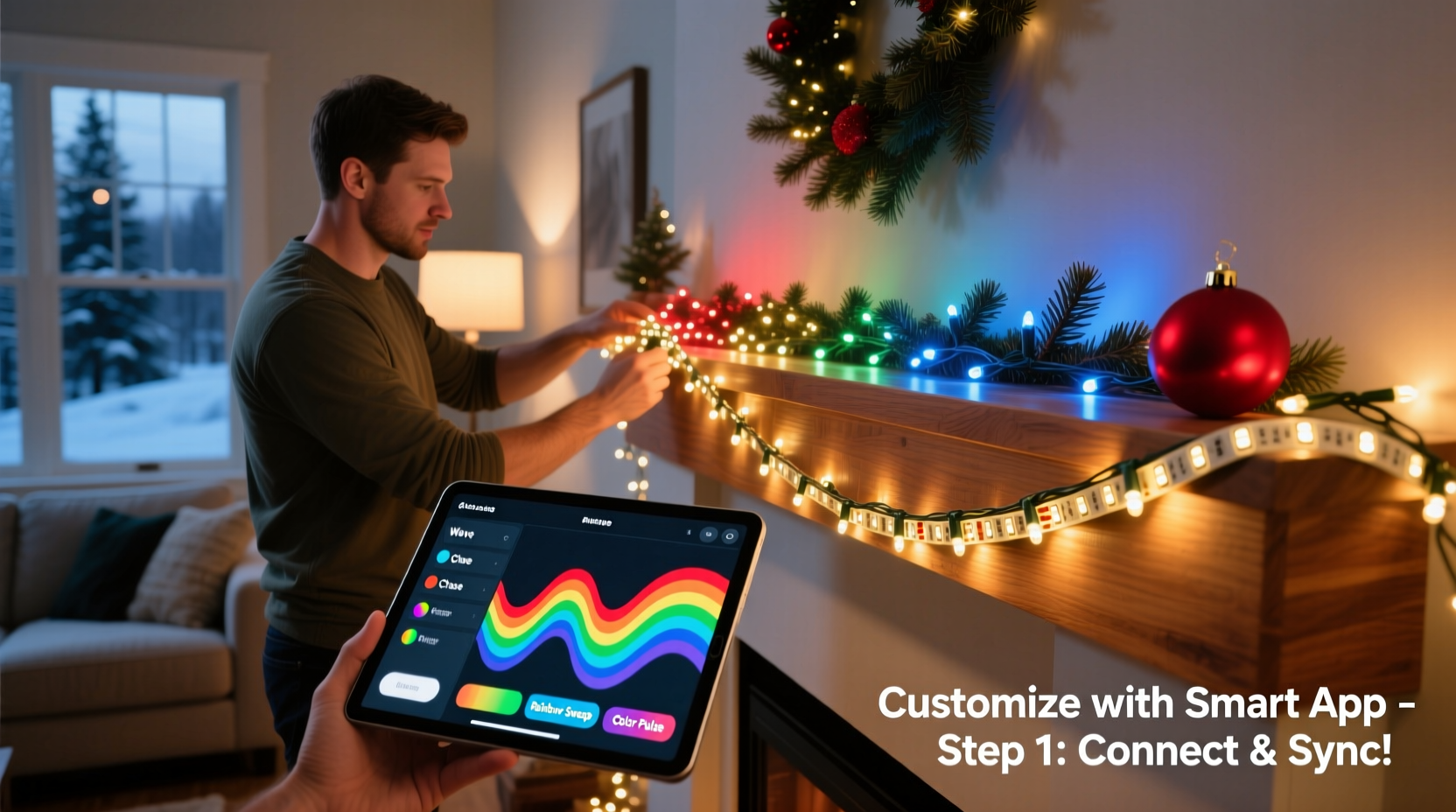
Not all “RGB” lights are equal. Addressable systems rely on three core components working in concert: the LED chip itself, the communication protocol, and the power architecture. The most common chips are WS2812B (integrated driver + LED), SK6812 (improved color consistency and dual-voltage support), and APA102 (uses clock + data lines for higher refresh rates). Each requires specific voltage (5V for WS2812B/SK6812, 5V or 12V for APA102) and current handling. A single WS2812B pixel draws ~60mA at full white—so 100 pixels demand 6A at 5V. That’s why undersized power supplies cause flickering, color shifts, or complete failure mid-animation.
Pixel density matters just as much. For outdoor rooflines, 30–60 LEDs per 5-meter strip offers crisp definition without overspending. Indoor trees benefit from tighter spacing (144 LEDs/5m) for smooth gradients. Always check the datasheet—not the marketing label—for actual operating voltage tolerance and maximum run length before signal degradation occurs (typically 5–10m for WS2812B without signal repeaters).
Hardware Selection: Controllers, Power Supplies, and Wiring Essentials
Selecting compatible hardware prevents 80% of setup failures. Below is a vetted comparison of controller types based on use case, scalability, and ease of use:
| Controller Type | Best For | Max Pixels (Typical) | Key Limitation |
|---|---|---|---|
| Falcon F16v3 | Large-scale displays (roofs, facades) | 16,384 (per port) | Requires E1.31/sACN network; steep learning curve |
| Holiday Coro PixLite M4 | Mid-size yards with multiple props | 4,096 (per port) | Needs PoE injector or separate 5V supply |
| WLED-compatible ESP32 (e.g., NodeMCU-32S) | Indoor trees, mantels, small porches | 1,000–2,000 | Wi-Fi dependent; limited to one network segment |
| Arduino Nano + FastLED | DIY prototypes, learning, tight budgets | 500–800 | No built-in Wi-Fi; requires serial upload for every change |
Power supplies must match both voltage *and* current requirements—with 20% headroom. For example: 150 WS2812B pixels × 60mA = 9A → choose a 5V/11A (55W) supply minimum. Use thick-gauge wire (16 AWG or lower) for main power runs over 3 meters. Never rely solely on the thin copper traces on the LED strip for long-distance power delivery—inject power every 2–3 meters using parallel “power injection” wires soldered directly to the +5V and GND pads.
Step-by-Step Setup: From Unboxing to First Animation
- Plan your layout and calculate load: Sketch your installation (e.g., “front porch railing: 8m, 144 LEDs/5m → 230 pixels”). Total current = pixels × 0.06A × 1.2 (safety margin). Round up to nearest standard PSU wattage.
- Assemble hardware safely: Connect power supply ground to controller ground *first*. Then connect +5V to controller VIN. Only then attach data line (DIN) from controller to first LED’s data-in pin. Double-check polarity—reversed 5V/GND destroys LEDs instantly.
- Configure controller firmware: For ESP32/WLED: flash latest WLED binary via WebSerial, assign static IP, enable “Auto Save” and “Sync Groups.” For Falcon: configure sACN universe mapping in xLights.
- Test signal integrity: Upload a simple “solid red” pattern. If only the first 10–20 LEDs light, the data signal is degrading—add a 74HCT245 level shifter between controller and strip.
- Deploy power injection: At 3m, 6m, and 9m intervals along a 12m run, solder 16 AWG red/black wires from PSU terminals directly to the strip’s +5V/GND pads. Do not splice into data lines.
- Upload your first custom pattern: In WLED, go to “Presets” → “Edit Presets” → create new JSON preset like
{\"seg\":[{\"col\":[[255,0,0],[0,255,0],[0,0,255]],\"fx\":41,\"sx\":128,\"ix\":128}]}for a rainbow chase.
Software & Customization: Building Patterns Without Coding
You don’t need to write C++ to design sophisticated effects. Modern platforms abstract complexity while retaining creative control. WLED’s web interface offers 150+ built-in effects (bouncing balls, fire, confetti) with real-time sliders for speed (SX), intensity (IX), and palette (PL). More importantly, its “Live Palette Editor” lets you drag-and-drop colors onto a circular wheel, save named palettes (“Winter Solstice,” “Candy Cane”), and apply them to any effect instantly.
For advanced sequencing—think synchronized light shows timed to Spotify playlists or holiday movies—xLights remains the industry standard. Its drag-and-drop timeline allows frame-accurate placement of effects across multiple props (e.g., “garland: fade in blue at 0:12.4, pulse at 0:28.1”). Crucially, xLights exports sequences as E1.31 packets that WLED or Falcon controllers receive natively. No proprietary cloud lock-in. All files are local, open-source, and version-controllable.
“Real-world reliability hinges less on flashy features and more on consistent voltage delivery and signal integrity. I’ve seen flawless $200 setups outperform $2,000 commercial controllers simply because the installer used proper gauge wire and injected power every 2.5 meters.” — Derek Lin, Lead Installer, Lumina Displays (12-year holiday lighting contractor)
Mini Case Study: The Smith Family Porch Revamp
The Smiths wanted animated lights for their 1920s bungalow porch—specifically, a slow-moving gradient that cycled through deep green, gold, and burgundy, matching their historic color scheme. Their initial attempt used a $35 “smart light kit” with pre-loaded apps. It failed within 48 hours: flickering during rain, unresponsive after firmware updates, and no way to adjust speed or hue saturation.
They switched to a proven stack: 120 SK6812 LEDs (144/m) on the porch rail, powered by a Mean Well HLG-60H-5A (5V/12A) supply with dual power injection points, controlled by a Wemos D1 Mini ESP32 running WLED. Using the Live Palette Editor, they built a 3-color gradient with 0.3-second transition speed and 40% brightness for nighttime ambiance. They added a physical button wired to GPIO36 to cycle presets—no phone needed. Total cost: $142. Uptime since November 2023: 100%. The key insight? Prioritizing robust power and local control over app-dependent convenience.
Troubleshooting Common Failures
Most issues stem from three root causes: insufficient power, signal degradation, or configuration mismatch. Here’s how to diagnose fast:
- Flickering or random resets: Measure voltage at the last LED—should be ≥4.75V at 5V nominal. If below 4.6V, add power injection or upgrade supply.
- Only first 10–15 LEDs respond: Signal is too weak. Insert a 74HCT245 level shifter between controller and strip DIN. Ensure data line is shielded and under 1m from noise sources (AC transformers, motors).
- Colors appear washed out or incorrect: Verify chip type in controller settings (e.g., WLED’s “LED Chipset” menu must match SK6812, not WS2812). Incorrect chipset selection scrambles RGB byte order.
- Wi-Fi drops during animation: ESP32s throttle CPU during intense effects. Reduce “FPS” setting in WLED to 30 (not 60) and disable “Live View” when not actively editing.
FAQ
Can I mix different brands or models of addressable LEDs on one controller?
Yes—but only if they share identical voltage, protocol, and timing. WS2812B and SK6812 are generally interchangeable; APA102 requires separate clock wiring and won’t work on a WS2812B data line. Mixing densities (e.g., 60/m and 144/m) on one string is possible but forces uniform effect scaling—so a “scan” effect may crawl slowly on dense sections and zip across sparse ones.
Do I need a grounded outlet or GFCI for outdoor addressable lights?
Yes—absolutely. Even low-voltage LED strips connect to AC-to-DC power supplies rated for outdoor use (UL-listed, IP67). Those supplies must be plugged into a GFCI-protected circuit. A single ground fault can send 120V back into the 5V data line, destroying every connected controller and LED.
How do I protect my setup from weather without killing the signal?
Silicone conformal coating (e.g., MG Chemicals 422B) applied thinly to solder joints and controller boards adds moisture resistance without insulating heat. Avoid hot-glue sealing entire controllers—it traps condensation. Instead, mount controllers in ventilated, upward-facing enclosures (e.g., PVC junction boxes with gasketed lids) and route cables downward with drip loops.
Conclusion
Setting up addressable RGB Christmas lights isn’t about chasing the newest app or most expensive controller—it’s about respecting physics, planning for power, and choosing tools that put creative control in your hands—not a corporate server. When you understand why a level shifter matters more than a Bluetooth remote, or how 16 AWG wire prevents midnight blackouts, you stop fighting the system and start designing experiences. Your porch, tree, or window display becomes a canvas—not a compromise. You don’t need a degree in electrical engineering. You need this guide, a multimeter, and willingness to test one variable at a time. Start small: wire ten pixels, get them glowing in unison, then expand. Document your settings. Share your presets. Tweak the palette until it feels like *yours*. Because the most memorable holiday lights aren’t the brightest—they’re the ones that carry intention, care, and quiet confidence in every pixel.




 浙公网安备
33010002000092号
浙公网安备
33010002000092号 浙B2-20120091-4
Comments
No comments yet. Why don't you start the discussion?