
Creating a successful pay-per-view (PPV) event is no longer limited to major sports leagues or entertainment giants. With the right strategy, technology, and marketing, independent creators, fitness trainers, musicians, and niche communities can launch profitable PPV events from anywhere in the world. Whether you're hosting a live concert, a martial arts match, an exclusive workshop, or a digital summit, turning your content into a revenue-generating event requires careful planning and execution. This guide walks through the essential steps to build, promote, and monetize your PPV event effectively.
Choose Your Niche and Define Your Audience
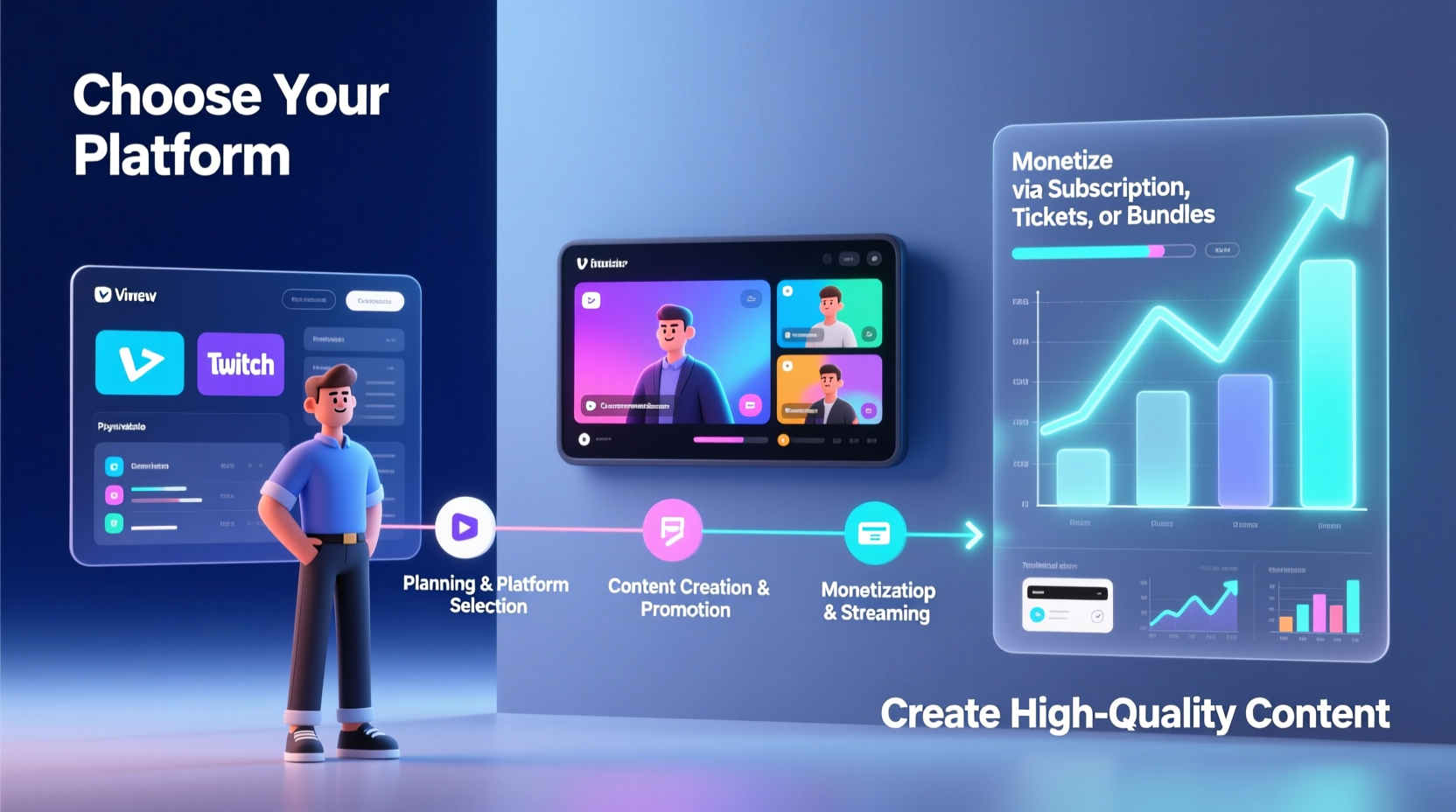
The foundation of any successful PPV event is a clearly defined audience. Generic events struggle to gain traction, while niche-focused ones attract dedicated viewers willing to pay for premium access. Ask yourself: Who benefits most from this content? What problem does it solve? Why would someone spend money instead of waiting for a free version?
For example, a yoga instructor might host a 90-minute “Full Moon Flow” session targeting intermediate practitioners interested in mindfulness and lunar rituals. A tech entrepreneur could organize a private product launch preview for early adopters. The more specific the theme and audience, the easier it becomes to market and justify the price.
Plan and Structure Your Event Timeline
A well-organized timeline ensures all elements come together smoothly. Start planning at least 8–12 weeks in advance, especially if your event includes guest speakers, performers, or technical requirements like multi-camera setups.
Step-by-Step PPV Event Timeline
- Weeks 1–2: Finalize concept, pricing model, and target audience.
- Weeks 3–4: Secure talent, venue (if applicable), and legal rights (e.g., music licensing).
- Weeks 5–6: Select and test streaming platform; begin promotional campaign.
- Weeks 7–8: Launch ticket sales; run early-bird promotions.
- Week 9: Conduct full technical rehearsal with team.
- Week 10: Final marketing push via email, social media, and partnerships.
- Event Day: Stream live, monitor chat/support, handle troubleshooting.
- Post-Event: Send replay links, collect feedback, analyze revenue and engagement.
Select the Right Streaming and Monetization Platform
Your choice of platform directly impacts user experience, security, and profitability. Not all video platforms support true PPV functionality—many only offer subscriptions or donations. Look for features like secure login, geoblocking, DRM protection, built-in payment processing, and analytics.
| Platform | Best For | Fees | PPV Support |
|---|---|---|---|
| StageIt | Live music, intimate performances | 15% + payment processing | Yes |
| Dacast | Professional broadcasters, sports | $59+/mo + transaction fees | Yes (with monetization add-on) |
| YouTube (Premieres + Memberships) | Established creators | 30% fee on memberships | Limited (requires workarounds) |
| Uscreen | Courses, workshops, fitness | $39–$399/mo + 5–10% transaction fee | Yes |
| Zoom Webinars + Payment Link | Small-scale expert sessions | Varies by payment processor | Manual setup required |
Platforms like Dacast and Uscreen offer white-label options, allowing you to brand the viewing page as your own. This enhances professionalism and trust, increasing conversion rates.
Create a Compelling Marketing Strategy
No matter how high-quality your content is, without visibility, your event won’t sell. Build anticipation through storytelling, scarcity, and exclusivity.
- Launch a countdown timer on your website.
- Offer tiered pricing (e.g., Standard Access $19.99, VIP Access $49.99 with Q&A).
- Partner with influencers or affiliates who serve your target audience.
- Use teaser clips or behind-the-scenes footage across Instagram, TikTok, and YouTube Shorts.
- Email segmented lists with personalized messaging based on past behavior.
“People don’t buy tickets—they buy experiences. Position your event as something they can’t get anywhere else.” — Marcus Lee, Digital Event Strategist & Former Producer for UFC Fight Pass
Execute Flawlessly: Tech, Talent, and Support
Even minor technical glitches can ruin viewer trust and lead to refund requests. Invest time in testing every component:
Pre-Event Technical Checklist
- ✅ Test internet upload speed (minimum 10 Mbps for HD streaming)
- ✅ Use wired Ethernet connection, not Wi-Fi
- ✅ Confirm backup power source and secondary internet line
- ✅ Run full dress rehearsal with all presenters and crew
- ✅ Prepare automated email sequence for registrants (login details, reminders)
- ✅ Set up live chat moderation or customer support channel during broadcast
If using external talent, provide them with a detailed run-of-show document and tech specs (camera, lighting, audio). Consider offering a small honorarium or revenue share to ensure commitment.
Mini Case Study: Indie Musician’s Virtual Album Launch
Sophia Reyes, an indie folk artist with 12,000 Instagram followers, wanted to launch her new album without label backing. She used Uscreen to host a 75-minute live performance, including acoustic versions, fan Q&A, and exclusive artwork reveals. Tickets were priced at $14.99, with a $29.99 VIP package that included a digital booklet and signed postcard.
She promoted the event over four weeks using Instagram Stories, email newsletters, and two collaborating artists who shared the event with their audiences. By offering early-bird pricing and limited availability, she sold 837 standard tickets and 112 VIP packages—generating over $16,500 in gross revenue. Post-event, she offered a 48-hour replay window for ticketholders, increasing satisfaction and reducing complaints about scheduling conflicts.
Maximize Revenue Beyond Ticket Sales
Your event doesn’t have to be a one-time transaction. Expand monetization opportunities before, during, and after the stream:
- Merch Bundles: Offer T-shirts, posters, or digital downloads with ticket purchase.
- Sponsorships: Partner with brands aligned with your audience (e.g., athletic wear for a fitness event).
- On-Demand Access: Sell replays separately after the live show ends.
- Upsells: Promote related courses, coaching, or future events during the broadcast.
According to data from OnBuy’s 2023 Creator Economy Report, events that included at least one upsell option saw an average 38% increase in per-customer revenue compared to those relying solely on ticket sales.
Frequently Asked Questions
How much should I charge for my PPV event?
Pricing depends on perceived value, duration, exclusivity, and audience size. Research similar events in your niche. A good starting point is $9.99–$29.99 for 60–90 minutes of original content. VIP tiers can go higher if they include tangible bonuses.
Can I host a PPV event without professional equipment?
Yes—many creators use smartphones, ring lights, and lavalier mics to produce high-quality streams. Prioritize clear audio and stable video over expensive gear. However, for large-scale productions, consider renting equipment or hiring a technician.
What happens if the stream fails during the event?
Have a contingency plan: record the event locally as a backup, notify attendees immediately via email or social media, and offer a replay or partial refund. Transparency builds long-term trust.
Final Steps to Success
Setting up and monetizing a PPV event is both an art and a science. It combines creative vision with logistical precision and strategic marketing. The most successful events aren’t necessarily the biggest—they’re the ones that deliver real value to a well-defined audience.
Start small, learn from each iteration, and scale intelligently. Use feedback to refine your format, improve production quality, and deepen audience engagement. Over time, your PPV events can become a reliable income stream and a powerful way to strengthen your brand.




 浙公网安备
33010002000092号
浙公网安备
33010002000092号 浙B2-20120091-4
Comments
No comments yet. Why don't you start the discussion?