
Long, cluttered URLs can be difficult to share, unattractive in messages, and hard to remember. Whether you're promoting a blog post, sharing a product page, or sending a link via social media, shortening your URL simplifies the process and improves user experience. The good news? You don’t need technical skills to do it. With just a few clicks, anyone can transform a complex web address into a clean, concise link.
This guide walks you through the entire process of shortening a website link—from choosing the right tool to tracking performance—so you can share links confidently and effectively.
Why Shorten a Website Link?
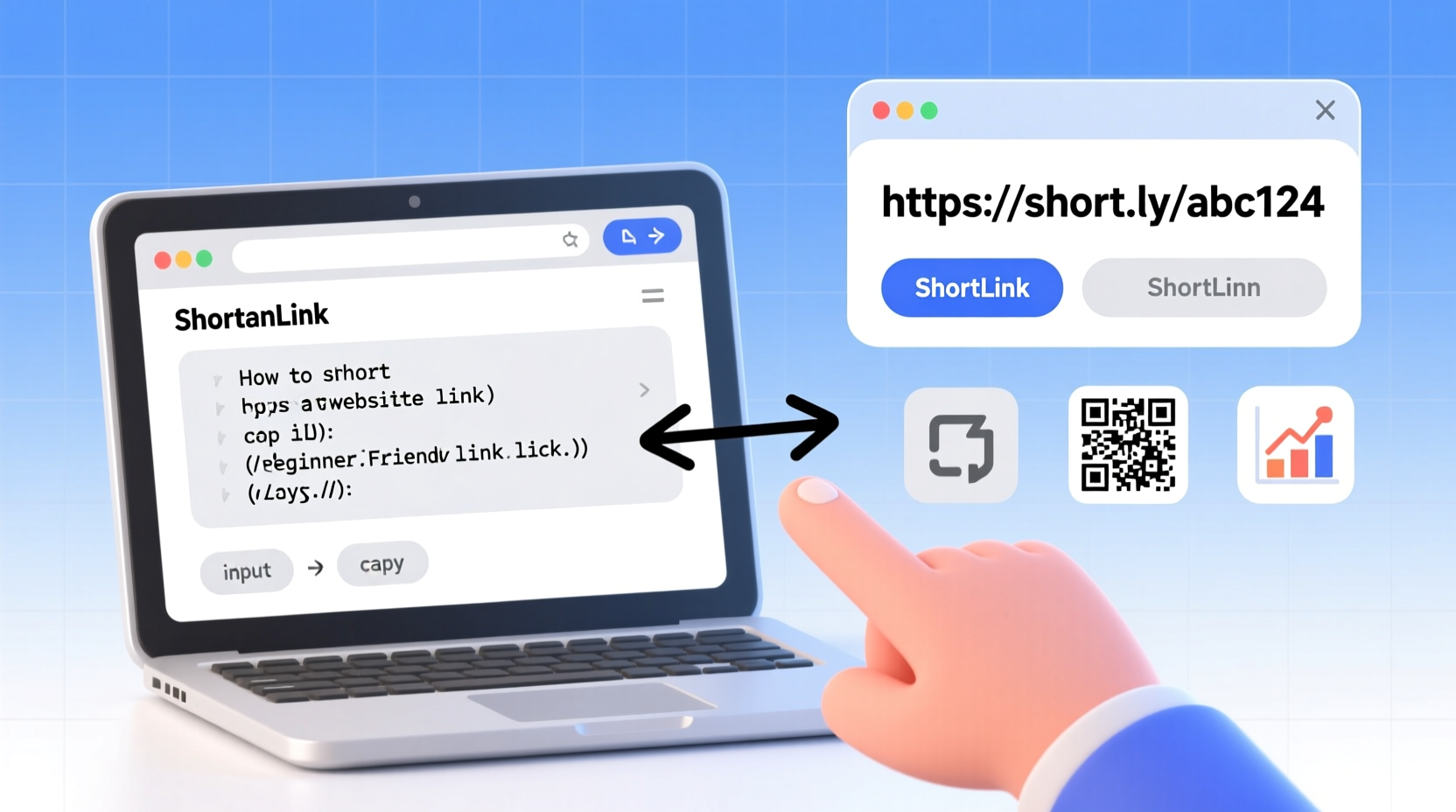
Before diving into the how, it helps to understand the why. Shortened links offer several practical benefits:
- Improved readability: A short link is easier to read and less likely to break across lines in emails or texts.
- Better aesthetics: Clean links look more professional in presentations, bios, and marketing materials.
- Easier sharing: On platforms like Twitter with character limits, every byte counts.
- Tracking capabilities: Many shortening services provide analytics on click-through rates, geographic data, and referral sources.
- Custom branding: Some tools let you create branded short domains (e.g., yourbrand.co/offer) that reinforce your identity.
Step-by-Step Guide to Shorten a Website Link
Follow these simple steps to shorten any web address quickly and safely.
- Copy the original URL
Carefully select and copy the full web address from your browser’s address bar. Make sure it includeshttps://to avoid redirection errors. - Choose a reliable link shortener
Select a trusted service such as Bitly, TinyURL, Rebrandly, or Google’s Firebase Dynamic Links. Each offers different features—some free, some paid—but all are beginner-friendly. - Paste the long URL into the tool
Visit the homepage of your chosen shortener and locate the input field labeled “Paste your link” or similar. Paste your copied URL here. - Generate the short link
Click the button labeled “Shorten,” “Create,” or “Generate.” Within seconds, the tool will produce a new, compact version of your link. - Customize if desired
Many platforms allow you to edit the ending of the shortened link (e.g., changing bit.ly/abc123 to bit.ly/summer-sale). This makes it more memorable and trustworthy. - Test the link
Always click the generated link in an incognito window to confirm it redirects properly to the intended destination. - Use and share
Once verified, copy the short link and use it across email campaigns, social media posts, QR codes, or printed materials.
Top Link Shortening Tools Compared
Not all link shorteners are created equal. Here's a comparison of popular options based on key features relevant to beginners.
| Tool | Free Plan Available? | Custom Domains | Link Analytics | Best For |
|---|---|---|---|---|
| TinyURL | Yes | No | Limited | Quick one-time links |
| Bitly | Yes | Yes (paid) | Comprehensive | Businesses and marketers |
| Rebrandly | Yes (limited) | Yes | Detailed | Branded short links |
| Short.io | Yes | Yes | Strong analytics | Social media managers |
| Firebase Dynamic Links | Yes | Yes | Moderate | Mobile app deep linking |
Avoiding Common Pitfalls When Shortening Links
While link shortening is straightforward, mistakes can lead to broken links, lost traffic, or even security concerns.
- Using unreliable shorteners: Some lesser-known tools may shut down, breaking all associated links. Stick to established providers.
- Creating misleading links: Never disguise malicious content behind a short URL. It damages credibility and may violate platform policies.
- Ignoring expiration settings: Certain tools let you set expiration dates. Accidentally enabling this could make your link stop working unexpectedly.
- Skipping testing: Always verify the final destination works across devices and browsers.
“Shortened links should enhance, not obscure, transparency. Users appreciate knowing where a link leads—even when it’s concise.” — David Kim, Digital Marketing Strategist at WebFlow Insights
Mini Case Study: Boosting Social Media Engagement with Short Links
Jessica runs a small online bookstore and shares weekly reading recommendations on Instagram Stories. Initially, she used full Amazon affiliate links, which were long and disrupted the visual flow of her posts. Her engagement was low, and few followers clicked through.
She began using Bitly to shorten her links and customized them to read booksbyjess.com/week5. She also enabled link tracking to monitor which titles got the most interest.
Within two months, her click-through rate increased by 63%. Followers commented that the links looked cleaner and more trustworthy. By analyzing her data, she discovered mystery novels performed best and adjusted her content strategy accordingly.
This real-world example shows how a simple change—shortening and branding a link—can significantly improve both user experience and marketing outcomes.
Checklist: How to Safely and Effectively Shorten a Link
Use this checklist every time you create a shortened URL to ensure quality and consistency:
- ✅ Copy the full original URL including https://
- ✅ Choose a reputable shortening service
- ✅ Paste the long link accurately into the tool
- ✅ Customize the slug for clarity or branding (if available)
- ✅ Test the shortened link in private browsing mode
- ✅ Check analytics setup if tracking is needed
- ✅ Save the link in a spreadsheet or note for future reference
- ✅ Share only after confirming correct redirection
Frequently Asked Questions
Are shortened links safe to use?
Yes, when created through reputable services like Bitly, Rebrandly, or TinyURL. However, never click on shortened links from unknown sources, as they can sometimes mask phishing sites. Most modern browsers and email clients now flag suspicious short links automatically.
Can I edit or delete a shortened link later?
It depends on the platform. Services like Bitly and Rebrandly allow you to edit the destination URL or deactivate links from your dashboard. Free tools like basic TinyURL do not offer editing once created. Always keep a record of your links if future changes might be needed.
Do shortened links affect SEO?
No, search engines handle redirects properly, so short links won’t harm your site’s SEO. However, if you’re linking internally within your own website, it’s better to use direct links rather than external shorteners, as they add an unnecessary redirect layer.
Final Thoughts and Next Steps
Shortening a website link is a small action with big potential. It streamlines communication, enhances professionalism, and unlocks valuable insights when used wisely. As you grow more comfortable with the process, consider exploring advanced features like UTM tagging, team collaboration dashboards, or integrating short links into automated workflows.
The digital world rewards simplicity and clarity. A well-crafted short link removes friction and invites action—whether that’s reading an article, signing up for a newsletter, or making a purchase.




 浙公网安备
33010002000092号
浙公网安备
33010002000092号 浙B2-20120091-4
Comments
No comments yet. Why don't you start the discussion?