
Summer heat doesn’t just affect the weather—it turns your smartphone into a pocket-sized furnace. Whether you're commuting, traveling, or simply walking outside, high ambient temperatures combined with heavy usage can push your device past its thermal limits. Overheating slows performance, drains battery life, and over time, damages internal components. The good news? You don’t need a cooling case or a new phone to fix it. With smart habits and a few strategic adjustments, you can keep your phone running cool—even in the hottest months.
Why Phones Overheat in Summer
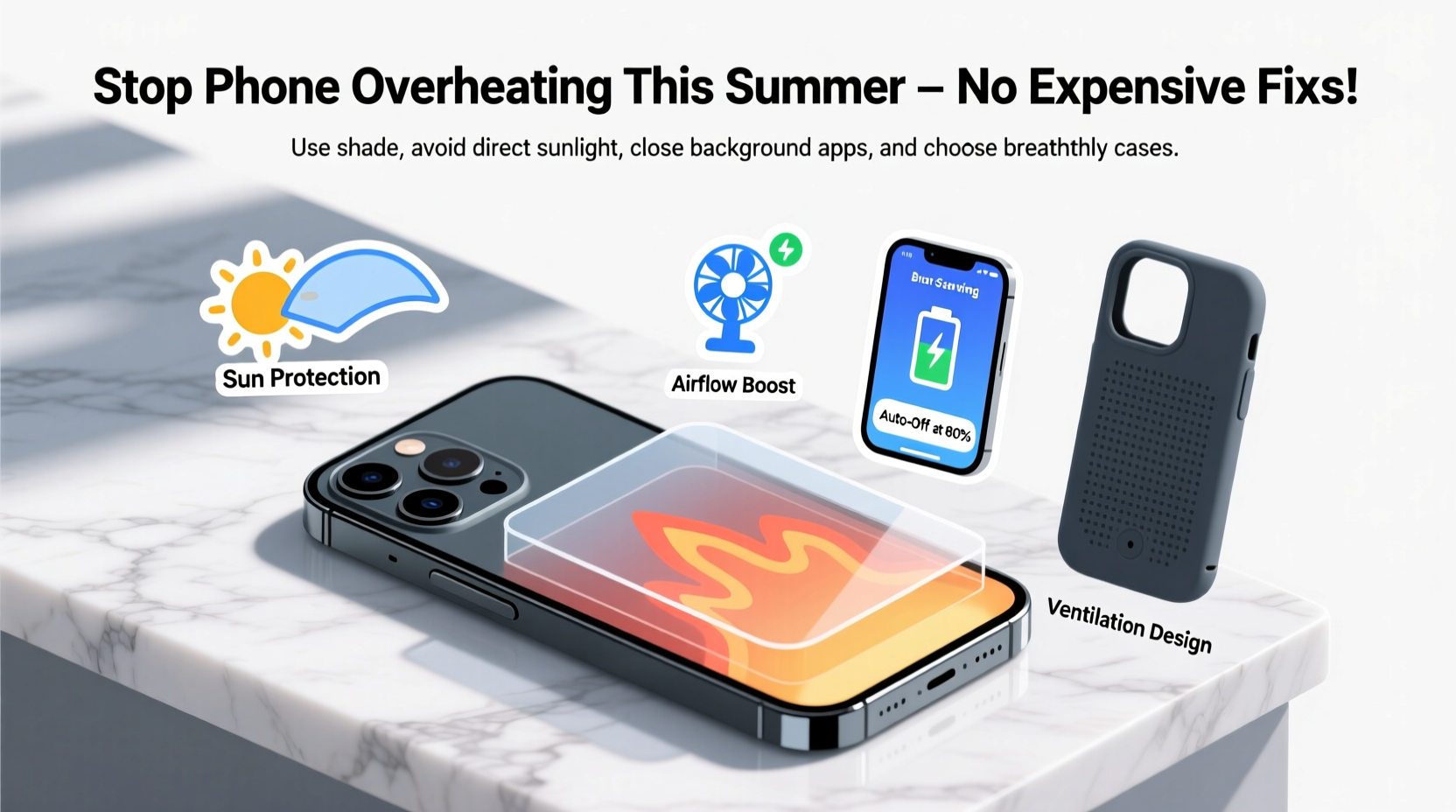
Smartphones generate heat naturally through processor activity, charging cycles, and screen brightness. In summer, this internal heat combines with external environmental factors to create a perfect storm for overheating. When a phone reaches about 35°C (95°F), its internal sensors may trigger thermal throttling—slowing down performance to prevent damage. At higher temperatures, apps may crash, the screen dims, or the device shuts down entirely.
The main contributors to summer overheating include:
- Direct sunlight exposure – Leaving your phone on a car dashboard or near a window magnifies heat absorption.
- High-performance tasks – Gaming, video editing, or GPS navigation increase CPU load and heat output.
- Charging in hot environments – Charging generates additional heat, especially when done in direct sunlight or inside a parked car.
- Poor ventilation – Thick cases, pockets, or enclosed spaces trap heat around the device.
- Background app activity – Apps refreshing location, syncing data, or streaming audio run silently but contribute to heat buildup.
Understanding these triggers is the first step toward preventing them.
Practical Ways to Prevent Phone Overheating
Preventing overheating isn’t about buying gadgets; it’s about changing habits. These low-cost, high-impact strategies help maintain optimal operating temperatures all summer long.
1. Avoid Direct Sunlight Exposure
The simplest yet most overlooked rule: keep your phone out of direct sunlight. UV rays heat surfaces quickly, and dark-colored phones absorb even more energy. If you’re outdoors, keep your phone in a shaded bag, use a book as a shield, or store it face-down in your lap.
2. Remove Thick Cases During Hot Conditions
Silicone, rubber, or rugged cases insulate heat. While great for protection, they hinder heat dissipation when temperatures rise. On hot days, consider removing the case—especially while charging or using GPS.
3. Limit High-Performance Tasks in Heat
Save intensive activities like gaming, 4K video recording, or augmented reality apps for cooler indoor environments. If you must use them outdoors, do so in short bursts and monitor device temperature.
4. Turn Off Unused Features
Bluetooth, Wi-Fi, GPS, and mobile data constantly communicate with networks, generating background heat. Disable features you aren’t actively using. For example, turn off location services for apps that don’t need it.
5. Use Airplane Mode Strategically
In extreme heat or when the phone feels warm, activate Airplane Mode. This stops cellular, Wi-Fi, and Bluetooth signals—reducing both power consumption and heat generation. You can manually re-enable Wi-Fi if needed.
6. Keep Your Phone Ventilated
Avoid placing your phone on surfaces that retain heat, like car seats, concrete, or metal. Instead, place it on a ceramic plate, wooden table, or in a breathable fabric pouch to allow airflow.
“Phones are designed to operate between 0°C and 35°C. Beyond that range, reliability drops significantly.” — Dr. Lena Torres, Mobile Hardware Engineer at TechSafe Labs
Step-by-Step Guide to Cooling an Overheated Phone
If your phone is already hot and showing warning messages (“Temperature too high”), follow this safe cooldown process. Never rush cooling with ice or refrigeration—that causes condensation and risks permanent damage.
- Power down immediately. Turn off the phone to halt all processing activity.
- Remove the case. Let the aluminum or glass body release trapped heat.
- Move to a cool, shaded area. Indoors is best; avoid fans blowing dust into ports.
- Do not charge. Charging adds heat. Wait until the device returns to normal temperature.
- Wait 20–30 minutes. Most phones recover fully within half an hour if removed from heat sources.
- Restart gently. Power back on and check performance. If warnings persist, seek service.
This method prevents thermal stress on batteries and circuits. Patience is key—forcing operation while hot accelerates wear.
Do’s and Don’ts of Summer Phone Care
| Do | Don’t |
|---|---|
| Use lightweight or no case in heat | Leave phone in a car under sunlight |
| Enable Dark Mode to reduce screen heat | Place phone directly on AC vents or in freezer |
| Close unused apps regularly | Charge while gaming or using GPS in sun |
| Carry phone in a cloth-lined bag | Ignore overheating warnings |
| Update software for thermal management patches | Cover phone with hand or fabric while using |
Real-World Example: How Maria Avoided a Meltdown
Maria, a rideshare driver in Phoenix, used her phone constantly for navigation, music, and passenger coordination. One July afternoon, her phone began lagging, then displayed “Device Too Hot” and shut down mid-trip. Frustrated, she pulled over and waited 40 minutes for it to reboot.
After researching, she changed her routine:
- She removed her thick silicone case during shifts.
- Mounted her phone away from direct dashboard sun using a shaded clip.
- Turned off Bluetooth and social media notifications.
- Used offline maps to reduce data strain.
- Started charging only during breaks, never while driving.
Within a week, her phone stopped overheating—even on 43°C (110°F) days. Her proactive changes cost nothing but saved her from potential hardware failure and lost income.
Checklist: Summer-Ready Phone Habits
Adopt these practices before peak heat hits:
- ✅ Remove unnecessary apps that run in the background
- ✅ Switch to Dark Mode and lower screen brightness
- ✅ Disable auto-brightness if it frequently maxes out
- ✅ Update your OS and apps for optimized thermal performance
- ✅ Clean app cache weekly to reduce processing load
- ✅ Use wired headphones instead of Bluetooth when possible
- ✅ Store phone in a central console or bag—not on seats or dashboards
- ✅ Charge overnight or during cooler hours, not midday
- ✅ Monitor battery health in settings (replace if below 80%)
- ✅ Carry a microfiber cloth to wipe sweat or moisture
Frequently Asked Questions
Can phone overheating permanently damage my device?
Yes. Prolonged exposure to high temperatures degrades lithium-ion batteries, reduces storage lifespan, and can warp internal components. Repeated overheating may void warranties, especially if caused by environmental neglect.
Is it safe to use my phone in the sun if it feels warm?
No. If your phone feels warm to the touch, it's already above optimal operating temperature. Continued use increases the risk of sudden shutdowns or long-term damage. Stop using it and let it cool in the shade.
Does closing apps really reduce heat?
Yes—especially on iPhones and Android devices with aggressive multitasking. Apps running location tracking, video streams, or cloud sync continue using CPU cycles even when minimized. Closing them reduces background workload and heat production.
Conclusion: Stay Cool, Stay Connected
Your phone doesn’t need a vacation from summer—but it does need smarter care. Overheating is preventable with awareness, small behavioral tweaks, and respect for physical limits. By shielding your device from direct heat, managing usage intensity, and allowing proper ventilation, you protect both performance and longevity—all without spending a dime on add-ons.
Start today: take off that bulky case, close those background apps, and think twice before leaving your phone in the sun. A cooler phone means faster responses, longer battery life, and fewer frustrations when you need it most.




 浙公网安备
33010002000092号
浙公网安备
33010002000092号 浙B2-20120091-4
Comments
No comments yet. Why don't you start the discussion?