
Waking up to a nearly dead phone battery despite charging it overnight is frustrating—especially when you haven’t used it heavily. If you own a smartwatch, this issue might not be random. The constant communication between your smartwatch and smartphone, particularly through Bluetooth, can silently drain your phone’s battery while you sleep. While both devices are designed to work together seamlessly, that convenience often comes at an energy cost. The good news? Most of these drains are preventable with the right settings and habits.
This guide breaks down exactly how and why your smartwatch impacts your phone’s battery life overnight and provides actionable steps to minimize or eliminate the drain—without sacrificing core functionality.
Why Your Smartwatch Drains Your Phone Battery
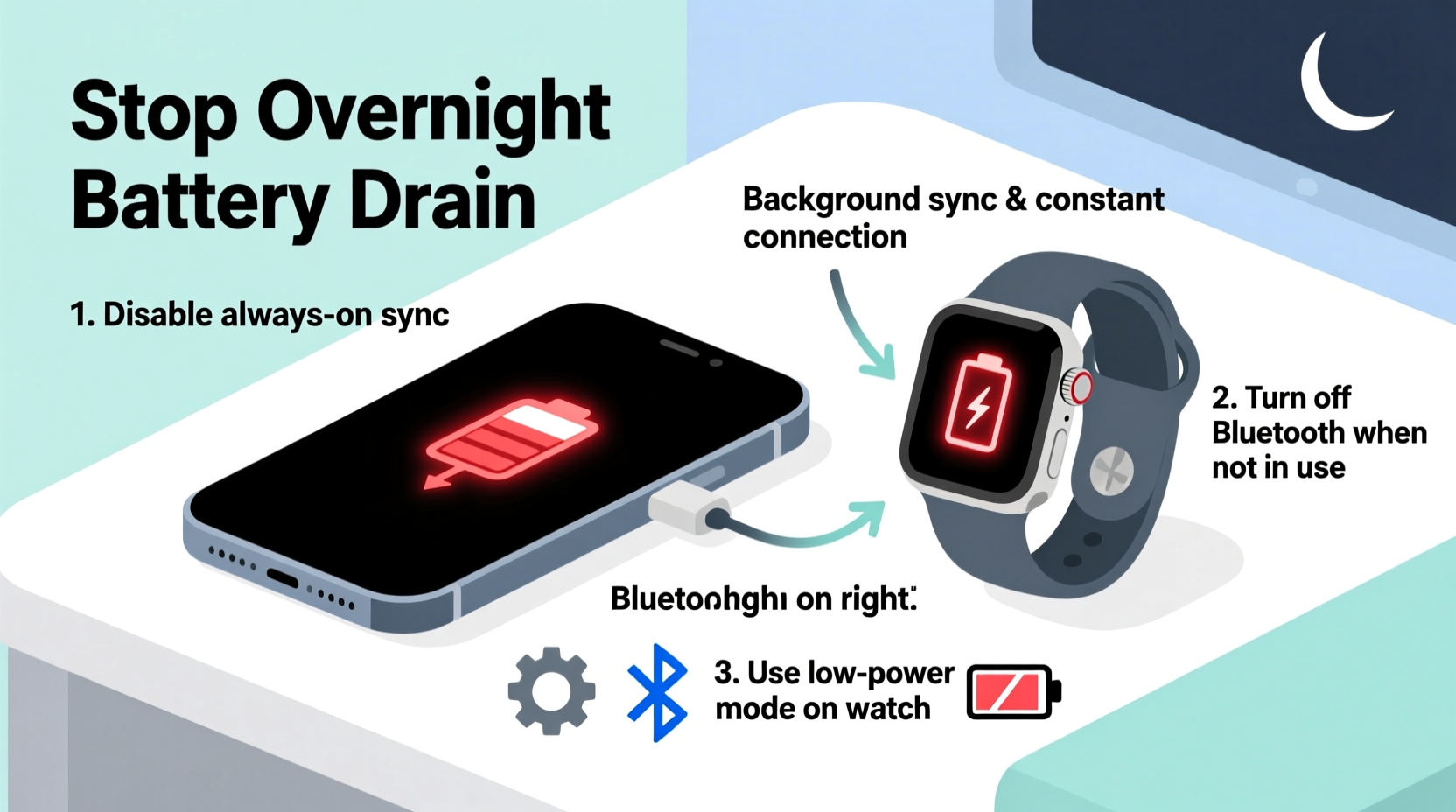
Smartwatches rely on continuous Bluetooth connections to sync notifications, health data, app updates, and location information. Even when idle, background processes run constantly:
- Notification syncing: Every alert from apps like WhatsApp, email, or social media triggers a data exchange.
- Health and fitness syncing: Heart rate, step count, and sleep tracking data are frequently pushed from the watch to the phone.
- Background app refresh: Companion apps (e.g., Apple Health, Google Fit) may refresh in the background, pulling data from the watch.
- Location sharing: Some watches use your phone’s GPS for accurate tracking, keeping location services active longer than necessary.
- Wi-Fi and network handoffs: When the watch detects Wi-Fi, it may prompt the phone to maintain connectivity for faster syncs.
These small, frequent interactions add up. Over several hours, especially during sleep cycles when no screen activity distracts you from noticing battery drop, the cumulative effect can be significant.
“Bluetooth doesn’t just connect devices—it maintains a persistent handshake. That low-energy connection still consumes power, especially when paired devices are exchanging data every few minutes.” — Dr. Lena Patel, Wireless Systems Engineer at MIT Media Lab
Step-by-Step Guide to Reduce Overnight Drain
You don’t need to stop using your smartwatch to preserve your phone’s battery. Instead, follow this structured approach to reduce unnecessary power consumption.
- Disable non-essential notifications: Go into your smartwatch companion app (Apple Watch app on iPhone or Wear OS app on Android) and turn off notifications for apps that aren’t urgent. Fewer alerts mean fewer sync events.
- Adjust sync frequency: Some wearables allow manual syncing. Set your device to sync only when opened or manually triggered instead of continuously.
- Turn off automatic workout detection: Features like “Start workout when movement is detected” keep sensors active all night, increasing background activity.
- Use Airplane Mode on the watch overnight: Enable Airplane Mode on your smartwatch before bed. This disables Bluetooth, Wi-Fi, and cellular (if applicable), cutting the tether to your phone.
- Charge your smartwatch separately: Avoid placing both devices side by side on chargers unless necessary. Proximity doesn’t cause drain, but charging both simultaneously increases overall power draw and heat buildup, which indirectly affects battery health.
- Update firmware and apps: Outdated software may contain bugs that cause excessive syncing. Ensure both your phone and watch are running the latest OS versions.
Do’s and Don’ts: Managing Smartwatch-Phone Power Use
| Action | Do | Don't |
|---|---|---|
| Notifications | Allow only critical apps (calls, messages, calendar) | Enable notifications for every social media and game |
| Sync Settings | Set health data to sync once per day, not in real-time | Leave real-time sync enabled for all metrics |
| Night Routine | Enable Airplane Mode or Do Not Disturb on the watch | Keep full connectivity active while sleeping |
| Battery Optimization | Use built-in battery saver modes on both devices | Ignore low-battery warnings and override limits |
| Charging | Charge smartwatch independently when possible | Leave both devices connected all night unnecessarily |
Real Example: How Sarah Fixed Her Morning Battery Woes
Sarah, a 32-year-old project manager, noticed her iPhone battery dropped from 100% to 47% overnight—even though she didn’t use it after 10 p.m. She charged both her iPhone and Apple Watch side by side every night. After reviewing her battery usage, she found “Background Activity” dominated by the Apple Watch app.
She took the following actions:
- Disabled notifications for Slack, Instagram, and email on her watch.
- Turned on Theatre Mode before bed via her bedtime shortcut.
- Updated her watchOS to the latest version, which included Bluetooth efficiency improvements.
- Moved her watch charger to another room so she wouldn’t be tempted to keep them connected.
The next morning, her phone retained 91% battery. Within a week, she consistently woke up with over 85%. The fix didn’t impact her daytime experience—she still received calls and calendar alerts—but eliminated the hidden drain.
Checklist: Nightly Routine to Protect Phone Battery
Before going to sleep, follow this quick checklist to ensure your smartwatch isn’t sabotaging your phone’s charge:
- ✅ Disable non-critical notifications on the watch
- ✅ Enable Airplane Mode or Do Not Disturb on the smartwatch
- ✅ Manually trigger one final sync if needed (e.g., health data backup)
- ✅ Charge the smartwatch separately, not adjacent to the phone
- ✅ Verify that background app refresh is limited on the companion app
- ✅ Schedule a weekly reboot of both devices to clear memory leaks
This routine takes less than two minutes but can save hundreds of milliampere-hours (mAh) each night—extending your phone’s usable lifespan and reducing anxiety about morning battery levels.
Frequently Asked Questions
Will turning off Bluetooth completely stop the drain?
Yes. Disabling Bluetooth on your phone prevents any communication with the smartwatch, eliminating related battery use. However, you’ll lose notification mirroring and health syncing until re-enabled. A better compromise is disabling Bluetooth only on the watch (via Airplane Mode), which stops outgoing signals without affecting other phone functions.
Can a smartwatch drain my phone battery even when powered off?
No. If the smartwatch is completely powered down, it cannot transmit Bluetooth signals or request data. However, most users place their watch in standby or charging mode, not full shutdown. In those states, periodic wake-ups can still initiate sync attempts, especially if the phone is nearby.
Is it safe to leave my smartwatch and phone charging overnight?
Modern lithium-ion batteries are designed to stop charging at 100%, so leaving them plugged in is generally safe. However, keeping both devices near each other while charging can increase ambient heat, which degrades long-term battery health. For optimal longevity, charge them in separate locations and unplug once fully charged, if possible.
Advanced Tips for Power Users
If you're technically inclined or want deeper control, consider these advanced strategies:
- Use automation tools: On iPhone, create a Shortcuts automation that enables Airplane Mode on your Apple Watch at bedtime. On Android, use Tasker or Bixby Routines to disable Wear OS sync after 10 p.m.
- Limit background data in developer options: Android users can go to Developer Options and restrict background activity for the Wear OS app, reducing unscheduled syncs.
- Monitor battery usage by app: Check your phone’s battery settings weekly. If the smartwatch companion app appears in the top consumers, adjust its permissions or reset the connection.
- Reset Bluetooth pairing: Sometimes, corrupted Bluetooth profiles cause repeated reconnection attempts. Unpair and re-pair your watch monthly to maintain a clean link.
One user reported a 30% reduction in overnight drain after resetting their Apple Watch connection and switching to manual health data sync—proving that occasional maintenance matters.
Conclusion: Take Control of Your Device Ecosystem
Your smartwatch should enhance your life—not sabotage your phone’s battery every night. The connection between wearable and smartphone is powerful, but it requires thoughtful management. By adjusting notifications, leveraging modes like Airplane or Do Not Disturb, and adopting simple nightly habits, you can enjoy the benefits of your smartwatch without paying for it in lost phone charge.
Battery life isn’t just about capacity—it’s about efficiency. Small changes compound over time, preserving not only your morning battery percentage but also the long-term health of your devices. Start tonight: review your watch settings, apply the checklist, and reclaim your phone’s power.




 浙公网安备
33010002000092号
浙公网安备
33010002000092号 浙B2-20120091-4
Comments
No comments yet. Why don't you start the discussion?