
Streaming movies on your cell phone has become a daily habit for millions. Whether you're commuting, traveling, or simply relaxing at home, your smartphone offers instant access to a vast library of films and series. But not all streaming experiences are equal. From choosing the right app to optimizing data usage and video quality, the details matter. This guide walks you through everything you need to know to enjoy smooth, high-quality movie streaming on your mobile device—without frustration or wasted bandwidth.
Choosing the Right Streaming Apps
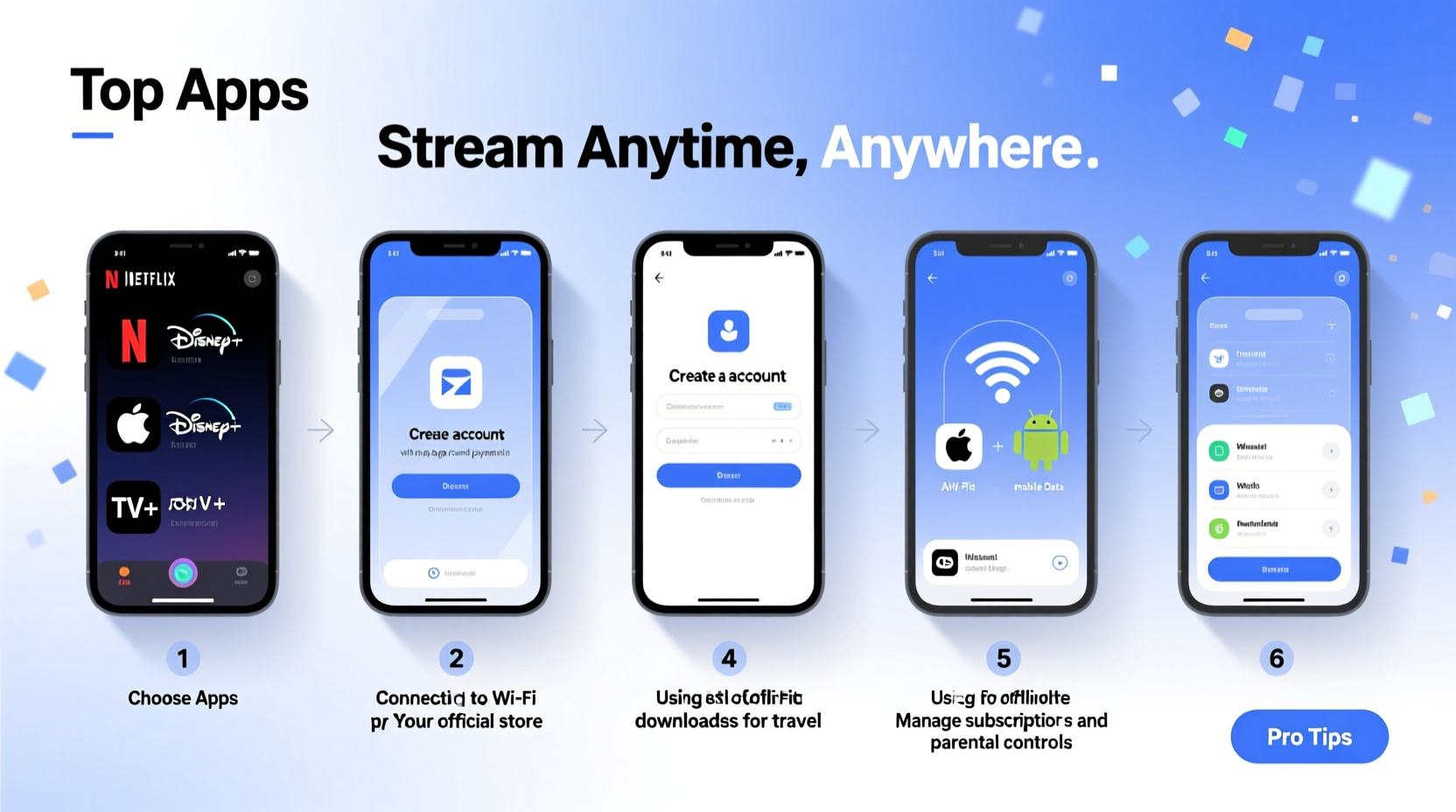
The foundation of a great mobile movie experience is selecting reliable, feature-rich apps. While many platforms offer mobile versions, some stand out in terms of interface design, offline capabilities, and content variety.
Here are the top five streaming apps optimized for mobile use:
- Netflix – Offers 4K HDR support (on select devices), personalized recommendations, and robust offline downloads.
- Amazon Prime Video – Integrates well with Alexa, supports HD and Ultra HD playback, and allows downloads on multiple devices.
- Disney+ – Ideal for families and fans of Marvel, Star Wars, and Pixar; includes parental controls and multi-user profiles.
- HBO Max – High production value originals and Warner Bros. films available day-and-date with theaters (in select regions).
- Tubi – A free, ad-supported platform with thousands of movies across genres—no subscription required.
Optimizing Your Viewing Experience
Even with the best app, poor settings can ruin your movie session. Adjusting key features ensures better performance and longer battery life.
Adjust Video Quality Settings
Most apps default to \"Auto\" quality, which adjusts based on your connection. However, manually setting resolution helps control data usage. For example:
| Resolution | Data Usage per Hour | Best For |
|---|---|---|
| Low (480p) | 300–700 MB | Slow Wi-Fi or limited data plans |
| Medium (720p) | 1–1.5 GB | Balanced quality and consumption |
| High (1080p) | 3 GB | Wi-Fi only; large screens |
| Ultra HD (4K) | 7+ GB | Only over fast Wi-Fi and supported devices |
“Streaming in 1080p over cellular networks can exhaust a 10GB monthly plan in less than three movies.” — Carlos Mendez, Mobile Network Analyst
Use Offline Mode Wisely
Download movies when connected to Wi-Fi to save data and ensure uninterrupted playback during flights or commutes. Most premium services allow downloading up to 25 titles per device, but they typically expire after 30 days or when licensing changes.
Step-by-Step Guide to Start Streaming Any Movie
- Connect to Wi-Fi – Open Settings and join a secure network to avoid data costs.
- Open Your Preferred App – Launch Netflix, Prime Video, or another service.
- Search for a Movie – Use filters like genre, release year, or ratings to narrow choices.
- Select Playback Option – Choose “Play” for instant streaming or “Download” for offline access.
- Adjust Brightness & Audio – Increase screen brightness slightly and consider using headphones for immersive sound.
- Start Watching – Sit back, relax, and enjoy the film. Pause or resume anytime.
Real Example: Streaming During a Road Trip
Sophia was driving cross-state with her two young children. To keep them entertained, she downloaded three animated films on Disney+ the night before using her home Wi-Fi. She enabled airplane mode during the trip and used a tablet connected via Bluetooth to play audio through the car speakers. The pre-downloaded content played smoothly without buffering, and no data was consumed. This simple preparation turned a potentially chaotic ride into a peaceful journey.
This scenario highlights why planning ahead—especially downloading content—is crucial when internet access is unreliable.
Essential Tips for Better Mobile Streaming
- Close background apps to free up RAM and reduce lag during playback.
- Use a phone mount or stand for hands-free viewing while cooking, commuting, or lounging.
- Enable dark mode in apps to reduce eye strain in low-light environments.
- Keep your device updated—new OS versions often improve video decoding efficiency.
- Invest in noise-canceling earbuds for clearer dialogue and reduced ambient distraction.
Common Mistakes to Avoid
Even experienced streamers make errors that degrade their experience. Watch out for these pitfalls:
| Mistake | Why It’s Bad | What to Do Instead |
|---|---|---|
| Streaming in HD on cellular data | Rapidly consumes data allowance | Switch to medium or low quality or wait for Wi-Fi |
| Leaving apps running in the background | Drains battery and slows performance | Force-close unused apps regularly |
| Ignoring storage limits | Downloads fail or slow down the phone | Delete watched movies and manage space weekly |
| Using third-party streaming sites | Security risks and poor video quality | Stick to licensed, reputable platforms |
Frequently Asked Questions
Can I watch movies on my phone without Wi-Fi?
Yes, most major streaming services allow you to download movies for offline viewing. Just ensure you’re connected to Wi-Fi when downloading, and remember that downloaded content may expire after a set period due to licensing restrictions.
Do all phones support HD streaming?
No. While most modern smartphones support HD playback, 4K streaming requires specific hardware capabilities and sufficient storage. Additionally, some services restrict HD or 4K to premium subscription tiers.
How much storage do downloaded movies take?
A single movie can take between 1 GB (for standard definition) and 7 GB (for 4K). Always check available space before downloading multiple titles. Consider moving files to cloud storage if your device runs low.
Final Checklist Before You Stream
- ☐ Connect to Wi-Fi
- Ensure stable connection for downloads or high-quality streaming.
- ☐ Charge Your Device
- Plug in or use a power bank if watching for more than an hour.
- ☐ Select the Right App
- Pick one with your desired content and good mobile optimization.
- ☐ Set Video Quality
- Choose appropriate resolution based on connection type and data plan.
- ☐ Download Ahead of Time
- If traveling, download movies the night before.
- ☐ Use Headphones or External Speaker
- Enhance audio clarity and avoid disturbing others.
Enjoy the Cinema in Your Pocket
Your cell phone is more than a communication tool—it's a personal theater. With the right apps, smart settings, and a bit of preparation, you can enjoy any movie, anywhere, anytime. Whether you're catching up on award-winning dramas or revisiting childhood favorites, the convenience of mobile streaming puts entertainment directly in your hands. Don’t just watch passively—optimize your setup, protect your data, and make every viewing session count.




 浙公网安备
33010002000092号
浙公网安备
33010002000092号 浙B2-20120091-4
Comments
No comments yet. Why don't you start the discussion?