
Transform your holiday decor from static strings of color into a mesmerizing audio-reactive experience by syncing Bluetooth Christmas lights to music. With the right setup, your home’s exterior or interior can pulse, shimmer, and dance in rhythm with holiday classics, pop tracks, or even custom playlists. This isn’t just decoration—it’s performance art powered by smart technology. The process is more accessible than ever, thanks to affordable LED strips, intuitive apps, and seamless wireless connectivity. Whether you're aiming for a subtle glow that responds gently to melody or a full-on light concert synchronized to bass drops, this guide walks through every step to achieve a professional-looking musical light display.
Understanding Bluetooth Christmas Lights and Music Syncing
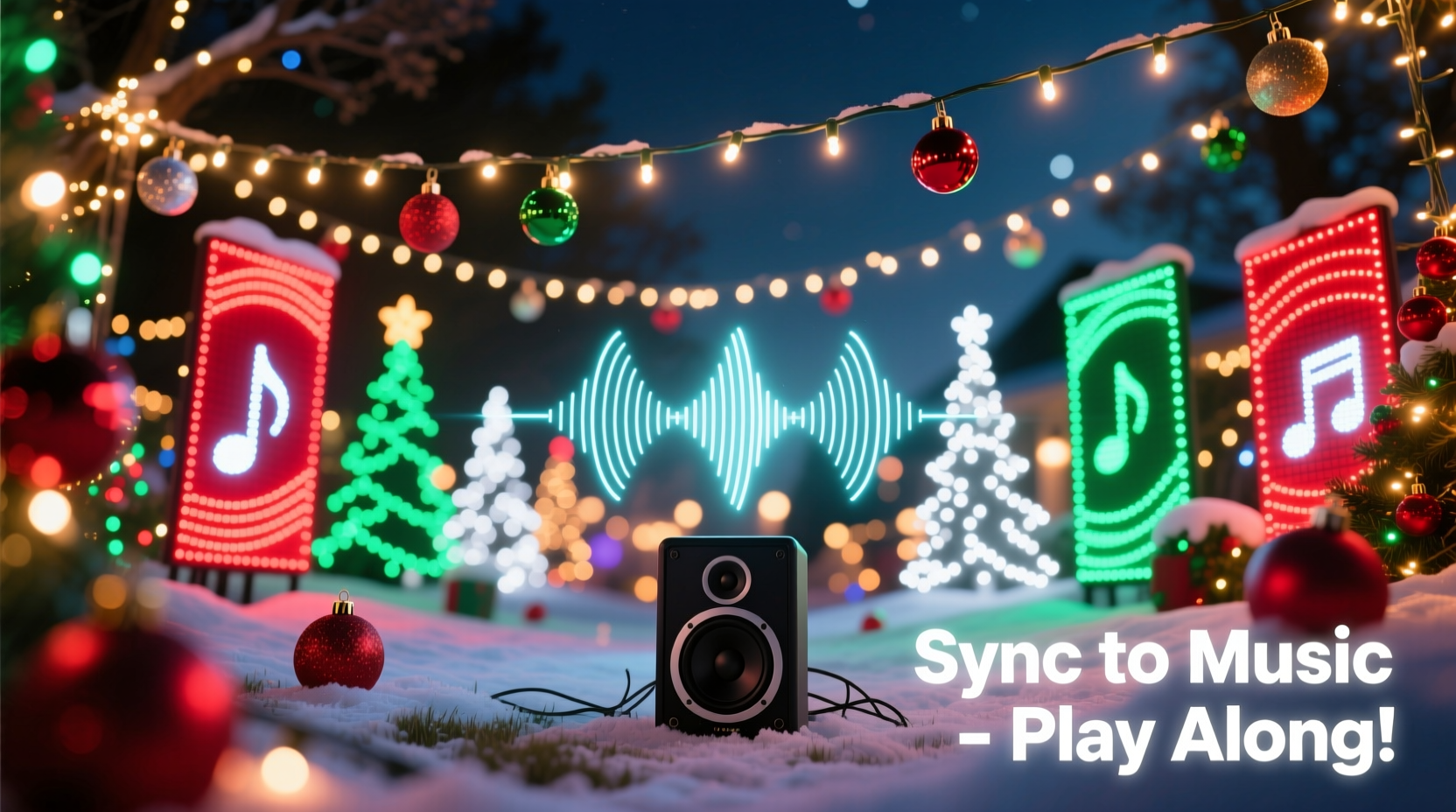
Bluetooth-enabled Christmas lights are part of the growing ecosystem of smart home lighting. Unlike traditional incandescent strands, these lights use addressable LEDs—individual bulbs that can be controlled independently via an app or controller. They connect wirelessly to smartphones or tablets over Bluetooth (and sometimes Wi-Fi), allowing users to change colors, patterns, brightness, and effects remotely.
The key to syncing them to music lies in real-time audio analysis. When connected to a compatible application, the lights interpret sound frequencies—bass, midrange, and treble—and translate them into visual responses. For example, a deep drumbeat might trigger a flash of red across all bulbs, while high-pitched chimes could ripple soft blue waves down a strand.
Not all Bluetooth lights support music synchronization out of the box. Some only offer preset modes without live audio input. To ensure compatibility, look for models explicitly labeled as “music sync,” “sound reactive,” or “audio responsive.” These often come with dedicated mobile apps that include built-in microphones or allow direct audio streaming for precise timing.
“Modern smart lighting has turned homes into personal theaters during the holidays. The ability to sync lights to music adds emotional depth to seasonal displays.” — Daniel Ruiz, Smart Home Lighting Designer
Step-by-Step Guide: Syncing Your Lights to Music
Creating a music-synchronized light display involves preparation, configuration, and fine-tuning. Follow this timeline-based process to bring your vision to life.
- Choose Compatible Lights: Select Bluetooth Christmas lights designed for music synchronization. Popular brands include Govee, Twinkly, Luminoodle, and HitLights. Ensure they list “music mode” or similar features.
- Download the Companion App: Install the manufacturer’s app (e.g., Govee Home, Twinkly, Lumenplay) on your smartphone or tablet. Make sure it supports real-time audio response.
- Power and Position Lights: Install your lights around windows, trees, rooftops, or indoors along mantels and staircases. Keep the control box within range of your playback device (usually up to 30 feet for Bluetooth).
- Pair Lights via Bluetooth: Open the app and follow pairing instructions. Most require holding a button on the controller until lights flash, then selecting the device in the app.
- Enable Music Mode: Navigate to the “Effects” or “Scenes” section. Look for options like “Music Sync,” “Sound Reactivity,” or “Live Audio.” Activate this mode.
- Calibrate Sensitivity: Adjust settings such as sensitivity, frequency focus (bass vs. treble), and reaction speed. Test different levels with various songs to avoid over-response or lag.
- Play Music Through the Same Device: For best results, play music directly from the phone or tablet controlling the lights. Avoid external speakers unless they’re connected via auxiliary cable or low-latency Bluetooth.
- Test and Refine: Run a full song test. Observe delays, uneven reactions, or dropped connections. Re-position the controller if signal strength is weak.
- Create Custom Sequences (Optional): Advanced apps let you manually map light behavior to specific tracks. This requires time but delivers cinematic precision.
- Go Live: Once satisfied, invite neighbors, record videos, or stream your display online.
Essential Equipment Checklist
Before starting, gather the necessary components. Missing one piece can disrupt the entire setup.
- Bluetooth-enabled Christmas lights with music sync capability
- Smartphone or tablet (iOS or Android) with Bluetooth 4.0 or higher
- Manufacturer’s companion app installed and updated
- Power source and extension cords rated for indoor/outdoor use
- Stable mounting clips or gutter hooks
- Audio source (phone, speaker, or streaming device)
- Optional: External microphone for better sound detection outdoors
- Optional: Secondary device for recording or livestreaming the display
Optimizing Performance: Do’s and Don’ts
Even with the right gear, poor setup choices can ruin the effect. Use this table to avoid common pitfalls and maximize impact.
| Do | Don’t |
|---|---|
| Place the controller near the center of the light run for balanced signal distribution. | Install lights beyond Bluetooth range (typically >30 feet from controller). |
| Use fresh batteries or a reliable power adapter to prevent flickering. | Rely on weak or aging power sources that cause inconsistent brightness. |
| Test music sync indoors first to troubleshoot issues in a controlled environment. | Deploy outdoors immediately without verifying functionality. |
| Select songs with clear beats and dynamic range (e.g., Mariah Carey’s “All I Want for Christmas Is You”). | Use heavily compressed tracks or ambient music with no rhythmic structure. |
| Keep firmware and apps updated to access new sync algorithms and bug fixes. | Ignore software updates that may improve stability and responsiveness. |
Real Example: A Suburban Light Show Transformation
In Portland, Oregon, homeowner Marcus Tran initially strung standard white LEDs along his roofline each December. After seeing a neighbor’s animated display on social media, he invested $120 in two 50-light Govee RGBIC strips and a waterproof Bluetooth controller. He followed the app setup carefully, positioning the controller under the eaves and connecting it to his iPad.
During testing, he noticed the lights reacted sluggishly to music played from a distant outdoor speaker. Switching to direct playback on the iPad eliminated the delay. He adjusted the sensitivity so bass notes triggered bold sweeps of color, while vocals created gentle gradients. By Thanksgiving weekend, his house was pulsing in time with Wham!’s “Last Christmas,” drawing families who parked nearby to watch.
By New Year’s Eve, Marcus had pre-programmed sequences for ten songs and shared a QR code at the end of his driveway so visitors could scan and listen in sync via their phones. His project started as a fun experiment but became a community tradition.
Advanced Tips for Professional Results
For those looking to go beyond basic sync, consider these pro-level enhancements:
- Zoning Multiple Strands: If using several light sets, assign each to a different zone in the app. Program front-yard lights to react to bass, while porch strands respond to treble, creating layered movement.
- External Microphone Input: Some apps support external mic input via headphone jack or USB-C. Place a weatherproof mic closer to the action for more accurate sound capture, especially outdoors.
- Manual Beat Mapping: In advanced apps like Twinkly or Xlights (used with compatible hardware), you can manually set light actions to hit precisely on beats. This requires importing audio files and setting keyframes, similar to video editing.
- Combine with Non-Bluetooth Elements: Integrate non-smart lights using relays triggered by audio signals, or pair Bluetooth strips with Wi-Fi floodlights for broader coverage.
- Record High-Quality Video: Use a tripod-mounted camera with manual exposure settings to film your display. Long exposures exaggerate light trails, enhancing the dynamic feel in recordings.
“Beat-perfect synchronization separates amateur setups from jaw-dropping displays. It takes patience, but the payoff in audience engagement is enormous.” — Lena Choi, Holiday Light Installation Artist
Frequently Asked Questions
Can I sync multiple sets of Bluetooth lights together?
Yes, most modern apps support grouping multiple light strands under one controller or network. Ensure all devices are within Bluetooth range and paired to the same account. Some systems allow daisy-chaining; others require a hub for larger installations.
Why do my lights lag behind the music?
Lag is typically caused by Bluetooth latency or audio processing delays. To fix this, play music directly from the controlling device, close background apps, update firmware, and reduce interference from other wireless signals. Using wired audio transmission also helps maintain tight sync.
Do I need Wi-Fi to sync Bluetooth Christmas lights to music?
No. Bluetooth operates independently of Wi-Fi. However, Wi-Fi-connected smart lights (like some Philips Hue configurations) can offer more robust multi-device control and cloud-based automation, though they often require a bridge and aren't always optimized for real-time music response.
Conclusion: Bring Your Holidays to Life
Synching Bluetooth Christmas lights to music turns seasonal decoration into an immersive sensory experience. What once required expensive controllers and technical know-how is now achievable with off-the-shelf products and a few hours of setup. From cozy living rooms to sprawling front yards, anyone can create a dynamic light show that delights family, friends, and neighbors.
The magic isn’t just in the technology—it’s in the moments it creates. Children dancing under color-shifting eaves, couples pausing during evening walks, communities gathering for festive joy—these are the rewards of a well-synced display. With the right tools, attention to detail, and a little creativity, your home can become a beacon of holiday spirit.




 浙公网安备
33010002000092号
浙公网安备
33010002000092号 浙B2-20120091-4
Comments
No comments yet. Why don't you start the discussion?