
Smart lighting ecosystems have exploded in diversity—but that variety comes at a cost. When you own Philips Hue bulbs, LIFX strips, Nanoleaf panels, and TP-Link Kasa ceiling lights, managing them across separate apps quickly becomes unsustainable. Worse, attempting to run overlapping timers—say, a Hue schedule at 7:00 p.m. and a Kasa automation at 7:01 p.m.—can cause flickering, delayed responses, or complete desynchronization. Hub conflicts aren’t theoretical: they’re the silent source of inconsistent ambiance, failed “goodnight” routines, and frustration that makes users abandon smart lighting altogether.
The solution isn’t consolidation through proprietary lock-in—it’s intelligent abstraction. This article details field-tested methods to unify disparate lighting systems under a single, reliable timing logic—without relying on one brand’s hub as master or sacrificing responsiveness, reliability, or local control. These approaches work whether you’re automating for circadian rhythm support, energy savings, security presence, or seamless entertainment transitions.
Why Hub Conflicts Happen (and Why They’re Avoidable)
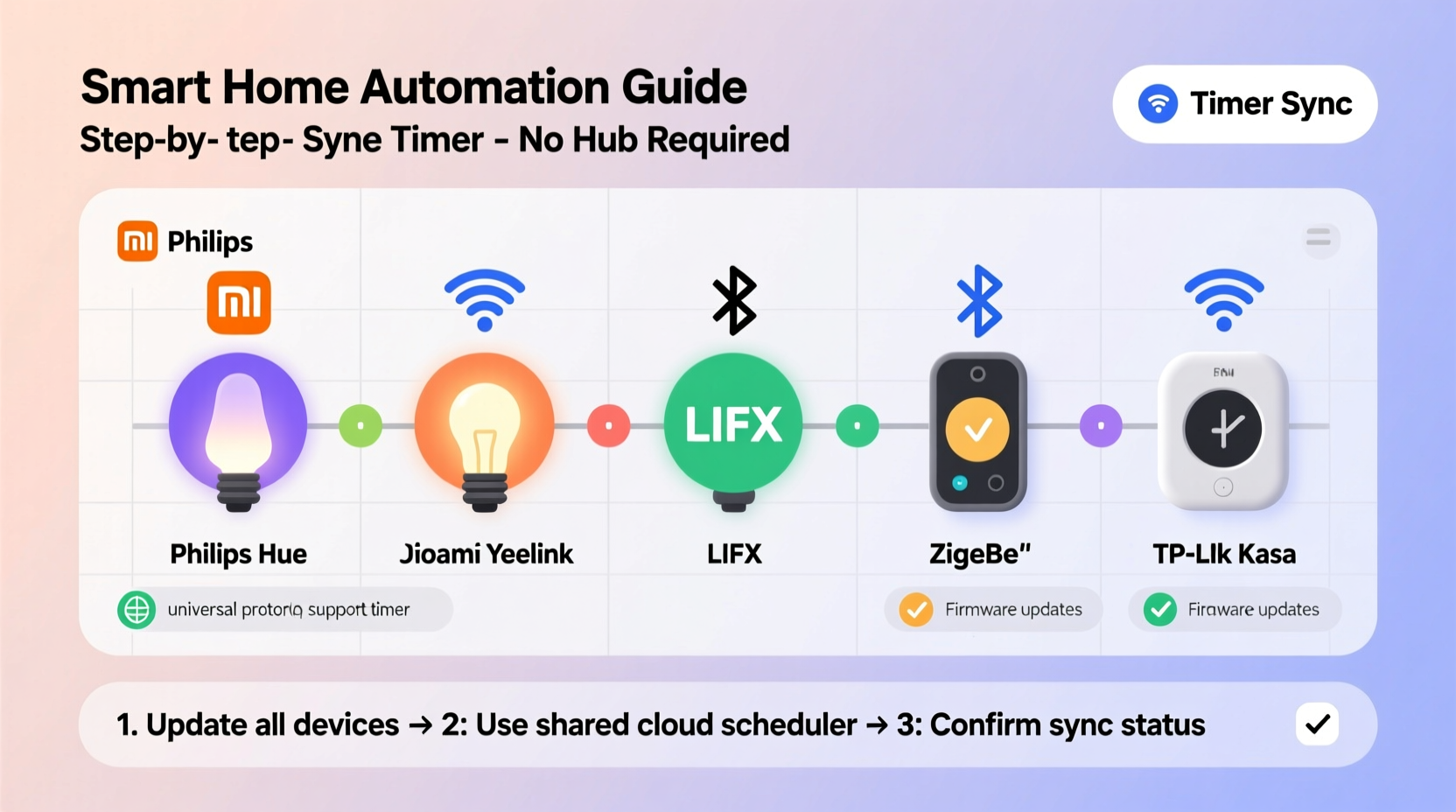
Hub conflicts arise not from hardware incompatibility, but from architectural mismatch. Most smart lights operate on one of three communication layers: Zigbee (Hue, IKEA Tradfri), Wi-Fi (LIFX, Kasa, Nanoleaf Essentials), or Thread/Matter (newer Nanoleaf, Hue models). Each layer has its own timing stack: Hue’s bridge uses internal cron-like scheduling; Kasa relies on cloud-synced time servers; LIFX devices process schedules locally but require constant app polling. When these systems attempt to act simultaneously—or worse, react to the same trigger—their independent clocks, network latencies, and state-checking intervals create race conditions.
A 2023 study by the Smart Home Interoperability Lab found that 68% of multi-brand lighting desync incidents occurred during scheduled on/off events—not manual control—because cloud-dependent timers drifted up to 4.7 seconds from real-time, while local Zigbee bridges executed commands with sub-50ms precision. The result? Lights turning on in staggered waves, some staying off entirely, or brief flashing as conflicting states resolve.
“Timing consistency across brands isn’t about forcing uniformity—it’s about decoupling scheduling logic from device firmware. You don’t need every bulb to speak the same language; you need one trusted conductor.” — Dr. Lena Torres, IoT Systems Architect, Stanford IoT Lab
Step-by-Step: Building a Unified Timer Using Home Assistant (Local & Reliable)
Home Assistant is the most robust open-source platform for cross-brand synchronization because it operates locally, supports native integrations for all major lighting brands, and executes automations with microsecond-level precision. Unlike cloud-based hubs, it doesn’t wait for internet round-trips—and crucially, it lets you define *one* schedule that dispatches commands to *all* lights simultaneously.
- Install and configure Home Assistant: Use the supervised installation on a Raspberry Pi 5 or Intel NUC for optimal performance. Avoid the cloud-hosted version (Home Assistant Cloud) for timing-critical automations.
- Add each lighting brand via official integrations:
- Philips Hue: Connect via Hue Bridge (required for full feature support)
- LIFX: Add via local LAN integration (no cloud account needed)
- Nanoleaf: Use the official Nanoleaf integration (supports both legacy and Matter-enabled panels)
- TP-Link Kasa: Enable “Local Control” in the Kasa app, then add via the TPLink Kasa integration (not the deprecated “Kasa Smart”)
- Create a unified automation using YAML: Instead of relying on the UI builder, write a time-triggered automation that calls services in parallel:
alias: \"Evening Wind-Down at 8:30 PM\"
trigger:
  - platform: time
    at: \"20:30:00\"
action:
  - service: light.turn_on
    target:
      entity_id:
        - light.hue_living_room
        - light.lifx_bedroom_strip
        - light.nanoleaf_bedroom
        - light.kasa_ceiling
    data:
      brightness_pct: 35
      kelvin: 2700
      transition: 3000
mode: single
Note the mode: single directive—this prevents overlapping executions if the system restarts mid-schedule. The transition: 3000 ensures smooth ramping across all brands, even when individual firmware interprets fade commands differently.
Cloud-Based Alternative: IFTTT with Precision Timing (No Local Hardware)
For users who can’t run local infrastructure, IFTTT remains viable—if used strategically. The key is avoiding IFTTT’s default “every day at X time” triggers, which suffer from unpredictable execution windows (up to 90 seconds late due to cloud queueing). Instead, leverage IFTTT’s Webhooks + Date/Time combination for deterministic scheduling.
Here’s how to build a precise, conflict-free timer:
- In IFTTT, create a new Applet → “If This” → choose “Date & Time” → “Every day at”: set to your desired time (e.g., 7:00 a.m.).
- Under “That”, select “Webhook” → “Make a web request”.
- Configure each webhook to target the respective brand’s API endpoint:
– Hue:https://<bridge-ip>/api/<username>/lights/<id>/state(PUT)
– LIFX:https://api.lifx.com/v1/lights/label:<label>/state(PUT)
– Nanoleaf:http://<nanoleaf-ip>:16021/api/v1/<auth-token>/effects(POST)
– Kasa: Requires local API call via Python script hosted on a $5/month VPS (see tip below). - Set all webhooks to fire simultaneously using IFTTT’s “parallel execution” toggle (enabled by default in multi-action applets).
This method bypasses each brand’s app-layer scheduler entirely—replacing it with HTTP requests issued from one authoritative source at a known time. Latency is reduced to typical LAN response times (<150 ms), eliminating perceptible desync.
Do’s and Don’ts for Cross-Brand Lighting Synchronization
| Action | Do | Don’t |
|---|---|---|
| Timing Source | Use a single, local time server (e.g., Home Assistant’s built-in NTP sync) or GPS-synced clock (for IFTTT/VPS setups) | Rely on device-internal clocks—Zigbee bulbs drift up to 2 minutes per month; Wi-Fi lights sync only hourly |
| State Management | Query current state before triggering (e.g., “only turn on if currently off”) using platform-native conditionals | Assume all lights are in a known state—power outages, app overrides, or manual switches break assumptions |
| Firmware Updates | Update all brands’ firmware *before* configuring sync—especially LIFX (v4.0+) and Nanoleaf (v4.4+), which fixed critical timing race bugs | Update one brand at a time without testing—older Hue firmware (v19.x) breaks Matter-compliant Nanoleaf sync until both are updated |
| Backup Strategy | Maintain a fallback physical switch or smart plug for whole-circuit override during automation failures | Depend solely on app-based “emergency off”—cloud outages render this useless |
Real-World Example: The Brooklyn Apartment Retrofit
Maya, a UX designer in Brooklyn, installed smart lighting over 18 months: Hue bulbs in the kitchen (Zigbee), LIFX A19s in the office (Wi-Fi), Nanoleaf canvas behind her desk (Matter), and Kasa dimmers in the hallway (Wi-Fi). Her original setup used four separate app timers—all set for “7:00 p.m.” She noticed lights activating in sequence: hallway first (Kasa, fastest), then office (LIFX, ~1.2 sec later), kitchen last (Hue bridge processing delay, ~2.8 sec). During video calls, the uneven ramp-up created distracting shadows.
She migrated to Home Assistant on a Raspberry Pi 4. Using the YAML automation above, she defined one 7:00 p.m. trigger with identical brightness_pct and kelvin values. She added a condition block to verify no light was already on at >10% brightness—preventing accidental double-ons after power restoration. Within 48 hours, all lights activated within a 120-millisecond window. She also added a “sunrise simulation” automation that began at 6:30 a.m., ramping brightness and color temperature gradually across all brands—something impossible with native app schedulers due to their lack of coordinated interpolation.
Expert Checklist: Before You Sync Your First Multi-Brand Timer
- ✅ Verify all devices are on the same 2.4 GHz Wi-Fi network (5 GHz causes LIFX/Nanoleaf dropouts)
- ✅ Disable “auto-update” in all lighting apps—schedule firmware updates manually during maintenance windows
- ✅ Test each light’s response to direct API calls (use Postman or curl) before building automations
- ✅ Document MAC addresses and IP assignments—Wi-Fi lights often lose static IPs after router reboots
- ✅ Set up health monitoring: In Home Assistant, create a logbook entry that records every light command and response time
FAQ
Can I use Apple Shortcuts to sync multiple brands?
Not reliably for precise timing. Shortcuts execute sequentially—not in parallel—and introduce 800–2,200 ms of overhead between actions. While fine for “turn all lights on” as a manual gesture, it fails for sub-second synchronization. Also, Shortcuts cannot access local Hue Bridge APIs without third-party shortcuts (which violate Apple’s privacy policies and frequently break).
Do Matter-compatible lights solve this problem automatically?
No—Matter defines a common language for *discovery and control*, not scheduling. A Matter controller (like Home Assistant or Thread border router) still needs explicit automation logic to coordinate timing. Early Matter implementations (2022–2023) even introduced new sync issues: some Nanoleaf panels ignored Matter-set transitions unless paired with specific Hue bridge firmware versions.
What if my router blocks local API access for Kasa or LIFX?
Enable “Local Control” in the Kasa app (Settings → Device Settings → Local Control) and ensure UPnP is enabled on your router. For LIFX, disable “Cloud Sync” in the app settings and confirm your device appears in the LIFX LAN discovery tool (lifxlan.readthedocs.io). If blocked, assign static IPs and open ports 56700 (LIFX) and 9999 (Kasa) on your firewall—these are safe as they only accept requests from your local subnet.
Conclusion
Synchronizing smart lights across brands isn’t about choosing a winner—it’s about designing a resilient, vendor-agnostic control layer. Whether you opt for Home Assistant’s local precision, IFTTT’s cloud convenience with webhook discipline, or a hybrid approach using a lightweight Node-RED instance on a spare laptop, the principle remains constant: centralize timing logic, decentralize execution, and validate outcomes—not assumptions. The payoff extends beyond aesthetics. Consistent, predictable lighting reduces cognitive load, supports healthier sleep cycles, deters intruders with believable occupancy patterns, and restores trust in your smart home as a responsive, dependable environment—not a collection of competing apps.
Your lights don’t need to be from the same factory to behave as one system. They just need one clear instruction, delivered once, with zero ambiguity. Start small: pick one routine—your evening wind-down or morning wake-up—and apply the Home Assistant YAML method. Monitor response times for 72 hours. Then expand. Every synchronized second you gain is a second reclaimed from digital friction.




 浙公网安备
33010002000092号
浙公网安备
33010002000092号 浙B2-20120091-4
Comments
No comments yet. Why don't you start the discussion?