
Smart lighting has evolved from novelty to necessity—but fragmentation remains the biggest barrier to true home automation. You might own Philips Hue bulbs in the living room, Nanoleaf panels behind your TV, LIFX strips under your desk, and TP-Link Kasa ceiling lights in the hallway. Each app works well on its own, yet managing them separately defeats the purpose of intelligent control: simplicity, context-awareness, and seamless transitions. Unified display doesn’t mean forcing every bulb into one proprietary hub. It means creating interoperability where devices behave as a single visual layer—responding to the same triggers, sharing scenes, and appearing cohesively in voice assistants, dashboards, and automations. This is achievable today—not with vendor lock-in, but with intentional architecture, open standards, and pragmatic tooling.
Why Brand Fragmentation Happens (and Why It’s Not Your Fault)
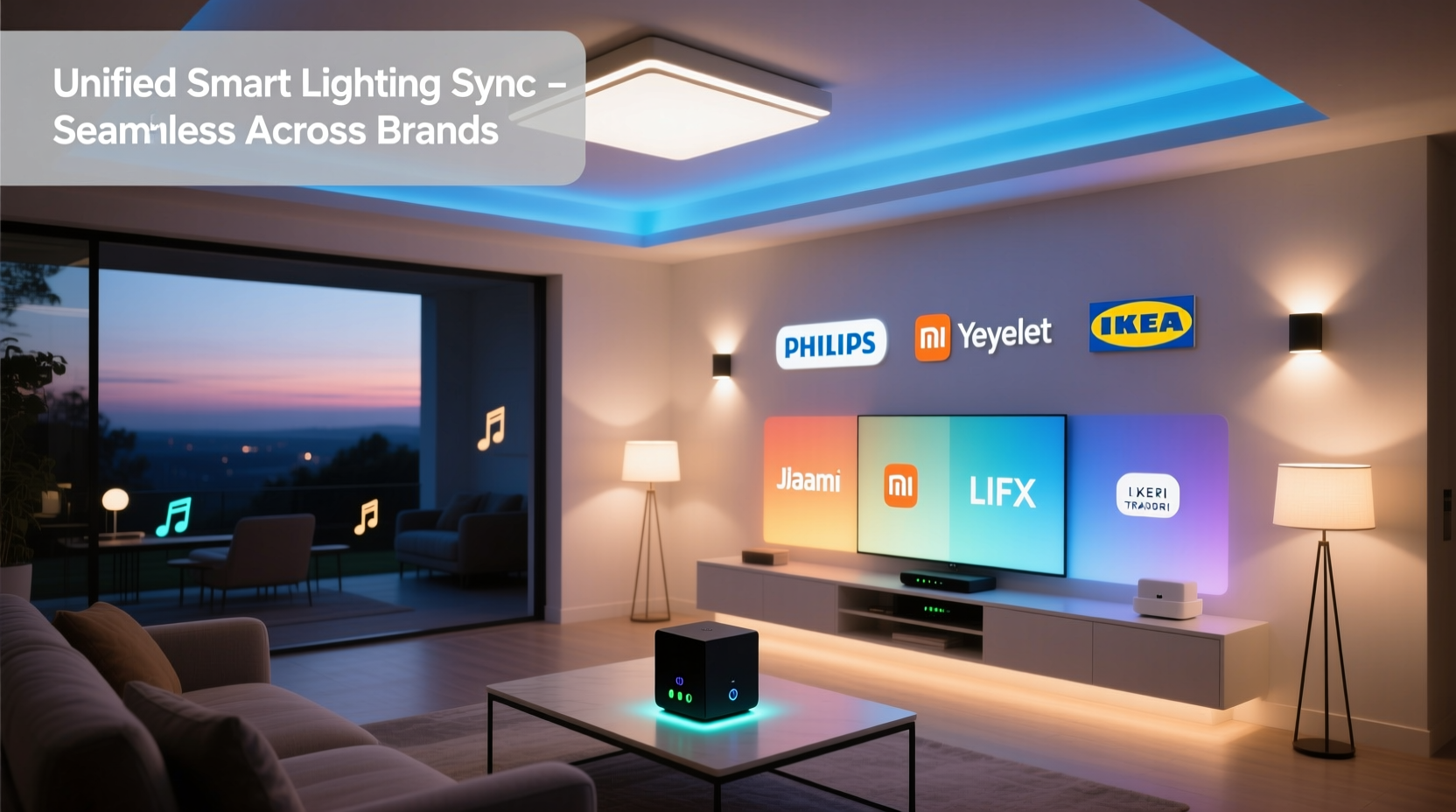
Smart lighting ecosystems grew in parallel, not in concert. Philips Hue bet early on Zigbee and its bridge; LIFX prioritized Wi-Fi direct control and rich color science; Nanoleaf embraced Apple HomeKit first and Matter later; TP-Link Kasa focused on affordability and broad Wi-Fi compatibility. No single standard existed at launch—and even now, Matter 1.2 (released mid-2023) is still rolling out unevenly across firmware, hubs, and apps. As a result, many users inherit mixed-brand setups: gifts, phased upgrades, or purchases based on specific features (e.g., Nanoleaf’s modularity, Hue’s reliability, or Kasa’s scheduling precision).
This isn’t inefficiency—it’s diversity. The real challenge isn’t compatibility *in theory*, but consistency *in practice*: identical brightness curves across brands, synchronized transition timing, shared color temperature logic, and reliable state reporting. Without alignment, “evening wind-down” might dim Hue lights smoothly while Kasa bulbs snap off abruptly, breaking immersion.
The Three-Layer Integration Framework
Successful multi-brand synchronization rests on three interdependent layers: connectivity, control, and presentation. Skipping or under-investing in any one layer leads to brittle setups that break after firmware updates or app changes.
1. Connectivity Layer: Where Devices Physically Talk
This layer handles radio protocols and network topology. Zigbee (Hue, Sengled), Thread (Nanoleaf Essentials, newer Hue models), Wi-Fi (LIFX, Kasa), and Bluetooth (some budget brands) are not natively compatible. But bridges and gateways can translate between them. For example:
- Philips Hue Bridge v2+ supports Matter over Thread, allowing it to expose non-Hue Thread devices (like Nanoleaf bulbs) to Matter controllers.
- Home Assistant OS running on a Raspberry Pi 5 with a Sonoff Zigbee 3.0 USB dongle can natively poll Zigbee, Z-Wave, and Wi-Fi devices via integrations—no cloud dependency.
- Apple HomePod mini (with Thread border router capability) enables Matter devices to communicate locally without internet—critical for reliability during outages.
2. Control Layer: Where Logic and Automation Live
This is where rules, scenes, schedules, and triggers reside. Avoid building automations inside individual brand apps—those rarely survive firmware updates and can’t reference external device states. Instead, centralize control using:
- Home Assistant: Open-source, self-hosted, with 2,200+ integrations—including native Matter, Hue, LIFX, Nanoleaf, and Kasa. Offers granular control over transition times, color correction, and state synchronization.
- Apple Home: Best for iOS/macOS users seeking simplicity. Requires all devices to be Matter-certified or HomeKit-compatible. Lacks advanced logic (e.g., “if humidity >70% AND time >22:00, reduce blue light by 30%”) but excels at cross-brand scene recall.
- SmartThings (v4+): Supports Matter and legacy protocols, with robust routine builder—but requires Samsung account and cloud reliance.
3. Presentation Layer: Where You See & Interact
This is your dashboard: the interface you use daily. A unified display means seeing all lights in one view, grouped meaningfully (e.g., “Entertainment Zone” = Nanoleaf panels + LIFX strip + Hue accent lights), with consistent naming, icons, and status indicators. Home Assistant’s Lovelace UI lets you build custom dashboards with entity cards that normalize brightness sliders and color wheels across brands. Apple Home’s Rooms view groups devices spatially but hides technical differences—ideal for guests or family members who just want “Dinner Mode” or “Movie Lights.”
Step-by-Step: Building a Cross-Brand Lighting System (Real-World Sequence)
This sequence reflects actual deployment experience—not theoretical best practices. It assumes you already own at least two different smart light brands and want to unify them within 90 minutes.
- Audit & Document: List every light—brand, model, protocol (Zigbee/Thread/Wi-Fi), current firmware version, and whether it supports Matter or HomeKit. Use manufacturer websites or apps to verify.
- Update Firmware: Ensure all devices run the latest stable firmware. Many Matter features require specific versions (e.g., Nanoleaf Essentials need firmware v3.1.0+, Hue Bridge v1.49+).
- Choose Your Control Hub: If you own an Apple HomePod mini or Apple TV 4K (2021+), start with Apple Home. If you value customization and local control, install Home Assistant OS on a dedicated device (Raspberry Pi 4/5 recommended). Avoid relying solely on cloud-based hubs like Kasa or older Hue apps.
- Add Devices via Matter (Where Possible): In your chosen hub, initiate Matter pairing (usually a QR code scan or NFC tap). Prioritize Matter over legacy integrations—even if both exist—for future-proofing and lower latency.
- Normalize Naming & Grouping: Rename devices descriptively (“Kitchen Pendant Left”, not “LIFX_8A3F”). Create zones: “Entryway”, “Home Office”, “Media Wall”. In Home Assistant, use Areas and Device Classes; in Apple Home, assign to Rooms and add to Scenes.
- Build One Cross-Brand Scene: Start simple—“Good Morning”. Set Hue kitchen lights to 4000K, 80% brightness; Nanoleaf entryway panels to soft white (2700K); Kasa hallway light to 40% brightness—all triggered at sunrise or manually. Test timing: adjust transition duration to 2 seconds for all to avoid staggered onset.
- Verify State Sync: Manually change brightness on one device (e.g., Hue app). Does the hub reflect the update within 2 seconds? If not, re-pair via Matter or check hub logs for polling errors.
Do’s and Don’ts: Cross-Brand Syncing Checklist
| Action | Do | Don’t |
|---|---|---|
| Firmware Updates | Apply updates during off-peak hours; reboot hubs afterward | Ignore “minor” updates—many contain critical Matter stability patches |
| Color Consistency | Use Kelvin (K) values instead of RGB for white balance across brands | Rely on brand-specific “warm white” presets—they vary widely in CCT and CRI |
| Automation Triggers | Use local triggers (motion sensor, time, sun elevation) over cloud-based ones | Chain automations across apps (e.g., Kasa motion → Hue app → Siri)—creates failure points |
| Brightness Scaling | Calibrate perceived brightness: set all lights to 50% and adjust individually until visually matched | Assume 50% = 50%—Hue’s 50% may appear brighter than Kasa’s due to different lumen curves |
| Backup Configuration | Export Home Assistant YAML or Apple Home backup to iCloud/encrypted drive monthly | Assume cloud accounts preserve everything—Kasa and LIFX have deleted user data during service migrations |
Mini Case Study: The Apartment Renovation Project
Maya, a UX designer in Portland, renovated her 750 sq ft apartment over six months. She installed:
- 6x Philips Hue White Ambiance recessed lights (Zigbee, Hue Bridge)
- 1x Nanoleaf Shapes Hexagon kit (Thread, Matter-enabled)
- 2x LIFX Mini Color bulbs (Wi-Fi, Matter-ready but not yet updated)
- 1x TP-Link Kasa KL125 ceiling light (Wi-Fi, HomeKit + Matter v1.2)
Initially, she used four apps—switching constantly, with inconsistent “Movie Mode” behavior. After reading Matter documentation, she bought a HomePod mini as a Thread border router and migrated everything to Apple Home. The Nanoleaf and Kasa lights paired instantly via Matter. Hue required the Hue Bridge to be updated and added to Home via the “Home” app (not Hue app). LIFX needed a firmware update—delivered silently overnight. Within two days, Maya built three unified scenes: “Focus” (cool white, 100% in office zone), “Wind Down” (2700K, 30% everywhere), and “Party” (Nanoleaf reactive + Hue color loop). Crucially, she discovered that Apple Home’s “Set Color Temperature” command worked identically across Hue, Kasa, and Nanoleaf—but not LIFX until the update. That delay taught her to always test one command across all devices before building complex automations.
“True unification isn’t about eliminating brands—it’s about elevating the interface above hardware. When your lighting responds to ‘dim the living room’ without you thinking about which app or protocol is involved, you’ve achieved ambient intelligence.” — Dr. Arjun Mehta, IoT Systems Architect at Stanford’s HAI Lab
FAQ: Practical Questions Answered
Can I sync non-Matter lights like older Hue bulbs or original Nanoleaf Canvas?
Yes—but with caveats. Older Hue bulbs (v1, pre-2016) work only via the Hue Bridge and require the Hue integration in Home Assistant or SmartThings. Original Nanoleaf Canvas lacks Matter support and relies on its own API; Home Assistant supports it via the Nanoleaf integration, but color syncing requires manual calibration since Canvas uses HSB while Hue uses XY or Mired. Expect 1–2 second latency versus near-instant Matter responses.
Why do my synced lights sometimes go out of sync after a power outage?
Most smart bulbs default to “on” at full brightness when power returns—unless configured otherwise. In Home Assistant, use the “restore_state: true” option in light configurations. In Apple Home, enable “Remember this setting” when adjusting brightness manually. For Hue, set “Power-on behavior” in the Hue app (requires Hue Bridge v2+ and firmware v1.45+). This ensures lights resume their last known state—not a factory default.
Is voice control truly unified across brands?
With Matter, yes—for basic commands. “Hey Siri, turn on the kitchen lights” works seamlessly if all kitchen lights are Matter-certified and assigned to the “Kitchen” room. However, advanced commands like “set all lights to sunset orange” may fail if brands interpret “sunset orange” differently. Stick to precise values: “set lights to 2200K” or “set brightness to 45%” for reliability.
Conclusion: Your Lighting Should Serve You, Not the Other Way Around
Synchronizing multiple smart light brands isn’t about technical heroics—it’s about intentionality. It starts with recognizing that no single ecosystem owns the future of lighting, and that your home’s intelligence should be defined by your needs, not vendor roadmaps. Matter provides the foundation, but the real work happens in how you name a light, group a zone, calibrate a color, or design a scene. Every time you trigger “Good Night” and watch lights fade in unison across brands, you’re not just controlling devices—you’re shaping atmosphere, supporting circadian rhythm, and asserting human-centered design in your own space. That cohesion is worth the setup time. Start small: pick one room, unify two brands, build one scene that matters to your daily rhythm. Then expand—not because the tech allows it, but because your life demands it.




 浙公网安备
33010002000092号
浙公网安备
33010002000092号 浙B2-20120091-4
Comments
No comments yet. Why don't you start the discussion?