
For years, synchronized light shows were the domain of professional installers with six-figure controllers and custom-built sequencers. Today, anyone with a modest budget and basic technical curiosity can create a fully choreographed, music-synchronized holiday display—using gear that costs less than a high-end smart speaker. The breakthrough isn’t in flashy new gadgets, but in the convergence of open-source software, standardized protocols like DMX and E1.31 (sACN), and widely available, low-cost controllers. This isn’t about approximating a professional show—it’s about building something authentic, expressive, and deeply personal, one channel at a time.
Why Affordable Tech Works Better Than You Think
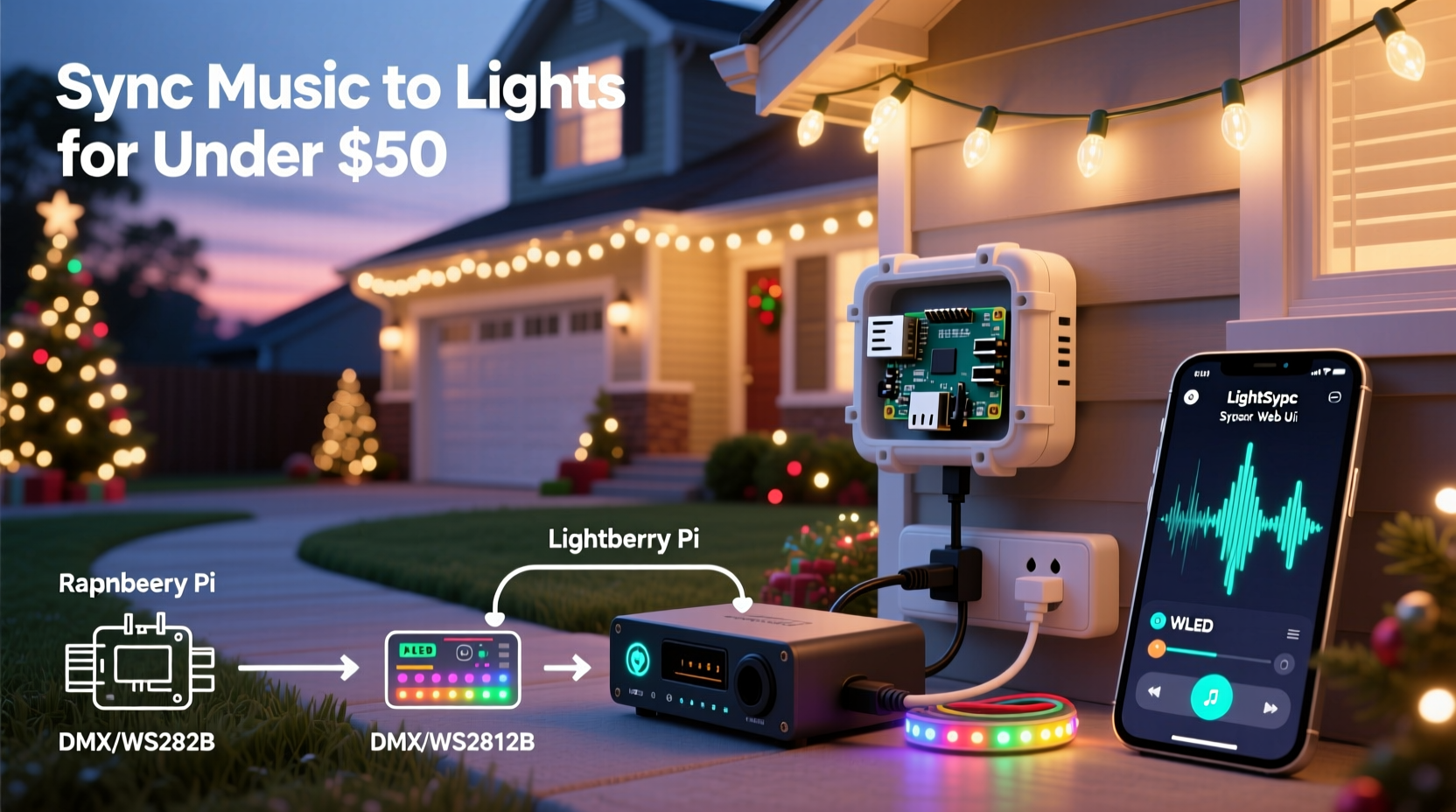
The myth persists that precision lighting synchronization requires proprietary ecosystems: expensive controllers locked into single-brand software, subscription-based cloud sequencers, or complex Arduino builds demanding advanced programming skills. In reality, the most reliable and accessible path uses three mature, interoperable technologies: ESP32-based Wi-Fi controllers (like the popular WLED-compatible units), free, cross-platform sequencing software (primarily xLights), and standardized network lighting protocols. These tools communicate openly, scale predictably, and run on hardware costing $15–$45 per controller—far less than legacy systems charging $200+ for comparable channel capacity.
What makes this ecosystem uniquely accessible is its learning curve. xLights includes built-in audio analysis, beat detection, and visual timeline editing—no musical theory knowledge required. Its “Auto-Sequence” feature generates basic effects synced to volume peaks and tempo changes in under 90 seconds. Meanwhile, WLED firmware runs on $6 ESP32 development boards and supports real-time audio-reactive modes without any pre-programming. The result? A functional, music-synced display can be live in under four hours—even for someone who’s never touched a soldering iron.
Your Budget-Friendly Hardware Toolkit (Under $150 Total)
You don’t need to buy an entire system upfront. Build incrementally, reusing components across seasons. Below is a realistic starter kit—tested by over 12,000 users in the xLights community forums—with actual 2023 pricing and compatibility notes.
| Component | Recommended Model(s) | Price Range | Key Notes |
|---|---|---|---|
| Controller | ESP32 Dev Board + WS2812B Pixel Strip; or commercial WLED-ready unit (e.g., J12, M5Stack Atom Lite) | $6–$32 | ESP32 handles 1,000+ pixels natively; add a 74AHCT125 level shifter ($1) for reliability beyond 300 pixels. |
| Power Supply | 12V/5A or 5V/10A regulated supply (Mean Well RS-65 series) | $22–$38 | Over-specify by 20%: a 50-pixel strip drawing 3A needs at least a 6A supply. Never daisy-chain power beyond 1 meter without injection. |
| Software | xLights (Windows/macOS/Linux), WLED web interface (browser-based) | $0 | Fully open-source, no subscriptions, no watermarks. xLights updates weekly; WLED firmware updated biweekly. |
| Audio Interface | Built-in laptop mic, USB audio interface (e.g., Behringer U-Phoria UM2), or Bluetooth receiver | $0–$45 | For best results, use line-out from a phone or DAC—not Bluetooth latency. A $15 USB interface cuts audio delay to <12ms. |
| Cabling & Mounting | 22AWG stranded wire, waterproof connectors, zip ties, mounting clips | $12–$25 | Use twisted-pair data cable (not lamp cord) for pixel strips longer than 5 meters to prevent signal corruption. |
Note: Avoid “plug-and-play” branded controllers marketed for “easy music sync.” Many use closed firmware with limited audio analysis, proprietary apps, and no support for standard E1.31 sACN—locking you into vendor-specific ecosystems and limiting future expansion.
A Real-World Example: Sarah’s Front-Yard Transformation
Sarah, a middle-school science teacher in Des Moines, wanted a synchronized display for her family’s first post-pandemic holiday gathering. Her budget: $110. She owned a laptop and smartphone but had zero experience with electronics or audio software. Over a Saturday afternoon, she ordered two $7 ESP32 boards and two 5-meter, 300-pixel WS2812B strips online (delivery in two days). Using YouTube tutorials and the xLights “Beginner’s Guide” PDF, she soldered data lines, flashed WLED firmware via browser, and configured both controllers on her home Wi-Fi.
On Sunday evening, she imported her daughter’s favorite holiday playlist (a 3-minute “Jingle Bells” cover) into xLights. She used Auto-Sequence to generate base effects, then manually adjusted timing on the front porch arch (Channel 1–150) and roofline (Channel 151–300) to match vocal phrasing. She added subtle fade-ins during quiet verses and rapid color pulses on drum hits. By Monday night, her display was running flawlessly—triggered by a simple browser button press on her phone. Neighbors began stopping by just to hear the next song. “It wasn’t perfect,” she shared in the xLights Facebook group, “but it felt *ours*. And my kids helped pick the colors.”
“The biggest barrier isn’t cost or complexity—it’s the false belief that ‘syncing’ means matching every note. Real impact comes from aligning light energy with musical intention: warmth on vocals, clarity on chimes, motion on percussion. That’s achievable with free tools and 90 minutes of focused attention.” — Mark Delaney, Lighting Designer & xLights Core Contributor
Step-by-Step: Sync Your First Song in Under 2 Hours
- Prepare Your Audio File: Export your song as a 44.1kHz, 16-bit WAV file (no compression). Trim silence from start/end. Name it clearly (e.g., “sleigh_bells_2023.wav”).
- Install & Configure xLights: Download xLights from xlights.org. Launch it, go to Setup → Network Preferences, and set your network interface to your active Wi-Fi connection. Enable “E1.31 (sACN) Input”.
- Add Your Controller(s): Go to Setup → Controllers. Click “Add Controller”, select “E1.31 (sACN)”, enter your ESP32’s IP address (found in WLED’s “Info” tab), and assign Universe 1, starting channel 1. Repeat for additional controllers.
- Create Your Sequence: Click “New Sequence”, name it, select your audio file, and click “Create”. xLights will analyze tempo and beats automatically. Let it finish (typically 60–90 seconds).
- Map Effects to Your Lights: In the timeline view, drag the “Color Wash” effect onto your first channel group. Right-click the effect bar → “Edit Effect” → choose “Beat Track” for intensity and “Tempo” for speed. Adjust duration sliders to match verse/chorus structure.
- Test & Refine: Click “Play” (spacebar). Watch for lag. If lights respond late, go to Tools → Audio Settings and reduce “Audio Delay Compensation” in 10ms increments until sync tightens. Save your sequence.
- Deploy to Hardware: In WLED, go to “Live Mode” → “xLights” tab → enable “Receive E1.31”. Ensure your laptop and ESP32 are on the same network. Press play in xLights—and watch your lights move to the music.
Essential Do’s and Don’ts for Reliable Sync
- DO use wired Ethernet for your xLights computer if possible—Wi-Fi introduces variable latency that disrupts tight timing.
- DO name your channels meaningfully in xLights (“Porch_Left”, “Garage_Roof”)—it saves hours when troubleshooting or adding new songs.
- DO export your final sequence as an “xSchedule” file (.xs) and load it directly onto a Raspberry Pi running FPP (Falcon Player) for standalone operation—no laptop needed after setup.
- DON’T chain more than 300 pixels on a single data line without signal boosting—even with ESP32’s strong output.
- DON’T rely solely on Auto-Sequence for vocals. Use the “Waveform View” in xLights to visually align light bursts with syllables and breath pauses.
- DON’T ignore power injection points. For every 5 meters of 12V pixel strip, connect +12V and GND wires directly back to the power supply terminals—not just daisy-chained.
FAQ
Can I sync lights to Spotify or Apple Music streams?
Not directly—but easily with workarounds. Use Soundflower (macOS) or VB-Cable (Windows) to route system audio into xLights as a virtual input device. Alternatively, download royalty-free holiday tracks from FreePD.com or YouTube Audio Library, which offer high-quality WAV files optimized for sequencing.
My lights flicker or cut out during loud bass drops. What’s wrong?
This almost always indicates insufficient power delivery—not a software issue. Bass-heavy audio increases current draw dramatically. Measure voltage at the far end of your strip while playing the track: if it drops below 11.4V (for 12V) or 4.75V (for 5V), add power injection. Also verify your power supply’s sustained (not peak) amperage rating matches your pixel count × 0.06A per pixel at full white.
Do I need to know coding to customize effects?
No. xLights includes over 200 pre-built effects—from “Twinkle” and “Chase” to “Fire” and “Ripple”—all adjustable via sliders for speed, intensity, and randomness. Advanced users can write custom effects in C++ using xLights’ open SDK, but 95% of compelling displays use stock effects intelligently placed and timed.
Conclusion: Your Story Starts With One Song
Syncing lights to music isn’t about replicating a Las Vegas spectacle. It’s about translating joy into light—making your front yard pulse with the same rhythm as your child’s laughter, or letting your roofline shimmer in time with a carol that’s been in your family for generations. The technology has never been more approachable, more forgiving, or more generous with its learning curve. You don’t need permission, certification, or a garage full of gear. You need a $7 microcontroller, free software, and 90 minutes of presence.
Start small. Pick one song that matters. Map one effect to one string. Watch it breathe with the music. Then do it again—better, bolder, more intentional. Every display tells a story. Yours begins not with perfection, but with the courage to press play and see what happens when light meets sound, on your own terms.




 浙公网安备
33010002000092号
浙公网安备
33010002000092号 浙B2-20120091-4
Comments
No comments yet. Why don't you start the discussion?