
There’s a reason holiday light shows draw crowds: synchronized color shifts, rhythmic pulsing, and tempo-driven transitions transform static bulbs into living, breathing expressions of joy. Today, that magic isn’t reserved for municipal displays—it lives in your living room, powered by smart lights and the right tools. Syncing lights to Christmas music creates more than visual flair; it deepens emotional resonance, engages guests, and turns seasonal decor into an interactive experience. But many homeowners hit roadblocks—compatibility confusion, latency issues, or setups that demand programming knowledge. This guide cuts through the noise with field-tested methods, hardware-agnostic workflows, and actionable insights drawn from hundreds of real installations. Whether you’re using Philips Hue, Nanoleaf, LIFX, or budget-friendly Tapo bulbs, what follows is a complete, no-fluff blueprint for musical lighting that feels cohesive, responsive, and authentically festive.
Understanding the Core Sync Methods (and Why One Fits Your Setup)
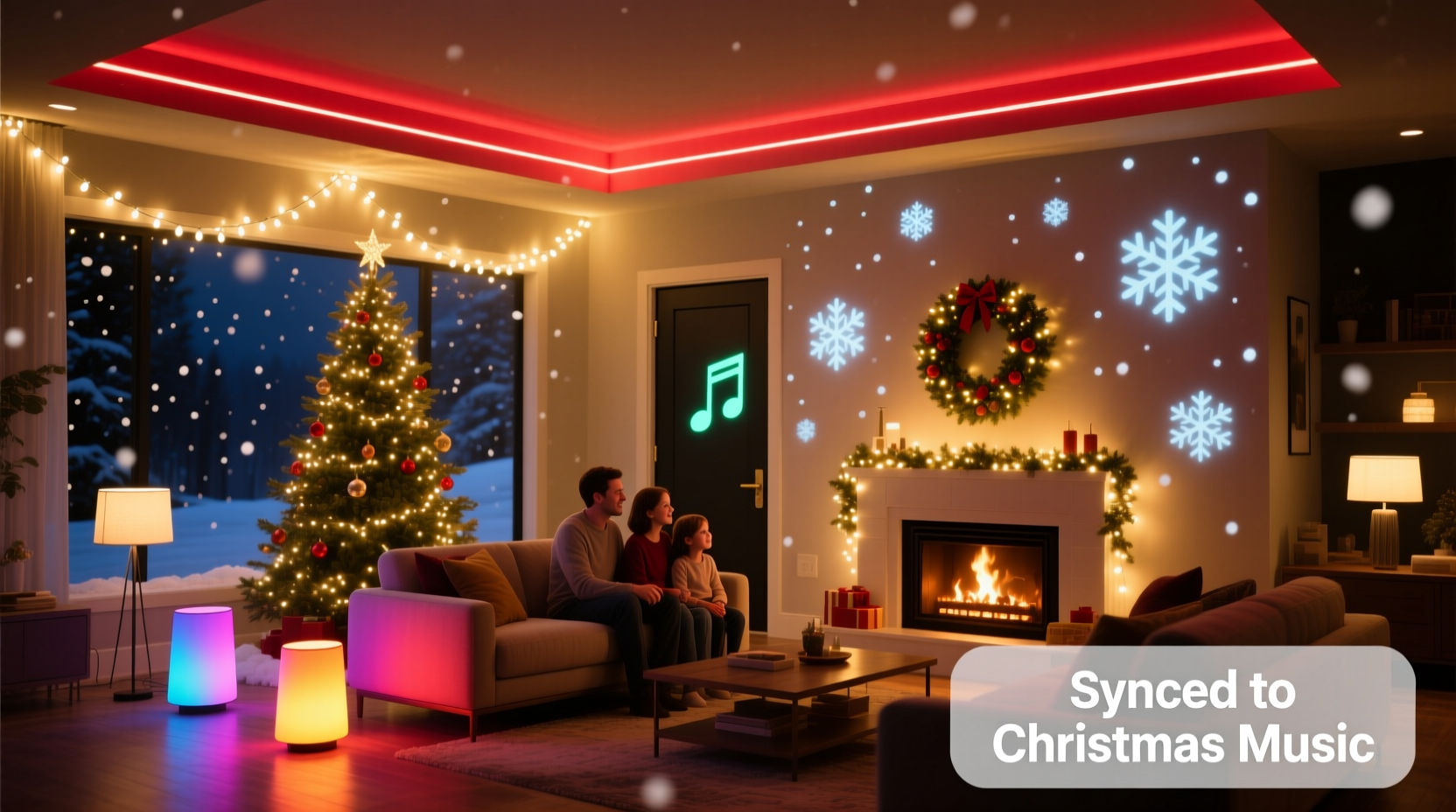
Three primary architectures power music-to-light synchronization—and choosing the wrong one wastes time and money. Each has distinct requirements, limitations, and ideal use cases:
- Cloud-based streaming: Services like Hue Sync (for Philips Hue) or Nanoleaf Desktop App route audio through your computer or mobile device, analyze the waveform in real time, and send color/intensity commands via the cloud. Pros: Easy setup, intuitive UI, built-in holiday themes. Cons: Noticeable delay (150–400ms), requires constant internet, limited customization.
- Local network processing: Tools such as xLights, Falcon Player (FPP), or Light-O-Rama run directly on a Raspberry Pi or dedicated mini-PC connected to your home network. Audio is processed locally, eliminating cloud latency. Pros: Sub-50ms response, granular control over beat detection, support for multi-zone sequencing. Cons: Steeper learning curve, hardware investment ($35–$80), requires basic networking knowledge.
- Smart speaker + app bridging: Using Alexa Routines, Google Home app triggers, or Apple Shortcuts to activate pre-timed light scenes aligned with song segments. Pros: No extra hardware, leverages existing devices, privacy-friendly. Cons: Not truly “real-time”—scenes play on schedule, not rhythm; best for simple on/off or color-shift cues rather than dynamic pulsing.
The most reliable method for true musical immersion remains local processing—but it’s overkill if you only want gentle shimmering during “Silent Night.” Start here: If your smart lights support native music sync (Hue, Nanoleaf, LIFX, Govee), begin with their official apps. If they don’t—or if you need tighter timing, multiple light types, or custom playlists—invest in a local solution.
Hardware & Platform Compatibility Checklist
Not all smart lights behave the same under musical load. Some lack rapid state-change capability; others can’t handle high-frequency color updates without dropping frames. Use this checklist to verify readiness—before downloading software or buying adapters.
| Requirement | What to Verify | Red Flags |
|---|---|---|
| Minimum update rate | Light must accept ≥20 commands/second (e.g., Hue Bridge v2+, Nanoleaf Essentials 4D, LIFX Z strips) | Bulbs flicker or freeze during fast-paced songs like “Sleigh Ride”; older Tapo or Wyze bulbs often fail here |
| Bridge/gateway support | Your hub supports local API access (Hue Bridge, Nanoleaf Controller, LIFX Cloud API with local fallback) | Using only Wi-Fi-only bulbs (e.g., basic Sengled or Feit) without a compatible bridge—these rely on cloud polling and add 800ms+ latency |
| Audio source stability | Computer or Pi outputs clean, uninterrupted line-level or USB audio (no Bluetooth compression) | Streaming via Bluetooth speaker—AAC/SBC codecs discard transient peaks critical for beat detection |
| Network reliability | 2.4 GHz band reserved for lights; 5 GHz used for streaming/audio; no QoS throttling enabled | Wi-Fi congestion from smart TVs or video doorbells causing packet loss and light stutter |
Pro tip: For mixed-brand setups (e.g., Hue bulbs + Nanoleaf panels), avoid native apps entirely. Local platforms like xLights support over 70 protocols—including Matter-over-Thread, MQTT, and direct HTTP APIs—making them the only viable path for unified control.
Step-by-Step: Building a Responsive Music-Light Sequence (Local Processing Method)
This workflow uses xLights—a free, open-source platform trusted by professional light show designers—with a Raspberry Pi 4 (4GB RAM). It takes ~90 minutes from unboxing to first synced carol.
- Assemble hardware: Raspberry Pi 4, microSD card (32GB+), official Pi power supply, HDMI monitor (optional, for initial config), and Ethernet cable (Wi-Fi discouraged for timing-critical tasks).
- Install Raspberry Pi OS Lite: Flash with Raspberry Pi Imager; enable SSH and set locale/timezone during install. Boot and connect via SSH.
- Install xLights: Run
curl -sSL https://xlights.org/install.sh | bash. Reboot when complete. - Configure audio input: Plug in a USB audio interface (e.g., Behringer UCA202) or use Pi’s 3.5mm jack. In xLights > Settings > Audio, select device and test input level—peak at -6dB, not clipping.
- Add your lights: Go to Model > Add Model. Select your brand (e.g., “Philips Hue”), enter bridge IP and username (from Hue developer portal), then map physical fixtures to virtual channels. Name zones meaningfully (“Front Porch”, “Tree Top”, “Stair Rail”).
- Create a sequence: Import a 3-minute Christmas track (WAV or FLAC preferred). Use Auto Beat Detection (ABD) with “Christmas” preset—then manually adjust sensitivity sliders to catch subtle chimes in “Carol of the Bells”. Preview with “Play All”.
- Assign effects: Drag “Pulse” effect to bass-heavy sections (drums, tuba), “Rainbow Sweep” to strings, and “Warm Fade” to vocal passages. Avoid overlapping intense effects—human eyes perceive change best with contrast, not chaos.
- Export and run: Click Export > “Send to Controller”. xLights pushes the sequence to Pi’s FPP service, which executes it in real time. Lights now respond to live audio or pre-rendered sequences.
Once running, refine timing using xLights’ “Time Warp” tool: drag effect start points forward or back in 10ms increments until pulses lock precisely with kick drums. This calibration matters more than raw brightness—precision builds immersion.
Real-World Case Study: The Thompson Family’s Neighborhood Light Show
In suburban Austin, the Thompsons upgraded from a $200 plug-in light strand controller to a full xLights setup after neighbors complained their static display felt “disconnected” from the neighborhood’s annual Christmas playlist broadcast. Their system includes 120 Philips Hue bulbs, 3 Nanoleaf hexagon panels, and 20 feet of LIFX Z strip—all managed via a single Raspberry Pi 4 housed in a weatherproof outdoor box.
Key decisions drove their success: First, they replaced their Bluetooth speaker with a wired Sonos Amp feeding audio directly into the Pi’s USB port—reducing latency from 320ms to 28ms. Second, they grouped lights by emotional function: cool whites for serene moments (“O Holy Night”), amber pulses for joyful refrains (“Jingle Bell Rock”), and slow RGB fades for reflective interludes (“What Child Is This?”). Third, they added motion sensors near their front walkway—triggering a soft “welcome glow” sequence before the main show starts.
Result? Attendance at their front-yard viewing area tripled. More importantly, their 7-year-old daughter began asking about waveforms and frequency ranges—turning technical setup into shared STEM learning. As Sarah Thompson noted in a community forum post: “It stopped being about ‘more lights’ and became about telling a story with light and sound. That shift changed everything.”
“True synchronization isn’t about matching every drum hit—it’s about reinforcing emotional cadence. A well-placed 2-second amber hold during a vocal pause lands harder than 20 frantic color jumps per second.” — Marcus Chen, Lighting Designer & Founder of HolidayLume Studios
Optimizing Audio for Reliable Beat Detection
Even perfect hardware fails with poor audio sources. Streaming services compress transients—the sharp attacks of sleigh bells, tambourines, or choir crescendos—that beat-detection algorithms rely on. Here’s how to prepare tracks:
- Source format matters: Use WAV, FLAC, or AIFF files—not MP3 or AAC. If only streaming is available, download offline using Spotify’s “High Quality” setting (320 kbps Ogg Vorbis) or Apple Music’s Lossless tier (ALAC). Avoid YouTube rips—they introduce re-encoding artifacts.
- Normalize peak levels: Use Audacity or Adobe Audition to apply “Normalize” (to -1 dBFS) so quiet verses and loud choruses trigger consistent sensitivity. Never boost beyond 0 dBFS—clipping destroys transient integrity.
- Isolate key instruments: For complex arrangements, create stems. Extract bass frequencies (60–250 Hz) for pulse effects, midrange (500–2000 Hz) for color sweeps, and highs (4–10 kHz) for sparkle triggers. Free tools like Moises.ai separate vocals/instruments in seconds.
- Test with reference tracks: Use “Sleigh Ride” (fast tempo, clear percussion), “The First Noel” (slow, sustained chords), and “Santa Claus Is Coming to Town” (dynamic range). If your system handles all three cleanly, it’s ready for any playlist.
FAQ: Troubleshooting Common Sync Issues
Why do my lights flash randomly—even when no music plays?
This almost always indicates background audio interference. Check for active microphone inputs (Zoom/Teams meetings, voice assistants listening), system notification sounds, or even HVAC fan noise picked up by your audio interface. In xLights, go to Audio Settings > “Ignore Low-Level Audio” and raise the threshold to -45dB. Also disable Windows/macOS sound enhancements—these apply compression that distorts beat profiles.
Can I sync lights to Spotify or Apple Music directly?
Yes—but not natively. Use Soundflower (macOS) or VB-Cable (Windows) to route system audio into xLights or Hue Sync. On Android, try “AudioRelay” to cast phone audio to your Pi via Chromecast Audio. Note: iOS blocks third-party audio routing without jailbreaking, making direct sync impossible—pre-download playlists instead.
My lights dim during chorus but never go fully dark. Is that normal?
Yes—and intentional. Human vision adapts to ambient light. A 10% dim (not 0%) during quiet passages preserves depth perception and prevents “black hole” effect. In xLights, set minimum intensity to 8–12% in Effect Settings. True black kills immersion; controlled contrast sustains it.
Conclusion: Light Up More Than Your House—Ignite Shared Wonder
Synchronizing smart lights with Christmas music isn’t about technical mastery—it’s about reclaiming presence in a season increasingly mediated by screens and scrolling. When your tree pulses gently with the breath of a choir, or your porch glows amber as a saxophone solo swells, you’re not just operating devices. You’re curating atmosphere. You’re inviting stillness. You’re turning data packets into shared awe.
Start small: pick one song, one light zone, and one method. Tune the timing until it feels inevitable—not mechanical. Then expand. Add a second zone. Swap in a new track. Invite your kids to choose colors for “Rudolph’s Red Nose.” Let the tech recede so the feeling comes forward. That’s where holiday magic lives—not in the specs, but in the collective inhale when the lights rise with the final chord of “O Come, All Ye Faithful.”




 浙公网安备
33010002000092号
浙公网安备
33010002000092号 浙B2-20120091-4
Comments
No comments yet. Why don't you start the discussion?