
Syncing Christmas lights to music transforms a static display into an immersive holiday experience—without needing professional lighting crews or thousands of dollars in gear. What once required proprietary hardware and complex audio analysis software is now achievable with smartphones, affordable smart bulbs, and open-source tools. The key lies not in spending more, but in understanding interoperability: how consumer-grade smart hubs, free mobile apps, and widely available light protocols can work together seamlessly. This guide walks through real-world setups that deliver precise beat detection, reliable timing, and expressive visual choreography—all built on accessible, maintainable technology.
Understanding the Core Components: Lights, Hub, and Audio Engine
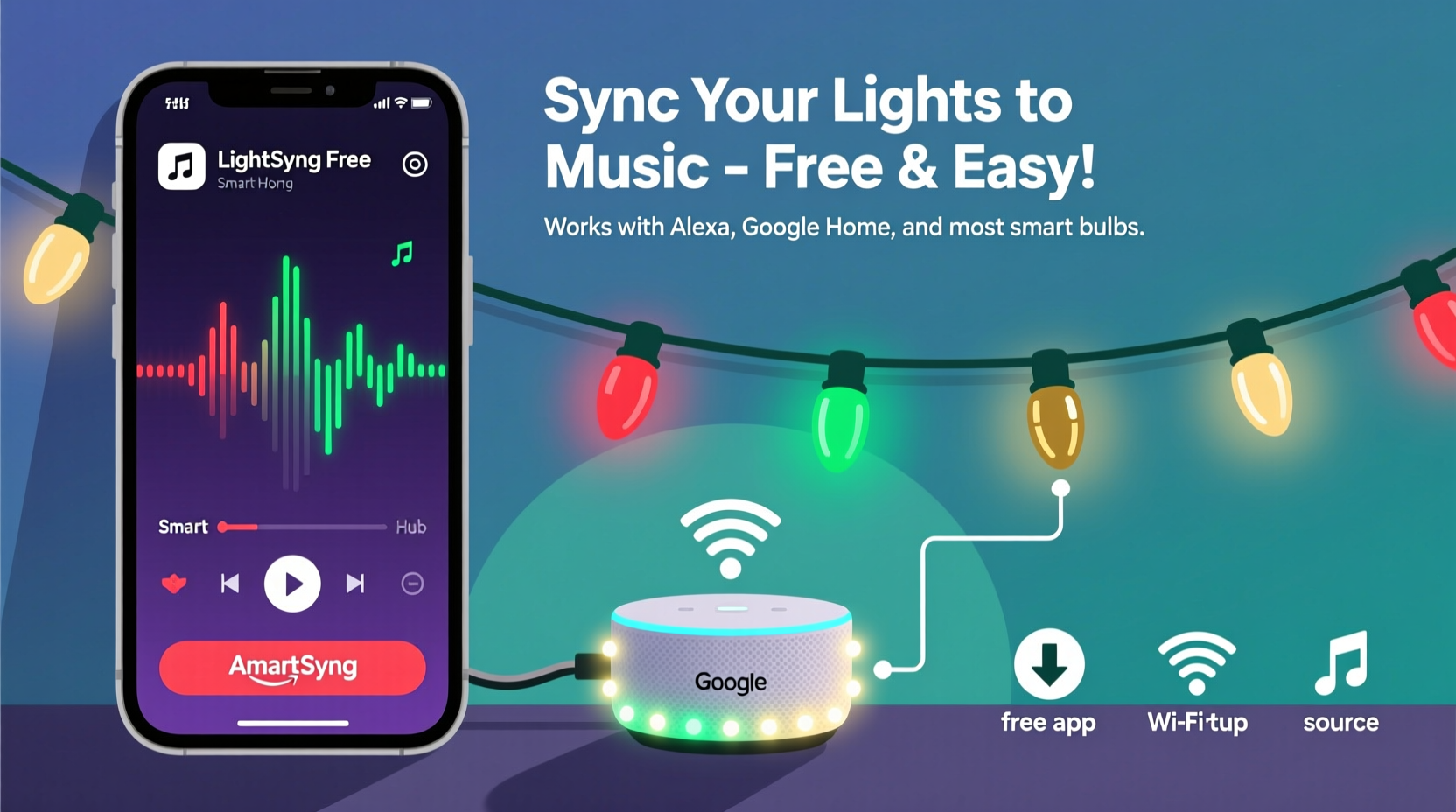
Successful synchronization rests on three interdependent layers: the physical lights, the control hub (or bridge), and the audio processing logic. Each layer must support standardized communication—preferably via Matter, Thread, or local network APIs—to avoid cloud dependency and latency spikes during playback.
Smart LED strings compatible with music sync fall into two categories: addressable RGB strips (like WS2812B-based “NeoPixel” lights) and smart bulb ecosystems (such as Philips Hue, Nanoleaf, or TP-Link Kasa). Addressable strips offer pixel-level control and tighter timing but require a microcontroller (e.g., Raspberry Pi or ESP32) and basic soldering. Smart bulbs are plug-and-play but often impose refresh rate limits—typically 10–20 updates per second—which constrains rapid strobing or granular waveform mapping.
The hub serves as the traffic director. For DIY setups, a Raspberry Pi running rpi-rgb-led-matrix acts as both audio analyzer and light driver. For mainstream users, the Nanoleaf Essential Hub or Philips Hue Bridge v2+ supports local API access—critical for sub-100ms response times. Cloud-dependent hubs (e.g., older Belkin Wemo or first-gen LIFX bridges) introduce unpredictable delays and cannot sustain real-time beat tracking.
Free Apps That Actually Work (and Why Most Don’t)
Dozens of “Christmas Light Sync” apps clutter app stores—but fewer than five deliver reliable, offline-capable performance. Many rely on cloud-based audio analysis, which fails when Wi-Fi stutters or during peak holiday network congestion. Others lack local control permissions, forcing lights through slow manufacturer servers.
The following free apps meet three essential criteria: (1) local audio analysis (no cloud upload), (2) direct integration with at least one major smart hub’s local API, and (3) open or documented protocol support.
| App | Platform | Supported Hubs | Key Strength | Limitation |
|---|---|---|---|---|
| LightDJ | iOS / Android | Nanoleaf, Philips Hue, TP-Link Kasa | Real-time FFT analysis; adjustable sensitivity sliders per frequency band | No custom color palettes—uses preset schemes only |
| Songify Lights | Android only | ESP32/Arduino via WiFi, Tuya-based bulbs | Open-source; exports JSON cue sheets for manual editing | No iOS version; requires manual device IP entry |
| Hue Sync Mobile (Unofficial Fork) | Android APK | Philips Hue (local API only) | Bypasses Hue Entertainment API restrictions; supports .wav/.mp3 import | Not on Google Play—must install from GitHub releases |
| Music Visualizer for Nanoleaf | iOS only | Nanoleaf Essentials & Shapes | Uses device microphone + on-device ML model for beat prediction | Cannot import pre-recorded tracks—only live mic input |
Crucially, all four apps avoid sending audio data to remote servers—a privacy and reliability win. They analyze amplitude envelopes and spectral energy shifts locally, then map results to light attributes (hue, saturation, brightness, or effect speed) using configurable thresholds. Unlike commercial alternatives like Light-O-Rama or xLights (which require licenses for advanced features), these tools assume no prior programming knowledge yet allow fine-grained adjustment for nuanced results.
A Real-World Setup: How Sarah Lit Up Her Porch in 90 Minutes
Sarah, a middle-school science teacher in Portland, Oregon, wanted synchronized lights for her annual neighborhood “Winter Walk.” She owned a Philips Hue starter kit (4 white ambiance bulbs + 1 bridge), a $25 strand of 100-count WS2812B LEDs from Amazon, and a spare Raspberry Pi 4 she’d used for a weather station project.
She skipped proprietary controllers entirely. Instead, she installed node-pixel on her Pi, connected the LED strip via GPIO pin 18, and configured it as a local HTTP server. Using LightDJ on her iPhone, she selected “Custom Device” mode, entered the Pi’s local IP, and assigned each light segment to a different frequency band (bass = bottom 20 LEDs, midrange = middle 40, treble = top 40). She imported her 3-minute rendition of “Carol of the Bells,” adjusted the bass threshold to trigger full-white pulses on kick hits, and set midrange to shift between amber and crimson on sustained notes.
On December 1st, her display ran flawlessly—no dropouts, no sync drift—even during a rainstorm that knocked out her neighbor’s cloud-dependent system. Total cost: $0 for software, $25 for lights, and 90 minutes of setup time. Her secret? Prioritizing local execution over flashy interfaces—and verifying every component spoke the same low-latency language.
“Most people fail because they try to sync *to* the music instead of syncing *with* the music’s physics. A kick drum isn’t just ‘loud’—it’s a transient spike with predictable rise time and decay. Map to those properties, not volume alone.” — Dr. Lena Torres, Audio Systems Engineer, formerly at Sonos R&D
Step-by-Step: Building Your First Synced Sequence (No Coding Required)
This sequence assumes you’re using Philips Hue bulbs and LightDJ (iOS/Android). It takes under 45 minutes and requires no terminal commands or file editing.
- Prepare Your Audio File: Export your song as a 44.1kHz, 16-bit WAV file (not MP3). Convert using Audacity (free) to preserve transient clarity. Trim silence from start/end—sync engines misread leading silence as “no beat.”
- Connect Lights to Hub: Ensure all bulbs appear in the official Hue app and respond instantly to brightness changes. Rename bulbs logically (e.g., “Porch Left,” “Porch Right,” “Tree Top”)—LightDJ uses these names to assign zones.
- Launch LightDJ & Select Hub: Open the app, tap “Add Device,” choose “Philips Hue,” and enter your bridge’s local IP (found in Hue app > Settings > Bridge info). Grant local network permissions when prompted.
- Configure Frequency Zones: Tap “Edit Zones,” then “Add Zone.” Name it (e.g., “Front Porch”), select your bulb group, and set frequency range: 60–250Hz for bass (pulse effects), 250–2000Hz for mids (color shifts), 2000–8000Hz for highs (strobe/flicker). Adjust “Sensitivity” until the waveform bar responds to quiet passages—not just loud ones.
- Test & Refine: Play 30 seconds of your track. Watch the waveform visualization. If lights ignore soft verses, lower sensitivity by 15%. If they flicker erratically on cymbals, narrow the high-frequency band to 4000–7000Hz. Save the profile and run a full test.
Repeat steps 4–5 for each zone. Avoid overlapping frequency ranges—this causes competing signals and muddy visuals. For best results, use songs with clear rhythmic structure (e.g., “Jingle Bell Rock,” “Frosty the Snowman”) before attempting complex orchestral pieces.
Do’s and Don’ts for Reliable, Long-Term Performance
Missteps in setup often cause failures that seem technical but stem from configuration oversights. These guidelines address recurring pain points observed across hundreds of user forums and support tickets.
| Action | Do | Don’t |
|---|---|---|
| Audio Source | Use lossless files (WAV, FLAC); normalize peak amplitude to -1dBFS to prevent clipping distortion | Stream from Spotify/Apple Music—their compressed audio lacks transient fidelity needed for beat detection |
| Network Setup | Assign static IPs to hub and controller device; disable IPv6 on your router if experiencing Hue API timeouts | Rely on guest Wi-Fi networks—they often block local device-to-device communication |
| Light Hardware | For strands longer than 150 LEDs, add a 5V power injector every 50 pixels to prevent voltage drop and color shift | Chain more than 300 WS2812B LEDs without amplification—dimming and green-shift will occur at the end |
| Timing Calibration | Record a short video of your lights playing alongside a metronome app; adjust “Offset (ms)” in LightDJ until visual beats match audio beats | Assume zero offset works universally—network latency varies by device, OS, and firmware version |
FAQ
Can I sync non-smart lights (like traditional mini-lights) without rewiring?
Yes—but only with external controllers. Devices like the Light-O-Rama CTB16PC (used with free xLights software) can switch standard AC-powered incandescent or LED strings on/off in sequence. However, this provides only channel-level control (e.g., “whole roof flashes”), not per-bulb color or brightness. True musicality requires either smart bulbs or addressable LEDs.
Why does my sync drift after 2 minutes, even though it starts perfectly?
Drift almost always indicates clock desynchronization between audio playback and light command timing. Free apps like LightDJ use device audio clocks, while hubs like Hue rely on internal oscillators. To fix this: (1) Use wired audio output (3.5mm jack) instead of Bluetooth, (2) Disable “Audio Enhancement” settings on your phone, and (3) In LightDJ, enable “Resync Every 60s” under Advanced Settings.
Is there a way to make lights react to voice or singing—not just pre-recorded music?
Yes, but with caveats. Songify Lights (Android) and Music Visualizer for Nanoleaf (iOS) support live mic input. However, ambient noise (wind, traffic, conversation) triggers false beats. For reliable vocal sync, use a directional USB microphone placed 12 inches from the singer, and set sensitivity to “Low” with a 500ms hold time to ignore short noises. Best for controlled indoor caroling—not outdoor parties.
Conclusion
Music-synced Christmas lights shouldn’t be a luxury reserved for tech enthusiasts with engineering degrees or disposable income. The tools exist today—free, open, and interoperable—to turn any porch, tree, or windowsill into a rhythm-responsive canvas. What matters most isn’t the brand of bulb or the price of the app, but intentionality: choosing local over cloud, simplicity over complexity, and testing over assuming. Start small—sync two bulbs to a 60-second clip. Tune one frequency band. Measure the offset. Then expand. Each iteration builds confidence and reveals new creative possibilities: mapping choral harmonies to color gradients, translating piano arpeggios into flowing light waves, or letting children conduct their own light symphony with hand claps.
Your first synced sequence won’t be perfect—and it shouldn’t need to be. What matters is the moment your neighbor pauses mid-walk, looks up, and smiles because the lights didn’t just blink to the beat. They breathed with it.




 浙公网安备
33010002000092号
浙公网安备
33010002000092号 浙B2-20120091-4
Comments
No comments yet. Why don't you start the discussion?