
Every holiday season, homes across neighborhoods light up with festive cheer—but few displays captivate like those where lights dance in perfect rhythm with music. Once reserved for high-budget productions, synchronized light shows are now accessible to anyone with a few smart devices and basic technical know-how. The key? Affordable, widely available technology that turns ordinary string lights into a choreographed spectacle.
You don’t need professional-grade equipment or coding expertise. With smart plugs, LED strips, controllers, and free or low-cost software, you can create a dynamic audio-reactive display that delights neighbors and spreads holiday joy. This guide walks through the practical steps, tools, and strategies to bring your musical light show to life—without breaking the bank.
Understanding the Basics of Light-Music Synchronization
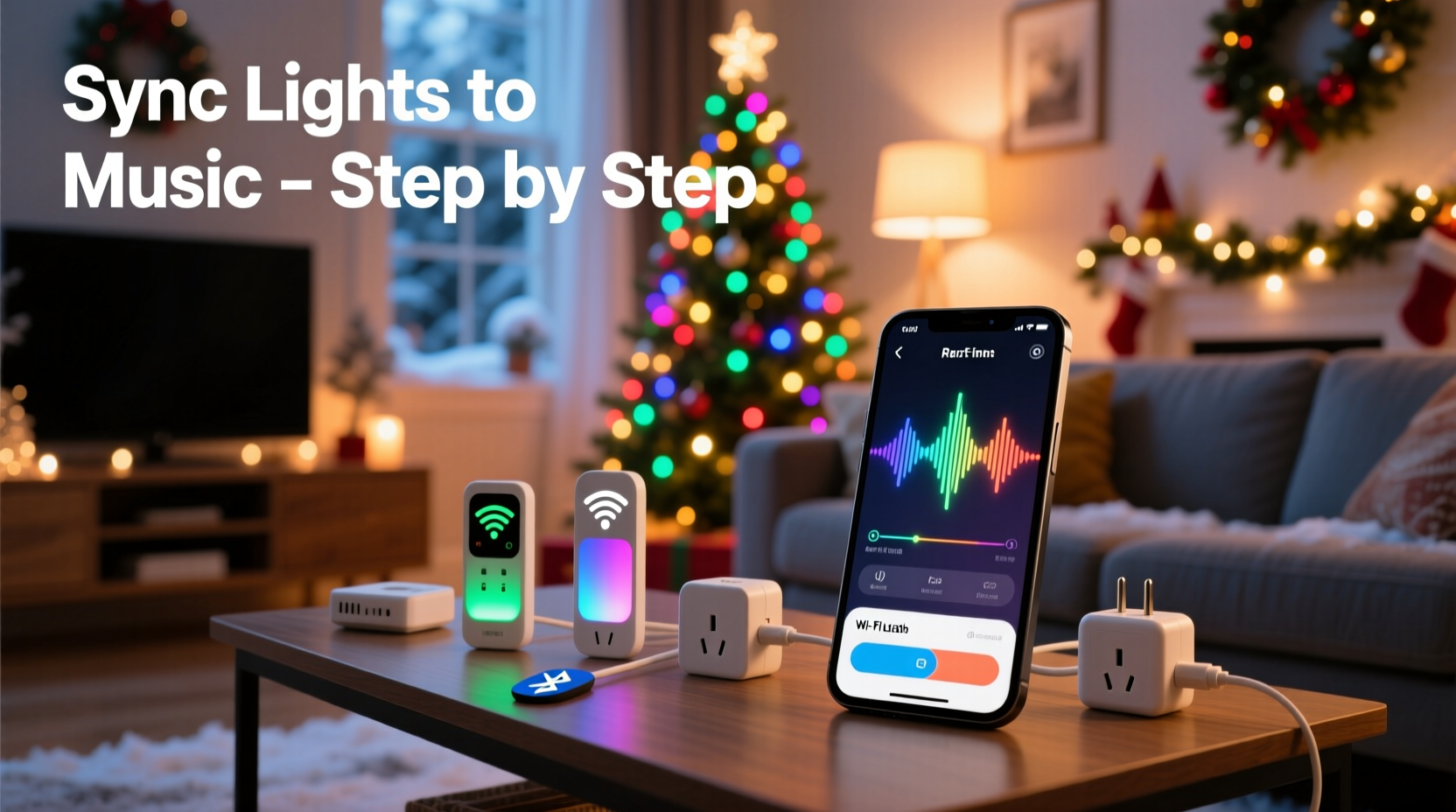
Synchronizing lights with music involves matching changes in brightness, color, or pattern to beats, melodies, or specific sound frequencies. At its core, this process relies on three components: audio input, lighting hardware, and control logic. The system listens to the music and sends signals to the lights at precise moments to create visual effects that mirror the audio.
There are two primary methods:
- Audio-reactive automation: Lights respond in real-time to sound levels (e.g., flashing when bass hits). This is simpler and ideal for spontaneous setups.
- Pre-programmed sequencing: Lights follow a timeline mapped exactly to a song’s structure. This offers precision but requires planning and software.
For most homeowners, a hybrid approach works best—using pre-set patterns triggered by music while allowing some real-time responsiveness for added dynamism.
Choosing the Right Smart Devices on a Budget
The foundation of any synced display is reliable, controllable lighting. Fortunately, the smart home market has made capable devices more affordable than ever. Here’s what to consider when selecting components:
- Smart plugs: Ideal for traditional incandescent or LED string lights. Brands like TP-Link Kasa, Meross, and Gosund offer Wi-Fi plugs under $15 that can be scheduled or controlled via app.
- Addressable LED strips: These allow individual control of each LED. Look for WS2812B-based strips compatible with platforms like WLED or ESPHome. A 5-meter roll costs as little as $20.
- Microcontrollers: An ESP32 or ESP8266 board ($5–$10) can run open-source firmware to interpret music data and drive LEDs directly.
- Music source: Use a smartphone, tablet, or Raspberry Pi to play songs. For outdoor setups, pair with a weatherproof Bluetooth speaker.
While premium systems like Philips Hue offer rich features, they’re often overkill and expensive for seasonal use. Instead, focus on budget-friendly, interoperable tools that prioritize functionality over brand names.
Device Comparison: Best Budget Options
| Device Type | Recommended Model | Price Range | Best For |
|---|---|---|---|
| Smart Plug | Gosund Mini Smart Plug | $12–$15 | On/off control of standard light strings |
| LED Strip | WS2812B RGB 5m Roll | $18–$25 | Color-changing, pixel-level effects |
| Microcontroller | ESP32 Development Board | $8–$12 | Running WLED for music sync |
| Control App | WLED + Android Audio Sync | Free | Real-time beat detection |
“With less than $50 in parts, you can build a responsive, music-synced lighting system that rivals commercial displays.” — Derek Lin, DIY Smart Home Enthusiast & Creator of HolidayLightingDIY.com
Step-by-Step Setup: Syncing Lights to Music
Follow this sequence to create your first synchronized light show using affordable hardware and free software.
- Gather your materials: Purchase a smart plug or LED strip, an ESP32 if needed, power supply, and mounting clips. Ensure all components are rated for outdoor use if placing outside.
- Install the lights: Attach string lights along eaves, trees, or fences. For LED strips, use aluminum channels to diffuse light evenly and protect from weather.
- Flash the microcontroller (if using LED strips): Download WLED firmware (wled.me) and flash it onto your ESP32 using a USB cable and tool like WLED Flasher. This enables advanced effects and audio reactivity.
- Connect to Wi-Fi: Power the device and access its setup page via browser (usually http://wled.local). Enter your home network credentials.
- Enable audio input: In WLED, go to “Sync” settings. Enable “Live Sound Rejection” and set the audio source. You can use the ESP32’s built-in microphone (for indoor) or route audio via a separate device.
- Test audio reactivity: Play a song on your phone near the microphone. Adjust the “Gain” and “FFT Speed” sliders until lights respond clearly to beats and volume changes.
- Create a playlist mode: In WLED, save your favorite reactive effect (e.g., “Merry Christmas”) as a preset. Assign it to a button or automate it to activate when music starts.
- Automate playback: Use IFTTT or Home Assistant to trigger music and light activation simultaneously. For example: “When doorbell rings at night during December, play ‘Jingle Bell Rock’ and start lights.”
For smart plug users without addressable LEDs, use apps like Sound Reactive Lights (Android) or Lifx-style audio modes (if supported). These detect sound via your phone’s microphone and toggle plugs based on volume thresholds.
Real Example: A First-Time Display on a $75 Budget
Mark, a homeowner in Ohio, wanted to surprise his kids with a musical light show but had no prior experience. He spent one weekend building a simple setup:
- Bought two Gosund smart plugs ($14 total)
- Used existing red and green LED string lights ($0)
- Purchased a 2-meter WS2812B LED strip and ESP32 combo ($28)
- Downloaded WLED and connected everything to his home Wi-Fi
He mounted the LED strip on his front porch railing and placed one string light in each window. Using WLED’s audio reactivity, he programmed the strip to pulse with basslines. The smart plugs were set to alternate between red and green every 0.5 seconds when sound exceeded a threshold.
On opening night, he played “Rockin’ Around the Christmas Tree” from his phone. Neighbors gathered as the house lit up in rhythm—flashing, cycling colors, and pulsing to the beat. Kids danced in the driveway. Within days, his video went local on social media.
Mark’s total cost: $75. Time invested: 6 hours. Impact: unforgettable.
Maximizing Performance and Avoiding Common Pitfalls
Even with the right gear, poor setup can lead to lag, inconsistent responses, or hardware failure. Avoid these common mistakes:
- Ignoring latency: Wireless signals take time. If lights lag behind music, reduce router distance or switch to a 2.4 GHz network (most smart devices don’t support 5 GHz).
- Overloading circuits: Don’t daisy-chain too many strings on one plug. Check wattage limits—exceeding them can trip breakers or damage devices.
- Poor audio detection: Indoor microphones struggle outdoors. For better sync, use a wired audio feed or place the source close to the controller.
- Weather exposure: Seal connections with waterproof silicone tape or enclosures. Never leave exposed wires or boards unprotected.
To enhance reliability, consider adding a local hub like a Raspberry Pi to run WLED and host music files. This reduces dependence on cloud services and improves response time.
Do’s and Don’ts of Holiday Light Syncing
| Do | Don't |
|---|---|
| Use surge protectors for outdoor outlets | Run extension cords under snow or standing water |
| Test sequences during daylight first | Assume all LEDs work—check individually before installation |
| Label each circuit or plug for easy troubleshooting | Leave devices unattended for long periods without monitoring |
| Start with short songs (60–90 seconds) | Attempt full 10-minute shows on day one |
FAQ: Common Questions About Music-Synced Lights
Can I sync non-smart lights with music?
Yes. By plugging traditional lights into a smart plug and using a sound-reactive app, you can make them blink to music. While not as precise as addressable LEDs, it’s effective for basic on/off effects.
Is it safe to leave synced lights running overnight?
If using UL-listed, outdoor-rated devices and proper wiring, yes. However, it’s wise to set schedules (e.g., 4–10 PM) and monitor heat buildup. LED lights generate less heat than incandescent, making them safer for prolonged use.
Do I need internet for the lights to sync?
Initial setup requires Wi-Fi, but once configured, many systems like WLED can operate locally without internet. The music source (phone, speaker) still needs to play the audio, but cloud connectivity isn’t essential for real-time sync.
Conclusion: Bring Your Holidays to Life with Rhythm and Light
Synchronized Christmas lights are no longer a luxury reserved for tech gurus or big budgets. With off-the-shelf smart devices and free software, anyone can create a mesmerizing display that transforms their home into a holiday landmark. The combination of affordability, accessibility, and creative potential makes this one of the most rewarding seasonal projects you can undertake.
Start small. Learn the basics. Iterate and expand. Whether it’s a single window display or a full-yard symphony, your efforts will spark joy, inspire neighbors, and create lasting memories. The tools are ready. The music is waiting. It’s time to let your lights dance.




 浙公网安备
33010002000092号
浙公网安备
33010002000092号 浙B2-20120091-4
Comments
No comments yet. Why don't you start the discussion?