
YouTube remains the world’s largest video-sharing platform, with over 2.7 billion logged-in monthly users. Whether you're a creator, marketer, educator, or casual user, knowing how to properly upload and share videos is essential. While many assume uploading is as simple as clicking a button, doing it effectively requires attention to detail, adherence to platform rules, and strategic formatting. This guide walks through every stage of uploading videos to YouTube, covers best practices for sharing, and clarifies the legal and technical aspects of reposting content.
Step-by-Step Guide to Uploading a Video to YouTube
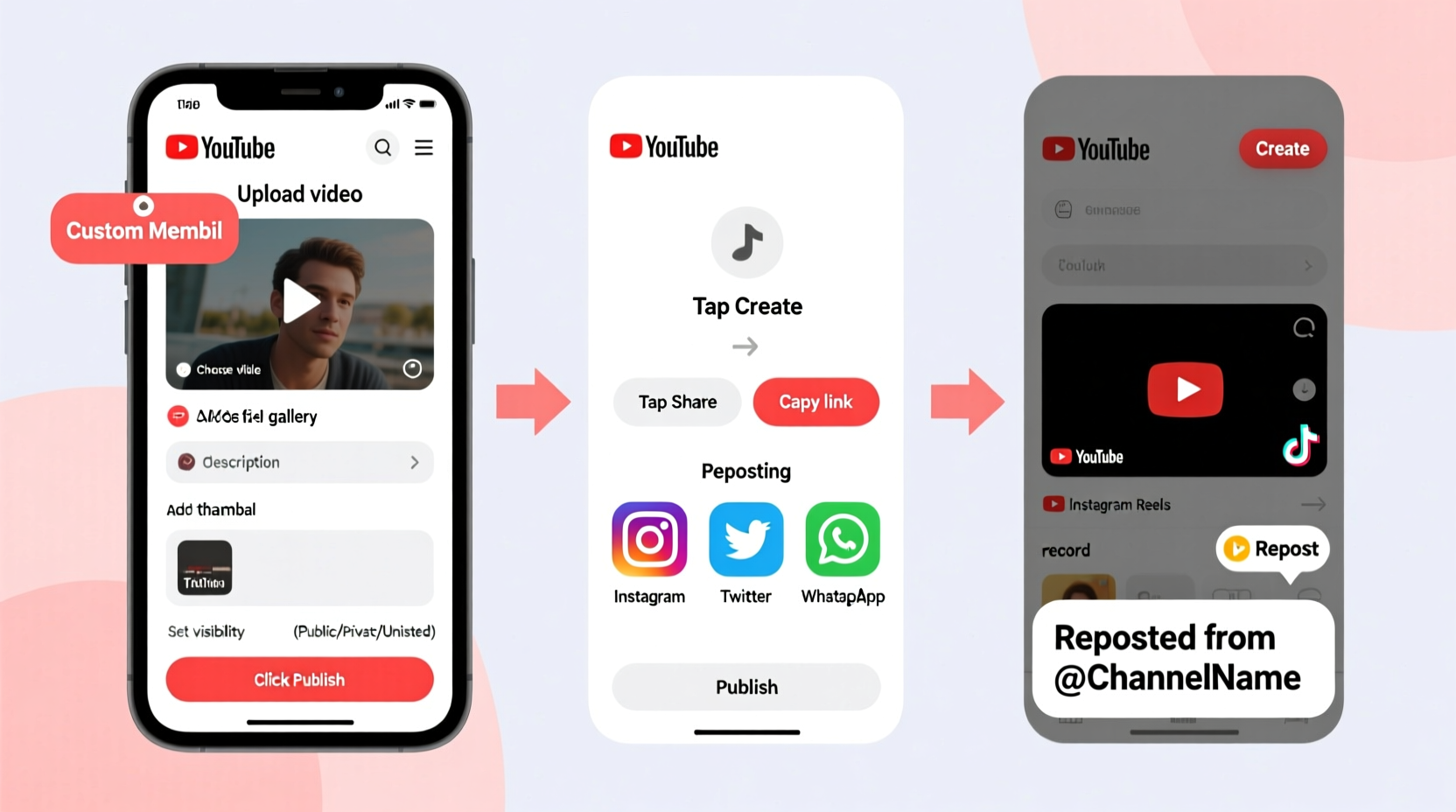
Uploading a video to YouTube is straightforward when you follow the correct sequence. Here’s how to do it from start to finish:
- Sign in to YouTube using your Google account. If you don’t have one, create it at google.com.
- Navigate to YouTube.com and click the Create icon (camera with a plus sign) in the top-right corner.
- Select Upload video from the dropdown menu.
- Choose the video file from your device. YouTube supports most common formats, including MP4, MOV, AVI, and WMV.
- While the video uploads, fill in key details: title, description, thumbnail, and privacy settings.
- Select the appropriate audience setting—choose “No, it's not made for kids” unless your content targets children under 13.
- Add tags if relevant, though their SEO impact has diminished over time.
- Choose a category (e.g., Education, Entertainment, People & Blogs).
- Click Publish to make the video live, or save as “Unlisted” or “Private” for later sharing.
Optimizing Your Upload for Maximum Reach
Uploading is only half the battle. To increase visibility, optimize each component of your video:
- Title: Keep it clear, concise, and keyword-rich. Avoid clickbait that misleads viewers.
- Description: Use the first two lines to summarize the video, including primary keywords. Add timestamps for longer videos and links to related content.
- Thumbnail: Custom thumbnails with high contrast, readable text, and expressive faces outperform auto-generated ones.
- Captions: Upload SRT files or use YouTube’s auto-captioning (and edit for accuracy) to improve accessibility and SEO.
- Tags: While less critical now, include a few relevant tags like “beginner tutorial” or “iPhone photography tips.”
“Video metadata is just as important as the content itself. A well-optimized title and description can double your discoverability.” — Sarah Lin, Digital Content Strategist
Sharing Your Uploaded Video Effectively
Once your video is live, sharing it strategically amplifies its reach. Consider these methods:
| Platform | Best Practice | Avoid |
|---|---|---|
| Email Newsletters | Embed video with a compelling subject line | Sending large attachments instead of links |
| Social Media (X, Facebook, LinkedIn) | Post natively with a short teaser clip | Only sharing links without context |
| Websites & Blogs | Embed using YouTube’s responsive code | Auto-playing videos with sound |
| Collaborations | Tag partners and cross-promote | Spamming unrelated communities |
Reposting Content: What You Need to Know
Reposting someone else’s YouTube video—even with credit—is not permitted without explicit permission. YouTube’s Terms of Service prohibit unauthorized redistribution of content. However, there are legitimate ways to share others’ videos:
- Share the link via social media, email, or messaging apps.
- Embed the video on your website or blog using the official embed code.
- Mention and tag creators in your own videos when referencing their work.
- Request collaboration or reuse rights directly from the content owner.
If you’re managing a brand channel and want to feature user-generated content (UGC), always obtain written consent. Reposting without authorization risks copyright strikes, demonetization, or channel termination.
Mini Case Study: The Viral Cooking Clip That Backfired
Jessica, a food blogger, found a 60-second recipe video from a small creator that perfectly matched her newsletter theme. Without asking, she downloaded and reuploaded it to her YouTube channel with attribution. Within days, she received a copyright claim. Though she credited the original creator, YouTube’s system flagged the duplicate content. Her video was demonetized, and she lost trust with her audience after being called out online. After deleting the video and issuing a public apology, she learned to always request permission before sharing. Now, she collaborates directly with creators or shares links instead.
Common Mistakes to Avoid When Uploading
Even experienced users make errors that reduce engagement or violate policies. Here are frequent pitfalls:
- Ignoring aspect ratios: Vertical or cropped videos look unprofessional. Stick to 16:9 for desktop and ensure mobile compatibility.
- Skipping end screens and cards: These features boost viewer retention and direct traffic to other videos.
- Using copyrighted music: Background tracks must be licensed or from YouTube’s Audio Library.
- Overlooking community guidelines: Content promoting hate, violence, or misinformation may be removed or age-restricted.
- Posting inconsistently: Regular uploads build audience expectation and algorithmic favor.
FAQ: Frequently Asked Questions
Can I upload the same video to multiple YouTube channels?
You can, but it’s not recommended. Uploading identical content across channels may trigger YouTube’s duplicate content filters, reducing visibility. If necessary, significantly modify the video (e.g., different intro, edits, or commentary) to avoid penalties.
How long does it take for my uploaded video to process?
Processing time depends on video length, resolution, and internet speed. A 10-minute HD video typically takes 5–15 minutes. Higher resolutions (4K, 60fps) may take longer. YouTube processes in the background, so you can close the tab once upload completes.
Is it legal to repost YouTube videos on TikTok or Instagram Reels?
Only if you have permission or the content is under a Creative Commons license. Even then, proper attribution is required. For personal use, screen recording and reposting violates YouTube’s terms. Instead, share the original link or create a reaction/transformative version under fair use—though this carries legal risk if challenged.
Checklist: Before You Hit Publish
Use this checklist to ensure your upload is optimized and compliant:
- ✅ Video file is in supported format (MP4 preferred)
- ✅ Title is under 60 characters and includes main keyword
- ✅ Description starts with a strong summary and includes links
- ✅ Custom thumbnail is uploaded (1280x720 pixels, under 2MB)
- ✅ Captions are added or reviewed for accuracy
- ✅ Tags reflect topic and audience intent
- ✅ Privacy setting matches distribution plan (Public, Unlisted, Private)
- ✅ Copyrighted material is properly licensed or avoided
- ✅ End screen and card elements are added for engagement
- ✅ Community guidelines and age restrictions are respected
Conclusion: Take Control of Your YouTube Presence
Uploading videos to YouTube is more than a technical task—it’s an opportunity to communicate, educate, and grow an audience. By following structured steps, optimizing metadata, and respecting content ownership, you position yourself as a credible and responsible creator. Whether you're launching a new series or sharing a single tutorial, every upload contributes to your digital footprint. Start applying these practices today, engage authentically with your viewers, and turn your YouTube channel into a powerful platform for expression and connection.




 浙公网安备
33010002000092号
浙公网安备
33010002000092号 浙B2-20120091-4
Comments
No comments yet. Why don't you start the discussion?