
In today’s fast-moving professional landscape, artificial intelligence is no longer a futuristic concept—it’s a functional tool available to nearly everyone. From automating repetitive tasks to enhancing decision-making, AI can significantly improve efficiency. Yet many professionals struggle to move beyond surface-level use. The real advantage lies not in simply using AI tools, but in integrating them thoughtfully into existing workflows. This guide offers actionable strategies to help you harness AI meaningfully, avoid common pitfalls, and scale its benefits across roles and industries.
Start with Clear Objectives
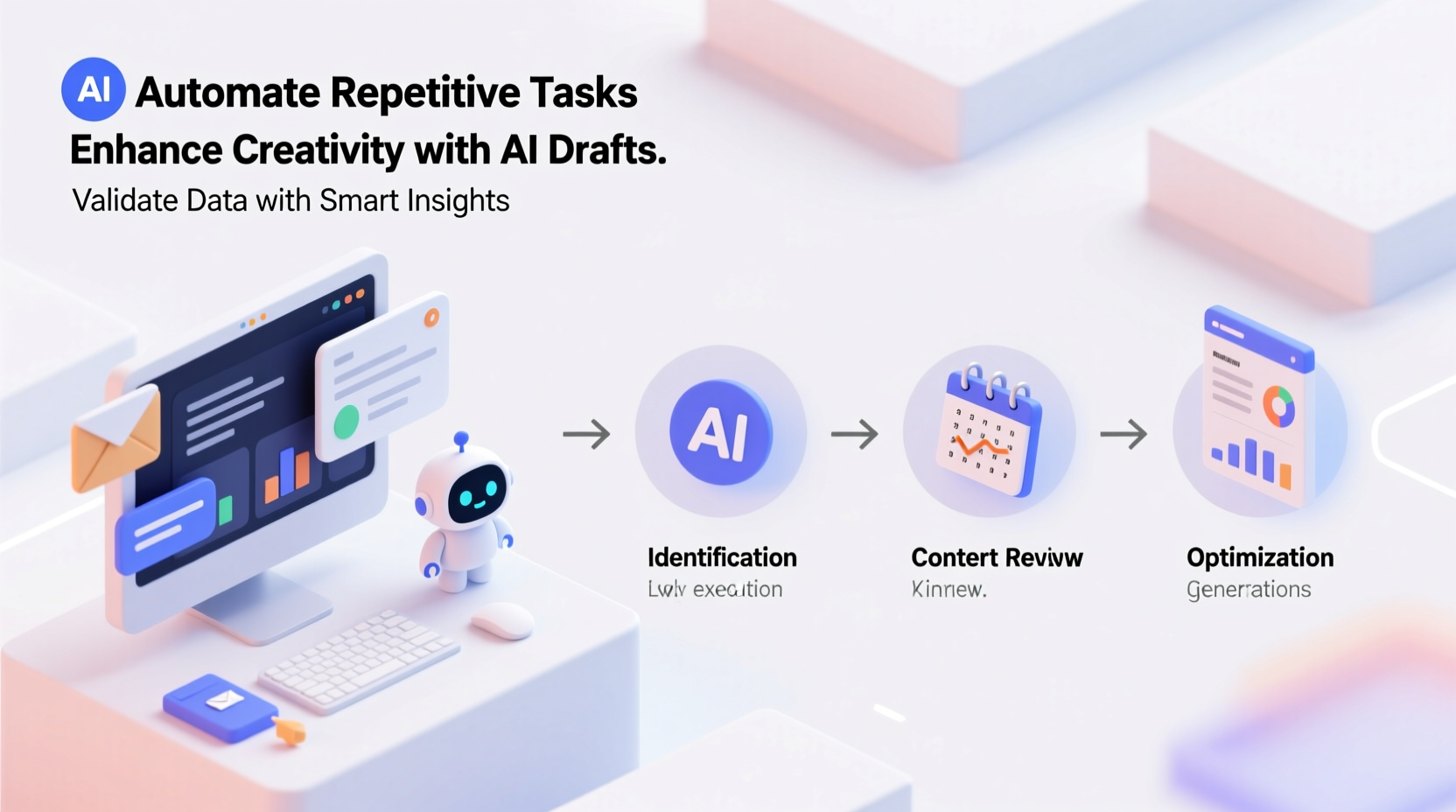
Effective AI integration begins with clarity. Ask: What specific problems am I trying to solve? Whether it’s reducing time spent on email, generating reports faster, or improving customer communication, defining your goals shapes how you choose and apply AI tools.
Jumping into AI without a purpose often leads to wasted effort. For example, using an AI writing assistant to draft blog posts only makes sense if content creation is a bottleneck. If your challenge is data analysis, a language model may be less helpful than a predictive analytics tool.
Choose the Right Tools for Your Workflow
Not all AI tools are created equal. Selecting the right one depends on your industry, team size, technical capacity, and specific needs. Below is a comparison of popular AI tools based on common professional functions:
| Function | Tool Examples | Best For | Limitations |
|---|---|---|---|
| Writing & Editing | Grammarly, Jasper, Copy.ai | Marketing, content creation, emails | May lack brand voice consistency |
| Data Analysis | Microsoft Power BI (AI features), Tableau, Akkio | Finance, operations, strategy | Requires clean input data |
| Scheduling & Task Management | Reclaim.ai, Motion, Clockwise | Remote teams, busy calendars | Integration issues with legacy systems |
| Customer Support | Zendesk Answer Bot, Intercom, Drift | E-commerce, SaaS companies | Can misinterpret complex queries |
| Design & Creativity | Canva AI, Adobe Firefly, MidJourney | Visual branding, prototyping | Output may require human refinement |
The key is alignment. A sales team might benefit from AI-powered CRM insights, while HR could leverage AI for resume screening. Match the tool to the task—and test it at a small scale before full rollout.
Implement AI Step-by-Step
Rushing AI adoption across an entire department rarely works. Instead, follow a structured implementation process:
- Identify a pilot task: Choose a repetitive, rule-based activity such as meeting summaries or invoice categorization.
- Select one AI solution: Focus on a single platform that integrates easily with your current software.
- Train the team: Provide hands-on training and clear guidelines on when and how to use the tool.
- Run a 30-day trial: Monitor time saved, error rates, and user feedback.
- Evaluate and iterate: Decide whether to expand, modify, or discontinue based on results.
This phased approach reduces resistance and allows for adjustments before scaling.
Mini Case Study: Automating Client Onboarding
A mid-sized digital marketing agency struggled with lengthy client onboarding processes. Each new client required custom contracts, welcome emails, intake forms, and project setup—tasks that consumed up to five hours per client.
The team introduced an AI workflow using Zapier and ChatGPT. When a new client signed a contract via DocuSign, an automated trigger generated a personalized welcome email, populated a project brief template, and assigned initial tasks in Asana. The AI drafted responses to common client questions and updated internal documentation.
Within six weeks, onboarding time dropped to under two hours per client. The team redirected saved time toward strategic planning and client engagement. While not perfect—occasional prompts needed refinement—the system proved reliable enough to become standard practice.
Avoid Common Pitfalls
Even experienced users fall into traps when adopting AI. Recognizing these early helps maintain trust and effectiveness.
- Over-reliance on AI output: Treat AI suggestions as drafts, not final products. Always review for accuracy, tone, and context.
- Ignoring data privacy: Never input sensitive customer data or confidential information into public AI models unless the provider guarantees compliance.
- Skipping customization: Generic prompts yield generic results. Tailor inputs to reflect your brand, audience, and goals.
- Expecting instant perfection: AI improves with feedback. Refine prompts and settings over time for better outcomes.
“AI won’t replace professionals—but professionals who use AI will replace those who don’t.” — Andrew Ng, AI researcher and founder of DeepLearning.AI
Optimize Prompt Engineering
Prompt quality directly impacts AI performance. A vague request like “Write a blog post” produces shallow content. A detailed prompt yields sharper, more relevant results.
To craft effective prompts, follow this structure:
Example: “Act as a productivity coach writing for remote workers about managing distractions. Focus on practical strategies using free tools. Use a friendly tone, 500 words, with bullet points.”
Test variations of your prompts and save high-performing ones in a shared document. Over time, your team builds a library of reliable templates.
Checklist: Integrating AI Into Your Daily Work
Use this checklist to ensure smooth and effective AI adoption:
- ☑ Define at least one workflow bottleneck suitable for AI assistance
- ☑ Research and shortlist 2–3 AI tools that address the issue
- ☑ Verify data security and compliance standards of selected tools
- ☑ Run a limited pilot with measurable success criteria
- ☑ Train team members on proper usage and limitations
- ☑ Collect feedback and adjust prompts or settings accordingly
- ☑ Scale successful pilots across teams or departments
- ☑ Schedule monthly reviews to assess ROI and relevance
Frequently Asked Questions
Is AI safe for handling business communications?
Yes, if used responsibly. Avoid sharing proprietary data or personally identifiable information (PII) in public AI platforms. Opt for enterprise-grade tools with encryption and compliance certifications when dealing with sensitive content.
Do I need technical skills to use AI effectively?
Not necessarily. Many modern AI tools are designed for non-technical users. However, understanding basic concepts like prompts, integrations, and data inputs increases your ability to troubleshoot and optimize results.
How much time should I expect to save with AI?
Savings vary by task. Routine activities like drafting emails or summarizing meetings can see 40–70% time reductions. Complex projects may benefit less initially but improve as you refine your AI workflows.
Conclusion: Make AI Work for You
Artificial intelligence isn’t magic—it’s a tool shaped by how you use it. Success comes not from adopting every new feature, but from aligning AI with real-world needs, refining its application, and maintaining human oversight. By starting small, choosing wisely, and iterating based on results, you can transform AI from a novelty into a core part of your productivity engine.




 浙公网安备
33010002000092号
浙公网安备
33010002000092号 浙B2-20120091-4
Comments
No comments yet. Why don't you start the discussion?