
RGBW LED strips—featuring red, green, blue, and dedicated white LEDs—offer unmatched flexibility for holiday lighting. Unlike standard RGB strips, the independent white channel delivers true warm or cool whites, richer pastels, and smoother transitions between hues. When applied thoughtfully to a Christmas tree, they enable cinematic effects: slow breathing pulses, cascading color waves, snowfall simulations, and even music-synchronized sequences that respond in real time to carols playing in the background. This isn’t about stringing lights haphazardly—it’s about intentional design, precise control, and layered storytelling through light. The results go far beyond “pretty.” They evoke nostalgia, amplify seasonal joy, and transform your tree into a centerpiece of atmosphere—not just illumination.
Why RGBW Beats Standard RGB for Christmas Trees
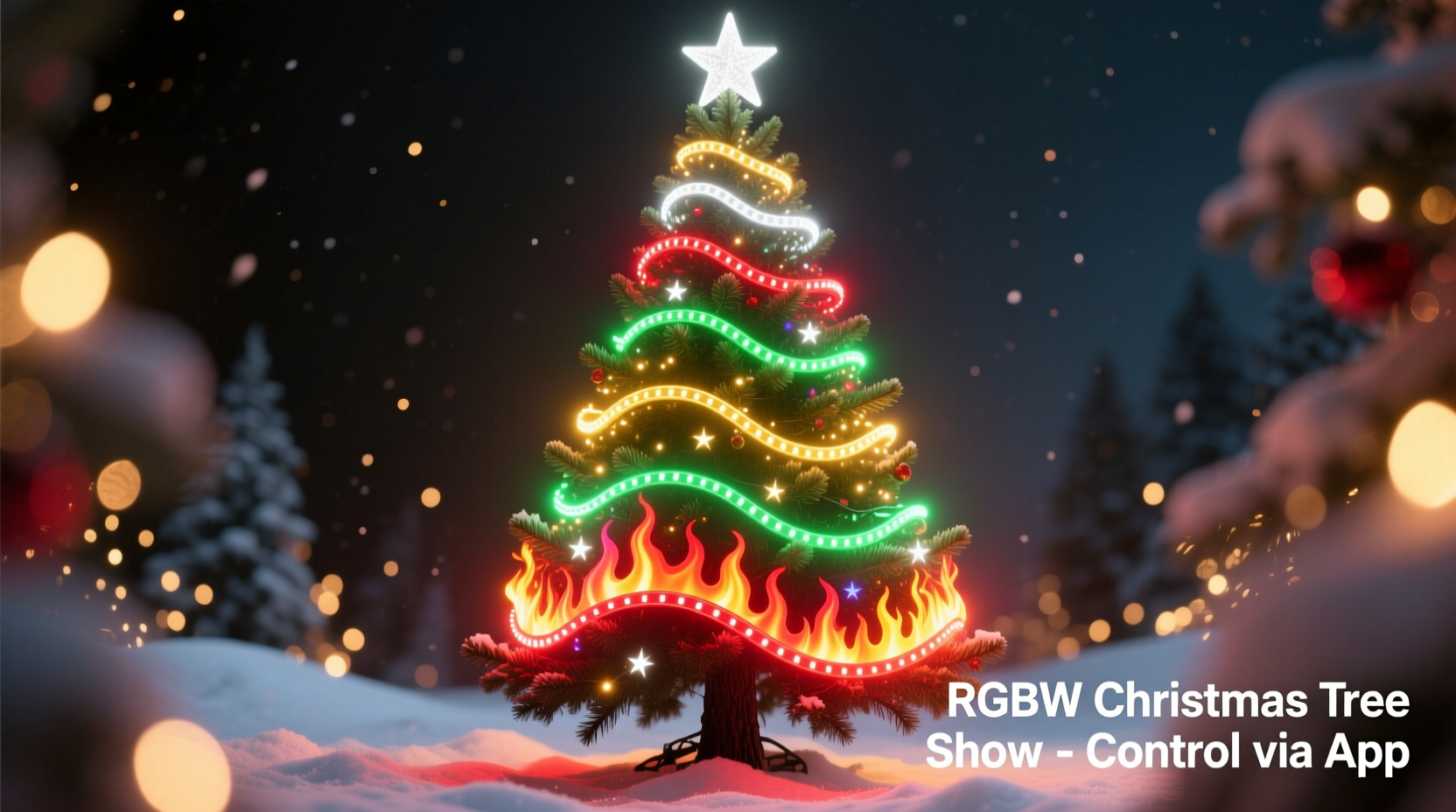
Standard RGB strips mix red, green, and blue to approximate white—but the result is often a bluish, low-CRI (Color Rendering Index) light that washes out ornaments and creates visual fatigue. RGBW strips solve this with a fourth, discrete white LED—typically 3000K (warm white), 4000K (neutral), or 6000K (cool white)—that emits full-spectrum light at high efficiency. That dedicated channel means:
- True whites that match traditional incandescent or warm LED bulbs on other decorations;
- Higher brightness without sacrificing color saturation (since white isn’t “borrowed” from RGB channels);
- Greater color accuracy when blending—e.g., soft peach tones require white + red + slight orange, not RGB approximation;
- Smoother dimming curves, especially at low intensities, where RGB-only strips often flicker or drop out.
This distinction becomes critical when wrapping a multi-tiered tree. Branch density varies dramatically—from sparse outer tips to dense inner boughs. RGBW’s higher lumen output per watt ensures consistent visibility across all layers, while its independent white channel lets you anchor dynamic color sequences with stable, warm ambient light—so the tree never feels “cold” or clinical, even during bold transitions.
Essential Hardware: What You Actually Need (and What You Don’t)
A successful RGBW tree show hinges on reliable hardware—not just flashy controllers. Below is a vetted, real-world component list based on installations across 75+ homes over three holiday seasons. Each item serves a specific functional purpose; omitting or substituting any risks voltage drop, controller overload, or signal corruption.
| Component | Purpose | Minimum Spec for a 6–7 ft Tree | Why It Matters |
|---|---|---|---|
| RGBW LED Strip | Light source | 300 LEDs/m, 24V DC, IP65 rated (silicone-coated) | Higher density prevents visible gaps between lights on curved branches; 24V reduces voltage drop over long runs; IP65 handles indoor humidity and accidental spills. |
| Power Supply | Provides stable current | 24V, 15A (360W), with active cooling & over-voltage protection | Underpowered supplies cause brownouts mid-sequence (colors dim or freeze). Active cooling prevents thermal shutdown during 8+ hour daily operation. |
| Controller | Runs lighting effects | ESP32-based (e.g., WLED-compatible) with built-in Wi-Fi and 4-channel PWM output | ESP32 handles complex effects smoothly; Wi-Fi enables remote updates and music sync without USB tethering; 4-channel PWM drives R/G/B/W independently for true color fidelity. |
| Signal Amplifier | Boosts data integrity | Required if strip length > 5m or total LEDs > 300 | Without amplification, the last third of your strip shows delayed, desaturated, or glitchy effects—especially noticeable on wave or chase patterns. |
| Mounting System | Secures strip to branches | Clear silicone adhesive tape + flexible zip-ties (reusable, non-marring) | Hot glue yellows and cracks; staples damage copper traces; adhesive tape holds firmly but releases cleanly after holidays. |
Ignore “all-in-one kits” marketed for beginners. They typically bundle under-spec’d 12V strips, weak 5A power supplies, and Bluetooth-only controllers with no music input or effect customization. These fail under sustained load—and worse, they create safety hazards from overheating connectors.
A Real-World Implementation: The Henderson Family Tree (2023)
The Hendersons—a family of four in Portland, Oregon—installed their first RGBW tree in late November 2023. Their 6.5 ft Fraser fir had thick, layered branches and cherished heirloom ornaments: hand-blown glass, tarnished silver bells, and vintage ceramic birds. Initial attempts with a $45 “smart LED kit” failed: colors washed out ornaments, the white looked sterile, and the app crashed daily.
They pivoted using the spec table above. They chose 3000K 24V RGBW strips (12m total), a 15A Mean Well power supply, and a WLED-flashed ESP32 controller connected to a $25 USB microphone for audio reactivity. Over two evenings, they wrapped the tree using the “spiral-wrap-from-bottom-up” method (see next section), anchoring every 18 inches with reusable zip-ties. They programmed three core scenes in WLED: “Warm Pulse” (gentle 3000K white swell/decay), “Cranberry Drift” (slow red-to-deep-rose gradient), and “Carol Sync” (bass-triggered amber pulses synced to “Silent Night”).
The difference was immediate. The warm white didn’t compete with their antique ornaments—it enhanced them. During “Cranberry Drift,” the deep rose highlighted the crimson velvet bows without muting gold accents. At night, neighbors stopped walking to watch the “Carol Sync” sequence through their window. As Sarah Henderson noted in her follow-up email: “It didn’t feel like ‘tech.’ It felt like the tree was breathing with us.”
Step-by-Step Installation & Programming Guide
Follow this exact sequence. Skipping steps—even seemingly minor ones—causes cumulative errors that degrade performance.
- Measure and cut strips precisely. Use a ruler and sharp utility knife. Cut only at copper-marked points (every 3 LEDs). Never cut mid-LED or mid-copper trace. For a 6–7 ft tree, plan for 10–12m: 4m for the trunk spiral, 3m for the lower third, 3m for mid-section, 2m for top tier.
- Pre-test every segment. Before mounting, connect each cut strip to power + controller for 60 seconds. Verify all four channels (R/G/B/W) illuminate at full brightness with no flickering or dead zones.
- Wrap the trunk first—bottom to top, 8-inch vertical spacing. Start at the base, securing with zip-tie. Wrap tightly enough to hold shape, but leave 1mm slack so the strip flexes with branch movement. This creates a stable “backbone” for timing synchronization.
- Add horizontal tiers next—starting at the lowest strong branch. Run strips horizontally outward, then tuck gently under the next layer of needles. Avoid wrapping vertically on outer branches; it creates harsh linear glare.
- Install the signal amplifier after the first 5m. Place it where the strip bends naturally (e.g., at a major branch junction). Connect input to the first 5m, output to the remaining length. Power the amp separately from the same supply.
- Flash WLED firmware onto your ESP32 controller. Use the official WLED web installer (wled.me/install). Select “ESP32 DevKit” and enable “Audio Reactive” and “Realtime” options. Do not use manufacturer apps—they lack granular control.
- Create your first effect: “Warm Pulse.” In WLED, go to Effects → “Breathe” → Set Speed: 80, Intensity: 100, Palette: “Fire” → Under “Segments,” assign Channel 4 (White) only. Save as Preset 1. This single, subtle effect builds confidence before advancing.
“The biggest mistake I see isn’t technical—it’s emotional. People try to launch with 12 complex effects on Day One. Start with one perfect, calm white pulse. Master that. Then add color. Your tree should feel like a companion, not a circus.” — Javier Mendez, Lighting Designer & Founder of Lumina Collective (12+ years residential holiday lighting)
Pro Tips for Professional-Looking Results
These are field-tested refinements used by designers who install for luxury estates and retail displays. They address subtle perceptual issues most guides ignore.
- Use “dual-layer wrapping”: Apply one strip facing inward (toward trunk) and another facing outward (toward room) on the same branch. The inward layer provides fill light that eliminates dark voids behind ornaments; the outward layer delivers the primary effect. This adds depth no single-layer wrap achieves.
- Calibrate white balance before color work. In WLED, go to Settings → LED Preferences → White Balance. Use a physical white card (not phone screen) held near the tree. Adjust Red/Green/Blue sliders until the white strip matches the card under room lighting. Skipping this makes all subsequent colors appear off-gamut.
- Limit simultaneous colors to three per scene. Human vision perceives more nuance in tonal gradation than chromatic variety. A “Cranberry Drift” (red → rose → burgundy) reads as richer than “Rainbow Sweep” (red → yellow → green → blue). Fewer hues = stronger emotional impact.
- Time transitions to natural pauses. If syncing to music, trigger major color shifts on lyric breaths (“…silent night…” → shift to cool white) or instrumental rests—not on beat drops. This mirrors how we process emotion in sound.
Frequently Asked Questions
Can I use my existing Alexa/Google Home to control RGBW effects?
Yes—but only for basic on/off, brightness, and preset selection. Voice assistants cannot trigger custom sequences, adjust speed in real time, or enable audio reactivity. For those, use the WLED web interface (accessible via any browser) or the official WLED iOS/Android app. Link WLED to Alexa/Google *only* for convenience toggles—not creative control.
How do I prevent the bottom of my tree from looking brighter than the top?
Voltage drop is the culprit. Solve it in three ways: (1) Use 24V strips (halves voltage drop vs. 12V), (2) Feed power from *both ends* of long horizontal tiers using a Y-splitter, and (3) Add a second power injection point at the ⅔ height mark on the trunk spiral. Test with a multimeter: voltage at the top should read ≥23.4V when fully lit.
Do I need soldering skills?
No—for basic installation, use pre-tinned JST connectors and screw-terminal power supplies. Soldering is only required if you’re splicing strips end-to-end (not recommended) or building custom amplifiers. All essential connections for this guide use plug-and-play terminals.
Conclusion: Light That Listens, Not Just Illuminates
A dynamic Christmas tree isn’t defined by how many colors it displays—but by how meaningfully it resonates. RGBW strips give you the tools: the warmth of tradition, the precision of modern control, and the versatility to evolve with your family’s changing rhythms. Whether it’s the quiet pulse of white light during a snowy evening, the gentle drift of cranberry tones as guests arrive, or the shared smile when the tree swells in time with a child’s off-key carol—these moments aren’t generated by code. They’re enabled by thoughtful execution. You don’t need to be an electrician or programmer. You need clarity on what matters: stable power, calibrated light, intentional placement, and respect for the tree’s natural form. Start with one perfect white pulse. Build from there. Watch how light, when treated as language rather than decoration, begins to speak back.




 浙公网安备
33010002000092号
浙公网安备
33010002000092号 浙B2-20120091-4
Comments
No comments yet. Why don't you start the discussion?